
OpenCode
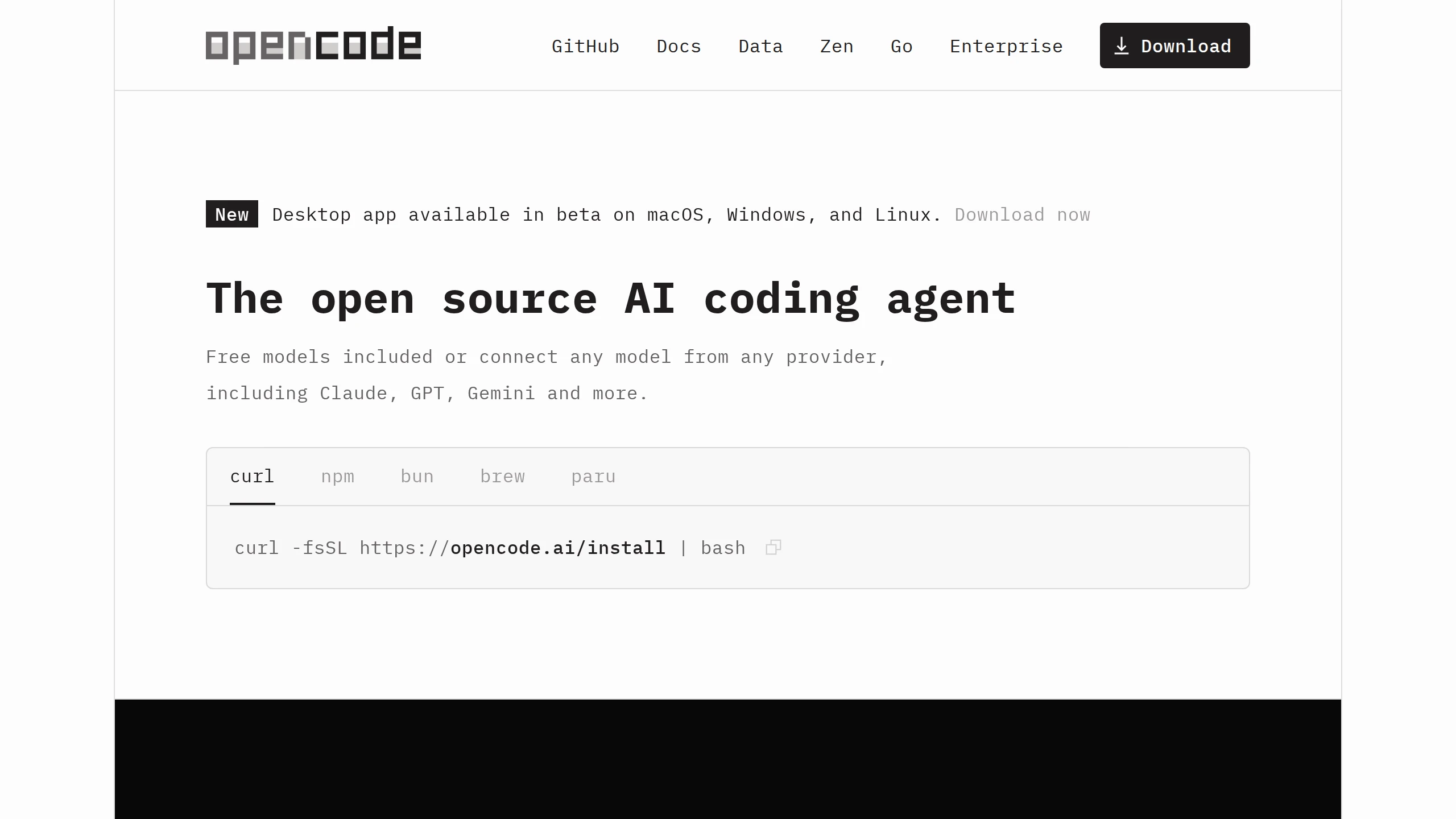
OpenCode is an open source AI coding agent that helps developers write, debug, refactor, and understand code directly in their terminal, IDE, or desktop app. With 160K+ GitHub stars, 7.5M monthly active developers, and support for any AI provider (Claude, GPT, Gemini, and more), OpenCode is the most popular open source coding agent.
What is OpenCode?
OpenCode is an open source AI coding agent that helps developers write, debug, refactor, and understand code directly in their terminal, IDE, or desktop application. With over 160,000 GitHub stars and 7.5 million monthly active developers, OpenCode has become the most popular open source coding agent available. It supports any AI provider including Claude, GPT, Gemini, and more, allowing developers to choose the model that best fits their workflow and budget. OpenCode includes free models with built-in privacy protections, making it accessible to developers at all levels. The agent can be used in the terminal for quick edits, integrated into VS Code and other IDEs, or run as a desktop application with a visual interface for complex coding tasks.
OpenCode Core Features
Multi-Interface Support
Use OpenCode in your terminal, as an IDE extension for VS Code, or as a standalone desktop application with a visual interface.
Any AI Provider
Connect to Claude, GPT, Gemini, or any OpenAI-compatible provider Switch between models based on task complexity and cost needs.
Free Built-in Models
Get started immediately with included free AI models that require no API keys or payment, with built-in privacy for your code.
Code Writing & Editing
Generate new code from natural language descriptions, with full awareness of your project context and coding conventions.
Debugging & Error Fixing
Paste error messages or describe bugs and let OpenCode analyze stack traces, identify root causes, and suggest fixes.
Refactoring & Optimization
Restructure code for better performance, readability, and maintainability with AI-powered refactoring suggestions.
Project-Wide Context
OpenCode understands your entire project structure, dependencies, and coding patterns for more accurate and relevant assistance.
Privacy-First Design
Code processed through local models or self-hosted options ensures sensitive code never leaves your machine.
Who is OpenCode for?
OpenCode is ideal for software developers and engineers who want an AI coding assistant integrated into their existing workflow. Open source contributors benefit from the free models and transparency of the codebase. Indie developers and startups appreciate not being locked into a single AI provider. Technical team leads use OpenCode for code review and refactoring across large codebases. Students learning programming find it useful for understanding code and getting debugging help. DevOps engineers use it for infrastructure-as-code and script automation tasks.
OpenCode Use Cases
Write new features and functions from natural language descriptions with full project context awareness.
Debug runtime errors by pasting stack traces and letting OpenCode identify root causes and suggest fixes.
Refactor legacy code into modern patterns with automatic test generation and validation of changes.
Review pull requests by having OpenCode analyze diffs and flag potential issues, style violations, and bugs.
Generate unit tests and integration tests for existing codebases to improve coverage and reliability.
Explain complex code sections during onboarding by asking OpenCode to document unfamiliar code patterns.
Create shell scripts, CI/CD pipelines, and infrastructure-as-code templates for DevOps automation workflows.
Port code between programming languages with context-aware translation that preserves logic and idioms.
OpenCode Pros and Cons
Pros
- Fully open source with 160K+ GitHub stars, ensuring transparency and community-driven improvements.
- Support for any AI provider prevents vendor lock-in and lets users optimize for cost or capability.
- Free built-in models make it accessible without any upfront cost or API key requirements.
- Multiple interfaces (terminal, IDE, desktop) adapt to different developer preferences and workflows.
- Privacy-first architecture with local processing options for sensitive or proprietary codebases.
Cons
- Free models may have lower quality output compared to paid API-based alternatives.
- Setup and configuration of custom providers requires some technical knowledge.
- Terminal-based interface may have a learning curve for developers used to GUI tools.
FAQ About OpenCode
OpenCode Pricing
OpenCode is open source and free to use. Zen is a premium service for optimized coding models.
Check official pricingFree (Open Source)
Full open source coding agent. Free models included. Connect any provider (Claude, GPT, Gemini, etc.)
Zen
Access to handpicked, optimized AI models benchmarked for coding agents. Reliable performance across providers.
OpenCode Alternatives
Kitool.AI
Kitool.AI is an AI coding workspace that puts Claude Code and Codex behind one account and one API key. It offers transparent usage-based billing, a model plaza with per-million-token prices, and routing that can cost less than paying each vendor directly. Configure it once in VS Code, JetBrains, or the terminal on macOS, Windows, or Linux.

claude-mem
claude-mem keeps structured project memory outside the chat. An open-source engine captures decisions, discoveries, and fixes locally, while CMEM Pro adds hosted observation, cloud sync, and a private MCP link. Recall synced notes from Claude Code, Cursor, Codex, Gemini CLI, Windsurf, or ChatGPT, or keep everything local-first on your own machine.

GetLayers
GetLayers is Textura's library of design foundations for AI coding workflows. Browse templates, motion sections, 3D scenes, backgrounds, and gradients, then copy structured prompts into your preferred assistant. Paid plans include commercial licensing, while Full Stack adds source files and private Discord support. Full Stack Lifetime also connects the library directly to compatible assistants through MCP.