
MindPic AI
MindPic AI is a browser-based creative platform that turns text prompts or uploaded photos into images, edits, short videos, and background music. It bundles background removal, object erasing, photo enhancement, restoration, retouching, style filters, virtual try-on, and watermark removal in one workspace. You can start generating without an account, then sign in for a larger daily free allowance or upgrade to a credit plan.
What is MindPic AI?
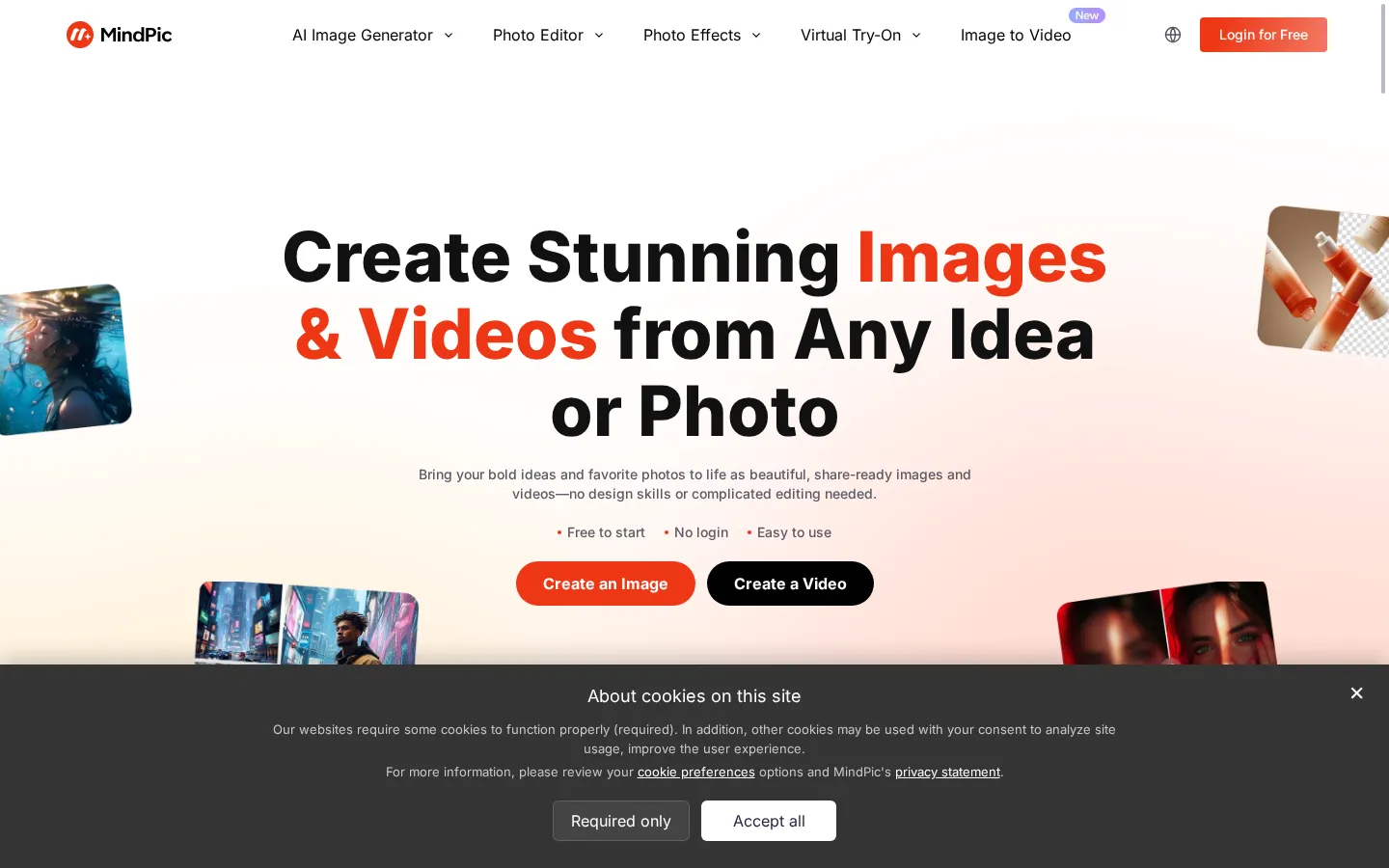
MindPic AI is a browser-based AI creative platform operated under the MindPic brand at mindpic.ai. It combines four jobs that usually require separate subscriptions: generating an image from a text prompt, editing an existing photo, animating a still image into a short video, and producing background music for that content. Everything runs in the browser, the interface is available in English and Simplified Chinese, and the home page pairs a working playground with the marketing copy, so a visitor can type a prompt or drop in a photo before creating an account.
The generation side covers text-to-image and image-to-image. The playground accepts a prompt, an optional reference image, an aspect ratio (auto, 16:9, 9:16, 1:1, 3:2, 2:3 or 3:4) and a model choice. The model picker in the rendered interface listed GPT Image 2.5 Free, and the site also maintains dedicated pages for Nano Banana 2 and ChatGPT Image 2.0, which indicates the platform routes requests to several third-party image models rather than one in-house model. Uploads are capped at 10MB and accept JPEG, JPG, PNG, WEBP, BMP, TIFF and GIF.
The editing side is where the tool list gets long. Under Photo Editor, MindPic ships an AI image editor, a background remover, a photo enhancer, a watermark remover, an image extender, an image combiner and a photo grid maker. The home page describes the practical behavior: you upload a picture, describe what should disappear or improve, and the model returns a cleaned or sharpened version without manual selections. Object removal, background replacement, portrait retouching, skin and eye adjustments, and restoration of faded or black-and-white photos are all presented as prompt-driven rather than layer-based work.
Under Photo Effects, MindPic groups styling and novelty tools: age filter, gender swap, Halloween and Christmas filters, photo to cartoon, photo to sketch, photo to anime, a South Park character creator, Polaroid and Valentine photoshoot generators, an eye color changer, a braces filter, a celebrity look-alike finder, and a set of virtual try-on tools for clothes, hairstyles, hair color, buzz cuts, bald looks and makeup. Standalone headshot, tattoo and baby generators round out the catalogue.
Beyond stills, the image-to-video tool takes one photo plus a description of the motion and returns a short clip, and the AI music generator turns a mood or style description into a background track. Both serve the same workflow: a single image, a few seconds of movement, and a track that fits, assembled without leaving the site. Pricing is credit-based. The free tier works without login, signing in raises the daily allowance, and the only published paid tier is Lite at $5.9 per month for 3,000 credits and three concurrent tasks.
MindPic AI Core Features
Text-to-image playground with prompt box, aspect-ratio presets and a selectable model list
Image-to-image editing that removes unwanted objects, replaces backgrounds and restyles photos
Dedicated AI background remover and watermark remover for product and stock imagery
AI photo enhancer plus selfie retouching and restoration of faded or black-and-white photos
Image extender, image combiner and photo grid maker for reframing, merging and layout work
Image-to-video generation from a single still plus a short motion description
AI music generator that turns a mood or style prompt into a background track
Style filters, virtual try-on and generator pages covering cartoon, anime, sketch, hairstyle, outfit, headshot, tattoo and baby outputs
Who is MindPic AI for?
MindPic AI suits people who need decent visuals fast and do not want to learn a layered editor. The strongest fit is the solo content creator or small social team: someone who publishes several posts a week, needs a header image, a cleaner product shot, or a five-second clip, and would rather describe the change in a sentence than open Photoshop. The combination of text-to-image, background removal and image-to-video in one tab covers most of that loop. Bloggers, newsletter writers and SEO content teams are a second fit. The site's own testimonials come from a blogger, a photographer, a social media manager and a product marketer, and the workflow they describe is the realistic one: turn a rough idea into a starting visual, then retouch or restyle it. Because generation is free to try without an account, a writer can test whether the output quality suits their niche before paying anything. Small ecommerce sellers get more specific value. Background removal, watermark removal, object erasing, image extending and combining are exactly the chores behind marketplace listings, and they are offered as one-click tools rather than filters buried in a menu. Product teams can mock up a concept before a real photoshoot, and the image-to-video plus music generator pair covers simple promo clips. Photographers and retouchers will find the enhancer, restoration and portrait retouching useful for quick passes, though anyone needing precise masks, color grading, RAW handling or print-ready output will still want a desktop editor. Casual users are a real audience too: the filter catalogue with cartoon, anime, sketch, age, gender swap, hairstyle and outfit tools is built for people making something to share rather than something to ship. Who should look elsewhere: teams that need an API, batch automation, brand-locked asset libraries, or documented commercial licensing terms. MindPic is a consumer-friendly web app with a low entry price, not an enterprise content pipeline, and its single published paid tier suggests it is aimed at individuals rather than agencies managing many seats.
MindPic AI Use Cases
Producing header images and illustrations for blog posts and newsletters
Creating social posts and short-form video visuals without a design tool
Cleaning ecommerce product photos: transparent backgrounds, removed objects and watermarks
Mocking up a product concept before booking a real photoshoot
Retouching portraits and generating profile or resume headshots
Restoring, sharpening and colorizing old family photos
Turning a product or portrait still into a short promo clip with matching background music
Testing hairstyles, hair colors and outfits before committing to a change
MindPic AI Pros and Cons
Pros
- Genuinely free to start with no login, so output quality can be judged before paying
- Unusually wide toolset for the price: generation, editing, video and music in one workspace
- Editing tools are prompt-driven, so background, object and watermark removal need no manual masking
- Low entry price: the Lite plan is $5.9 per month for 3,000 credits and three concurrent tasks
- Bilingual English and Simplified Chinese interface with common upload formats up to 10MB
Cons
- Only one paid tier is published (Lite at $5.9/month), so heavy users have no higher-volume or team plan to step up to
- Per-tool credit costs and watermark rules are not listed in a single table, making spend hard to predict in advance
- No public API, desktop app or documented automation path for batch or pipeline work
FAQ About MindPic AI
MindPic AI Pricing
MindPic AI is freemium: generation works free without an account, signing in raises the daily free allowance, and the only published paid plan is Lite at $5.9 per month for 3,000 credits and three concurrent tasks.
Check official pricingFree
Create without logging in; signing in adds more free generations per day, with model, credit and watermark limits varying by tool.
Lite
3,000 credits per month, three concurrent tasks, standard generation access with faster queue priority.
MindPic AI Alternatives

Lummi
Lummi is a stock library where AI-generated photos, illustrations, and 3D models sit next to editing tools that work on the asset you just picked. Search by category, color, or mood, then reframe, restyle, or remove the background before downloading. The free tier covers standard-resolution personal and commercial use; Pro adds watermark-free files, ultra resolution, and generation credits.

PhotoTextEdit
PhotoTextEdit edits text inside existing photos, posters, screenshots and product shots without the original design file. Upload a PNG, JPG or WebP up to 10 MB, enter the original and replacement wording, and the AI regenerates the lettering with matched font, lighting and perspective in 30 to 60 seconds. A free Add Text tool is included.

SparkPix
SparkPix is a free AI photo editor that runs in the browser and edits photos from plain text instructions. Upload a JPG, PNG or WebP up to 20 MB, describe the change, and it removes backgrounds, erases objects, restores old prints, upscales resolution, restyles images or generates new ones using models such as GPT Image and NanoBanana.