
LU Labs
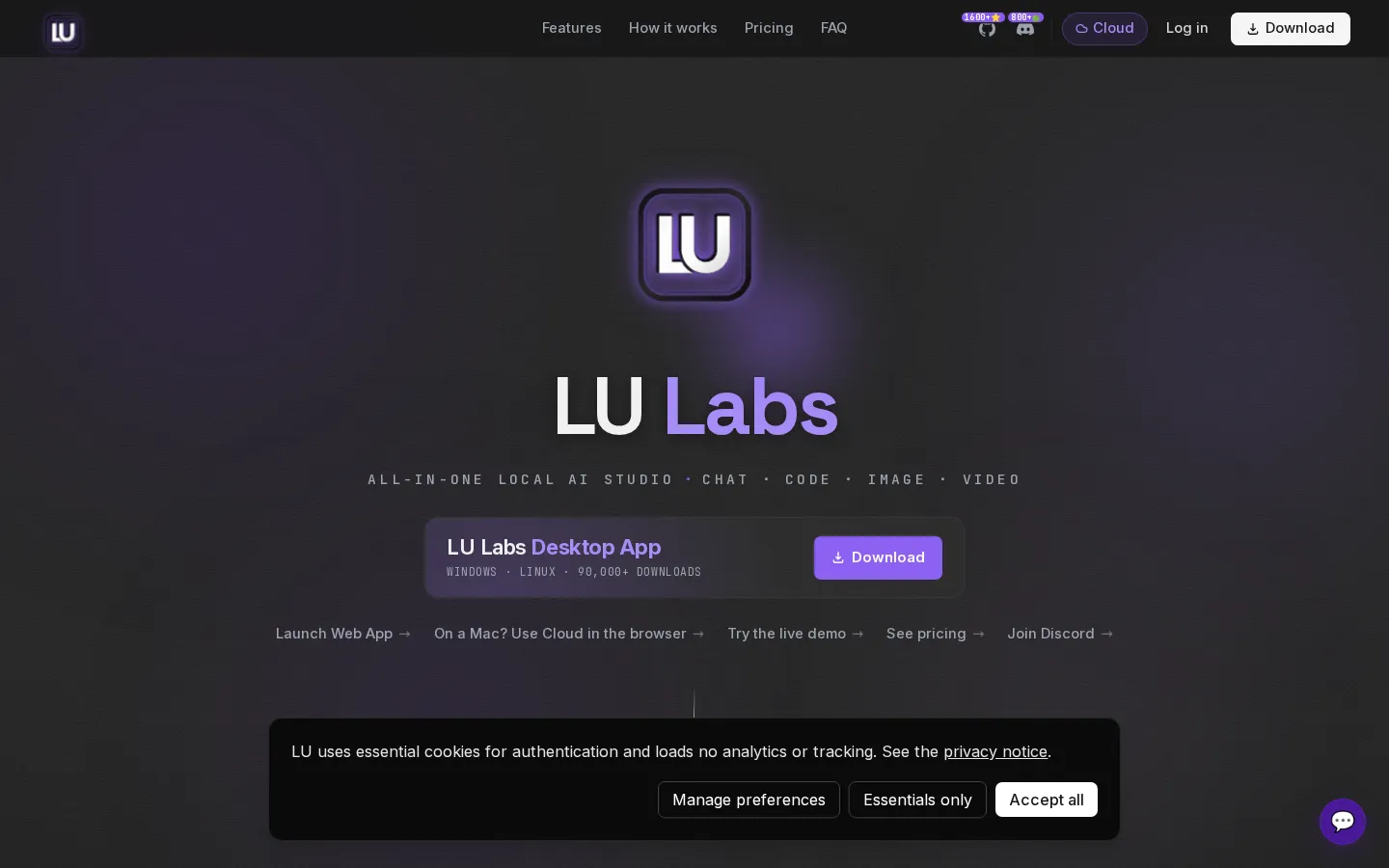
LU Labs is an all-in-one local AI studio that runs chat, coding, image and video generation entirely on your own hardware. The desktop app for Windows and Linux auto-detects your existing runtimes, picks a model that fits your machine, and keeps every token, pixel and frame on-device with no telemetry. A hosted option runs the same open models in the cloud from 19 euros a month.
What is LU Labs?
LU Labs is an all-in-one local AI studio that bundles chat, coding, image and video generation into a single desktop application that runs on your own machine. Made by a small German team (operated by David Drobnitza, trading as LU Labs), the app is built around one promise: nothing is ever sent to a company automatically. Every token, pixel and frame is generated by your own hardware, so there are no accounts required to run local, no analytics, no phone-home and no API keys to leak.
The app is organised into four studios that share one window. Chat works like a familiar assistant: ask anything, write, brainstorm, or work with your own files and photos, and ask for a picture and it draws one directly inside the conversation. The Create tab keeps image and video generation simple: pick a look and a size, hit go, and every result lands in your own gallery; you can also turn images into video. The Coding Agent points at your project and can review, fix or build code, running even on small, light models most machines can handle. Agent Mode goes further, writing files and running each step on its own inside a sandbox on your machine.
A key design choice is that LU Labs detects the runtimes you already have. It auto-detects local backends such as Ollama, LM Studio, vLLM, llama.cpp, ComfyUI and text-gen-webui across twelve local backends, offers only the tools your computer can actually handle, and installs each one with a single click. The app even picks the right free model for your machine so you do not have to choose. The ComfyUI process is auto-killed when the app closes, and your chats survive restarts on disk. It runs 100 percent on your hardware, with no telemetry and no data collection.
LU Labs is free forever when self-hosted, and the desktop app is available for Windows and Linux, with more than 90,000 downloads. If you lack a capable GPU, or use a Mac, a hosted cloud option runs the same open models in your browser: Hosted from 19 euros per month, Hosted Pro at 49 and Hosted Max at 99, all metered by a shared credit wallet that also covers image, video, API and metered text. One-off credit packs start at 15 euros and never expire, and subscribers get roughly 1.5x more credits per euro plus a daily Flash-token allowance.
LU Labs Core Features
Four studios in one window
chat, coding agent, image generation and video generation share a single local desktop app.
100% on-device execution
every token, pixel and frame is generated by your own hardware, with the cloud never in the loop.
Zero telemetry and no account needed to run local
no analytics, no phone-home and no API keys to leak.
Automatic runtime detection
it finds the backends you already have, such as Ollama, LM Studio, vLLM, llama.cpp, ComfyUI and text-gen-webui.
Automatic model selection
the app picks the right free model for your machine so you do not have to choose.
Coding Agent and Agent Mode
review, fix or build code, and let it write files and run each step on its own in a sandbox.
Image and video creation
a Create tab with personal galleries, image editing and text-to-image, plus turning images into video.
Optional hosted cloud
run the same open models in a browser from 19 euros a month when you lack a GPU or use a Mac.
Who is LU Labs for?
LU Labs is aimed at people who want capable AI without sending their work to a cloud provider. The clearest fit is the privacy-conscious power user: developers, writers and hobbyists with a reasonably capable PC who want chat, image, video and coding tools in one place, running offline, free, and under their own control. Because it detects existing runtimes and picks a model for your hardware, it also suits tinkerers who already run Ollama, LM Studio, ComfyUI or llama.cpp and want a single, friendlier interface on top. The second group is developers and small teams. The Coding Agent reviews, fixes and builds code, and Agent Mode writes files and runs steps autonomously in a sandbox, so indie builders and solo founders can automate real work without paying per token or exposing a private codebase. Community fine-tunes and tool calling run on every model, which helps teams that want a specific uncensored or specialised model rather than a mainstream hosted one. A third audience is creators who generate images and short video. The Create studio, galleries, image editing, background removal and clip extension make LU Labs useful for marketers, designers and social-media creators who would otherwise rent GPU time for bursty creative work. Finally, people without a strong GPU, or on a Mac, are pointed to the hosted cloud plans, which run the same open models from 19 euros a month. Those plans suit users who want the same catalogue with credits and no local setup, including small businesses that prefer a browser to installing software. LU Labs is a weaker fit for teams that need enterprise compliance, on-premise service levels or managed support, since it is a self-service, download-and-run product.
LU Labs Use Cases
Chat, write and brainstorm with your own files and photos entirely offline on your PC.
Point the Coding Agent at a project to review, fix or build code without sending the repository to a cloud service.
Let Agent Mode build a website by writing the files and running each step itself in a local sandbox.
Generate and edit images, remove backgrounds, erase objects and upscale, saving everything to your own gallery.
Turn a generated image into a short video, extend a clip or transfer motion, all locally.
Run a private, free AI assistant on Windows or Linux without creating an account or sharing API keys.
Use the hosted cloud when your hardware is limited or you are on a Mac, paying per credit from 19 euros a month.
Reuse existing local setups like Ollama, LM Studio or ComfyUI through one friendlier single interface.
LU Labs Pros and Cons
Pros
- Free forever self-hosted, with the desktop app free on Windows and Linux and no account required to run local.
- Genuinely private: 100% on-device execution, no telemetry, no analytics and the cloud never in the loop.
- Four studios (chat, code, image, video) in one window, with automatic runtime detection and model selection.
- Works with runtimes you already have, such as Ollama, LM Studio, llama.cpp and ComfyUI, installing tools in one click.
- Optional hosted plans from 19 euros a month run the same open models on LU Labs' GPUs, useful without a strong GPU or on a Mac.
Cons
- Local mode depends on compatible hardware, and there is no native desktop build for Mac, only the browser cloud.
- Hosted usage is credit-metered and rate-limited rather than unlimited, and the daily Flash allowance needs an active paid plan.
- The most capable open models still require a strong GPU, so weaker machines are limited to smaller, lighter models.
FAQ About LU Labs
LU Labs Pricing
LU Labs is free forever when self-hosted on your own machine, and the desktop app is free on Windows and Linux, so the entry price is zero. Hosted cloud plans run the same open models on LU Labs' GPUs: Hosted at 19 euros per month (900,000 credits), Hosted Pro at 49 euros (2,350,000 credits) and Hosted Max at 99 euros (5,000,000 credits), billed monthly with annual billing giving two months free. One-off credit packs cost 15 to 300 euros and never expire. Subscribers get about 1.5x more credits per euro plus a daily Flash-token allowance.
Check official pricingSelf-Host
Free on your own machine: all four studios, 12 auto-detected local backends, unlimited generations on your hardware, RAG, voice and thinking mode, fully private and offline.
Hosted
Runs on LU Labs' GPUs: 900,000 credits per month (about 3,000 Flux Schnell images or 112 five-second clips), all four studios and every model, with 11 Flash models free of credits each day.
Hosted Pro
The most popular tier: 2,350,000 credits per month (about 7,800 images or 293 clips), all models and studios, with 12 Flash models free of credits each day.
Hosted Max
For power users: 5,000,000 credits per month (about 16,600 images or 625 clips), all models and studios, with 12 Flash models free of credits each day.
Credit pack
Top-up wallets of 450k to 9.75M credits that never expire and need no subscription; works alongside any hosted plan and is spent at each model's own rate.
LU Labs Alternatives

FastRouter
FastRouter is a unified LLM gateway that gives developers one OpenAI-compatible API for 200+ models from providers such as OpenAI, Anthropic, Google, and xAI. It adds automatic model routing, fallbacks, caching, spend caps, role-based access, guardrails, and per-request observability, while passing provider token prices through with no markup on any plan, including the free tier.

Cindy
Cindy is an open-source desktop AI agent from XD Inc. that unifies Claude Code, Codex and Pi harnesses with 20+ tools, persistent memory and reusable skills. Use it free with your own API key or existing Coding Plan, or pay for the optional managed model service that works the moment you sign in. No setup project required.

MyToolster
MyToolster packs 41 free utilities into one browser-based site, sorted into Audio & Video, Text, Data, Web, Color, QR Code and Image. Beyond the usual encoders, formatters and generators it runs OpenAI Whisper transcription, AI text and image detection, background removal and subtitle export locally, with no uploads, account or installation, and every tool page does its work client-side.