
LibreChat
LibreChat is an open-source chat interface you run on your own servers. It connects OpenAI, Anthropic, Google, Azure, AWS Bedrock, Ollama, and any OpenAI-compatible endpoint in a single UI, then adds agents, MCP tools, code interpretation, web search, file chat, and artifacts. Because the code is MIT-licensed and data stays in your infrastructure, teams adopt it for privacy, cost control, and vendor independence.
What is LibreChat?
LibreChat is an MIT-licensed, open-source AI chat platform that you install and run on your own infrastructure, so conversations, uploaded files, and agent definitions stay in a database you control. Where most chat products lock you to a single model vendor, LibreChat puts one interface over OpenAI, Anthropic, Google, Azure, AWS Bedrock, Ollama, and any OpenAI-compatible endpoint you add yourself, including self-hosted inference behind a custom URL. Users pick a model per conversation, save presets across providers, and keep one searchable history instead of juggling four browser tabs and three subscriptions.
On top of the chat surface it ships an application platform rather than a thin wrapper. Agents are built in a no-code builder with instructions, avatars, conversation starters, a tool library, MCP servers, actions, and skills, and they can be invoked from the endpoint menu or mentioned inline with an @ sign. The same build includes a sandboxed code interpreter, generative UI artifacts for React and HTML output plus Mermaid diagrams, retrieval over uploaded files through the bundled RAG API, OCR for scanned documents, image generation and editing, web search with reranking, persistent user memory, scheduled chats, subagents, and conversation pull requests that let a team review a chat before it becomes a shared asset. Meilisearch-backed message search covers messages, files, and code snippets, while shareable links, forked chats, projects, and conversation import handle everyday collaboration.
Deployment is deliberately boring, which is the point for operations teams. Docker Compose brings up the app together with MongoDB, Meilisearch, and the RAG API in one command, an npm path covers hosts that prefer Node.js directly, and one-click Railway and remote hosting guides cover cloud installs. Configuration lives in a librechat.yaml file and environment variables, so providers, model lists, rate limits, and interface toggles are version-controlled like any other infrastructure.
Governance is where it separates from consumer chat apps. Authentication covers email and password plus Google, GitHub, Discord, and OpenID logins, and adds SSO through OAuth, SAML, and LDAP with two-factor authentication. A three-layer authorization model combines role-level feature permissions, per-resource access lists on agents, prompts, MCP servers, and shared links, and system-level admin grants, all evaluated against individual users, groups synced from Entra ID, roles, and the instance-wide public. An admin panel and usage insights sit alongside automated moderation and password reset controls.
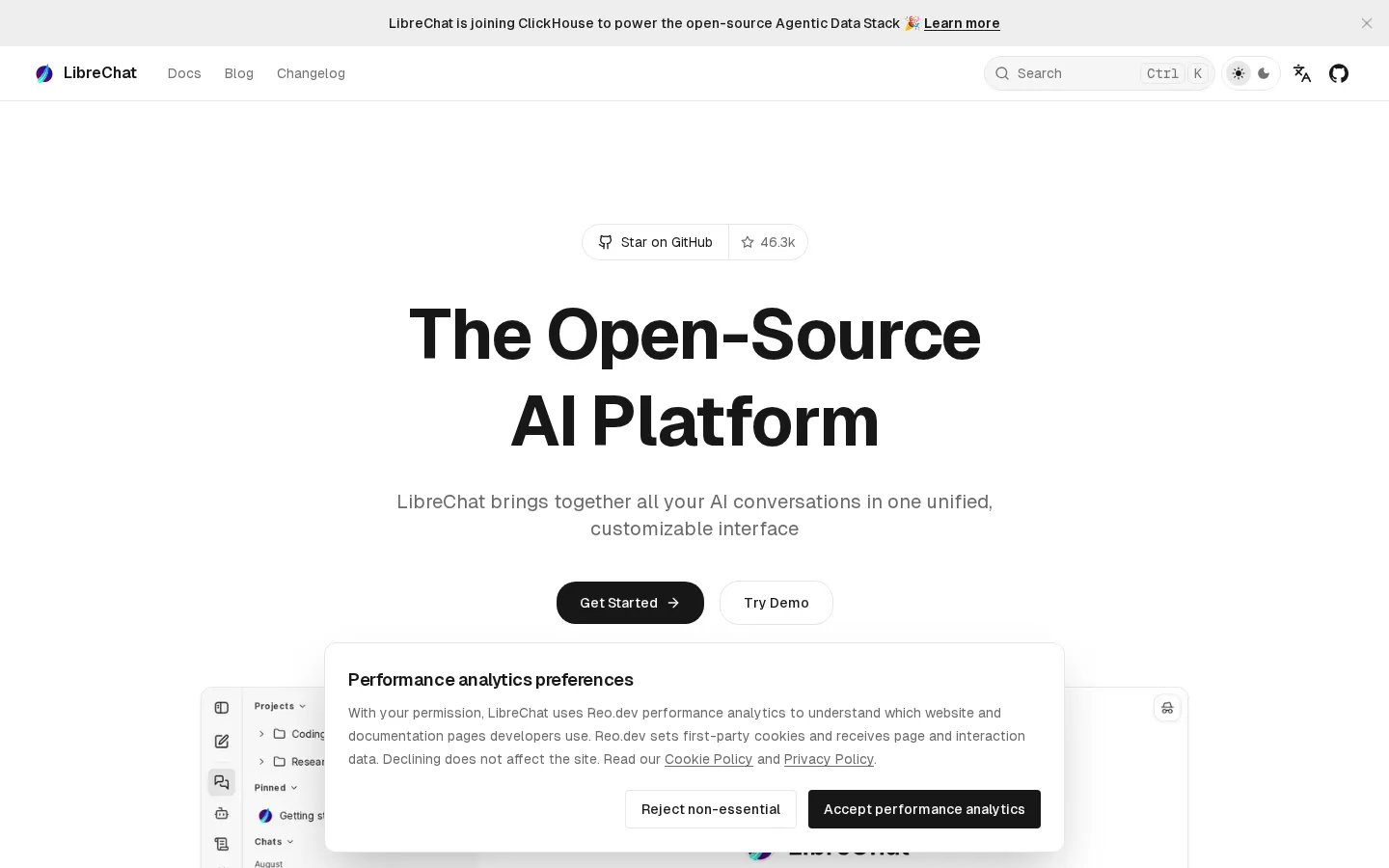
The project publishes no pricing page and no paid plan; it is MIT licensed software you run. It lists 46.3k GitHub stars, 59.1 million Docker pulls, and 421 contributors, ships an interface translated into more than 30 languages, and displays a banner saying LibreChat is joining ClickHouse to power the open-source Agentic Data Stack. A public demo at chat.librechat.ai exists for evaluation only, so it is not a place for private data. Any hosted or vendor-supported arrangement is not publicly priced, which is why procurement here usually means hosting it yourself.
LibreChat Core Features
Multi-provider model access
Connect OpenAI, Anthropic, Google, Azure, AWS Bedrock, Ollama, and custom OpenAI-compatible endpoints, then switch models per conversation with saved presets.
No-code agent builder
Define agents with instructions, avatar, conversation starters, a tool library, actions, skills, and MCP servers, and invoke them from the endpoint menu or with an @ mention.
MCP, actions, and subagents
Attach Model Context Protocol servers, custom API actions, and subagents so a chat can call outside tools, databases, and internal services.
Code interpreter and artifacts
Execute code in multiple languages in a sandbox and render React, HTML, and Mermaid output as interactive artifacts inside the conversation.
Files, RAG, and search
Upload documents for retrieval through the bundled RAG API, run OCR on scanned files, and search messages, files, and code snippets through Meilisearch.
Enterprise authentication
Email signup plus Google, GitHub, Discord, and OpenID logins, with OAuth, SAML, LDAP single sign-on, two-factor authentication, and password reset.
Access control and admin
Role-level feature permissions, per-resource ACLs on agents, prompts, and MCP servers, groups synced from Entra ID, an admin panel, and usage insights.
Flexible self-hosting
Docker Compose with MongoDB, Meilisearch, and the RAG API included, an npm path for Node.js hosts, and one-click Railway or remote server guides.
Who is LibreChat for?
LibreChat is aimed at people who want ChatGPT-style chat but refuse to hand conversation data to a vendor. Its own framing is developers, teams, and enterprises that need control, and the documentation assumes you can run a container and edit a config file. The roles that get the most out of it: - Developers and full-stack engineers who want one place to test prompts against several providers, wire in MCP servers, or build agents in code and in the UI without writing a chat frontend from scratch. - IT and platform teams responsible for internal AI access, who deploy it with Docker or npm, front it with SSO, and manage users, roles, and groups from the admin panel instead of approving a dozen SaaS subscriptions. - AI and data teams in regulated organizations with data-residency requirements, where conversations, uploads, and retrieval indexes have to stay inside a network they can audit. - Enterprises rolling out AI to staff who need SAML or LDAP single sign-on, two-factor authentication, rate limits, moderation, and per-resource sharing rules before anything goes live. - Universities, research groups, and public-sector teams that need a shared multi-model workspace on a budget, with no per-seat fee and the option to point at local inference. - Product and support teams prototyping agents that read internal documentation through the RAG API, then publishing them to colleagues without a separate build. - Self-hosters and homelab operators who already run Ollama or another local runtime and want a polished front end in front of it.
LibreChat Use Cases
Give an engineering team one private chat interface over its own OpenAI, Anthropic, and Azure keys.
Self-host an internal ChatGPT-style assistant that never sends conversation data to a third-party vendor.
Build a support agent that reads your documentation through the RAG API and answers with sources.
Wire MCP servers into chat so assistants can query databases, ticketing systems, and internal tools.
Roll out staff AI access with SAML single sign-on, LDAP groups, rate limits, and per-role permissions.
Prototype custom agents in the no-code builder and share them with non-technical colleagues the same day.
Compare model answers from several providers in one searchable history instead of switching vendor apps.
Run code and generate artifacts inside chat for quick data analysis without leaving the interface.
LibreChat Pros and Cons
Pros
- MIT licensed with no subscription: full source access, self-hosting at no license cost, and no per-seat fee as headcount grows.
- Provider breadth is the strongest part: commercial APIs, cloud-hosted models, local Ollama runtimes, and any OpenAI-compatible endpoint sit behind one UI.
- Enterprise controls ship in the open-source build, including SAML, LDAP, OAuth, two-factor auth, role permissions, and per-resource access lists.
- Momentum is visible and auditable: 46.3k GitHub stars, 421 contributors, 59.1 million Docker pulls, frequent changelog entries, and a ClickHouse announcement.
Cons
- Self-hosting is real work: you operate MongoDB, Meilisearch, and the RAG API, plan upgrades, and own backups, monitoring, and TLS.
- No native desktop app: the documentation states plainly that LibreChat is a self-hosted web application, so Windows and macOS users need Docker Desktop or a browser.
- No published hosted or support pricing, and configuration is developer-oriented, with librechat.yaml, environment variables, and provider keys set per deployment.
FAQ About LibreChat
LibreChat Pricing
LibreChat has no pricing page: librechat.ai/pricing returns a 404, and the About page describes it as free and MIT licensed with no subscriptions. The software costs nothing to self-host, so the only spend is your own infrastructure and whatever the connected model providers bill for usage. Hosting guides cover Docker, npm, and one-click Railway, where the cloud host charges you directly. A free public demo exists for evaluation only, and any hosted, supported, or enterprise arrangement is not publicly priced, so it needs a direct conversation with the maintainers.
Check official pricingSelf-hosted
MIT-licensed software with no subscription or per-seat fee: full source, agents, MCP, code interpreter, RAG, SSO, and access control, with your infrastructure and model API usage billed separately.
Hosted or supported deployment
The site publishes no cloud plan or price list. One-click Railway and remote hosting guides let you run it on a host you pay directly; any managed or enterprise support arrangement is not publicly priced.
LibreChat Alternatives

Botnation AI
Botnation AI is a French no-code platform for building AI chatbots and voice agents that answer on the web, WhatsApp, Instagram, Messenger, SMS and phone lines. Drag-and-drop flows sit alongside an in-house AI trained on your own content, wired into your CRM, shop or booking tools. Building and testing are free with no card; publishing starts at €39 per month.

EdenChat
EdenChat is a character chat platform where a community-built cast of AI characters carries long-running stories. Readers browse works by genre, pick a character, and type; text in asterisks becomes narration. Prepaid points pay for each message, long-term memory keeps the plot consistent, and a creation studio lets anyone publish a character of their own for free, with no subscription required.

Linky
Linky is an AI character chat and interactive story platform from Skywork AI. It hosts a large community library of anime, game, movie and original characters, each with its own voice and backstory, and lets you create and share your own personas, chat by text or voice call, collect character cards and follow a social feed called Buzz.