
Kapwing
Kapwing is a browser-based AI video platform for creating and repurposing content without downloads or editing experience. It combines prompt-to-video generation, a drag-and-drop timeline editor, automatic subtitles, dubbing in 40+ languages, silent-cut Smart Cut, text-to-speech and one-click resizing with thousands of templates and shared team workspaces, so marketers, educators and creators can publish platform-ready video faster.
What is Kapwing?
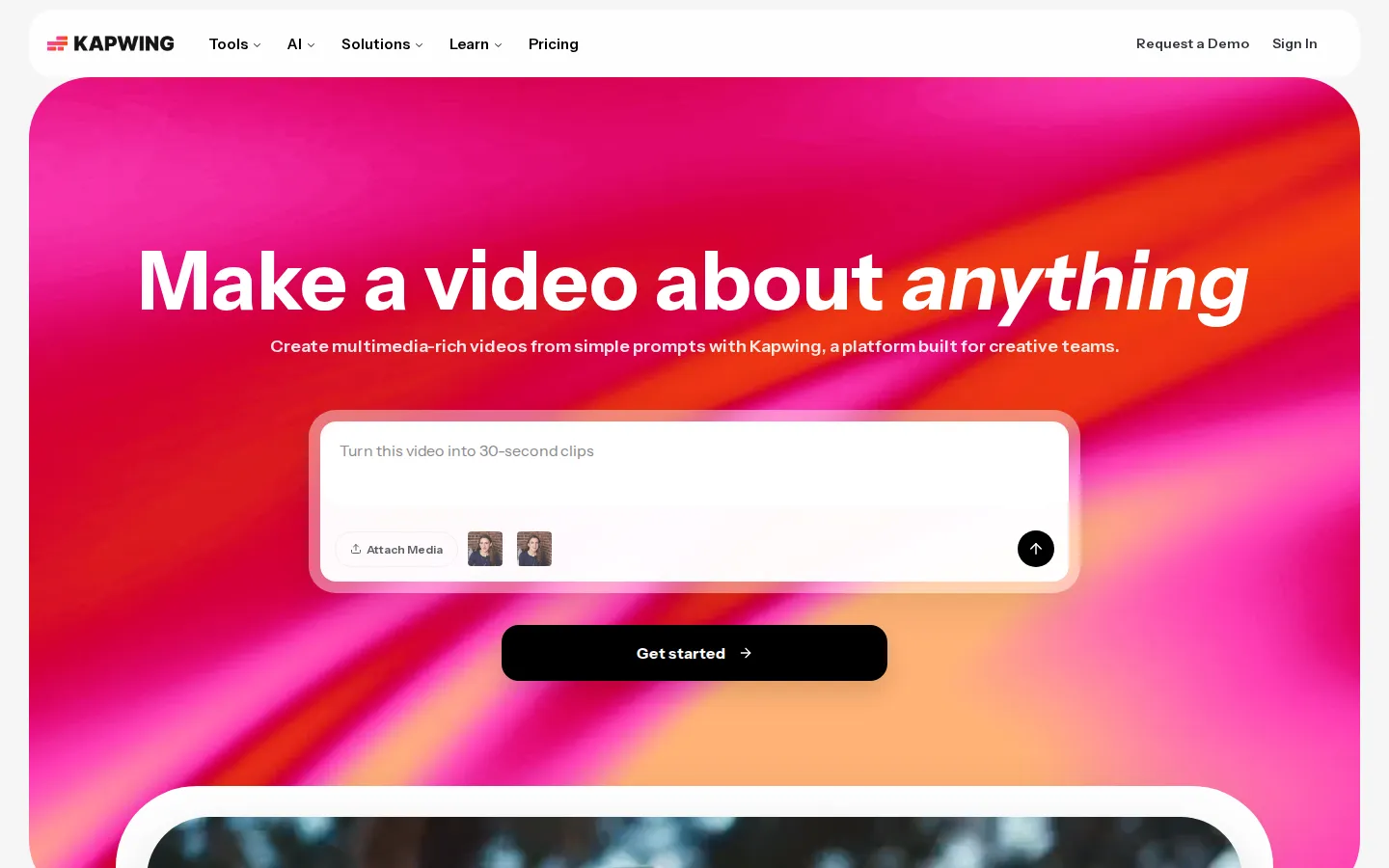
Kapwing is an AI-powered online video editor and content creation platform that runs entirely in the browser, letting individuals and teams turn simple prompts, raw footage, screen recordings, and documents into polished, platform-ready video without installing desktop software. The company is based in San Francisco, California, and says more than 30 million creators use Kapwing each month alongside teams at Spotify, Google, Meta, Dyson, Whole Foods, Harvard, and Columbia. Its headline AI tool is the Video Generator, which turns a text prompt into an original video complete with a customizable script, voiceover, visuals, subtitles, music, and reusable characters, delivered as a multi-layer project you can then refine on the timeline. Editing is text-based as well as timeline-based: Trim with Transcript lets you cut a video by deleting words from its transcript, and Smart Cut automatically removes silences and filler pauses so talking-head footage tightens up in one pass. The Subtitler generates captions automatically, Kapwing can translate subtitles into more than 60 languages, and Dubbing converts dialogue into 40-plus languages with lip sync and even custom voice clones on higher plans. Text to Speech turns written scripts into voiceovers, Clean Audio removes background noise and evens out loudness, and separate AI tools handle B-roll generation, image generation, character consistency, clip making, and document-to-video conversion. Around the AI layer sits a full conventional editor: a drag-and-drop timeline with tracks, overlays, transitions, effects, chroma key, video stabilization, background removal, audio waveforms, and a screen recorder. Thousands of free templates cover social, memes, collages, education, and video ads, and one-click resizing reshapes a project for every platform. Finished work exports as MP4, PNG, JPG, MP3, or GIF, up to 4K and two hours on paid plans, with SRT and VTT caption files and full transcripts. Collaboration is built in through a shared workspace with commenting, link sharing, real-time co-editing, Brand Kit, custom fonts, folders, version history, and up to 800 GB of cloud storage. Pricing spans a free tier, Pro at $24 per month, Business at $64 per month, and a custom Enterprise plan.
Kapwing Core Features
AI Video Generator that turns a text prompt into a multi-layer video with script, voiceover, visuals, subtitles, music, and characters
Drag-and-drop timeline editor with tracks, overlays, transitions, effects, chroma key, stabilization, and real-time collaboration
Automatic subtitling plus translation of captions into more than 60 languages, with SRT/VTT and transcript downloads
AI dubbing, custom voice cloning, lip sync, and text to speech covering 40+ languages
Smart Cut silence removal, Clean Audio noise reduction, transcription, and text-based video editing
Repurpose Studio and Clip Maker that split long videos into social-ready short clips
One-click resizing, meme and thumbnail tools, screen recorder, document-to-video, and thousands of free templates
Brand Kit, custom fonts, shared workspaces with commenting, folders, version history, and up to 800 GB storage
Who is Kapwing for?
Kapwing is for anyone who needs video output but does not want to open a desktop editing suite. Its fastest-growing audience is social media and performance marketing teams: people who must ship a steady stream of captioned, correctly sized clips for Instagram, TikTok, YouTube, and paid ads, often from a single long recording or webinar. Those teams get Repurpose Studio, Clip Maker, Brand Kit, custom fonts, and a shared workspace where colleagues comment on the timeline instead of emailing feedback, which is exactly how the product is positioned for marketing departments. Educators are a second core group. Kapwing sells education plans and templates, and teachers use the Subtitler to caption class material and read-aloud videos, which reviewers frequently mention as a reason they stay. Internal communications and training teams are a third: HR and enablement groups record screen walkthroughs, add subtitles, translate them for regional offices, and publish without buying editing licenses for every employee. Independent creators, YouTubers, podcasters, and agencies round out the base. They value the meme generator, thumbnail and collage templates, screen recorder, and the ability to edit by deleting transcript words. Enterprise customers such as Spotify, Google, Meta, Dyson, and Harvard need SSO, custom billing, and higher storage rather than creative features. Finally, complete beginners fit here: Kapwing is explicitly built so someone with zero editing experience can start from a template or a prompt, and reviews describe non-editors becoming productive within minutes. If you only ever trim one clip, a simpler tool will do; if you regularly produce captioned, localized, or repurposed video at volume, Kapwing is aimed squarely at you.
Kapwing Use Cases
Turn a text prompt into a finished marketing video without filming anything
Add accurate subtitles to social videos to raise watch time and accessibility
Repurpose webinars and podcasts into short clips for TikTok, Reels, and Shorts
Dub and translate videos to reach audiences in other languages
Resize a single video for every social platform and ad placement
Produce training, onboarding, and internal communications videos quickly
Create memes, collages, and thumbnails for social campaigns
Collaborate on brand-approved video with a distributed marketing team
Kapwing Pros and Cons
Pros
- Full video editing stack in the browser with no installation and a genuinely easy learning curve
- Strong AI coverage in one place: prompt-to-video, subtitles, dubbing, voice cloning, lip sync, and Smart Cut
- Usable free plan that lets you test every tool before paying
- Solid collaboration, Brand Kit, education templates, and enterprise controls for teams
- Rated 4.9 on Google with 5,000+ reviews and 4.4 on Capterra, used by 30 million creators
Cons
- Free exports carry a Kapwing watermark and are capped at four minutes and 720p with only 10 credits
- No self-serve API and no free trial for paid plans; subscriptions auto-renew and are generally non-refundable
- Credit-based usage means heavy subtitling, dubbing, or generative AI work exhausts monthly limits fast
FAQ About Kapwing
Kapwing Pricing
Freemium. Kapwing's Free plan costs $0 and includes 10 credits, watermarked exports up to 4 minutes and 720p, and 5 GB storage. Pro is $24 per member per month billed monthly or $16 billed annually ($192/year) with 1,000 credits, 4K exports, no watermark, and 200 GB storage. Business is $64 monthly or $50 billed annually ($600/year) with 4,000 credits, voice cloning, lip sync, and 800 GB. Enterprise pricing is custom.
Check official pricingFree
10 credits, unlimited exports with a watermark, videos up to 4 minutes, 720p, 5 GB storage, auto-subtitling up to 10 minutes
Pro
Billed annually ($192/year); $24 per member per month billed monthly. 1,000 credits/month, no watermark, 4K exports, up to 2-hour videos, 6 GB uploads, Brand Kit, shared workspace, 200 GB storage
Business
Billed annually ($600/year); $64 per member per month billed monthly. 4,000 credits/month, voice clones, lip sync, extra credits purchasable, 800 GB storage
Enterprise
Custom credits, custom billing, SAML SSO, dedicated account manager, priority support, onboarding and training, custom cloud storage
Kapwing Alternatives

VideoBGRemover
Remove backgrounds from recorded videos online. Keep motion and audio, export transparent WebM or MP4. Free trial and paid plans.

BGChanger AI
Remove video backgrounds with AI, export transparent WebM or solid-color clips, keep original audio, and choose MP4, WebM, MOV, MKV, or GIF.

Kaleidly
Kaleidly is an AI repurposing studio for long videos. Paste a YouTube, TikTok, Instagram, X or Facebook link and it transcribes the episode, learns your writing voice from your own posts, then returns scored vertical clips with synced captions plus five text formats. One credit covers one minute of video. It understands 35 languages and writes posts in the language you write in.