
ImgtoVideo.ai
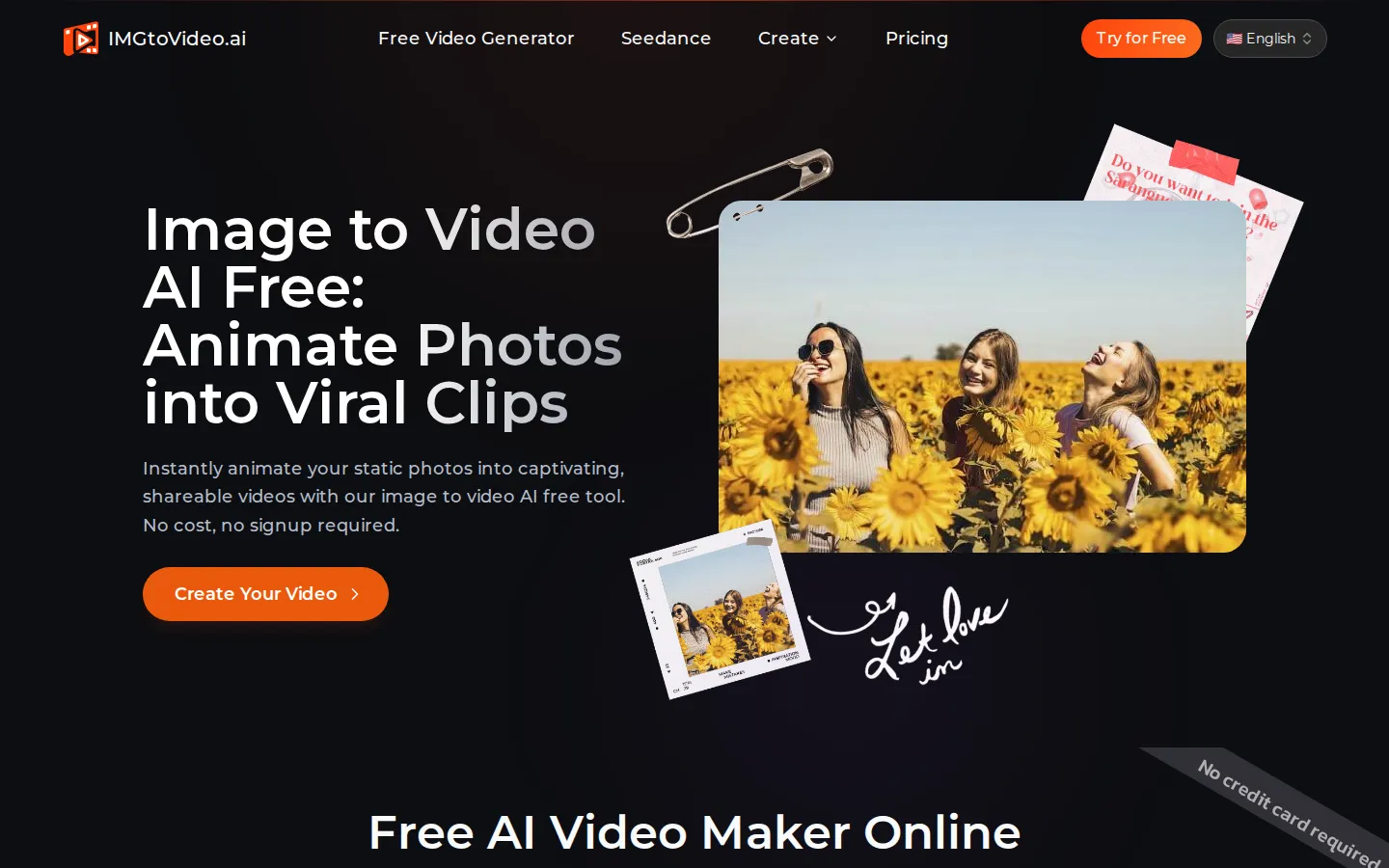
ImgtoVideo.ai is a free web-based AI image-to-video generator that turns a still JPG or PNG photo into a short animated clip. Upload an image, describe the motion in a prompt or pick a one-click filter, and the AI renders a video in roughly thirty seconds. Paid plans unlock HD resolution, longer durations and full commercial rights.
What is ImgtoVideo.ai?
ImgtoVideo.ai is a free web-based AI image-to-video generator that animates static photos into short video clips. Upload a JPG or PNG up to 20 MB, type a motion prompt such as 'subtle zoom in' or 'steam rising from coffee', or choose a one-click AI filter like AI Hug, and the platform produces a ready-to-share MP4. The site says a clip is generated in about thirty seconds, and no sign-up is needed to try it.
The tool is built around four generators: Image to Video, Text to Video, Seedance AI and Deep Nostalgia AI, plus a Video to Video page. Under the hood it uses a lightweight lite model on the free tier and pro models such as ByteDance Seedance and Seedream on paid plans, which add lip sync and AI sound generation. Core features include instant AI motion filters that animate faces, landscapes and objects, cinematic camera control for pan, tilt and zoom, and one-click animation for portraits, product shots and artwork.
Three simple steps cover the whole workflow. You upload an image, write a text prompt describing the motion you want or pick a preset filter, click Generate, then download the finished MP4. The site stresses that no editing software or video production experience is needed, and that if you can type a sentence like 'make the clouds drift' you can direct a clip.
The free plan produces four-second clips at 360p with an imgtovideo.ai watermark, limited to roughly two or three videos a day with possible queuing at peak hours. Paid plans raise output to 768p HD, extend clips to six or ten seconds, remove the watermark, add priority generation, unlock pro models and grant a commercial licence. The interface is offered in six languages, including Spanish, French, Japanese, Korean, Portuguese and Russian, and ImgtoVideo.ai is operated by ImgtoVideo.ai Inc., a Delaware corporation.
The homepage also shows example outputs, a free playground you can use straight from the landing page, and a blog covering image-to-video techniques. The site says it enforces a zero-tolerance policy on NSFW material and forbids deepfakes or synthetic likenesses of real people, and videos generated with the service are licensed for reuse under Creative Commons Attribution 4.0.
ImgtoVideo.ai Core Features
Instant AI motion filters animate faces, landscapes and objects in a single click.
Cinematic camera control adds precise pan, tilt and zoom moves to any photo.
One-click AI image-to-video turns a portrait, product shot or artwork into motion.
Text-prompt animation lets you direct motion in plain English without editing software.
Fast rendering
the site says a clip is generated in about thirty seconds.
Supports JPG and PNG uploads up to 20 MB, with 1080 px or larger recommended.
Paid plans unlock 768p HD output, six or ten second clips, lip sync and AI sound.
Six interface languages and a free tier that needs no signup or credit card.
Who is ImgtoVideo.ai for?
ImgtoVideo.ai is aimed at anyone who wants to turn still images into short video clips without editing skills. It suits social media creators and marketers who need scroll-stopping content for Instagram, TikTok, YouTube Shorts and ads, and it also works for artists, photographers and hobbyists who want to animate a portrait, product shot or piece of digital artwork. Ecommerce sellers who want to animate product photos, and affiliate or content marketers producing quick promotional clips, fit the same mould. Because the workflow is three simple steps, upload, prompt and generate, beginners who have never edited a video can use it, which the site repeatedly emphasises. The free plan makes it attractive for people testing image-to-video AI for the first time, especially casual users who only need four-second, 360p clips for personal projects, as well as anyone curious about trending effects such as AI Hug or deep-nostalgia animation of old family photos. The paid tiers target active creators and small businesses that need HD 768p output, six or ten second durations, priority generation and a full commercial licence, so it fits freelancers producing client content, ecommerce brands that need product videos, and small agencies that want volume without hiring an editor. It is a weaker fit for professional video editors who need frame-level control, long or cinematic footage, or advanced sound design, since clips are capped at ten seconds and the free tier carries a watermark, allows personal use only and can queue during peak hours.
ImgtoVideo.ai Use Cases
Animate portraits, product shots and digital art into short social media clips
Create scroll-stopping Instagram, TikTok and YouTube Shorts content in minutes
Turn a single photo into a four-second teaser for a marketing campaign
Produce HD promotional videos for ecommerce listings and client projects
Revive old family photos and generate nostalgic still-to-motion clips
Test image-to-video AI for free before paying for a commercial licence
Add subtle motion to photographs without learning video editing software
Generate short text-to-video clips from a prompt when you have no source image
ImgtoVideo.ai Pros and Cons
Pros
- Free to start with no signup or credit card, and clips render in roughly thirty seconds.
- Simple three-step workflow needs no editing skill: prompt in plain English or use a one-click filter.
- Cheap paid tiers at $8-14 a month billed annually include HD output, longer clips, no watermark and a commercial licence.
- Clear privacy stance: images are processed in encrypted containers, deleted within 24 hours and never used for training.
Cons
- The free tier is limited to four-second 360p clips with a watermark, personal use only and possible peak-hour queuing.
- Clips max out at ten seconds and no public API is offered, so it is not built for long-form or programmatic video.
- Refunds are discretionary: requests must go to support@imgtovideo.ai within three days and may be partial or denied.
FAQ About ImgtoVideo.ai
ImgtoVideo.ai Pricing
ImgtoVideo.ai is free to start with no signup or credit card, giving roughly two to three four-second 360p videos a day with a watermark and personal-use rights, while two paid plans billed annually add HD output: Starter at $8 per month for 25 generations and Advanced at $14 per month for 70 generations, both with 768p video, no watermark, a commercial licence and priority support.
Check official pricingFree
Roughly 2-3 videos a day at 360p, up to 4 seconds, with an imgtovideo.ai watermark and personal use only. No signup or credit card required; uses the lite model and may queue at peak times.
Starter
Billed annually. 25 video generations per month, HD 768p videos, no watermark, commercial use licence and access to the image-to-video and text-to-video generators.
Advanced
Billed annually. 70 video generations per month, HD 768p videos, priority generation queue, no watermark and a commercial use licence. The most popular tier for active creators.
ImgtoVideo.ai Alternatives

Rumpelstiltskin AI
Rumpelstiltskin AI turns two photos into a short, whimsical fairytale scene with an AI-powered dance video.

Burning Bridges AI
Burning Bridges AI is a single-purpose video generator: upload one portrait, pet, or character photo, pick an aspect ratio, and get a fixed 15-second chandelier-party clip with the viral trend motion already applied. There is no prompt box and no reference footage to source. Output is 720p MP4 via Wan 3.0 reference mode, priced by credit packs from $9.90 or monthly plans from $29.

Pollo AI
Pollo AI bundles dozens of third-party generative models behind a single workspace: video generation with Pollo 2.5 and Seedance 2.5, image generation with Pollo Image 2.0 and Nano Banana, plus avatar, audio and editing tools. Credits are shared across models, paid plans remove watermarks, and an MCP/API path exists for automation.