
ImgLoop
Crop, rotate and export with ImgLoop's free local canvas, no sign-up required. AI cleanup, background changes, relighting and styles use model-based credits.
What is ImgLoop?
ImgLoop is a free online AI photo editor that opens without sign-up. Upload a JPG, PNG, or WebP file up to 20 MB and describe a cleanup, background change, relight, restoration, or style edit, while crop, rotate, brush, erase, and text tools run locally in the browser. Private uploads stay in the browser until an AI request and are never automatically placed in a public feed. Focused workflows include Photo Restoration, AI Interior Design, AI Tattoo Generator, Image-to-Image Generator, AI Face Generator, AI Character Generator, AI Photo App, and AI Image Detection. Guests receive 2 one-time lifetime credits that never reset. Local canvas tools use 0 credits; delivered AI results cost 1–17 credits depending on the model. Free plan is $0. Paid plans: Lite $14.99/mo (500 credits), Pro $29.99/mo (1,200 credits), Ultra $59.99/mo (2,400 credits). Annual billing $119.88, $239.88, $479.88.
ImgLoop Core Features
Local canvas tools for crop, rotate, brush, erase and text cost 0 credits
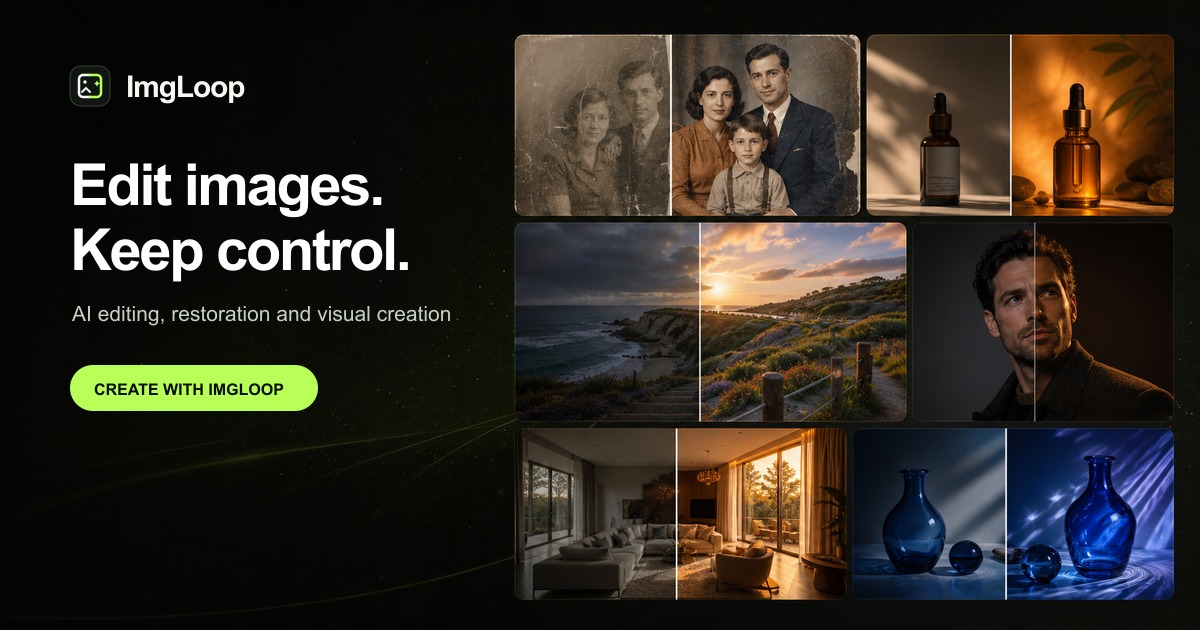
AI cleanup, background change, relighting, restoration and style edits with model-based credits
Uploads up to 20 MB in JPG, PNG or WebP and exports as PNG with private browser handling
Who is ImgLoop for?
ImgLoop suits hobbyists, photographers, designers, e-commerce sellers and small teams who need quick photo cleanup, restoration, background changes, relighting and style edits without installing software. It also works for privacy-conscious users who prefer local canvas tools.
ImgLoop Use Cases
Restore old or damaged family photos with AI restoration
Create interior design mockups and room visualizations
Generate tattoo ideas, face or character concepts and image-to-image variations
ImgLoop Pros and Cons
Pros
- No sign-up required, with free local canvas tools that cost 0 credits
- Transparent per-model credit costs shown before you confirm an AI edit
- Privacy-first: uploads stay local until an AI request and are never automatically public
Cons
- Guest credits are limited to 2 one-time lifetime uses, so heavier AI editing requires a paid plan
FAQ About ImgLoop
ImgLoop Alternatives

DeepSwap
DeepSwap is an online AI face swap studio for video, GIF and photo. Upload a clip, pick a source face, and its private model renders a realistic swap in seconds, handling up to six faces, tricky angles and 1080p output, plus enhancement, background removal, cartoon filters and text-to-video generation, with a credit-based API for bulk work.

Bananai
Bananai is a free-to-start AI image editor and video generator that puts the Nano Banana model family at the centre of one browser workspace. Type a prompt or upload a photo to remove backgrounds, restyle, upscale and generate 4K images, then animate stills or create clips with Seedance, Wan, Veo and other models. Paid credits start at $5.39 a month billed yearly.

CarePhoto
CarePhoto is a browser-based AI photo studio built around a chat window instead of editing panels. You upload reference photos, describe the change, and it runs on third-party models including Seedance 2.5, Seedream 5.0 Pro, FLUX 3, Nano Banana Pro and GPT Image. Plans start at $7.99 per month, with 20 free credits on signup.