
CarePhoto
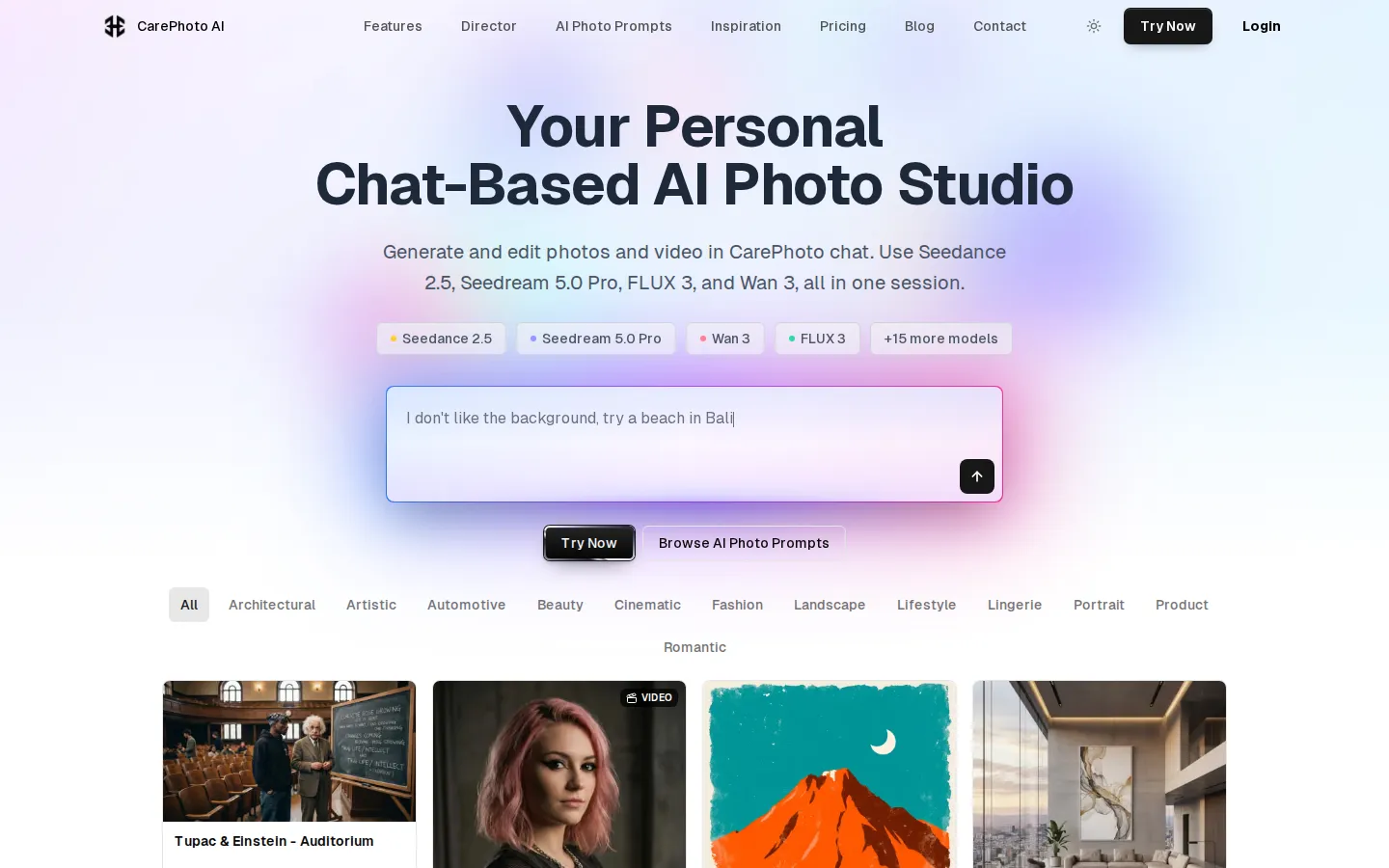
CarePhoto is a browser-based AI photo studio built around a chat window instead of editing panels. You upload reference photos, describe the change, and it runs on third-party models including Seedance 2.5, Seedream 5.0 Pro, FLUX 3, Nano Banana Pro and GPT Image. Plans start at $7.99 per month, with 20 free credits on signup.
What is CarePhoto?
CarePhoto is a browser-based AI photo studio at carephoto.art that replaces the conventional panel-heavy editor with a chat window. You upload one or more reference photos, describe the change you want in plain English, and the request is routed to a third-party image or video model. There are no layers, masks or adjustment sliders to learn, because the conversation is the interface. The company behind it trades as Care AI, a small team of engineers based in Los Angeles, and the site reports more than 500,000 photos generated by over 10,000 users.
The model roster is the product's main selling point. One session can reach Seedance 2.5 for cinematic video, Seedream 5.0 Pro and Seedream V4.5 for photoreal stills, FLUX 3 and Flux LoRA for sharp text and persona work, Wan 3 and MiniMax H3 for image-to-video with audio, GPT Image 2.5 and GPT Image for typography and brand realism, Nano Banana Pro, Nano Banana 2 and Nano Banana for Google's generation and 4K upscaling, plus Qwen Image 3, Qwen Edit 2 Pro, Recraft V4, Bria RMBG 2.0 for background removal and Topaz Upscale for face-aware enlargement. Kling 3 appears in the model chips on the homepage. Outputs reach 4K on supported engines, and video runs from 480p to 1080p in takes of up to 30 seconds with sound.
Around that core sit the studio tools. Chat-based editing covers object removal, colour changes, relighting and text removal. Virtual try-on dresses a photo in clothes, makeup, eyewear or accessories. The personalised portrait generator learns a likeness from a handful of uploads and produces headshots, avatars or stylised portraits. Product photography turns cluttered counter shots into clean white backgrounds or lifestyle scenes. Interior design restyles a room, face transfer swaps a face between images, style transfer borrows the look of one image for another, and colorisation revives black-and-white photographs.
Personas are the repeatability feature. A saved persona can be tagged with @yourname inside a prompt, so the same face appears in new scenes without a training wait; the free tier keeps one, Basic-Plus three, Modern ten, and the two upper tiers unlimited.
Pricing is credit-based, and every paid tier unlocks the full model lineup. Free accounts get 20 credits at signup without a card, Basic-Plus is $7.99 a month for 100 credits, Modern $12.99 for 200, Impressionist $29.99 for 500 and Studio $199.99 for 3,335, with annual billing 20 percent cheaper and one-time top-up packs from $9.99.
Privacy is stated plainly: images are not used to train models, transfers are encrypted, and saved photos and personas can be deleted at any time. A prompt bank of several hundred photo and video examples ships with the product. There is no public API, so the tool is aimed at hands-on creators rather than automated pipelines.
CarePhoto Core Features
Chat-based editing
describe a change in plain English, including object removal, colour shifts, relighting and text removal, with no layers or masks to manage
Model picker covering Seedance 2.5, Seedream 5.0 Pro and V4.5, FLUX 3, Flux LoRA, Wan 3, MiniMax H3, GPT Image 2.5 and GPT Image, Nano Banana Pro, Nano Banana 2 and Nano Banana, Qwen Image 3, Qwen Edit 2 Pro, Recraft V4, Bria RMBG 2.0 and Topaz Upscale
Personas that learn a likeness from a few uploads and are recalled with an @name tag for repeated shoots, with one saved on Free and unlimited on the top two tiers
Portrait and headshot generation for LinkedIn, resumes and personal branding, plus fantasy avatars and artistic interpretations
Virtual try-on for clothing, makeup, eyewear and accessories on your own photo
Product photography tools that produce marketplace-ready white backgrounds and styled lifestyle scenes with consistent branding across SKUs
Retouching suite including face transfer, background removal, style transfer and matched generation, photo colorisation and interior redesign
Image-to-video generation up to 30 seconds with native audio, 480p to 1080p, from a photo or a saved persona, plus a library of several hundred photo and video prompts
Who is CarePhoto for?
CarePhoto fits individuals who need polished photos but have no appetite for Photoshop layers or a studio booking. The clearest users are job seekers and professionals refreshing a LinkedIn or resume headshot, who can upload a handful of phone selfies and get a lit, suited portrait in minutes rather than arranging a photographer, a backdrop and a retoucher. Ecommerce sellers and small brands are the second group. A marketplace listing needs a clean white background, a Shopify page wants a styled lifestyle scene, and a catalogue needs the same look across dozens of SKUs; CarePhoto handles all three from one chat thread, and the saved persona keeps the same model or founder face across a campaign. Social media creators and influencers use it for fast iteration. A single idea can be tried across several engines in one session, which suits people who publish daily and need ten variations rather than one perfect frame. Fashion and beauty audiences get a specific draw in virtual try-on, since clothing, makeup, eyewear and accessories can be previewed on their own photo before a purchase. Freelance designers and small agencies treat it as a drafting layer for client concepts: an interior restyle, a product mockup or a stylised portrait generated in the chat, then finished in their usual editor. Photographers and retouchers use the narrower tools, particularly object and text removal, colorisation of archive images and Topaz upscaling. It is a weaker fit for teams that need an API, batch automation, shared seats or procurement paperwork, none of which are offered. Heavy video producers will also find the clip options narrower than a dedicated video platform, and anyone wanting full manual control over masks and curves will miss the precision of a traditional editor.
CarePhoto Use Cases
Generate a LinkedIn or resume headshot from phone photos instead of booking a studio session
Restage a product photo on a clean white background or in a styled lifestyle scene for Amazon, Shopify or Etsy
Preview a dress, pair of glasses or makeup look on your own photo before buying it
Remove a stranger, logo, watermark or caption from an image while keeping the background intact
Turn a still portrait into a short vertical clip with sound for Reels, Shorts or TikTok
Restyle an empty room with new furniture, layout and colour palette for a rental listing or design pitch
Colorise a black-and-white family photograph or upscale a small original with face enhancement
Build a consistent persona for a recurring brand shoot, then place the same face in new scenes with an @tag
CarePhoto Pros and Cons
Pros
- Chat interface removes the learning curve entirely, so a usable result needs a sentence rather than a tutorial
- Genuinely broad model access in one session, spanning ByteDance, Black Forest Labs, Google, OpenAI, Alibaba, Recraft, Bria, Topaz and MiniMax engines
- Free tier with 20 credits, no card and no time limit makes evaluation cheap, and paid plans start at $7.99 a month
- Personas plus virtual try-on and product photography cover repeatable personal and commercial shoots, not just one-off novelty images
- Published privacy commitments: images are not used for training, transfers are encrypted, and saved photos and personas can be deleted
Cons
- Credits are consumed per generation and the site does not publish a per-model credit table, so cost per image is hard to forecast before you start
- No public API, team seats or shared workspace, which rules out automated pipelines and agency collaboration
- The free allowance is a one-time 20 credits rather than a monthly refresh, so ongoing use requires a subscription or a top-up pack
FAQ About CarePhoto
CarePhoto Pricing
CarePhoto is credit-based freemium: signup includes 20 free credits with no card, then subscriptions run $7.99 a month for 100 credits on Basic-Plus, $12.99 for 200 on Modern, $29.99 for 500 on Impressionist and $199.99 for 3,335 on Studio, with annual billing 20 percent cheaper and one-time packs at $9.99, $19.99 and $49.99. Every paid tier unlocks the full model lineup and persona limits scale with price.
Check official pricingFree
20 credits added once at signup, no credit card required, one saved persona, and access to image generation and editing. A one-time allowance rather than a monthly refresh.
Basic-Plus
100 credits per month at 7.99 cents each, full premium image and video model lineup, up to 3 saved personas with no training wait, and 1K, 2K and 4K outputs on supported models.
Modern
200 credits per month at 6.50 cents each, twice the Basic-Plus allowance, up to 10 personas for repeatable personal shoots, and the full model lineup.
Impressionist
500 credits per month at the lowest subscription rate of 6 cents each, unlimited personas, and capacity for regular image and video production.
Studio
3,335 credits per month, 6.7 times the Impressionist allowance, unlimited personas and the full lineup, sized for long sessions and high-volume output.
Starter credit pack
One-time top-up of 100 credits that works with or without a subscription, aimed at a few extra generations.
Best Value credit pack
One-time top-up of 250 credits, described as the most popular pack for regular use and the cheapest per-credit pack overall.
Pro credit pack
One-time top-up of 750 credits for heavy sessions and batch generations, usable alongside any plan or on its own.
CarePhoto Alternatives

DeepSwap
DeepSwap is an online AI face swap studio for video, GIF and photo. Upload a clip, pick a source face, and its private model renders a realistic swap in seconds, handling up to six faces, tricky angles and 1080p output, plus enhancement, background removal, cartoon filters and text-to-video generation, with a credit-based API for bulk work.

Bananai
Bananai is a free-to-start AI image editor and video generator that puts the Nano Banana model family at the centre of one browser workspace. Type a prompt or upload a photo to remove backgrounds, restyle, upscale and generate 4K images, then animate stills or create clips with Seedance, Wan, Veo and other models. Paid credits start at $5.39 a month billed yearly.

Retypit
Retypit is a browser-based image text editor. Upload a PNG, JPG, or WebP up to 20MB, let the AI detect every line of text, click the words you want to change, and retype. The result keeps the original font, color, and texture while faces, backgrounds, and layout stay untouched, so you skip Photoshop layers and font matching entirely.