Image to Layers
Image to Layers converts a single flat image into editable, layered assets. It separates subjects, objects, characters and backgrounds into individual layers, reconstructs plausible hidden areas behind overlapping objects, and exports the result as editable PSD files, transparent PNG layers or a structured ZIP. Extra tools handle background removal, background changing, generative fill, image extending, upscaling, AI photo editing, image generation and video generation.
What is Image to Layers?
Image to Layers is a web-based AI tool that turns a flat image into a set of editable layers. Instead of leaving subjects, objects, characters and backgrounds merged in a single picture, it analyses the visible content, identifies meaningful regions and rebuilds them as an open layered structure. Users upload a JPG, PNG or WebP and receive separated assets they can inspect, rearrange, recolor or export. A key capability is occlusion inpainting: when one object covers part of another, the tool reconstructs a plausible version of the hidden area so each cutout feels complete rather than torn. Results can be exported as editable PSD files, transparent PNG layers or a structured ZIP package for use in Photoshop and other production software. The main Image to Layers workflow is joined by specialised modes for character, portrait, logo and landscape separation, each tuned to the structure of that subject type. A wider toolkit covers background removal, bulk background removal, background changing, background splitting and generated backgrounds for products and headshots. Generative fill, an image extender and an AI upscaler let users add, repair or enlarge content, while the AI photo editor, product photo editor and virtual try-on handle targeted edits. Additional AI image generator, text-to-SVG and video generator tools let creators start from a prompt as well as from an existing file. Most images are processed in roughly one to two minutes, and a live layer inspector shows the hierarchy, bounding boxes and alpha masks before export. Image to Layers also offers multiple product angles, brand consistency and an agent workspace for multi-step workflows, with API access available on the higher plan and an MCP server for programmatic use. The tool accepts JPG, PNG and WebP uploads and leaves your original source image unchanged. Files are processed securely, stored temporarily and can be deleted from your dashboard, and results stay editable inside the app or travel with you as PSD, PNG and ZIP exports ready for external software.
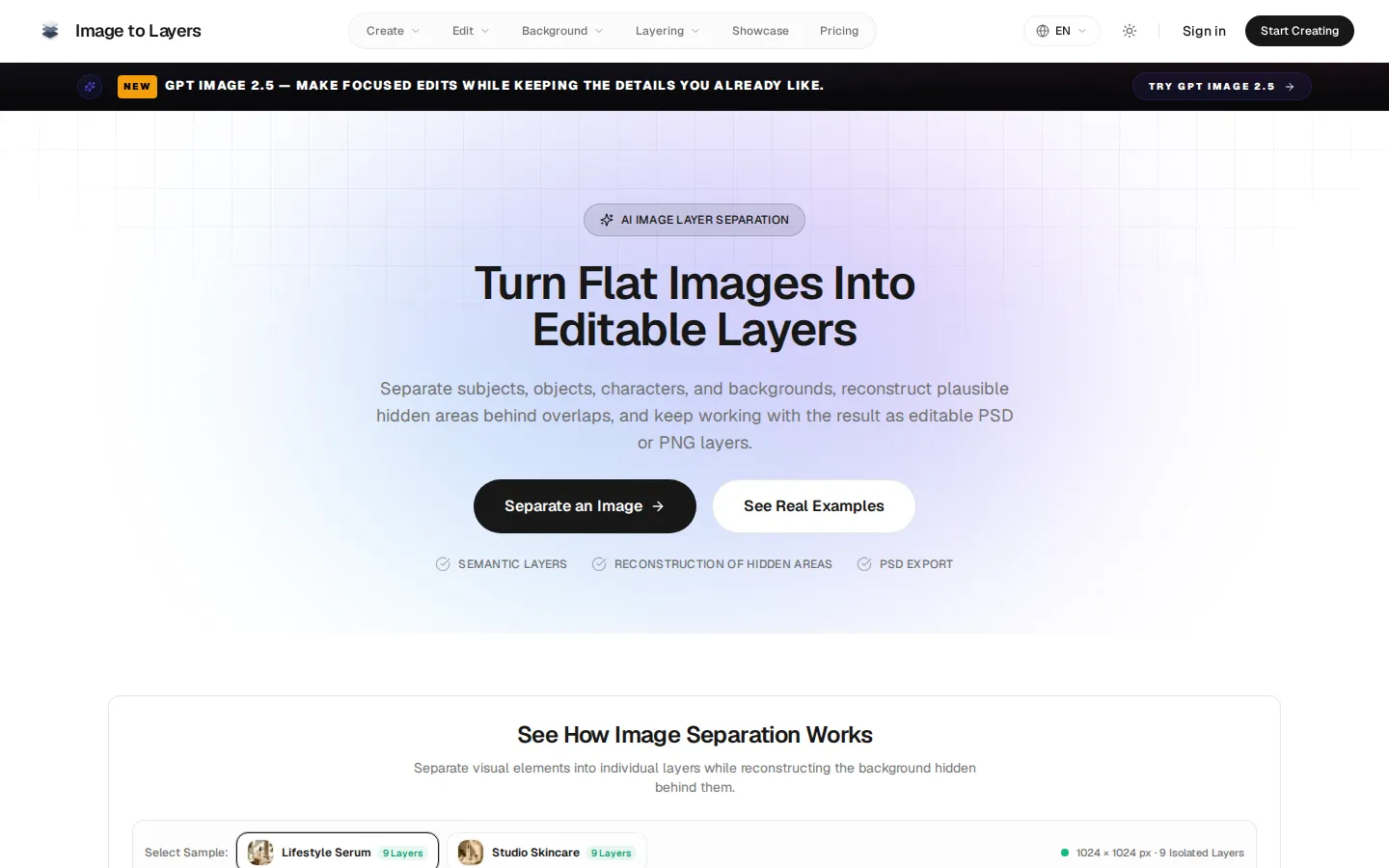
Image to Layers Core Features
Image-to-layers separation that converts one flat image into editable PSD, PNG and ZIP layers
Occlusion inpainting that reconstructs plausible background areas hidden behind overlapping objects
Specialised character, portrait, logo and landscape layer-separation workflows
Background remover, bulk remover, changer, splitter and generated backgrounds
Generative fill, an image extender and an AI image upscaler for adding, repairing and enlarging content
AI photo editor, product photo editor and virtual try-on for targeted edits
AI image generator, text-to-SVG and AI video generator built on models like Nano Banana, GPT Image and Veo
Multiple product angles, brand consistency, an agent workspace and API/MCP access
Who is Image to Layers for?
Image to Layers is built for creative professionals who need to reopen finished images for further work. Designers and retouchers use it to pull subjects, objects and backgrounds out of flat exports so they can rearrange, recolor or repurpose each element. Character artists and animators separate bodies, hair, faces and clothing into parts ready for Live2D, Spine or parallax motion workflows. Game and indie studios split foregrounds from scenery to build reusable sprites and layered scenes. E-commerce and marketing teams isolate products from their surroundings to create new campaign visuals, marketplace images and multi-angle product shots. Logo and brand designers break marks into layers for branding, print and motion, while print and packaging teams prepare high-resolution separation for catalogs and merchandise. Photographers and hobbyists who lack the original PSD or layered source file use it to rebuild an editable structure from a PNG, JPG or WebP. Anyone who generates images with AI tools also benefits, since a finished render can be converted into editable layers and refined without losing the overall composition. It suits individual creators testing the free trial, solo professionals on the Creator plan, and larger teams that need API access, priority processing and longer file retention on Studio.
Image to Layers Use Cases
Separate a flat product photo into editable product, prop and background layers
Prepare character illustrations as body, hair, face and clothing layers for Live2D or Spine animation
Build parallax-ready depth layers from landscape photos
Split a logo into clean editable layers for branding, print and motion
Reconstruct hidden backgrounds behind subjects for cleaner compositions
Generate consistent multi-view product angles from a single image
Upscale and clean up low-resolution or cluttered images with AI
Extend an image beyond its original borders or fill selected areas with generative fill
Image to Layers Pros and Cons
Pros
- Reconstructs hidden areas behind overlaps, so cutouts are complete rather than torn
- Exports editable PSD, transparent PNG and ZIP layers that open in Photoshop and other tools
- A single credit pool and workspace cover many image and video tasks, from layer separation to generation
- The free Starter Trial gives 20 credits with no subscription to test the core workflow
- API access and an MCP server support programmatic and custom pipelines on the Studio plan
Cons
- Separated layers are an AI re-interpretation rather than the original designer layers, so complex or heavily overlapping images may need manual cleanup
- Higher-value workflows such as PSD export, priority processing and API access sit behind the paid Creator and Studio plans
- File retention is short on lower tiers (7 days on the trial, 30 days on Creator), so results must be exported promptly
FAQ About Image to Layers
Image to Layers Pricing
Image to Layers is freemium: a free Starter Trial gives 20 one-time credits with no subscription, Creator costs $19/month (about $10/month billed yearly at $120/year), and Studio costs $49/month (about $30/month billed yearly at $360/year).
Check official pricingStarter Trial
20 one-time credits with no subscription required; covers Background Remover, Image Generator (Turbo) and Generate Background, includes layered preview (no credits required) and 7-day file retention.
Creator
$10/month when billed yearly ($120/year). 12,000 credits/year, image-to-layers and character-to-layers workflows, PSD and ZIP export, 30-day file history and commercial use.
Studio
$30/month when billed yearly ($360/year). 36,000 credits/year, everything in Creator plus priority processing, team collaboration, API access and 1-year file retention.
Image to Layers Alternatives

Lummi
Lummi is a stock library where AI-generated photos, illustrations, and 3D models sit next to editing tools that work on the asset you just picked. Search by category, color, or mood, then reframe, restyle, or remove the background before downloading. The free tier covers standard-resolution personal and commercial use; Pro adds watermark-free files, ultra resolution, and generation credits.

PhotoTextEdit
PhotoTextEdit edits text inside existing photos, posters, screenshots and product shots without the original design file. Upload a PNG, JPG or WebP up to 10 MB, enter the original and replacement wording, and the AI regenerates the lettering with matched font, lighting and perspective in 30 to 60 seconds. A free Add Text tool is included.
SparkPix
SparkPix is a free AI photo editor that runs in the browser and edits photos from plain text instructions. Upload a JPG, PNG or WebP up to 20 MB, describe the change, and it removes backgrounds, erases objects, restores old prints, upscales resolution, restyles images or generates new ones using models such as GPT Image and NanoBanana.