
heyclicky
heyclicky is an AI assistant for Mac that turns your screen into context. Press a hotkey, ask questions out loud, and it walks you through any tool from FL Studio to Claude Code, draws directly on your display, or launches AI agents with voice commands to handle tasks across Gmail and Notion. It offers a free tier with monthly talk and agent message limits, plus Pro and Max subscriptions for unlimited use.
What is heyclicky?
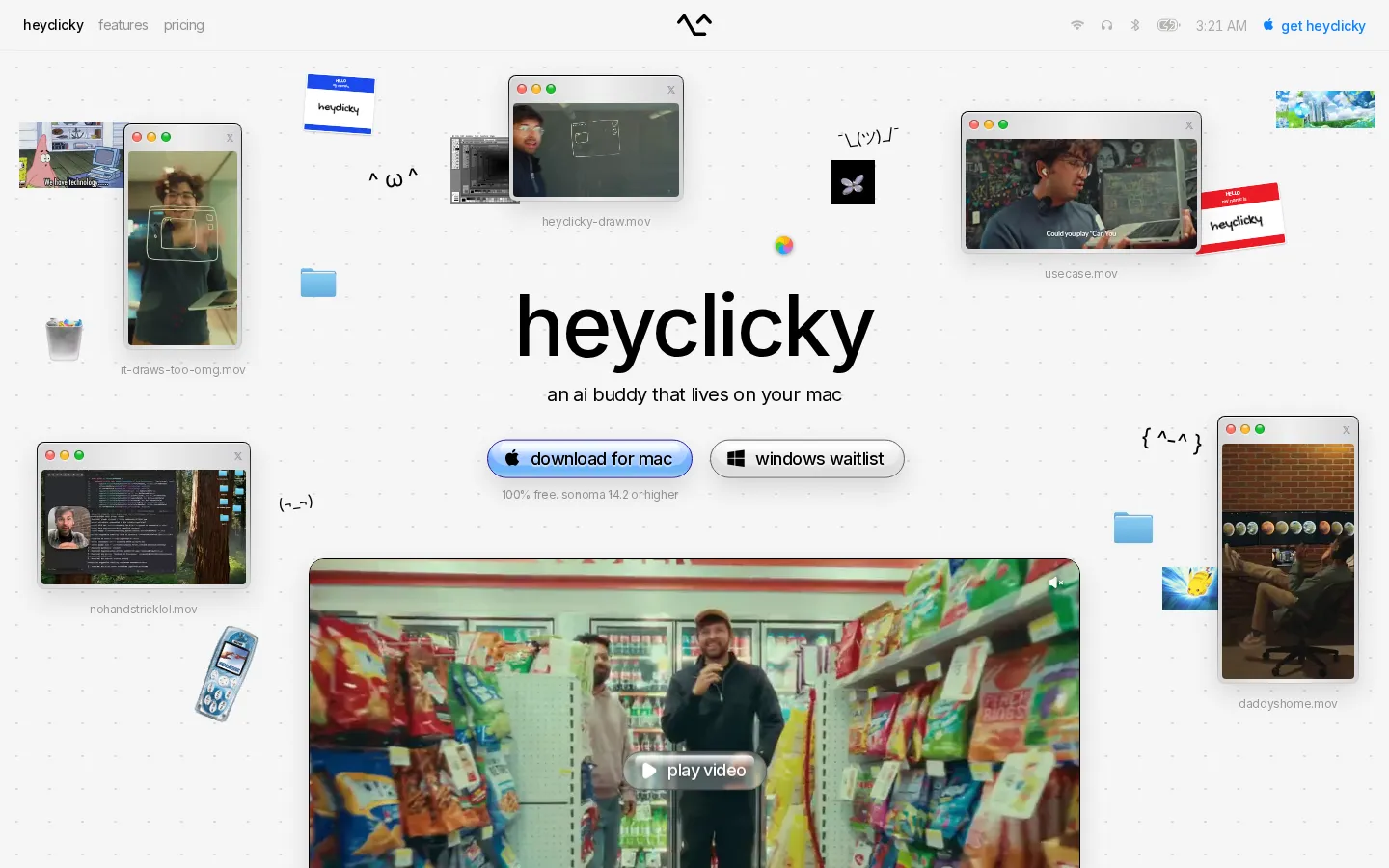
heyclicky is an AI buddy that lives on your Mac and makes your screen the context for every conversation. Instead of pasting screenshots into a chat interface, you press a hotkey and heyclicky sees exactly what you see, so you can ask questions out loud and get step-by-step guidance through any application on your display. It can draw directly on your screen to point out buttons and menus, teach you tools like FL Studio, Google Sheets, or Claude Code, and explain what is happening in unfamiliar interfaces. Beyond answering questions, heyclicky can spawn AI agents with just your voice, no terminal needed, and connect to services such as Gmail and Notion to complete tasks while you work. The product is designed around the belief that frontier AI models are underused because chat interfaces are uninspired, so it focuses on a friendly, always-available interface that feels like a desktop companion. Privacy is built into the design: screenshots are never stored and the screen is only captured when you press the hotkey. Plans include a free tier with 25 talk messages and 25 agent messages per month, Pro at $20 per month with unlimited talk and 150 agent messages, and Max at $100 per month with 1,000 agent messages, all month-to-month with no lock-in. Development is led by a small team that ships updates frequently and gathers feedback directly from users through the app and community channels. The Mac installer is distributed from GitHub releases, and the maker discount program explicitly targets indie developers, YouTubers, and project creators, offering 50 percent off the first Pro month to anyone building their own app or channel. heyclicky positions itself as an early product, inviting users to try what exists today and share feedback as the interface evolves toward what the team calls the AI interface for the next billion people. Agent messages are metered per plan, while talk remains unlimited on paid tiers, and all plans are month-to-month with no lock-in.
heyclicky Core Features
Screen-aware assistance
Press a hotkey and heyclicky sees your current screen to answer questions in full context.
Voice conversations
Ask anything out loud and get spoken, step-by-step guidance through any application.
On-screen drawing
heyclicky draws directly on your display to point out buttons, menus, and next steps.
Voice-spawned agents
Launch AI agents with your voice, no terminal needed, to perform multi-step tasks.
App integrations
Connect Gmail and Notion so agents can take actions inside the services you already use.
Privacy-first design
The screen is only captured when you press the hotkey and screenshots are never stored.
No plugin setup
Works with anything on your screen without per-app plugins or integrations.
Maker discount
App builders, YouTubers, and project creators get 50% off their first Pro month.
Who is heyclicky for?
heyclicky is built for Mac users who want an always-available AI companion rather than a separate chat window. It suits creative professionals working in desktop apps such as FL Studio, designers and developers who get stuck in unfamiliar interfaces, and productivity enthusiasts who want to delegate repetitive tasks to AI agents by voice. Students learning new software benefit from on-screen walkthroughs, while power users who need heavy automation can use the Max plan with 1,000 agent messages per month. The makers discount also targets indie developers, YouTubers, and project creators who want to test the product while building their own work. Because it only looks at the screen when the hotkey is pressed, it also appeals to privacy-conscious users who want contextual help without continuous screen monitoring. Anyone on macOS Sonoma 14.2 or newer can try it free, with a Windows version on the waitlist. The voice-first interaction model also suits accessibility-minded users who prefer speaking over typing, and people who multitask while working. Because heyclicky works with anything on screen without plugins, it removes setup friction for non-technical users who find traditional automation tools intimidating. The month-to-month billing and free tier make it easy to evaluate, and the team's public roadmap and active founder presence on X give early adopters a direct line to shape the product.
heyclicky Use Cases
Learn complex creative tools like FL Studio by asking heyclicky to explain the interface you are looking at.
Get unstuck in code editors like Claude Code when you do not know the next command to run.
Delegate repetitive inbox and document work to voice-spawned agents connected to Gmail and Notion.
Teach older family members how to use unfamiliar apps with on-screen drawing and spoken directions.
Speed up spreadsheet work by asking heyclicky to walk you through formulas in Google Sheets.
Keep working hands-free by dictating tasks to agents while you focus on your main project.
Try AI assistance without commitment using the free tier's 25 talk and 25 agent messages monthly.
heyclicky Pros and Cons
Pros
- Screen-as-context design removes the friction of copying screenshots into chat interfaces.
- On-screen drawing makes guidance unusually concrete for visual learners.
- Privacy model is clear: screen capture only on hotkey press and no stored screenshots.
- Generous free tier plus a 50% first-month maker discount lowers the entry barrier.
Cons
- Currently Mac-only, which excludes Windows and Linux users until the waitlist version ships.
- Agent message limits on lower tiers cap heavy automation workflows at 150 messages per month.
- The product is early-stage, so some workflows and integrations are still being refined.
FAQ About heyclicky
heyclicky Pricing
Freemium: Free tier with 25 talk + 25 agent messages/month, Pro $20/month, Max $100/month.
Check official pricingFree
25 talk messages, plenty of dictation, 25 agent messages per month
Pro
Unlimited talk, unlimited dictation, 150 agent messages per month
Max
Unlimited talk, unlimited dictation, 1,000 agent messages per month
heyclicky Alternatives

Praktika
Praktika is an AI language tutor app where lifelike avatar tutors hold real conversations, correct your grammar and pronunciation as you speak, and build a study plan around your goals. It covers 13 languages across speaking, listening, reading and grammar, and includes 1,000+ lessons, role-play scenarios, adjustable tutor tone, business plans and a genuinely useful free tier.

Alex
Alex is an AI recruiter from Apriora that automates end-to-end hiring: it screens resumes, scores every applicant, interviews them by video, phone, SMS or WhatsApp in 26+ languages, verifies identity and fraud risk, then books qualified candidates onto recruiter calendars through more than 33 ATS integrations, so teams hire faster without adding headcount.

Convo
Convo is a desktop AI sales assistant that coaches reps live during calls, surfacing objection responses, buying signals and answers pulled from company documents. It drafts follow-ups and syncs notes, contacts and tasks to the CRM afterwards, giving managers call feedback and deal risk insight. It works bot-free with Zoom, Meet, Teams and Webex, from $22.49 per user monthly.