
Google Gemini
Gemini is Google's AI assistant app for questions, writing, research and coding. It reads text, images, audio and uploaded documents, generates images and video, and turns prompts into drafts, study guides and short clips. Free and paid tiers differ mainly in usage limits and access to the newest models. Available on the web, Android and iOS.
What is Google Gemini?
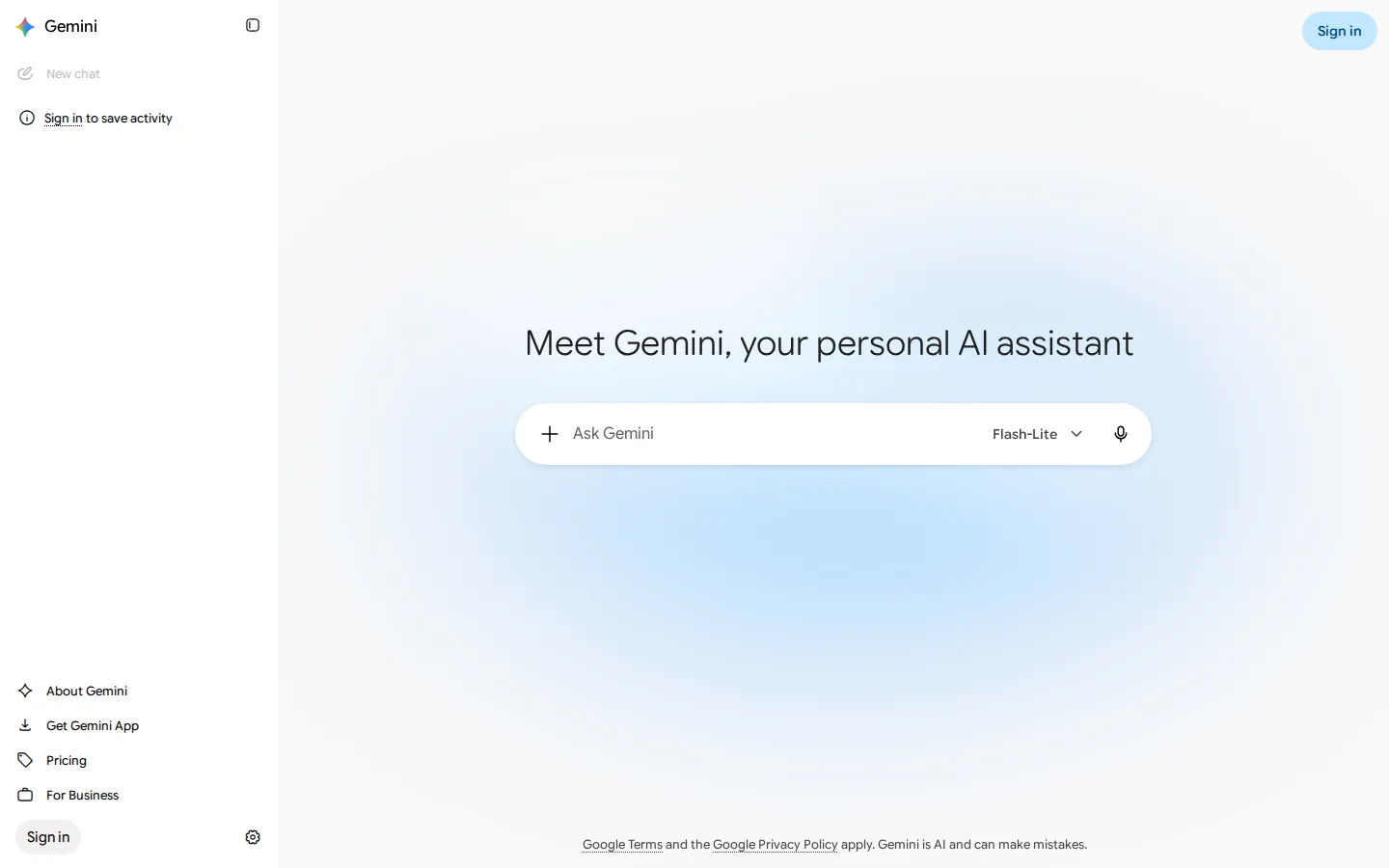
Gemini is Google's AI assistant app: a chat interface in front of the company's current generative models, reachable in a browser at gemini.google and through Android and iOS apps. The models are multimodal, so one conversation can accept typed text, spoken questions, photographs, audio and uploaded documents, and answer in text, images or speech. Google names the models by version, with Gemini 3.6 Flash handling everyday requests and Gemini 3.1 Pro reserved for harder work on paid plans.
The app covers more than chat. Deep Research analyses hundreds of sources and returns a structured report with links you can check. Canvas opens a side panel for drafting long documents or code while you talk to Gemini about them. Gems save custom instructions and files as reusable assistants. Gemini Live holds a spoken, back-and-forth conversation with camera and screen sharing on mobile. Image generation and editing run on Google's Nano Banana image models, and paid plans add video generation, music generation and Google Flow, a creative studio that turns prompts into cinematic scenes with a monthly credit allowance.
Gemini also reaches into other Google products. Paid plans put it inside Gmail, Google Docs, Google Vids and the Chrome browser, where auto browse can complete tasks on a page, and add Google Home Premium for cameras and doorbells, a YouTube Premium plan and cloud storage. Several agentic tools sit alongside it: Gemini Spark runs multi-step tasks, Jules works as an asynchronous coding agent, Google Antigravity is an agentic development platform, and Project Genie on the highest tier explores interactive worlds. Daily Brief prepares a morning summary of your calendar and inbox, and Personal Intelligence lets the assistant use context you have connected, such as an upcoming trip, when it answers. The free tier is a standalone app with 15 GB of storage.
Pricing is subscription based. A free tier needs only a Google Account, Google AI Plus doubles the usage allowance, Google AI Pro raises it fourfold and adds the Google app integrations, and Google AI Ultra unlocks the highest limits with Deep Think and early features. Verified college students can claim Google AI Pro free for one year. Businesses are served by Gemini Enterprise, and developers use the separate Gemini API rather than the consumer subscription.
It is worth noting what Gemini is not. Google's own overview page lists accuracy, bias, missed perspectives and vulnerability to adversarial prompts among the known limits of large language model interfaces, and the company watermarks generated text and images with SynthID. Exact usage caps for each tier are not published on the pricing page, so heavy users meet the ceilings inside the app instead.
Google Gemini Core Features
Multimodal Chat
Ask questions with typed text, voice, photos, audio or uploaded documents and get answers in the same thread.
Deep Research
Gemini analyses hundreds of sources in real time and returns a structured research report with links you can verify.
Image Generation and Editing
Create images from a prompt and edit existing ones conversationally using Google's Nano Banana image models.
Video and Music Generation
Describe a scene, or a track, and get generated media back; video generation and Google Flow credits start on paid plans.
Gemini Live
Hold a spoken, back-and-forth conversation with the assistant, including camera and screen sharing on mobile devices.
Canvas and Gems
Draft long documents or code in a side panel, and save custom instructions plus files as reusable Gems.
Google App Integration
Paid plans work inside Gmail, Google Docs, Vids and Chrome, with Google Home Premium and a YouTube Premium plan added higher up.
Agentic Tools
Gemini Spark runs multi-step tasks, Jules handles asynchronous coding, and Google Antigravity provides an agentic development platform.
Who is Google Gemini for?
Gemini suits anyone who already uses Google products and wants one assistant for questions, writing and file work. Students use it to explain difficult topics, turn notes and slides into study guides, and build practice tests before exams. Writers and marketers use it to draft copy, brainstorm angles, summarise research and produce images or short clips for a post. Developers get help reading unfamiliar code, debugging errors and writing scripts, with heavier coding work handled by Google's coding agents on paid plans. Knowledge workers are the second large group. If your day involves long documents, meeting notes, spreadsheets or customer feedback, Gemini can summarise the material, pull out key points and produce a first draft of the report or reply. Because Gemini also runs inside Gmail, Docs, Vids and Chrome on paid plans, it fits people who do not want to copy text between tools. Small businesses use the same abilities for product descriptions, support replies and simple analysis without hiring a specialist. Gemini is also aimed at households already paying for Google One: the higher tiers bundle cloud storage, YouTube Premium and Google Home features, so the assistant arrives with a subscription people may already want. Casual users can stay on the free tier indefinitely; it covers chat, image generation, Deep Research and Gemini Live within a limited quota. It is a poorer fit for organisations that need strict data controls, on-premise deployment or a documented contract before rolling AI out to staff. Those cases belong to Gemini Enterprise or the separate Gemini API, each with its own terms and pricing. Anyone looking for a single-purpose tool rather than a general assistant will also find Gemini broader than they need. Freelancers and small agencies use it the same way for client research, proposals and presentation drafts without buying additional software.
Google Gemini Use Cases
Draft and edit emails, reports and articles from a short brief
Research a topic and produce a sourced summary or report
Turn notes, slides and PDFs into study guides and practice questions
Generate images and short videos for posts, decks and campaigns
Debug code, explain unfamiliar files and generate scripts
Summarise long documents, meeting notes and customer feedback
Practise a language or an interview through spoken conversation
Plan trips, budgets and schedules with follow-up questions
Google Gemini Pros and Cons
Pros
- One app covers chat, research, images, video, documents and voice instead of several separate tools
- The free tier is usable indefinitely and needs nothing more than a Google Account
- Paid tiers bundle cloud storage, a YouTube Premium plan and Gemini inside Gmail, Docs, Vids and Chrome
- Free users still reach Gemini 3.6 Flash with limited access to Gemini 3.1 Pro on harder questions
- Available on web, Android and iOS with conversations and Gems tied to the same Google Account
Cons
- Google does not publish exact usage caps per tier, so heavy users only discover the limits by hitting them
- The newest models, Deep Think, Gemini Spark and the largest Google Flow credit bundles sit on the most expensive plans
- Regional availability differs by plan, and benefits such as YouTube Premium and Google Home Premium depend on your country
FAQ About Google Gemini
Google Gemini Pricing
Gemini has a free tier and four consumer subscription levels billed monthly: Google AI Plus at $4.99, Google AI Pro at $19.99, and Google AI Ultra at $99.99 or $199.99 depending on the usage multiple. Verified college students can claim Google AI Pro free for one year. Gemini Enterprise is quoted separately for businesses.
Check official pricingFree
Basic access with a Google Account: Gemini 3.6 Flash, varying access to Gemini 3.1 Pro, image generation and editing, Deep Research, Gemini Live, Canvas, Gems, limited Google Flow access and 15 GB of storage.
Google AI Plus
Twice the free usage limits, video generation, Daily Brief, 200 Google Flow credits, more Nano Banana access in Search, higher NotebookLM limits, Gemini in Gmail and Vids, and 400 GB of storage.
Google AI Pro
Four times the free usage limits, 1,000 Google Flow credits, higher access to Gemini 3 Pro, Deep Search and agentic features, higher Jules and Antigravity limits, Gemini in Chrome, Google Home Premium, YouTube Premium Lite and 5 TB of storage.
Google AI Ultra (5x)
Five times the usage limits of Google AI Pro, 10,000 Google Flow credits, first access to Deep Think and Gemini Spark, Project Genie, Google Home Premium Advanced, a YouTube Premium individual plan and 20 TB or more of storage.
Google AI Ultra (20x)
The same Ultra feature set with twenty times the usage limits of Google AI Pro and 25,000 Google Flow credits, aimed at users who hit the standard Ultra ceilings.
Google Gemini Alternatives

Botnation AI
Botnation AI is a French no-code platform for building AI chatbots and voice agents that answer on the web, WhatsApp, Instagram, Messenger, SMS and phone lines. Drag-and-drop flows sit alongside an in-house AI trained on your own content, wired into your CRM, shop or booking tools. Building and testing are free with no card; publishing starts at €39 per month.

EdenChat
EdenChat is a character chat platform where a community-built cast of AI characters carries long-running stories. Readers browse works by genre, pick a character, and type; text in asterisks becomes narration. Prepaid points pay for each message, long-term memory keeps the plot consistent, and a creation studio lets anyone publish a character of their own for free, with no subscription required.

Linky
Linky is an AI character chat and interactive story platform from Skywork AI. It hosts a large community library of anime, game, movie and original characters, each with its own voice and backstory, and lets you create and share your own personas, chat by text or voice call, collect character cards and follow a social feed called Buzz.