
Google AI Studio
Google AI Studio is a free browser workspace for building with Gemini models. It pairs a prompt playground for text, image, audio and video with structured output, function calling, Google Search grounding, API key management and one-click code export, and deploys finished projects straight to the Gemini API, which bills per token beyond its free tier.
What is Google AI Studio?
Google AI Studio is Google's browser-based environment for designing, testing and shipping applications built on Gemini models. Signing in with a Google account opens a workspace where a prompt can be typed, given images, PDFs, audio or video, and run against a chosen model without installing anything. The same screen exposes the settings that matter, including model version, thinking budget, system instructions and safety thresholds, so a prototype can be tuned before any API key exists.
The model catalogue reaches well beyond text. Gemini reasoning models sit beside Nano Banana for image generation and editing, Veo for video, Lyria for music, Gemini TTS for speech, Transcribe for speech-to-text, Gemini Live for real-time voice and video conversation, and Omni for video creation and editing. Each is reachable from the same starter screen, so a designer can compare a reasoning answer and a generated storyboard in one session.
From the studio you can create and manage API keys, watch resource usage, and move work into code. Google's GenAI SDKs cover Python, JavaScript, Go, Java and C++, and the Interactions API adds stateful multi-turn agents with managed history and tool execution. Tools plug in natively: Google Search and Maps grounding, code execution, URL context, file search and computer use. Structured output and function calling let a model return typed JSON or call your own functions, while long-context windows accept large documents and context caching cuts repeat costs.
The build side is unusually complete for a free tool. Starter apps can be remixed, prompts can become full-stack apps in build mode, and finished projects deploy to the Gemini API in a click. Pricing separates the two layers: the studio itself costs nothing, and only API usage is billed, per million tokens, with a free tier that carries rate limits and limited model access. The paid tier removes those limits, unlocks context caching, the Batch API at half price and Google's most advanced models, and stops request content being used to improve Google products. Enterprises can move to provisioned throughput with compliance support.
Because the studio shows the request payload beside the equivalent SDK snippet, it doubles as living documentation: what you try in the browser is what you paste into an application. Model deprecations follow a published schedule with migration notes, so preview builds need occasional maintenance rather than wholesale rewrites.
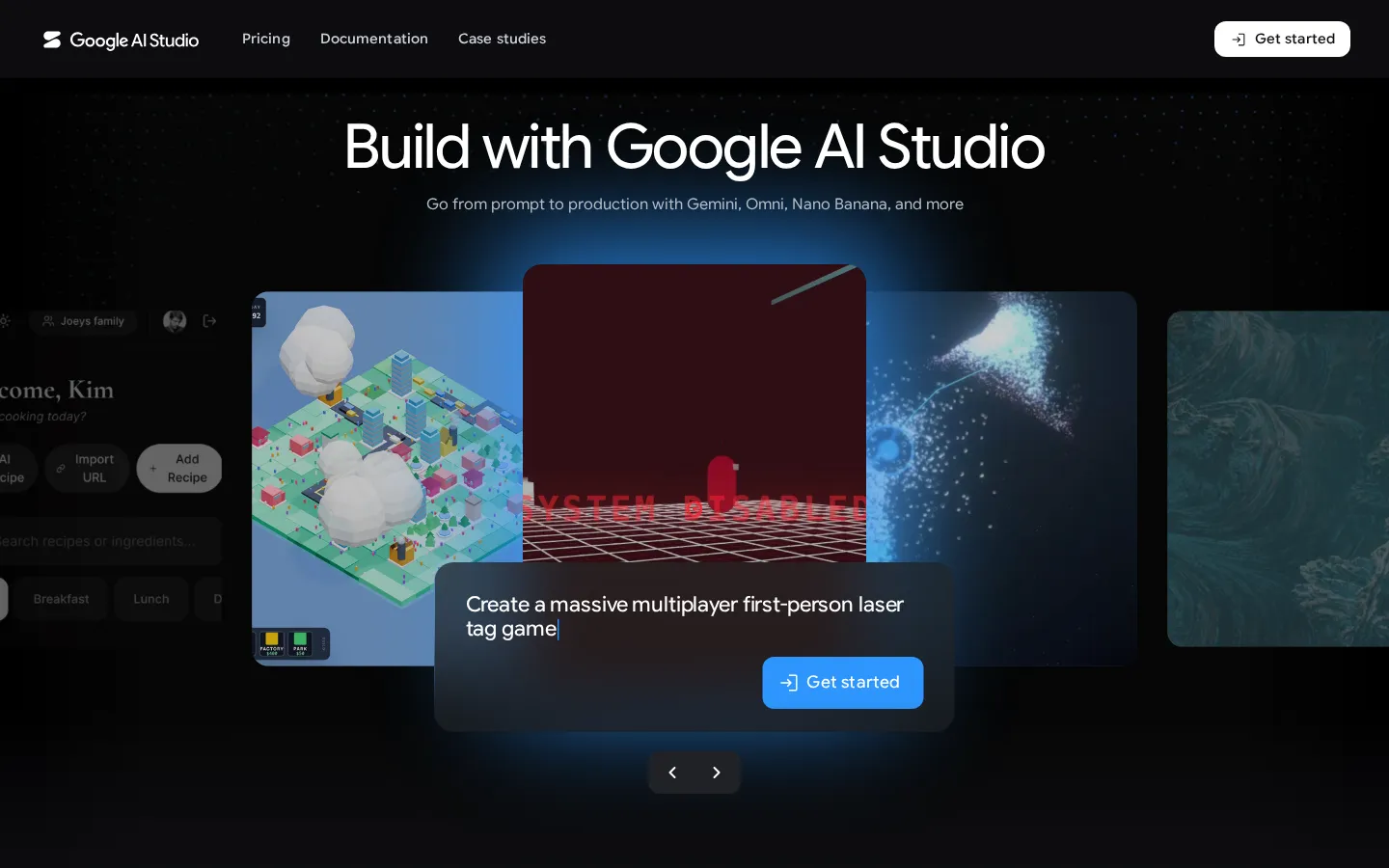
Google AI Studio Core Features
Multi-model playground
Switch between Gemini reasoning, Nano Banana image, Veo video, Lyria music, Gemini TTS and Live models from one starter screen.
Multimodal prompting
Attach images, PDFs, audio and video alongside text, then compare how each model reads the same file.
Structured output and function calling
Force typed JSON schemas or let the model call your own functions with native tool definitions.
Grounding with Google Search and Maps
Anchor answers in fresh web results or place data, with citations returned in the response.
API key and usage console
Create, restrict and monitor keys, and watch token consumption per project without leaving the studio.
Code export and SDK snippets
Every test run produces copy-ready Python, JavaScript, Go, Java or C++ using Google's official GenAI SDKs.
Build mode and one-click deploy
Turn a prompt into a full-stack app, remix starter projects, then push the result to the Gemini API.
Stateful agent tooling
The Interactions API keeps history and tool execution server-side, so multi-turn agents need less custom plumbing.
Who is Google AI Studio for?
Google AI Studio suits developers who want to evaluate a Gemini model before writing application code. A backend engineer can paste a tricky prompt, attach the failing document, compare two model versions, and copy the working Python snippet into a service in minutes. Because the studio manages API keys and usage in the same place, a solo builder can go from idea to deployed endpoint without touching Cloud Console, and the free tier is enough to validate a concept before any spend. It also fits people who do not think of themselves as programmers. Product managers can sketch a support assistant, marketers can test image and video prompts with Nano Banana and Veo, and analysts can run structured extraction over PDFs and return typed JSON. Educators and researchers get multimodal input for lecture audio, scanned pages and charts, with grounding through Google Search when an answer needs citations. Small teams choose it over a bare API because the playground, the SDK examples and the deployment path live behind one login. Teams building agents benefit most from the newer surface: the Interactions API keeps conversation history and tool state server-side, and native Search, Maps, code execution and file search connectors remove glue code that would otherwise be written by hand. Studios prototyping a voice product can test Gemini Live in the browser before committing to WebSocket plumbing. The tool is a weaker fit for anyone who needs a no-code consumer chatbot, since it assumes familiarity with prompts, tokens and parameters. Organisations that require data residency guarantees, custom contracts or SSO should look at Gemini Enterprise rather than the individual studio, and heavy batch workloads still belong in the Batch API or Vertex-style infrastructure where job scheduling is first class.
Google AI Studio Use Cases
Compare two Gemini model versions on the same prompt before picking one for production.
Extract typed JSON from scanned invoices, contracts and PDFs using structured output.
Generate product imagery with Nano Banana and iterate on edits conversationally.
Prototype a real-time voice assistant with Gemini Live before writing WebSocket code.
Ground a research assistant in Google Search so answers arrive with citations.
Convert a prompt into a working full-stack app and deploy it to the Gemini API.
Test function calling against internal endpoints before wiring them into an agent.
Transcribe meeting audio and summarise it with speaker-aware Gemini Transcribe output.
Google AI Studio Pros and Cons
Pros
- Genuinely free to start: the studio costs nothing, and the free API tier covers prototyping without a credit card.
- Breadth in one place: text, image, video, music, speech and live audio models share a single interface and one API key.
- Transparent metering: per-million-token rates are published per model, and the studio shows the exact request that produced a result.
- Fast path to production: copy-ready SDK snippets, build mode and one-click deployment remove most integration work.
- Strong tooling: Search and Maps grounding, code execution, context caching and a half-price Batch API are native rather than bolted on.
Cons
- The free tier is rate limited and excludes the strongest models, so serious testing quickly requires a billing account.
- Prompt results are not reproducible by default, since sampling and thinking budgets vary between runs unless settings are pinned.
- Model deprecations arrive on a published schedule, so preview builds and pinned versions need periodic migration work.
FAQ About Google AI Studio
Google AI Studio Pricing
Freemium: the AI Studio interface is free, and the Gemini API is pay-as-you-go per million tokens with a free tier. Free tier: $0, limited model access, rate limits, content may be used to improve Google products. Paid: per-token rates by model, roughly $0.10 to $20 per million tokens, higher rate limits, context caching, Batch API at 50% off, advanced models, no training on your content. Enterprise: custom pricing with provisioned throughput and compliance support.
Check official pricingPay as you go
Billed per million input and output tokens at each model's published rate. Adds higher rate limits, context caching, Batch API at 50% cost reduction and access to Google's most advanced models.
Enterprise
Provisioned throughput, volume discounts, dedicated support, advanced security and compliance, plus Gemini Enterprise Agent Platform tooling. Quoted through Google Cloud sales.
Google AI Studio Alternatives

FastRouter
FastRouter is a unified LLM gateway that gives developers one OpenAI-compatible API for 200+ models from providers such as OpenAI, Anthropic, Google, and xAI. It adds automatic model routing, fallbacks, caching, spend caps, role-based access, guardrails, and per-request observability, while passing provider token prices through with no markup on any plan, including the free tier.

Cindy
Cindy is an open-source desktop AI agent from XD Inc. that unifies Claude Code, Codex and Pi harnesses with 20+ tools, persistent memory and reusable skills. Use it free with your own API key or existing Coding Plan, or pay for the optional managed model service that works the moment you sign in. No setup project required.

MyToolster
MyToolster packs 41 free utilities into one browser-based site, sorted into Audio & Video, Text, Data, Web, Color, QR Code and Image. Beyond the usual encoders, formatters and generators it runs OpenAI Whisper transcription, AI text and image detection, background removal and subtitle export locally, with no uploads, account or installation, and every tool page does its work client-side.