
Free AI Video Upscaler
AI Video Upscaler is a browser-based tool for increasing video resolution with AI enhancement. It accepts MP4, MOV, and MKV files and outputs an enhanced MP4.
What is Free AI Video Upscaler?
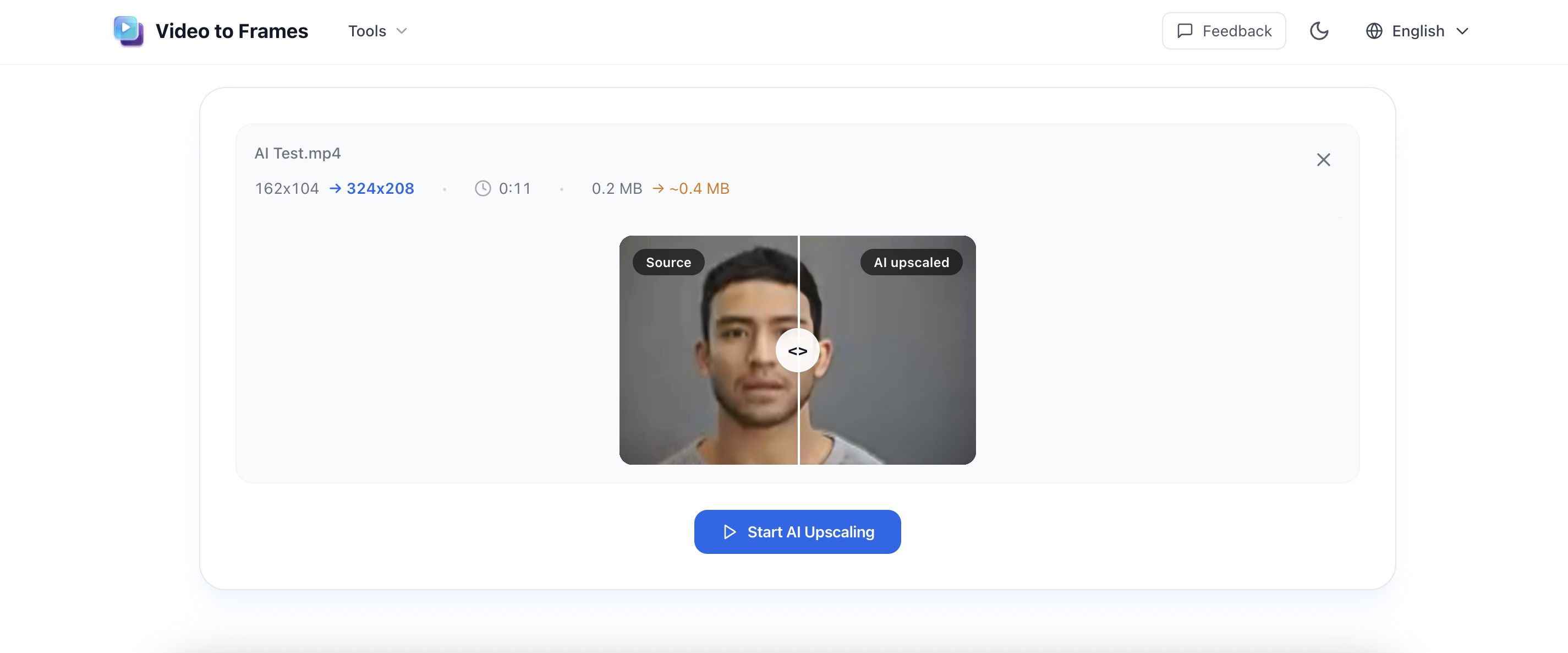
AI Video Upscaler is an online tool for increasing the clarity of short videos with AI. Users drop a video into the browser, review a before-and-after preview, and download an enhanced MP4. The same upload area also accepts common image formats. Work happens on the user's device rather than through a cloud upload form, and no sign-up is required. Typical uses include preparing clips for social platforms, improving screen recordings, and testing enhancement quality before further editing. Desktop Chrome and Edge generally perform best. Videos should stay within the tool's published limits on resolution, length, and file size.
Free AI Video Upscaler Core Features
2x AI enhancement for short videos in the browser
Files stay on the device — no cloud upload
Side-by-side preview before export
Who is Free AI Video Upscaler for?
People who need a quick quality boost on short clips without uploading files: social posts, screen recordings, tutorials, and private or client footage. Also useful for checking how a clip looks after AI enhancement before opening a heavier editor.
Free AI Video Upscaler Use Cases
Sharpen social clips before posting
Improve screen recordings and tutorials
Enhance short phone videos for larger screens
Free AI Video Upscaler Pros and Cons
Pros
- Free to use with no sign-up
- Video never leaves the device
- Preview quality before committing to a full export
Cons
- Built for short clips, not long or high-resolution jobs
- Speed depends on the user’s computer and browser
- Best results on desktop Chrome or Edge within posted file limits
FAQ About Free AI Video Upscaler
Free AI Video Upscaler Alternatives

TensorPix
TensorPix is an online AI platform for improving video and image quality, trusted by over three million users. It upscales video to 4K, stabilizes shaky footage, boosts frame rates to 60fps, and removes noise and compression artifacts entirely in the cloud. It also offers video compression, AI image and video generation, a real-estate video creator, and a Video Enhancer API for developers.

UniFab
UniFab is an AI video and audio enhancement suite from the DVDFab family. It offers local desktop tools for upscaling, denoising, HDR conversion, and face enhancement, plus FabCloud online tools for subtitle generation, translation, colorization, and watermark removal that run in the browser. Cloud processing runs on flexible credit plans shared across the Fab product family.

Artguru
Artguru is an AI-powered media enhancement suite that improves photos, videos, and PDF documents in a single click. It removes noise, sharpens faces, upscales images up to 8K, restores damaged old photos, and upgrades video quality online. E-commerce sellers, photographers, print shops, students, and content creators use the browser-based tools to polish visuals for listings, prints, and social media without manual editing software.