UniFab
UniFab is an AI video and audio enhancement suite from the DVDFab family. It offers local desktop tools for upscaling, denoising, HDR conversion, and face enhancement, plus FabCloud online tools for subtitle generation, translation, colorization, and watermark removal that run in the browser. Cloud processing runs on flexible credit plans shared across the Fab product family.
What is UniFab?
UniFab is an AI-powered video and audio enhancement suite developed within the DVDFab product family. It is built around a collection of specialized AI tools that improve video quality for casual creators, archivists, and professionals working with film and TV footage. The desktop product, UniFab All-In-One, bundles the core enhancement engines, including a video upscaler that raises resolution and sharpness, a face enhancer that restores facial detail, an HDR upconverter that expands SDR footage to HDR, a smoother that increases frame rates, and a denoiser that removes noise and compression artifacts. These local tools process on the user's own hardware with no limits and no cloud dependency. Alongside the desktop suite, UniFab provides FabCloud, a cloud processing layer that runs the same AI features in the browser without requiring a GPU. FabCloud tools include a subtitle generator that transcribes and translates, a video translator for voiceover and subtitle translation, a video colorizer that restores black-and-white footage, a video reframer that adjusts aspect ratios for social platforms, a watermark remover, and an online video enhancer. Cloud processing runs on a credit system, where tasks consume credits at published rates, and credits can be purchased as pay-as-you-go packs or monthly and yearly subscriptions shared across all Fab brand products. UniFab also offers a free video converter and a screen recorder, and the local mode of the desktop suite does not consume credits at all. The company positions UniFab for users who want studio-grade enhancement without hiring a post-production team, and the website includes extensive resources comparing the tool to alternatives like Topaz Video AI. Pricing follows the Fab family's license model, with desktop licenses, credit packs, and subscriptions available, and a money-back guarantee on purchases. In practical terms, UniFab supports common video formats and resolutions, offers batch processing for multiple files, and exposes RTX-accelerated variants of the upscaler and HDR tools for NVIDIA hardware. The product integrates with the wider DVDFab ecosystem, so licenses and credits span UniFab, DVDFab, and BookFab, and the support center, community forum, and changelog keep users informed of new models and fixes. The company also maintains an online presence across YouTube, X, and a community forum, and the resource hub publishes comparisons and guides for video enhancement workflows.
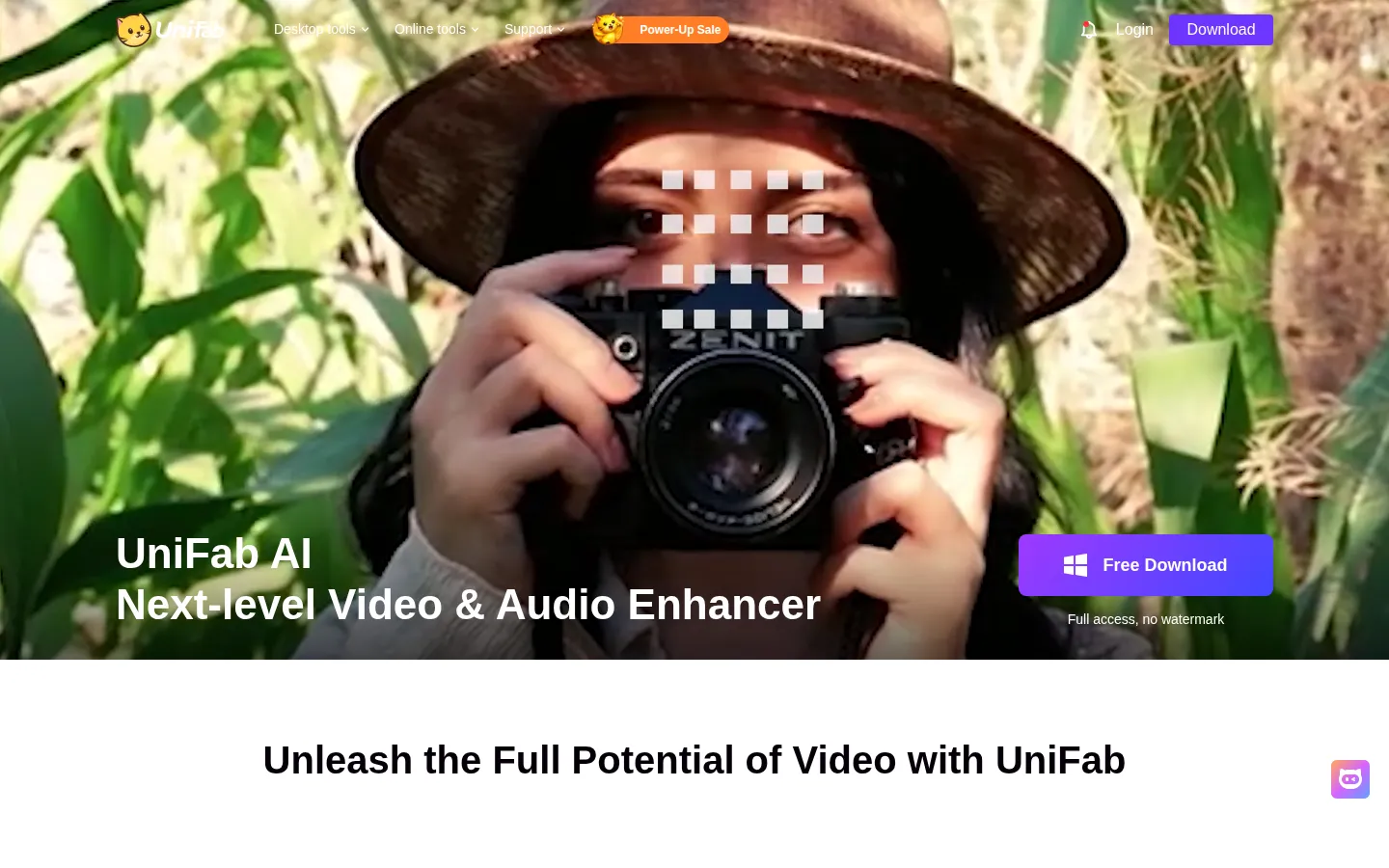
UniFab Core Features
Video upscaler AI
Raises resolution and sharpness of low-quality footage.
Face enhancer AI
Restores and refines facial detail in videos and photos.
HDR upconverter AI
Expands SDR footage to HDR with tone mapping.
Denoise AI
Removes noise, grain, and compression artifacts.
FabCloud online tools
Subtitle generation, translation, colorization, and watermark removal in the browser.
Local mode without credits
Desktop processing runs entirely on your hardware with no cloud usage.
Flexible credit plans
Pay-as-you-go packs and monthly or yearly subscriptions shared across Fab products.
Free utilities
A free video converter and screen recorder are included in the toolkit.
Who is UniFab for?
UniFab serves several overlapping groups. Content creators making videos for YouTube, TikTok, and Instagram use the upscaler, smoother, and reframer to prepare footage for each platform's requirements. Home video archivists use the colorizer, denoiser, and HDR upconverter to restore old family footage, VHS captures, and damaged recordings. Film enthusiasts and amateur editors use the upscaler and face enhancer to improve older movies and TV shows they have digitized. Social media marketers use the subtitle generator, translator, and reframer to repurpose video assets for international audiences and vertical formats. Video production teams that need occasional AI enhancement without dedicated GPU infrastructure use FabCloud to process in the browser on shared credits. Users of the wider DVDFab ecosystem benefit from credits that work across Fab products, making UniFab attractive to existing DVDFab customers. Finally, anyone who prefers local processing for privacy or offline work can run the desktop tools entirely on their own machine. Independent filmmakers restoring footage for festival submissions use the upscaler and colorizer for archival-grade cleanup. YouTube educators enhancing screen recordings and lecture footage benefit from the denoiser and smoother. Wedding and event videographers use the face enhancer and reframer to prepare client deliverables across aspect ratios. Game streamers and esports editors use the HDR and sharpness tools for punchy highlight clips, and libraries or community archives digitizing local history footage rely on the colorizer and denoiser for preservation work.
UniFab Use Cases
Upscale 720p footage to 4K for a YouTube upload with the video upscaler.
Restore faces in old digitized family movies with the face enhancer AI.
Convert SDR video to HDR for modern displays using the HDR upconverter.
Clean up noisy concert footage with the denoise AI tool.
Generate and translate subtitles for international distribution in the browser.
Colorize black-and-white archival footage with the video colorizer.
Reframe landscape video to vertical for TikTok and Reels with the reframer.
UniFab Pros and Cons
Pros
- Wide toolkit covering upscaling, denoising, HDR, faces, subtitles, and translation in one suite.
- Local desktop mode processes without credits, which suits privacy-conscious and offline users.
- FabCloud removes the GPU requirement for AI processing and works across the Fab family.
- Clear credit consumption rules and a money-back guarantee on purchases.
Cons
- AI cloud features require credits, and heavy processing can consume them quickly.
- Desktop license and cloud credit systems can be confusing to compare at first.
- Processing speed depends on hardware for local mode and on queue for cloud mode.
FAQ About UniFab
UniFab Pricing
Freemium: free video converter and local desktop mode with no credits; AI cloud features via FabCloud credits from $16.67 for 600 credits or $25.00 for 1,000 credits, pay-as-you-go or subscription; desktop licenses sold separately.
Check official pricingFree
Free video converter; local desktop mode processes without credits.
FabCloud 600
600 cloud credits, about $0.0278 per credit, pay-as-you-go or subscription.
FabCloud 1000
1,000 cloud credits, about $0.0250 per credit, the most popular pack.
Desktop licenses
Feature licenses for local processing; credits are bundled with some licenses.