
FocuSee
FocuSee records your screen, webcam and audio, then auto-edits the result: zoom follows your clicks, the cursor gets animated, silence and filler words disappear, and subtitles appear in 50+ languages. Exports reach 4K at 60fps in landscape, portrait or square. Windows and Mac apps, with a free trial that includes one 4K export.
What is FocuSee?
FocuSee is an AI screen recorder for Windows and Mac that records your screen, webcam, microphone and system audio, then applies the editing automatically. Auto zoom follows your clicks and typing, so the viewer's eye lands on the action without you setting a single keyframe. Cursor animation, 3D motion, spotlights, annotations and blur masks are applied the same way: you record, and the video comes out looking directed.
The AI layer handles the parts people usually postpone. Subtitle generation covers more than 50 languages and is advertised at over 98% accuracy, with a full editor for fixing text, timing, styles and SRT files afterwards. Background removal drops a messy room from your webcam feed without a green screen. Voice enhancement, noise reduction and a filler-word and silence remover clean up the audio track, while smart cut takes out the pauses and the "um"s in one click.
Recording itself is flexible. Capture full screen, a window or a custom area, add a webcam in picture-in-picture or full screen, show keyboard shortcuts on screen, and record an iOS or Android device over USB. A built-in teleprompter keeps your script in view so you do not need another monitor or a second take. Existing footage can be imported and polished with the same effects.
Exports go up to 4K at 60fps, as video or GIF, with presets that reshape one recording for TikTok, YouTube, Instagram, Facebook and X, plus custom watermarks, brand presets, background music and a 5GB cloud library. FocuSee is a desktop application rather than a browser tool, which keeps the recording pipeline local and fast. A free trial lets you export one high-quality video in up to 4K; the AI features are metered with credits on the Advanced plan. FocuSee is made by iMobie and moved its official site to focusee.ai in October 2026.
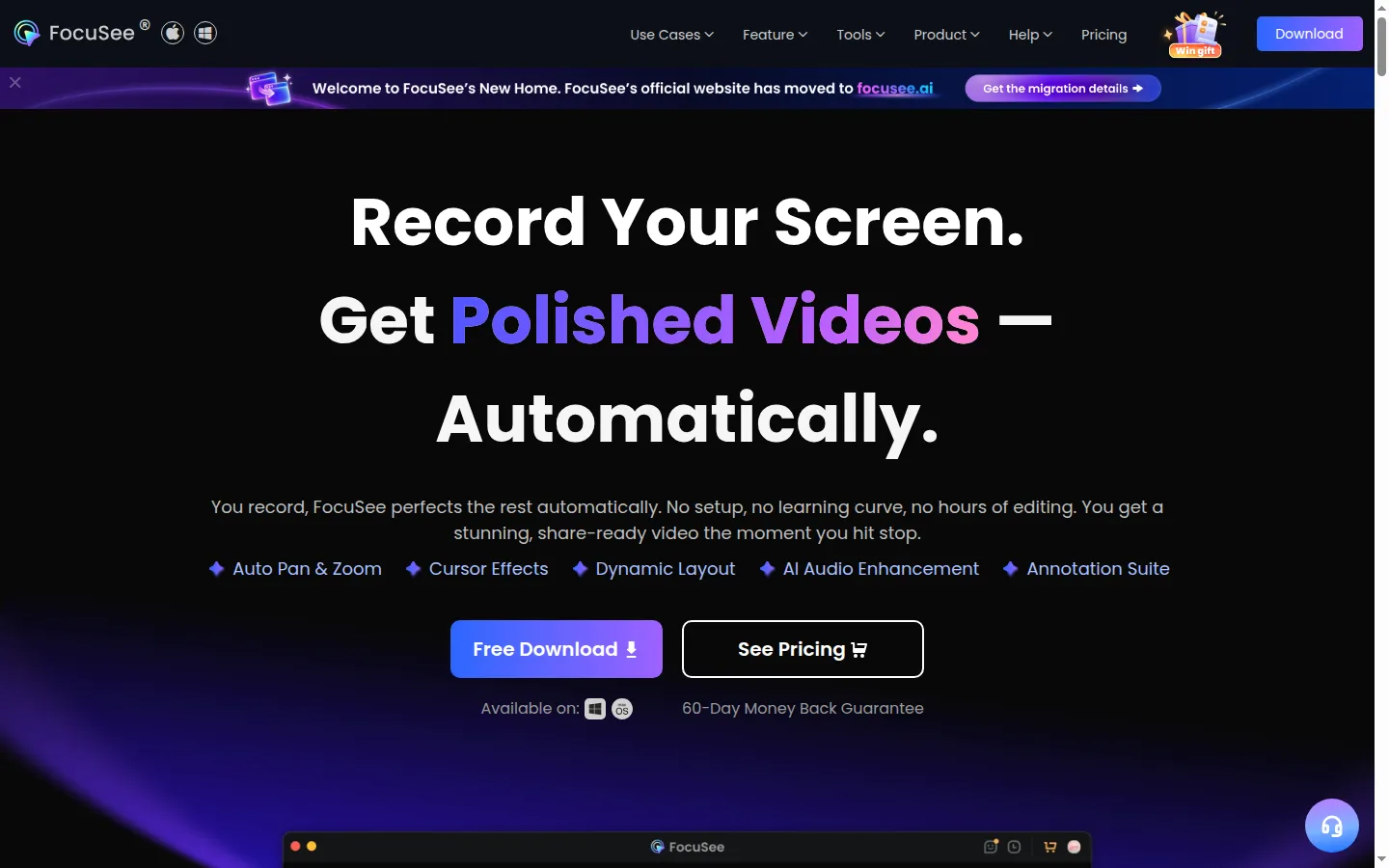
FocuSee Core Features
Auto zoom that follows clicks and typing sections without manual keyframes.
Cursor animation, 3D motion and spotlight effects applied after recording.
AI subtitles in 50+ languages with an editor for text, timing and SRT import.
AI background removal for webcam footage, no green screen required.
AI voice enhancement, noise reduction and one-click filler-word and silence removal.
Recording modes for full screen, window, custom area and iOS/Android devices over USB.
Built-in teleprompter plus automatic on-screen keyboard shortcut capture.
Export up to 4K 60fps as video or GIF, with presets for TikTok, YouTube, Instagram, Facebook and X.
Who is FocuSee for?
FocuSee is aimed at people who have to show software rather than describe it: product marketers recording demos, technical writers and support teams building how-to videos, course creators, sales engineers, and developers shipping release walkthroughs. The common thread is volume. Anyone who records two or three tutorials a week feels the editing tax that FocuSee is built to remove, because the zoom, the cursor and the cleanup no longer need a timeline session. Solo creators and small teams fit the Standard plan: one computer, unlimited videos and unlimited recording length, 4K at 60fps. Agencies, consultants and teams with several machines move to Advanced, which covers three computers, adds the AI credits for subtitles, voice enhancement, filler-word removal and avatars, and includes priority support. A lifetime licence covers five computers for people who would rather not renew. It is not a replacement for a full NLE. If you need multicam editing, colour grading, motion graphics or frame-accurate cutting of live footage, FocuSee sits before Premiere, Resolve or Final Cut rather than instead of them. It is also a poor fit for teams that need browser-based collaboration, since the product installs locally and stores recordings on the machine by default. Beginners are explicitly in scope: the pitch is "no setup, no learning curve", and the default path is record, stop, export. Experienced editors use it for the boring 80% and finish in their main editor only when a video needs something FocuSee does not do.
FocuSee Use Cases
Recording a SaaS product demo that looks edited without touching a timeline.
Turning a support answer into a short how-to video with captions.
Cutting a course lesson where pauses, filler words and background noise vanish automatically.
Recording an iOS or Android app walkthrough over USB with the same auto-polish.
Producing vertical clips for TikTok and Shorts from one landscape recording.
Filming a webcam explainer from a home office without showing the room.
Importing an existing screen recording and upgrading it with zoom, captions and audio cleanup.
FocuSee Pros and Cons
Pros
- The auto zoom and cursor work removes the most tedious part of tutorial editing.
- AI subtitles, background removal and audio cleanup are built in rather than sold as add-ons.
- Unlimited recording length and 4K 60fps export even on the entry plan.
- Cross-platform coverage: Windows, Mac and mobile device capture in one app.
Cons
- The AI features beyond noise and background removal consume credits on the Advanced plan.
- No team collaboration or shared review workflow; projects live on each machine.
- The free trial exports a single video, which is thin for evaluating a full workflow.
FAQ About FocuSee
FocuSee Pricing
Free trial with one 4K export. Standard $49.99/year or $19.99/month; Advanced $79.99/year or $24.99/month (3 computers, 3,600 AI credits/year); lifetime Advanced $199.99.
Check official pricingFree trial
Explore standard features and export one video in up to 4K; AI features need credits.
Standard (yearly)
1 computer, unlimited videos and recording length, 4K 60fps export, custom watermark, 5GB cloud.
Standard (monthly)
Same features as the yearly Standard plan, billed monthly, 7-day money-back guarantee.
Advanced (yearly)
3 computers, all Standard features plus 3,600 AI credits per year (300 monthly).
Advanced (monthly)
3 computers, AI features with 300 credits per month, cancel anytime.
Advanced lifetime
5 computers, lifetime access to FocuSee 2.x, 1,000 AI credits valid for one year.