
faceless.video
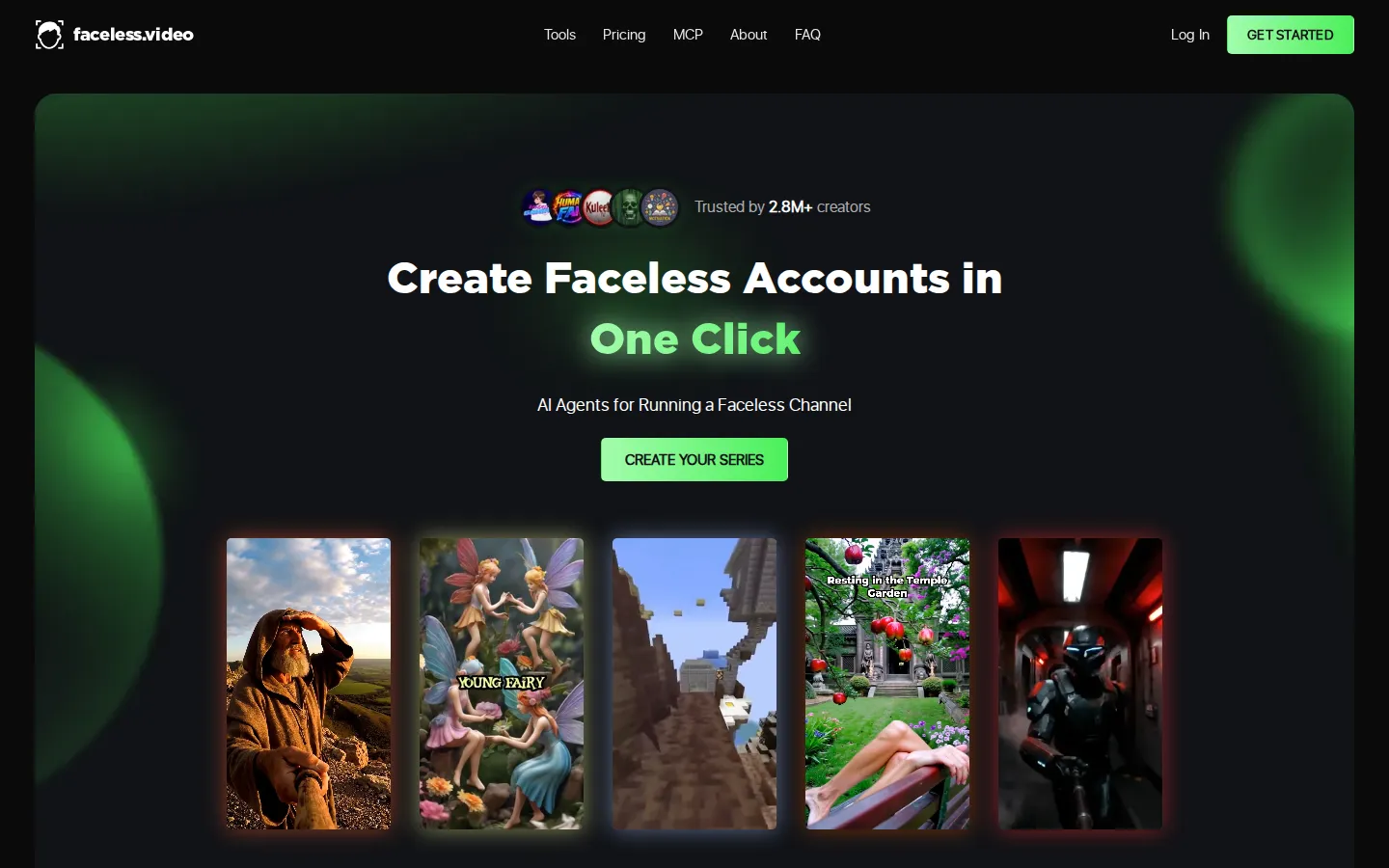
Faceless.video is an AI content system for anonymous short-form channels. You pick a niche, it writes scripts, generates narration, visuals and captions, then schedules or auto-posts each video to TikTok, Instagram Reels and YouTube Shorts. Ten specialist generators cover stories, POV clips, memes, podcast clips and AI influencers, and unused credits roll over between months on any paid plan.
What is faceless.video?
Faceless.video is a web app that builds and runs anonymous short-form video channels for you. Instead of filming, editing or hiring an editor, you describe a niche or paste a script and its AI agents write the narration, generate matching visuals, add timed captions and render a vertical video sized for TikTok, Instagram Reels and YouTube Shorts. The same account can then schedule those videos as a recurring Series, so new drafts appear on a cadence you choose and publish automatically once you approve them.
The product works in two layers. First, a library of ten focused generators: text-to-video, story videos, scary stories, POV clips, Italian brainrot memes, meme accounts, animated explainers, podcast clips, music fan pages and an AI Influencer Generator that drops a stock or custom avatar into videos. Each pre-fills the format, pacing and caption style, so the first draft looks like the niche rather than a blank timeline. Second, the automation: a Series holds your niche, posting frequency, connected social account and privacy settings, and keeps producing videos on that schedule.
Everything runs on credits. One balance is shared across video types, and heavier formats such as multi-scene AI Video or premium model clips cost more credits per scene, with the total shown before you confirm. Unused credits stay in your balance and roll over while a subscription is active, and subscribers can buy top-up packs without changing plan. Four monthly tiers cover roughly fifteen to one hundred and seventy-five videos a month, and annual billing takes thirty percent off.
A dashboard sits over the top: upcoming drafts, edit-before-publish, per-Series scheduling, privacy toggles and connection status for each channel. Videos can also be emailed to you instead of posted, which suits creators who upload manually or reuse footage as ad creative. For teams there is a separate business track with more than a hundred AI avatars and downloadable videos for paid campaigns.
Faceless.video also ships an MCP server and a ChatGPT plugin, so you can browse niches, check your credit balance, revise a script and start a Series by talking to an assistant, with every spending action run as a quote you confirm first. A developer API is available for programmatic access. The platform is browser-based, needs no editing skill, and is aimed at people running volume accounts rather than one-off projects.
faceless.video Core Features
Ten Niche Generators
Text-to-video, story, scary story, POV, meme, Italian brainrot, explainer, podcast clip, music fan page and AI influencer tools each pre-fill the format, pacing and captions for their niche.
AI Script, Voiceover and Captions
Every draft gets a written script, synthetic narration and timed captions, so a video is publishable without recording a voice or showing your face.
Series Automation
A Series stores niche, cadence, connected account and privacy settings, then keeps producing and publishing new videos on that schedule.
Edit Before Publishing
Review upcoming drafts in the dashboard, rewrite the script or render a new version, and hold any video back until it matches your voice.
Shared Credits and Top-Ups
One credit pool works across all video types, unused credits roll over while subscribed, and active subscribers can buy 10, 50 or 200 credit packs.
Autopost to Three Networks
Connect TikTok, Instagram and YouTube once and approved videos publish without manual uploads or file transfers.
MCP Server and ChatGPT Plugin
Drive the account from ChatGPT, Claude or any remote MCP client — browse niches, check credits, revise scripts and start a Series from chat.
Business Avatars
More than 100 AI avatar options, onboarding from your website and downloadable videos for paid ad campaigns.
Who is faceless.video for?
Faceless.video suits creators who want a short-form channel without appearing on camera and without editing skills. That includes solo operators running several niche accounts for ad revenue or affiliate offers, small media teams that need a steady posting cadence without a full-time video editor, and brands or agencies that want UGC-style vertical content for TikTok, Reels and Shorts at a fraction of agency cost. It also fits people who already have a topic, a script or a podcast episode and want it converted into captioned clips quickly, and anyone who would rather approve a draft in a dashboard than sit in an editing suite. Motivational, horror, history, gaming and celebrity-style story channels are the obvious sweet spot, because those formats rely on narration and stock-like visuals rather than a recognisable presenter. It is less compelling if you enjoy hands-on control over every cut, colour grade and sound design, since a traditional editor plus a scheduling tool gives you more latitude. Occasional publishers should also look elsewhere: the subscription and credit model rewards accounts that post consistently rather than one-off projects. Teams that need precise launch timing will prefer generating ahead and uploading manually. Businesses running paid social get a separate track with brand onboarding, more than a hundred AI avatars and downloadable creative for campaigns. Agencies managing many client accounts usually end up on Studio or several subscriptions, because each Series posts to its own connected channel.
faceless.video Use Cases
Launch a faceless YouTube Shorts or TikTok channel in a niche you have never filmed.
Run several niche accounts from one dashboard without hiring editors or freelancers.
Turn an existing podcast episode into captioned vertical clips for three networks.
Promote a music release with automated fan-page videos built from your own tracks.
Build a meme or POV account that keeps posting on a fixed daily cadence.
Produce UGC-style ad creative for a brand without booking creators or studios.
Test a new niche cheaply before committing a full production budget to it.
Hand an AI assistant the job of drafting and scheduling your next video series.
faceless.video Pros and Cons
Pros
- End-to-end workflow: scripting, narration, visuals, captions, scheduling and posting all live in one account.
- Ten specialist generators mean the first draft already fits the niche format instead of a blank timeline.
- Credits roll over and are shared across formats, so unused budget is not lost at the end of a month.
- Real automation surface: an MCP server, a ChatGPT plugin and a documented developer API.
- Annual billing takes 30% off, and Studio adds dedicated support for high-volume publishers.
Cons
- No free tier: you cannot generate a finished video without a paid plan, and credit costs vary by video type and scene count.
- Limited scheduling control — you set cadence and plan, but not the exact time each video publishes.
- Starter caps you at one connected social account, and premium multi-scene formats burn credits quickly.
FAQ About faceless.video
faceless.video Pricing
Subscription only, billed monthly or annually with 30% off annual. Starter is $20/month for 30 credits (up to 15 videos), Daily $35/month for 60 credits (up to 30 videos), Double $59/month for 120 credits (up to 60 videos) and Studio $149/month for 350 credits (up to 175 videos). Credits are shared across all video types and roll over while subscribed; top-ups cost $0.60–$0.80 per credit. No free plan — you can preview a video before paying.
Check official pricingStarter
30 credits per month, enough for up to 15 videos, all video types, unused credits roll over, one connected social account. Annual billing saves 30%.
Daily
60 credits per month for up to 30 videos, all video types, rollover credits and unlimited social accounts. The most popular tier for daily posting.
Double
120 credits per month for up to 60 videos, all video types, rollover credits and unlimited social accounts, suited to two posts a day.
Studio
350 credits per month for up to 175 videos, all video types, rollover credits, unlimited social accounts and dedicated support for high-volume publishers.
faceless.video Alternatives

DirectAI
DirectAI is a browser-based AI video studio for faceless channels. You give it a topic, a script, or a link to a video that already worked, and it writes the narration, generates scene visuals, adds captions and music, then renders a finished video ready for YouTube, Shorts, TikTok or Reels, with no camera work and no editing skills required.

Clippie AI
Clippie AI is a browser-based faceless video generator for TikTok, YouTube Shorts and Instagram Reels. It combines proven viral templates such as Reddit stories, fake text chats and stickman explainers with 16,000+ AI voices, captions in 102 languages, a free stock gameplay library and an AI Studio for motion transfer, image generation and long-form 16:9 documentary videos.

Paper Animation
Paper Animation is a browser tool that turns a typed keyword or one uploaded image into a short paper-style animation: folded cut-outs, highlighted newspaper clippings, magazine letters and fake press coverage. Clips export as 720x1280 MP4 or GIF, with a green-screen mode, and the free plan allows unlimited watermarked exports. It runs in the browser, so there is nothing to install.