EzMaker AI
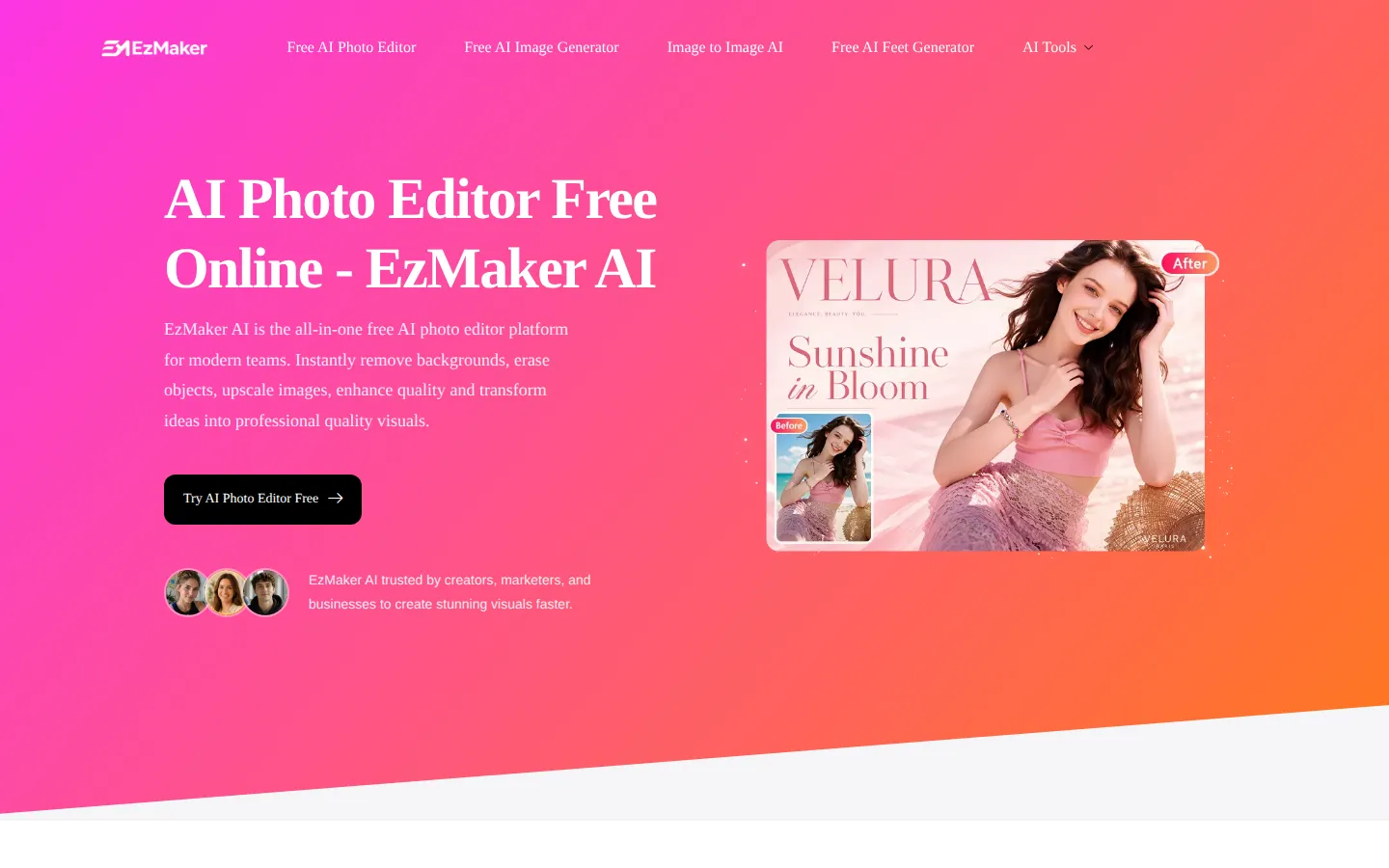
EzMaker AI is a no-signup online photo editor that bundles the editing jobs people normally open Photoshop for: background removal, object and watermark erasing, 4K upscaling, photo enhancement and AI image generation. Everything runs in the browser, uploads are deleted within 24 hours, and results download without watermarks.
What is EzMaker AI?
EzMaker AI is a free online AI photo editor built around a single upload-and-instruct workflow, and it covers the editing jobs that usually force people into a paid desktop suite. The platform bundles background removal, object erasing, watermark removal, image enhancement, 4K upscaling, old-photo restoration and AI image generation behind one browser interface, so a user can take a phone photo and walk it through several editing stages without installing anything or creating an account.
The core interaction is deliberately simple. You upload an image (JPEG, PNG or WebP up to 20MB) and either pick one of the prepared editing modes or type an instruction such as "replace background", "change hair colour", "remove object" or "restore old photo". The editor accepts prompts of up to 2,000 characters, offers aspect-ratio presets from 1:1 through 16:9, and returns a finished image in seconds. A single-edit mode handles one instruction at a time, while Multi Fusion applies several edits to the same source image in one pass, which is what makes the tool usable for batch-style product or catalogue work.
What separates EzMaker AI from most free editors is the breadth of the editing stack rather than a single headline feature. Object removal works as a magic eraser for photobombers, clutter and unwanted props. The background module both removes and expands a background, so a product shot can be re-staged against a new scene rather than only cut out. The enhance and upscale path targets soft, noisy or low-resolution uploads and pushes them toward 4K. A separate watermark remover addresses images that already carry stamps or overlays, and the generator side produces new images from text or transforms an existing image through image-to-image editing. Photo restoration rounds out the set for scanned or damaged family pictures.
Because the tool runs entirely online, there is no install, no GPU requirement and no model download, and the site states that uploaded photos are permanently deleted within 24 hours rather than retained or used for training. Output carries no watermark, and the editing tools are positioned as unlimited rather than credit-metered. The trade-off of that model is visible in the workflow itself: the editor is built for fast, single-image jobs rather than layered, pixel-precise retouching, so it complements a professional editor rather than replacing one for complex compositing.
EzMaker AI Core Features
AI background remover and expander
cuts subjects out cleanly and can generate a new background or extend the existing scene instead of leaving a transparent cut-out.
Magic eraser object removal
deletes photobombers, clutter, props and unwanted elements, then reconstructs the pixels behind them.
Image enhancement and 4K upscaling
sharpens soft uploads, reduces noise and lifts resolution toward 4K for print or large-format use.
AI watermark remover
strips stamps, logos and overlays from images that already carry them, without leaving a visible patch.
Old photo restoration
repairs scanned prints, fading and surface damage for family-photo and archive work.
Text-to-image and image-to-image generation
produces new visuals from a prompt, or transforms an uploaded image while keeping its composition.
Multi Fusion editing
applies several instructions to the same source image in one pass for batch-style product and catalogue work.
No-signup browser workflow
uploads are processed online, kept out of an account, and permanently deleted within 24 hours according to the site.
Who is EzMaker AI for?
EzMaker AI suits people who need competent image editing without paying for a subscription or learning a layered editor. Social media managers use it to strip backgrounds from product shots and re-stage them for campaign posts, and small e-commerce sellers use the same path to clean catalogue images before uploading them to a marketplace. Etsy and Shopify sellers in particular get value from the combination of background replacement, object removal and watermark removal, because those are the exact fixes marketplace listings need. Photographers and photo retouchers use the enhancement and 4K upscaling modules on soft or low-resolution deliveries, and they lean on the restoration tool for scanned prints and damaged family photographs that clients bring in. Marketing and design teams use the generator and image-to-image side to produce quick concept visuals or variations, then take the chosen direction into a full editing suite. Real estate agents and property marketers use background replacement and enhancement to make listing photos look consistent, while content creators and YouTubers use the object eraser to clean up frames and the watermark remover to clear images pulled from archives. Teachers and students use the free editor for presentations and coursework where a clean cut-out or an enhanced diagram matters more than pixel-perfect retouching. Freelancers who handle occasional design work use it as a zero-cost first pass before deciding whether a job justifies paid software. The common thread is the user who wants a specific outcome in a browser tab: no account, no credits, no learning curve, and no watermark on the result. Anyone doing complex multi-layer compositing, colour-graded retouching or print-grade work will still want a desktop editor, and teams that need shared libraries, approvals or brand assets are better served by a collaborative design platform.
EzMaker AI Use Cases
Strip the background from product photos and place them on a clean studio backdrop for marketplace listings.
Erase photobombers, clutter or unwanted props from a holiday or event photo and rebuild the area behind them.
Upscale a soft, low-resolution image to 4K for printing, large-format display or a client delivery.
Remove a watermark or logo stamped across an image you already own and need clean.
Restore a scanned family photograph with fading, scratches or surface damage before archiving it.
Generate a concept image from a text prompt to test a visual direction before briefing a designer.
Re-stage a single product shot against several different scenes for a seasonal campaign.
Enhance a phone photo's sharpness and lighting for a social post without opening a desktop editor.
EzMaker AI Pros and Cons
Pros
- Covers background removal, object erasing, upscaling, enhancement, watermark removal and generation in one free browser tool.
- No account, no install and no GPU required, so a first edit takes seconds from a cold start.
- Site states uploads are permanently deleted within 24 hours and are not retained or used for training.
- Downloads arrive without a watermark, which is uncommon among free editors.
- Prompt-based editing with a 2,000-character limit and aspect-ratio presets keeps the workflow simple.
Cons
- Not a layered editor: complex compositing, masking and precise retouching still need desktop software.
- The site markets 'unlimited' editing without publishing rate limits or fair-use terms, so heavy usage may be throttled.
- No pricing page or documented enterprise terms, which makes it hard to rely on for team or client work.
FAQ About EzMaker AI
EzMaker AI Pricing
Free to use with no account required; the site publishes no paid plans, no credit metering and no watermark on downloads.
Check official pricingFree
All editing tools — background removal, magic eraser, watermark remover, enhancement, 4K upscaling, restoration, text-to-image and image-to-image — with no sign-up and watermark-free downloads.
EzMaker AI Alternatives

Lummi
Lummi is a stock library where AI-generated photos, illustrations, and 3D models sit next to editing tools that work on the asset you just picked. Search by category, color, or mood, then reframe, restyle, or remove the background before downloading. The free tier covers standard-resolution personal and commercial use; Pro adds watermark-free files, ultra resolution, and generation credits.

PhotoTextEdit
PhotoTextEdit edits text inside existing photos, posters, screenshots and product shots without the original design file. Upload a PNG, JPG or WebP up to 10 MB, enter the original and replacement wording, and the AI regenerates the lettering with matched font, lighting and perspective in 30 to 60 seconds. A free Add Text tool is included.

SparkPix
SparkPix is a free AI photo editor that runs in the browser and edits photos from plain text instructions. Upload a JPG, PNG or WebP up to 20 MB, describe the change, and it removes backgrounds, erases objects, restores old prints, upscales resolution, restyles images or generates new ones using models such as GPT Image and NanoBanana.