
Evoto
Evoto is AI photo editing software built for professional photographers, covering tether, cull, retouch, and deliver in one end-to-end workflow across desktop, iPad, mobile, and online. Most features cost one credit per exported image, with 50 free welcome credits, pay-as-you-go packs, and annual subscription tiers. Evoto suits wedding, portrait, event, and commercial photographers who want faster, consistent retouching.
What is Evoto?
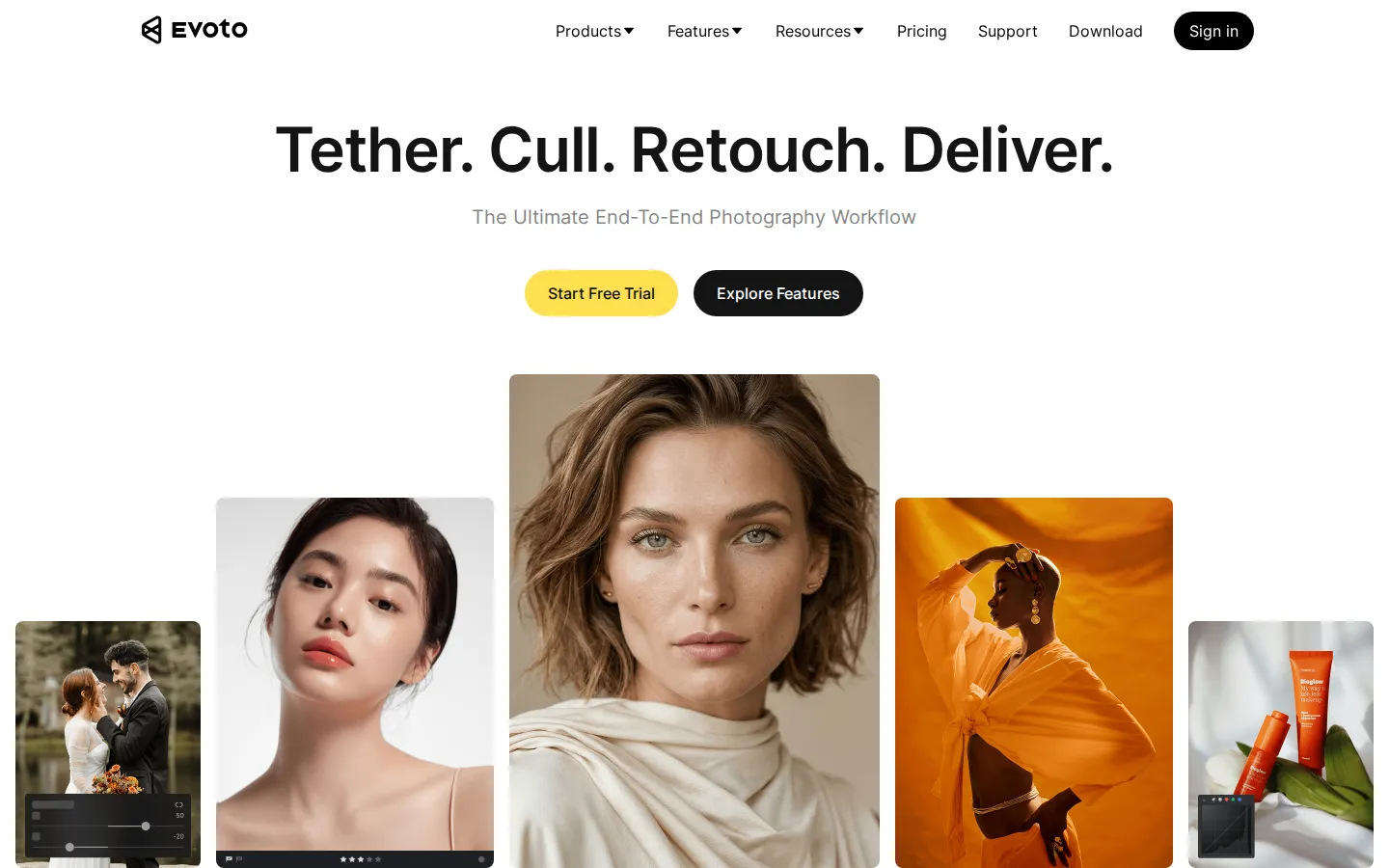
Evoto is an AI photo editing platform designed for professional photographers who need speed and consistency across large volumes of images. The product frames itself as the ultimate end-to-end photography workflow, covering four stages: tethering, culling, retouching, and delivery. Photographers shoot tethered into the application, cull to find the strongest shots, apply AI-assisted retouching to faces, skin, and scenes, and deliver finished images, all from one tool. Evoto runs across multiple surfaces including desktop, mobile, iPad, and an online version, plus a video-focused workflow, so photographers can work in the studio, on location, or on the go. The AI retouching engine automates tedious work such as skin smoothing, face sculpting, and color correction, while manual tools remain available for fine control. The product serves multiple photography genres including weddings, headshots, events, newborn, maternity, and beauty and fashion, each with tailored workflows. Pricing is credit-based: most AI features cost one credit per exported image, and new users receive 50 free welcome credits to test premium features risk-free. Paid options include pay-as-you-go credit packs, such as 200 credits for 22 dollars, and annual subscription tiers that bundle larger credit volumes, starting with a Starter plan of 800 credits for 80 dollars per year and scaling up to 24,000 credits for 1,205 dollars per year, with unused credits rolling over on renewal. Basic operations such as color adjustments, cropping, rotation, tethered shooting, and manual tools are credit-free. Enterprise plans are available for studios with custom needs. Evoto positions itself against manual retouching and slower legacy software by combining AI automation with a complete workflow, and its user base spans independent photographers, studios, and commercial teams that need reliable, repeatable retouching quality at scale. The annual subscription tiers are structured around predictable per-image economics: higher tiers lower the effective cost per credit, which matters for studios that process thousands of images monthly. Evoto also maintains an education and community presence, publishing tutorials and updates so photographers can improve their retouching workflows. The platform is continuously updated, with regular releases adding new tools and model improvements, and users on subscription plans receive full access to these updates as part of their plan.
Evoto Core Features
End-to-end workflow
Tether, cull, retouch, and deliver within one application instead of juggling tools.
AI retouching engine
Automates skin smoothing, face sculpting, and scene adjustments with consistent results.
Multi-surface apps
Desktop, mobile, iPad, online, and video workflows cover studio and on-location work.
Genre workflows
Dedicated tools for weddings, headshots, events, newborn, maternity, and beauty and fashion.
Credit-based pricing
Most features cost 1 credit per exported image, with 50 free welcome credits.
Pay-as-you-go packs
Buy credits when needed, for example 200 credits for $22, valid for two years.
Annual subscription tiers
800 to 24,000 credits per year with rollover on renewal.
Credit-free basics
Color adjustments, crop and rotate, tethered shooting, and manual tools cost no credits.
Who is Evoto for?
Wedding photographers use Evoto to cull and retouch large galleries quickly, keeping delivery times short during peak season. Portrait and headshot photographers rely on consistent AI retouching for skin, face shape, and lighting across hundreds of images. Event photographers processing thousands of frames benefit from the culling stage and batch workflows. Newborn and maternity photographers use genre-specific tools for delicate retouching needs. Beauty and fashion photographers use the AI engine for high-volume commercial retouching with brand-consistent skin treatment. Studio managers and retouching assistants use the desktop workflow with tethering to keep production moving during shoots. Commercial teams and agencies that deliver large volumes of product and people photography use the credit subscription tiers for predictable cost per image. Finally, photographers who shoot hybrid workflows across studio, mobile, and iPad use the multi-surface apps to keep editing consistent wherever they are. Photography studios with multiple retouchers use the consistent AI output to maintain uniform quality across the team. Second shooters and assistants use the culling tools to prepare galleries before the lead photographer edits. Photography educators and mentors use the software in workshops to teach efficient retouching workflows. E-commerce teams producing product and model photography use the batch processing to deliver catalogs on tight timelines. Real estate and architectural photographers use the color and light tools to standardize large sets of interior shots. In every case, the value is predictable, repeatable quality at a lower time cost than manual retouching.
Evoto Use Cases
Retouch a 1,500-image wedding gallery in a fraction of the manual editing time.
Cull event coverage to the strongest shots before committing to retouching.
Deliver consistent headshot retouching across corporate teams and actors.
Process newborn and maternity sessions with genre-specific AI presets.
Maintain brand-consistent skin treatment across beauty and fashion shoots.
Tether and edit in-studio so images are ready during the session.
Use the iPad app to retouch selects while traveling between locations.
Scale studio output with annual credit tiers and predictable per-image cost.
Evoto Pros and Cons
Pros
- Combines the full photography workflow in one product, reducing tool-switching.
- AI retouching produces consistent results at scale, valuable for high-volume genres.
- Credit pricing with free basics and rollover keeps costs predictable.
- Multi-platform apps cover studio, location, and mobile editing needs.
Cons
- Credit-based pricing means heavy AI usage accumulates costs across large galleries.
- The AI engine still requires manual review for fine commercial work.
- Full workflow value requires adopting Evoto across the entire editing pipeline.
FAQ About Evoto
Evoto Pricing
Credit-based: 50 free welcome credits, most features 1 credit per exported image; pay-as-you-go packs from $22/200 credits; yearly plans from $80/800 credits to $1,205/24,000 credits; enterprise custom.
Check official pricingFree Credits
50 free credits to test premium features; basic tools credit-free.
Starter Annual
800 credits per year (list $89), estimated $6.99/month, credits roll over.
Standard Plus Annual
1,600 credits per year with lower per-credit pricing (list $149).
Pay-as-you-go
Credit packs from 200 credits, valid for two years; larger packs up to 24,000 credits.
Enterprise
Customized plans for studios and commercial teams.
Evoto Alternatives

Lummi
Lummi is a stock library where AI-generated photos, illustrations, and 3D models sit next to editing tools that work on the asset you just picked. Search by category, color, or mood, then reframe, restyle, or remove the background before downloading. The free tier covers standard-resolution personal and commercial use; Pro adds watermark-free files, ultra resolution, and generation credits.

PhotoTextEdit
PhotoTextEdit edits text inside existing photos, posters, screenshots and product shots without the original design file. Upload a PNG, JPG or WebP up to 10 MB, enter the original and replacement wording, and the AI regenerates the lettering with matched font, lighting and perspective in 30 to 60 seconds. A free Add Text tool is included.

SparkPix
SparkPix is a free AI photo editor that runs in the browser and edits photos from plain text instructions. Upload a JPG, PNG or WebP up to 20 MB, describe the change, and it removes backgrounds, erases objects, restores old prints, upscales resolution, restyles images or generates new ones using models such as GPT Image and NanoBanana.