
Emoji Copy and Paste
Easily find and use your favorite icons with Emoji Copy and Paste.
What is Emoji Copy and Paste?
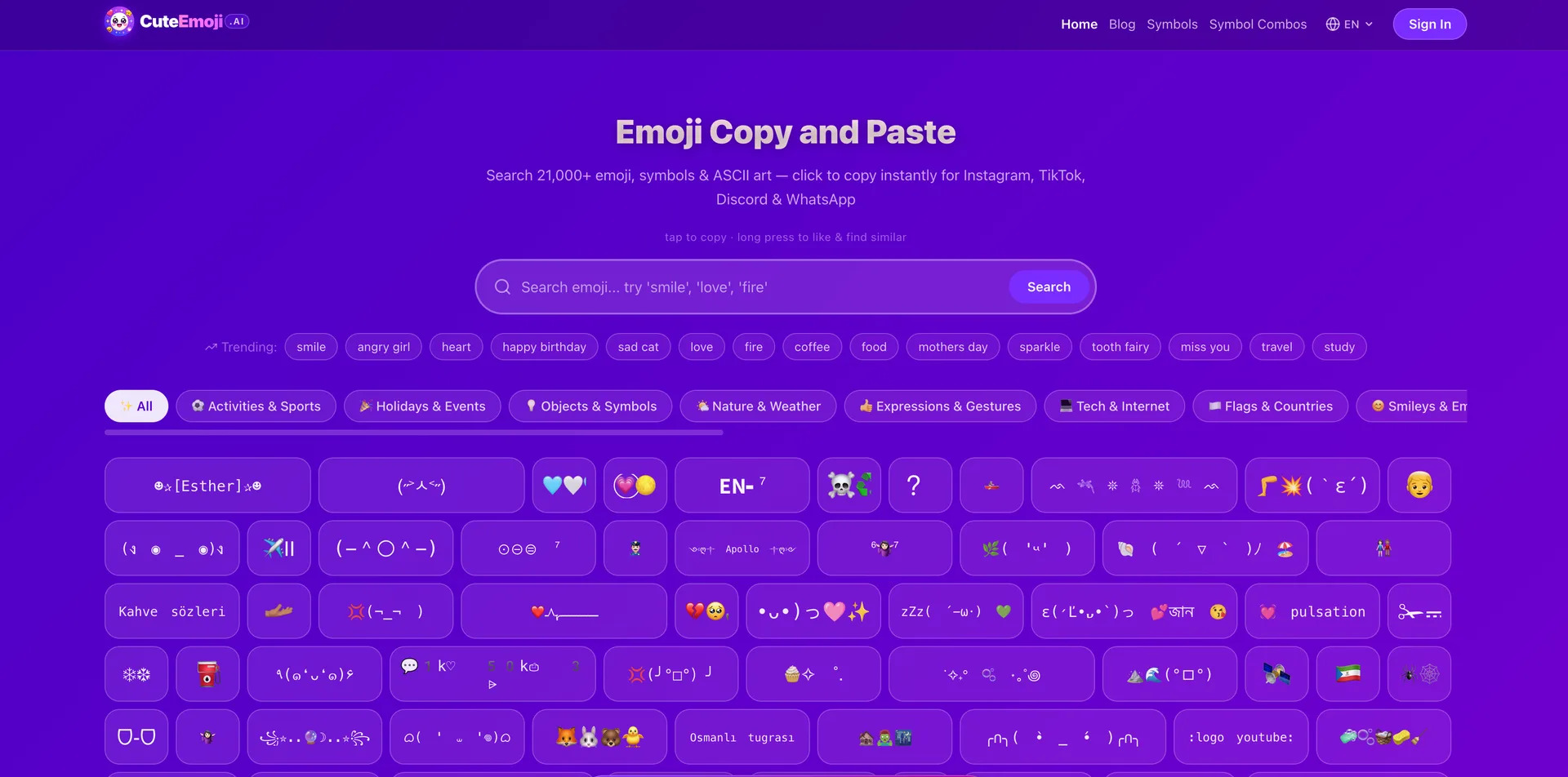
Easily find and use your favorite icons with Emoji Copy and Paste. Our simple tool lets you quickly browse, search, and copy emojis to use in social media, messaging, and projects. Enhance your digital communication with the ultimate emoji library FEATURES Emoji Library: Browse through a huge collection of icons all in one place. Quick Search: Type a keyword to find the exact emoji you need in seconds. Simple Copy: Click any icon to instantly copy it to your clipboard. Easy Pasting: Paste your chosen emojis directly into messages or social media posts. Enhanced Communication: Add fun and expression to your digital chats and creative projects
Emoji Copy and Paste Core Features
Emoji Library
Quick Search
Simple Copy
Easy Pasting
Enhanced Communication
Who is Emoji Copy and Paste for?
Easily find and use your favorite icons with Emoji Copy and Paste. Our simple tool lets you quickly browse, search, and copy emojis to use in social media, messaging, and projects. Enhance your digital communication with the ultimate emoji library
Emoji Copy and Paste Use Cases
Icons
Social Media
Communication
Emoji Copy and Paste Pros and Cons
Pros
- Wide Emoji Library: Thousands of emojis available in one place, saving time compared to scrolling through your phone keyboard.
- Quick Search Function: Instantly find the exact emoji you need by typing a keyword.
- Simple Copy-Paste: One‑click copy and easy pasting into any app, making the process seamless.
Cons
- Internet Dependence: Requires an online connection to access the emoji library, so it’s not usable offline.
FAQ About Emoji Copy and Paste
Emoji Copy and Paste Alternatives

Praktika
Praktika is an AI language tutor app where lifelike avatar tutors hold real conversations, correct your grammar and pronunciation as you speak, and build a study plan around your goals. It covers 13 languages across speaking, listening, reading and grammar, and includes 1,000+ lessons, role-play scenarios, adjustable tutor tone, business plans and a genuinely useful free tier.

Alex
Alex is an AI recruiter from Apriora that automates end-to-end hiring: it screens resumes, scores every applicant, interviews them by video, phone, SMS or WhatsApp in 26+ languages, verifies identity and fraud risk, then books qualified candidates onto recruiter calendars through more than 33 ATS integrations, so teams hire faster without adding headcount.

Convo
Convo is a desktop AI sales assistant that coaches reps live during calls, surfacing objection responses, buying signals and answers pulled from company documents. It drafts follow-ups and syncs notes, contacts and tasks to the CRM afterwards, giving managers call feedback and deal risk insight. It works bot-free with Zoom, Meet, Teams and Webex, from $22.49 per user monthly.