
Dokie
Dokie AI is an AI presentation agent and slides generator that creates complete, professionally designed decks from prompts, PDFs, Word, Excel, images or PowerPoint files. It generates context-aware visuals, turns data into charts and logic diagrams, applies your brand templates, and lets you refine layouts by describing changes, with a free tier to start.
What is Dokie?
Dokie AI is an AI presentation agent and online PPT maker that generates, converts and edits professional presentations automatically. Its core idea is content-first design: you provide a topic, a document or raw data, and Dokie adapts layout and structure to that content so every deck feels clear, focused and appropriate for its moment. It supports multiple input formats, including plain text, PDF, Word, Excel, images and PowerPoint files, and converts them into structured slides. The AI layer sits at the core of the product, shaping how content is understood, structured and turned into visual expression. That includes multi-format understanding of uploaded files, in-context image generation and search for visuals, and data and logic visualization that turns numbers and ideas into charts and logic diagrams at a glance. Beyond one-shot generation, Dokie works as an editing tool: you describe what you want to change, and it adjusts layouts, visuals, structure and more, which the company describes as advanced custom editing rather than superficial fixes. It also positions itself as a presentation agent rather than a basic generator, because it understands structure, refines content, maintains clean layouts and assists across the entire workflow, from first draft to final polish.
The product has expanded beyond classic slides. Interactive Story mode creates animated, interactive presentations that guide attention and make ideas memorable, and a newer feature called Visual Decks is powered by GPT Image 2. For brands, Dokie supports uploading custom templates and themes so generated presentations follow your design system consistently, and you can work from existing branded PPTX files. A notable direction is Dokie for Agents: you can connect Dokie to your own AI agent, and the agent generates structured, designed, interactive decks directly from the conversation, with no copy-paste or tool switching, using an MCP-style integration. The company also offers a template gallery, use-case pages, a blog and a community on Discord. Pricing runs on credits, described as fuel for AI tasks such as generating presentations, modifying slides or creating images. A typical new presentation costs around 100 credits and a single slide modification around 20 credits, and the free Starter tier combines 300 welcome credits valid for one year with 200 daily bonus credits valid for one day.
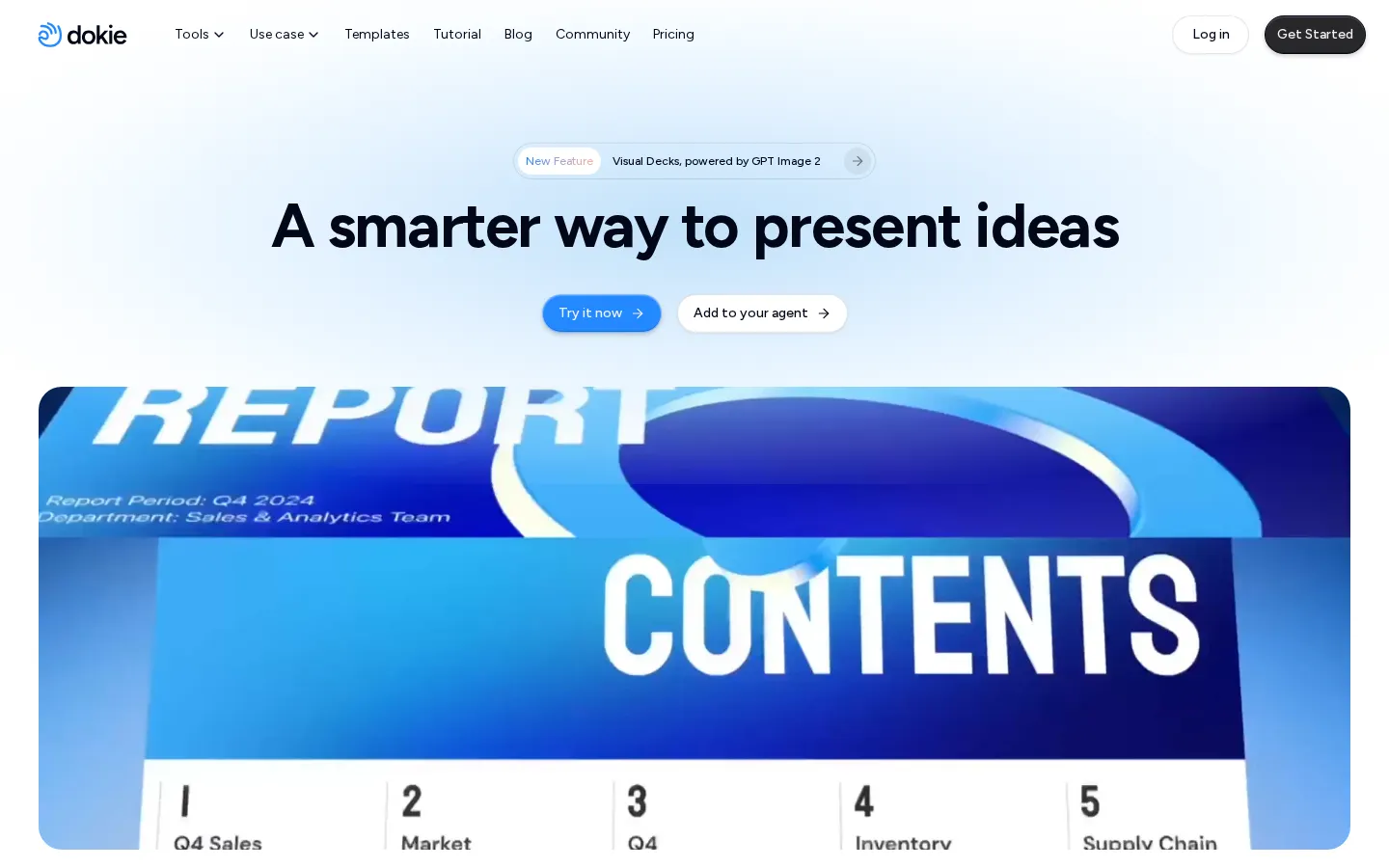
Dokie Core Features
Prompt-to-Deck Generation
Describe your topic and Dokie structures, designs and writes complete presentations automatically.
Multi-Format Import
Upload PDFs, Word files, Excel data, images or PowerPoint files and convert them into structured slides.
Image Generation & Search
Create the right visuals or find suitable images instantly, in context, as you build.
Data & Logic Visualization
Turn numbers and ideas into clear charts, diagrams and logic flows at a glance.
Brand Templates
Upload your own templates and themes so every generated deck matches your company design system.
Conversational Refinement
Describe a change and Dokie adjusts layouts, visuals, structure and more without manual editing.
Interactive Story Decks
Build animated, interactive presentations that guide attention, with Visual Decks powered by GPT Image 2.
Agent-Ready Workflow
Connect Dokie to your AI agent and let it generate structured decks directly from the conversation.
Who is Dokie for?
Dokie is for anyone who regularly has to turn ideas, documents or raw data into a presentation they can actually show. Consultants and strategists use it to convert scattered analysis and spreadsheets into structured client decks without spending hours on layout. Sales and marketing teams rely on it for pitch decks, proposals and campaign updates that stay on-brand, and the testimonials highlight founders who rebuilt the same deck in PowerPoint and in Dokie and found the manual workflow instantly outdated. Educators are a prominent audience: teachers who know what they want to explain but dislike design work use Dokie to turn lesson notes and PDFs into clear lecture slides, letting content and logic lead. Students benefit from fast, clean slides for coursework and presentations. AI researchers and product people who want decks that retain polish even after many revisions are also named as core users. Non-designers matter here more than in most presentation tools, because Dokie handles layout and structure automatically and explicitly promises that no design skill is needed. Brand-conscious teams can upload their own templates and themes on paid plans so every deck follows the company design system, which makes it attractive to agencies producing decks for multiple clients. People who work with messy source material, such as half-formed insights, scattered data and close deadlines, are the most enthusiastic reviewers. Finally, developers and AI-agent builders are a newer audience: Dokie for Agents lets a connected agent generate structured, designed, interactive decks directly from a conversation. It is less suited to people who want pixel-level control over every slide or who need offline, desktop-only presentation software.
Dokie Use Cases
Turn a product launch brief into a polished investor or client pitch deck in minutes.
Convert course notes, PDFs or Word handouts into clean, lecture-ready slides for teaching.
Transform scattered Excel data into clear charts and logic diagrams for executive reports.
Rebuild existing PowerPoint files in your brand template for consistent external proposals.
Refine a finished deck by describing layout or wording changes instead of dragging elements.
Hand presentation generation to your AI agent so it delivers decks from the live conversation.
Produce animated, interactive story decks for marketing demos that hold audience attention.
Dokie Pros and Cons
Pros
- Content-first design engine keeps layouts clean and consistent, so decks look finished without manual cleanup.
- Native support for PDF, Word, Excel, images and PPTX makes conversion and reuse of existing material easy.
- Custom brand templates let agencies and teams stay on-brand deck after deck without reformatting.
- Free daily credits plus affordable paid tiers keep the entry cost low for new users.
- An active Discord community, template gallery and tutorial decks support learning and feedback.
Cons
- Credits are consumed per action, around 100 per new deck and 20 per slide edit, so heavy iteration spends balance quickly.
- Daily free credits expire after one day and welcome credits after a year, which nudges regular users toward paid plans.
- Custom templates, themes and export options are locked behind paid tiers, limiting the free experience for brand work.
FAQ About Dokie
Dokie Pricing
Dokie runs on a credit system with a free Starter tier (300 one-year welcome credits plus 200 daily bonus credits), paid plans from $19/month for 2,000 monthly credits up to $199/month for 20,000, and custom enterprise pricing.
Check official pricingStarter
Free plan with 300 welcome credits valid for one year plus 200 daily bonus credits (valid one day); enough to generate a few decks at roughly 100 credits each.
Plus
2,000 credits each month for regular creators, students and professionals, with advanced perks such as custom templates and export options.
Pro
6,000 monthly credits for daily, high-frequency users, with custom templates, export features, faster support and product co-creation opportunities.
Ultra
20,000 credits per month for high-volume creators and power users, plus priority support, deeper product collaboration and early access to new features.
Enterprise
Tailored solutions with custom credit limits and dedicated support for teams that need advanced capabilities and personalized assistance.
Dokie Alternatives

Oreate AI
Oreate AI is an all-in-one AI workspace that makes everyone a pro at creating slides, spreadsheets, images, videos, and written content. The Oreate Agent handles file-based tasks with drag-and-drop, while specialized tools generate presentations, edit spreadsheets, create images, and produce videos with Seedance 2.5. Free daily credits make it accessible, with paid subscriptions from $19.99 per month.

Slidesgo
Slidesgo is a presentation platform from Freepik offering over 30,000 editable templates for Google Slides and PowerPoint, plus an AI presentation generator. The free plan includes 3 template downloads and 3 AI presentations per month; Premium adds unlimited downloads, no attribution, an ad-free experience, and early access to new AI features.

Illustrae
Illustrae is a scientific illustration platform for researchers, PhDs, educators, and professionals. It turns text prompts, sketches, photos, and abstracts into polished scientific figures, graphical abstracts, academic posters, presentation visuals, and editable research illustrations on an intelligent canvas.