
ClipLumi
Edit and enhance existing images with AI prompts, reference-image workflows, upscaling, restoration, uncropping, templates, and image generation.
What is ClipLumi?
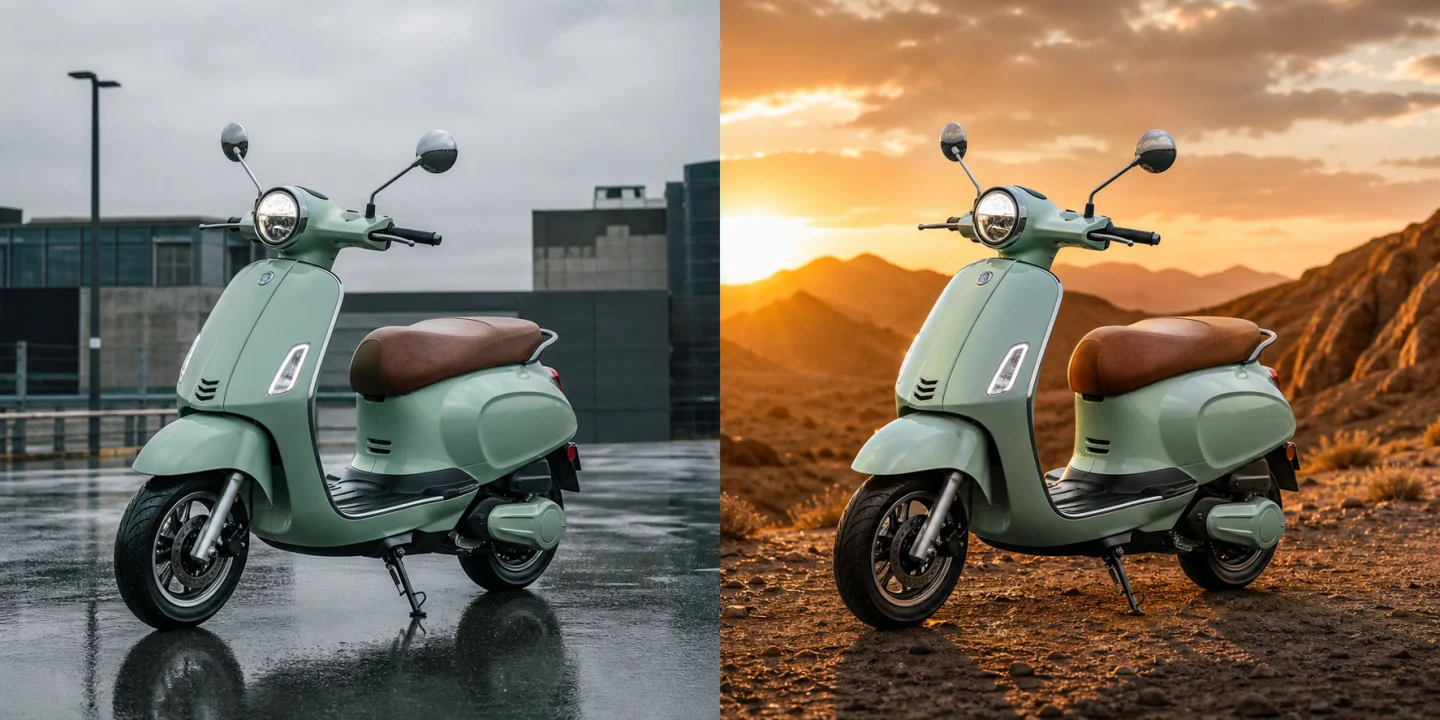
ClipLumi is an AI photo editor and image-generation workspace that combines prompt-based editing with reference-image workflows. Instead of treating every task as blank-canvas generation, it supports practical jobs such as changing part of an existing image, improving resolution, restoring older photos, extending image boundaries, and starting from reusable visual templates. The web interface brings these tasks together so a user can move between editing and generation workflows without switching tools. ClipLumi uses a freemium, credit-based model and requires sign-in for its core generation and editing flow.
ClipLumi Core Features
Prompt-based editing of existing images
Reference-image workflows for more controlled revisions
Image upscaling and enhancement
Who is ClipLumi for?
Creators, marketers, ecommerce teams, designers, and individuals who need to revise, enhance, restore, or extend existing images without rebuilding the whole visual from scratch.
ClipLumi Use Cases
Refine product and marketing images
Restore and improve older photos
Create alternate visual versions from a reference
ClipLumi Pros and Cons
Pros
- Focuses on revising images you already want to keep
- Multiple image workflows in one browser workspace
- Supports reference images as well as text prompts
Cons
- Core generation and editing workflows require an account
FAQ About ClipLumi
ClipLumi Alternatives

TextRaze
AI-assisted text edits for menus, posters, and labels. Select an area, enter original and replacement text, then generate and review. Paid credits.

Image2Image AI
Edit reference photos, artwork and sketches with AI. Explore styles and materials, then compare the new image with your original.

Free Image Generator
Free Image Generator is a browser-based AI studio that converts text prompts into four high-resolution images within seconds. Every account receives free daily credits, while paid plans add larger credit allowances, priority queues and watermark-free downloads. The wider toolkit covers background removal, image expansion, an AI music generator and one-click LoRA presets, so creators can produce visuals without switching apps.