
Cliphi
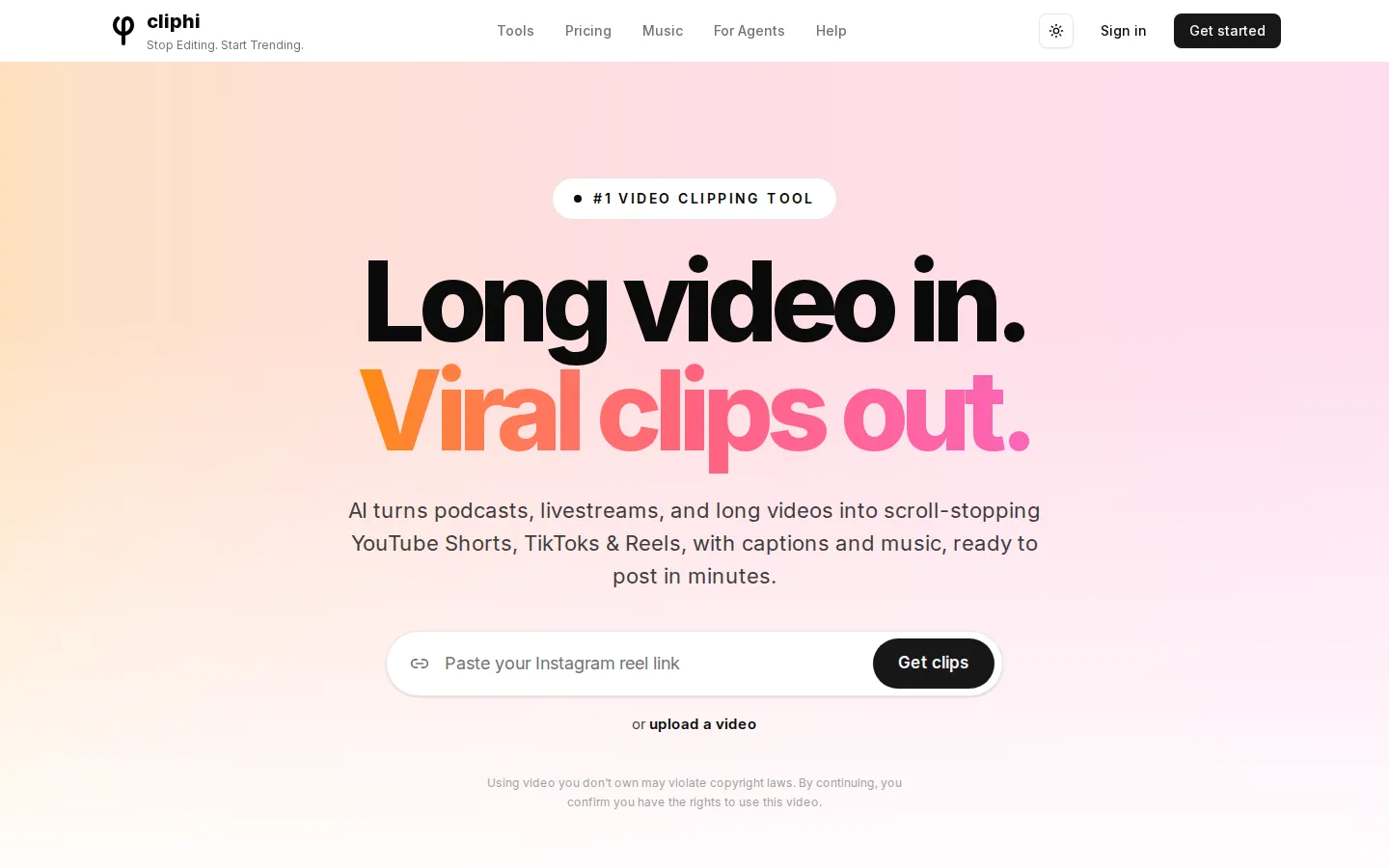
Cliphi is an AI clipping tool that turns long podcasts, livestreams and videos into vertical clips for YouTube Shorts, TikTok and Instagram Reels, adding word-by-word animated captions, AI background music and active speaker tracking so every clip arrives ready to post, with each highlight scored on viral potential before you publish it to a connected account or download the file for yourself.
What is Cliphi?
Cliphi is an AI video clipping platform that turns long videos, podcasts and livestreams into short vertical clips built for YouTube Shorts, TikTok, Instagram Reels and Facebook Reels. The workflow starts with a link or a file: you paste a YouTube, Twitch, Kick, Instagram, TikTok, Facebook, X, Pinterest or Google Drive URL, or upload an MP4, MOV or WebM from your phone or computer, and Cliphi scans the whole video for the moments most likely to perform. It analyses speech, energy and engagement signals, surfacing punchlines in podcasts, hype plays in gaming streams, insight drops in interviews and emotional peaks in any format, then scores each moment on viral potential so you know what to post first. Each selected moment becomes a finished vertical clip with word-by-word animated captions, AI-generated background music that ducks under speech, active speaker tracking that keeps faces centred frame by frame, and platform-ready framing. Multi-person podcast footage gets intelligent grid layouts, and you can record a camera reaction or a voiceover straight over any clip, with your words turned into that clip's captions. Creators who want control open the editor to trim timing, swap music, change caption fonts and colours, apply style presets, add intros, outros and thumbnails, build brand presets with logos and templates, drop in cinematic transitions such as Whip, Punch and Glitch, or set canvas backgrounds. Clips render in 9:16, 1:1 and 16:9, so one source covers Shorts, Reels, TikTok, Instagram feed and horizontal YouTube. Cliphi also clips from livestreams while the stream is still live, and can post or schedule directly to connected YouTube, TikTok, Instagram, Facebook, Threads and X accounts. Individual clips usually render in two to five minutes, and long sources such as a two-hour podcast deliver clips progressively rather than all at once. Beyond the core clipper, Cliphi includes ReShort and ReTok for pulling extra clips out of your own Shorts and TikToks, Supercuts for themed highlight reels built without editing, and Cut and Clip for grabbing a single moment instantly. There are unlimited clip ideas with pay-per-render, no watermarks, and every finished clip can be saved. Captions are available in more than 50 languages. The product runs in any browser on phone, tablet or computer and also ships as an Android app on Google Play, while on iPhone the site points users to Safari or any other browser. Files, both sources and finished clips, are stored for 30 days after creation, so exports should be downloaded promptly. Everything runs on credits that never expire, and every plan unlocks every feature, with Explorer at $4.99 per month, Starter at $9.99 and Pro at $29.99. Cliphi positions itself as up to 80% cheaper than competitors such as OpusClip and Kapwing on monthly price, and it asks users to confirm they hold the rights to any video they upload.
Cliphi Core Features
AI moment detection that scans the full video and scores each highlight on viral potential, with custom prompts for specific moment types
Active speaker tracking that follows faces frame by frame and builds grid layouts for multi-person podcast shots
Word-by-word animated captions in 50+ languages, with editable fonts, colours, size and position plus one-tap style presets
Custom AI background music per clip, generated to match mood and energy with intelligent ducking under speech
React and voiceover recording
drop your face in a draggable bubble or record voice only, auto-captioned
Direct posting and scheduling to YouTube Shorts, TikTok, Instagram Reels, Facebook, Threads and X
Livestream clipping that starts processing while the stream is still live, plus ReShort / ReTok and Supercuts highlight reels
Built-in editor with trims, transitions, canvas backgrounds, brand presets, intros, outros and thumbnails, in 9:16, 1:1 and 16:9
Who is Cliphi for?
Cliphi is built for creators and small teams who already own long-form footage and need a constant supply of short clips without hiring an editor. Podcasters are the clearest fit: a weekly two-hour episode becomes a batch of vertical moments with speaker framing and word-by-word captions, ready for TikTok, Reels and Shorts the same day. Streamers on Twitch, Kick and YouTube use it because Cliphi clips from livestreams while the stream is still live, so hype plays and funny moments ship before the VOD goes cold. Gaming channels, interview shows and tutorial creators get the same benefit from the virality score, which ranks moments so the strongest clip goes out first instead of the first one on the timeline. Social media managers and agency teams run multiple client channels and need volume with consistent branding, which is where style presets, brand presets with logos and templates, and direct posting or scheduling to connected accounts matter more than frame-level editing. Solo founders, coaches and course sellers who record long webinars or talking-head sessions can repurpose one recording across every platform in an afternoon. Cliphi also suits creators who dislike editing software: the default output is post-ready, and the editor is optional polish rather than a required step. Because it runs in any browser and has an Android app on Google Play, it works for people who cut clips on a phone between other tasks, including mobile-first TikTok and Reels accounts that never open a desktop. Budget-conscious operators are a further fit: at $4.99 a month for the Explorer tier, Cliphi costs less than most competitors' entry plans while still bundling every feature, so a channel testing short-form for the first time can start without a big commitment. It is less suited to editors who want manual timeline control, advanced colour work or multi-track compositing, to teams already deep in a full creative suite, and to anyone who needs to process copyrighted video they do not own.
Cliphi Use Cases
Turn a weekly podcast episode into a batch of vertical clips for TikTok, Reels and Shorts
Clip hype plays and funny moments from a Twitch or Kick livestream while it is still live
Repurpose long YouTube interviews and tutorials into short-form teasers with captions
Record a camera reaction or voiceover to comment over existing clips
Build themed highlight reels and supercuts without editing manually
Post and schedule daily short-form output for multiple client accounts
Convert webinar, course or coaching recordings into social-ready clips
Re-cut your own TikToks and Shorts into more clips with ReShort and ReTok
Cliphi Pros and Cons
Pros
- Very low entry price at $4.99/month, and credits never expire even after cancelling
- Every feature is included on every plan, so you never pay to unlock captions, formats or posting
- Output is post-ready by default: captions, music, framing and descriptions are generated for you
- Handles livestreams while they are still live and posts directly to six platforms
- Browser-based with an Android app, so clips can be made from a phone
Cons
- Usage is credit-metered at 1 credit per minute of input video plus 0.25 credits per second of rendered clip, so long sources burn credits quickly
- Videos and clips are deleted 30 days after creation, so you must download anything you want to keep
- There is no free plan, only a 3-day trial that converts to a paid subscription
FAQ About Cliphi
Cliphi Pricing
Cliphi is credit-based with three monthly plans: Explorer at $4.99/month for 1,200 credits, Starter at $9.99/month for 2,500 credits and Pro at $29.99/month for 8,500 credits. Every plan includes every feature, including captions, all aspect ratios, posting and scheduling, so the only difference is monthly credits. Each plan starts with a 3-day free trial and can be cancelled anytime. One-time credit packs cost $4.99 for 1,000, $19.99 for 4,000 and $49.99 for 10,000 credits, and all credits never expire. Processing uses 1 credit per minute of input video; rendering a captioned clip uses 0.25 credits per second of output.
Check official pricingExplorer
1,200 credits per month, all features included, 3-day free trial. Credits never expire.
Starter
2,500 credits per month (2x usage), all features included, most popular tier, 3-day free trial.
Pro
8,500 credits per month (7x usage), all features included, 3-day free trial.
Credit pack 1,000
One-time purchase of 1,000 credits, added instantly, never expires.
Credit pack 4,000
One-time purchase of 4,000 credits, added instantly, never expires.
Credit pack 10,000
One-time purchase of 10,000 credits, added instantly, never expires.
Cliphi Alternatives

DirectAI
DirectAI is a browser-based AI video studio for faceless channels. You give it a topic, a script, or a link to a video that already worked, and it writes the narration, generates scene visuals, adds captions and music, then renders a finished video ready for YouTube, Shorts, TikTok or Reels, with no camera work and no editing skills required.

Clippie AI
Clippie AI is a browser-based faceless video generator for TikTok, YouTube Shorts and Instagram Reels. It combines proven viral templates such as Reddit stories, fake text chats and stickman explainers with 16,000+ AI voices, captions in 102 languages, a free stock gameplay library and an AI Studio for motion transfer, image generation and long-form 16:9 documentary videos.

faceless.video
Faceless.video is an AI content system for anonymous short-form channels. You pick a niche, it writes scripts, generates narration, visuals and captions, then schedules or auto-posts each video to TikTok, Instagram Reels and YouTube Shorts. Ten specialist generators cover stories, POV clips, memes, podcast clips and AI influencers, and unused credits roll over between months on any paid plan.