Cleanup.pictures
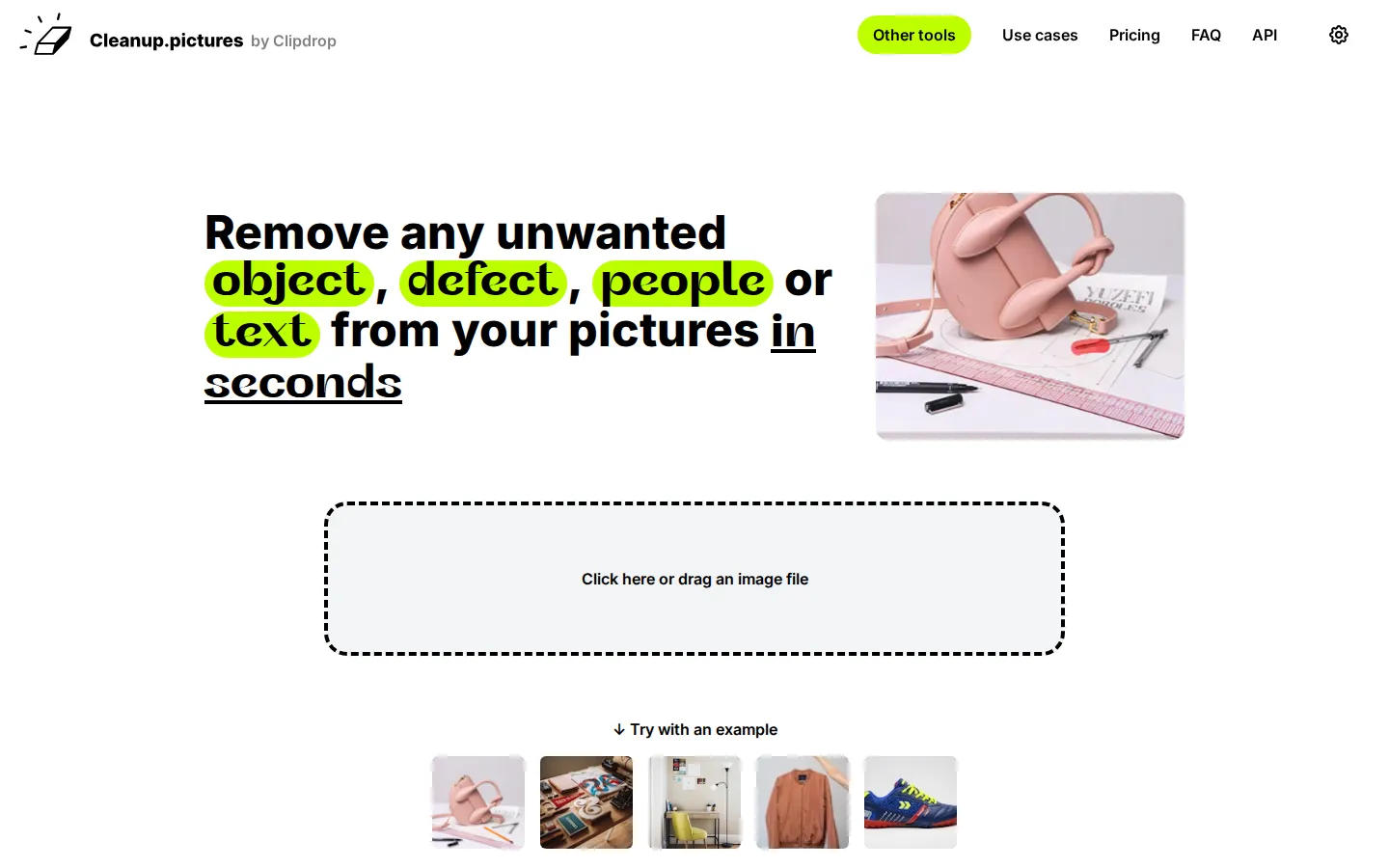
Cleanup.pictures is an AI-powered web app from Clipdrop that erases unwanted objects, people, text, watermarks and defects from any photo in seconds. Simply brush over what you want gone and its inpainting algorithm rebuilds the missing area with natural-looking detail. It serves photographers, agencies, real estate, e-commerce and developers, with a free tier and an API.
What is Cleanup.pictures?
Cleanup.pictures is a web application from Clipdrop that lets you clean up photos through a quick and simple interface. Its core job is object removal: you upload an image, brush over anything you don't want, and the AI inpainting algorithm reconstructs what was behind it in seconds. That covers unwanted objects, people who wandered into the frame, text, logos, date stamps, watermarks, and small defects such as cracks or blemishes.
The tool is built around artificial intelligence rather than the older clone-stamp approach. A clone tool like Adobe Photoshop Fix needs a background reference to copy pixels from, while the Cleanup AI genuinely guesses what was hidden behind the unwanted element and rebuilds it convincingly. The team positions this as the reason its results avoid the smears and lines that similar programs produce. A testimonial from Dawn Veltri, Director of Marketing at Raek, describes editing a problem photo in thirty seconds without any of that smearing.
The interface is deliberately minimal. You drag and drop an image, or click to load a file, then paint over the region you want removed. You can try the editor with sample images covering a bag, a table, a Paris street, a jacket and a shoe before uploading your own. There is no complicated software to install, and everything runs in the browser on both desktop and mobile. A couple of practical tips from the makers help quality: pick a larger brush and cover slightly more than the object itself, particularly shadows, so the algorithm has enough surrounding context.
Cleanup.pictures serves a broad set of users. Photographers use it to remove time stamps, tourists or cracks before printing pictures for customers and to polish portrait photos into clean profile shots. Creative agencies remix existing photos to replace parts with their own. Real estate agents remove unwanted objects and personal items so rooms look neutral. E-commerce sellers tidy product shots for listings and social media. All of them rely on the same underlying accuracy and speed.
Pricing starts with a free tier: unlimited images but export resolution limited to 720p. Pro, starting at $3 per month billed yearly (or $5 monthly), unlocks unlimited resolution and a high quality refiner. ClipDrop Pro, from $11 per month, bundles Cleanup with background removal, background replacement, uncrop, generative fill and many other tools. For developers, an inpainting API with usage-based pricing lets you add the same object-removal technology directly into a product, backed by documentation, a live demo and samples for environments such as Node.js, SwiftUI and Kotlin.
Cleanup.pictures Core Features
AI object removal that erases unwanted items and reconstructs the background
People remover for deleting tourists, strangers or bystanders from photos
Text, logo and watermark removal from images in just a few clicks
Defect and blemish cleanup for cracks, wrinkles, dust and time stamps
Free tier with unlimited images, exporting at a maximum resolution of 720p
Pro plan unlocks unlimited export resolution plus a high quality refiner
Clipdrop inpainting API for developers to add object removal to products
Simple brush-and-click interface that runs in desktop and mobile browsers
Who is Cleanup.pictures for?
Cleanup.pictures is aimed at anyone who needs to remove something from a photo without learning professional editing software. The product's own use-case section names photographers, creative agencies, real estate professionals, e-commerce sellers and developers, and the tool genuinely suits all of them because the workflow stays the same. Photographers are the clearest audience. They use it to remove time stamps from images, delete tourists from holiday or travel pictures before printing them for customers, clean portrait photos into perfect profile pictures, and remove cracks from old photographs. Professional studios treat it as a must-have because it cleans any image quickly and reliably. Creative agencies and designers use Cleanup's technology to produce stunning visuals fast. They remix existing photos, swapping parts for their own content, and stay in the creative flow because the tool gets out of the way rather than demanding setup and menus. Real estate agents use the app to remove unwanted objects from listing photos and to depersonalize rooms, flats, houses and apartments so buyers see a neutral space. E-commerce sellers upload product photographs and create clean, polished shots for their online stores and social media, including Instagram stories. Developers come for the API. They embed high-quality inpainting into their own products and use it in environments such as Node.js, SwiftUI and Kotlin, supported by documentation, a live demo and samples. Casual users benefit too. Anyone with a personal photo, a messy background, a stray watermark they are licensed to remove, or a blemish on a profile picture can open the browser, brush over the problem area, and download a clean result for free, without installing Adobe Photoshop or any other desktop application.
Cleanup.pictures Use Cases
Remove tourists and strangers from holiday or travel photos
Erase date stamps and time stamps before printing customer photos
Clean up product shots for e-commerce listings and social media
Depersonalize real estate photos by removing personal belongings
Delete text, logos or watermarks from images you are licensed to edit
Retouch portrait photos to remove blemishes, wrinkles and defects
Restore old photographs by removing cracks, scratches and dust marks
Embed automated inpainting into apps through the Cleanup API
Cleanup.pictures Pros and Cons
Pros
- Completely free for unlimited images, with no software to install
- Produces clean results in seconds without Adobe Photoshop or manual clone tools
- Works directly in the browser on both desktop and mobile devices
- Developer API available to build inpainting into your own product
- Trusted by agencies and brands including Hyundai, Treze and ZigZag
Cons
- Free exports are capped at 720p resolution, so high-resolution work needs a paid plan
- Advanced quality features like the high quality refiner are locked behind the Pro subscription
- No dedicated mobile app, so all editing happens inside the browser
FAQ About Cleanup.pictures
Cleanup.pictures Pricing
Cleanup.pictures is free for unlimited images at up to 720p resolution, with Pro from $5 per month ($3 per month billed yearly) unlocking unlimited resolution and a high quality refiner, while ClipDrop Pro bundles it with other tools from $11 per month.
Check official pricingFree
Unlimited images with export resolution limited to 720p
Pro
Unlimited images, unlimited resolution and a high quality refiner; $36 per year works out at $3 per month
ClipDrop Pro
Cleanup plus remove background, replace background, uncrop, generative fill and many other Clipdrop tools
API
High-quality, high-availability inpainting API priced by usage for developers
Cleanup.pictures Alternatives

Lummi
Lummi is a stock library where AI-generated photos, illustrations, and 3D models sit next to editing tools that work on the asset you just picked. Search by category, color, or mood, then reframe, restyle, or remove the background before downloading. The free tier covers standard-resolution personal and commercial use; Pro adds watermark-free files, ultra resolution, and generation credits.

PhotoTextEdit
PhotoTextEdit edits text inside existing photos, posters, screenshots and product shots without the original design file. Upload a PNG, JPG or WebP up to 10 MB, enter the original and replacement wording, and the AI regenerates the lettering with matched font, lighting and perspective in 30 to 60 seconds. A free Add Text tool is included.

SparkPix
SparkPix is a free AI photo editor that runs in the browser and edits photos from plain text instructions. Upload a JPG, PNG or WebP up to 20 MB, describe the change, and it removes backgrounds, erases objects, restores old prints, upscales resolution, restyles images or generates new ones using models such as GPT Image and NanoBanana.