
AutoEdit
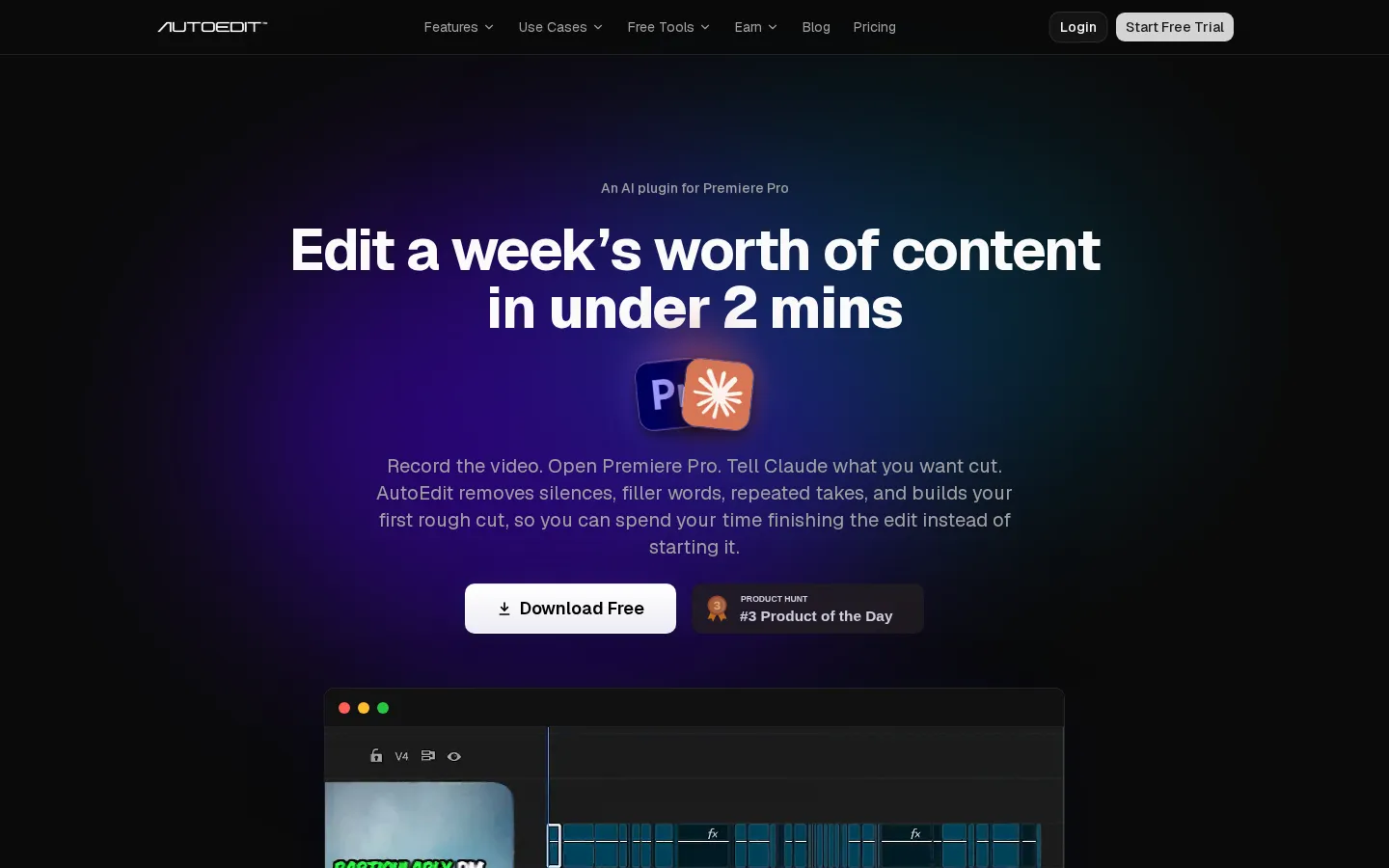
AutoEdit is an AI-powered auto-editing plugin for Adobe Premiere Pro. Powered by Claude AI, it removes silences, filler words, repeated takes, and bad takes, then builds a clean, fully editable rough cut directly inside your Premiere Pro timeline. It also generates captions in 99+ languages, switches multicam podcast angles, and reframes footage for vertical social video.
What is AutoEdit?
AutoEdit is an AI-powered auto-editing plugin for Adobe Premiere Pro that turns raw spoken-word footage into a clean, editable rough cut without leaving the timeline. It is built around Creator Mode, which records the video, opens Premiere Pro, and lets Claude AI remove silences, filler words, repeated takes, and bad takes, then assemble a first edit in minutes instead of hours. Installation is a native plugin, so there is no exporting, no web uploading, and no re-import loop; every cut stays editable in the Premiere Pro timeline for the editor to refine. The plugin is designed for talking-head footage: YouTube videos, podcasts, tutorials, vlogs, interviews, Reels, TikToks, and client content. Its feature set covers silence and filler-word removal, bad-take and repetition removal, AI context editing that reads meaning rather than waveforms, automatic captions in 99+ languages with premium caption styles and saved presets, and a timeline auto-build that structures the sequence in seconds. Add-on modes include Fast B-roll, AI Podcast Mode, which detects active speakers and switches multicam angles automatically, the AI Captions Applier, and Claude in Premiere Pro for chat-driven edit requests. A separate Auto Reframe feature converts horizontal footage into vertical video for social platforms without manual keyframing. Plans are usage-based, spanning a permanently free tier with four free tools and paid Lite, Creator, Pro, and Business subscriptions with monthly video allowances, AI editing hours, and chat-edit quotas. The site reports more than 15,000 editors using the tool, a 4.67 out of 5 Trustpilot rating from over 100 verified reviews, and endorsements from creators such as Premiere Gal. AutoEdit positions itself honestly as a first-pass assistant rather than a replacement for editors: it may cut a sentence you would have kept or choose a take you would not have picked, but it is meant to remove the repetitive setup work so creators can spend their time finishing the edit and publishing faster. It requires Adobe Premiere Pro on desktop, on Windows or macOS, and works natively inside that application.
AutoEdit Core Features
Silence removal
Automatically removes dead air and awkward pauses while keeping the natural pacing of the recording intact.
AI context editing
Powered by Claude AI, AutoEdit understands what you are saying and builds a smarter rough cut based on meaning rather than waveforms alone.
Repetition removal
Detects when the same idea or sentence is repeated, keeps the best take, and removes the rest.
Bad take removal
Cuts failed attempts, restarts, stutters, and weak takes so you begin from a cleaner timeline.
Filler word removal
Removes um, uh, like, and other speech clutter for a tighter, more polished delivery.
Auto captions in 99+ languages
Transcribes and captions content across many languages, with premium caption styles, saved presets, and a captions applier.
AI Podcast Mode
Detects active speakers and automatically switches camera angles for multicam podcasts inside Premiere Pro.
Auto Reframe
Turns one horizontal edit into vertical videos for social platforms using face and motion detection.
Who is AutoEdit for?
AutoEdit is aimed at video editors, content creators, and production teams who publish spoken-word video on a regular cadence and lose hours to the repetitive first pass of editing. YouTubers and talking-head creators are the clearest fit: they record long takes full of dead air, filler words, and false starts, and AutoEdit strips those out so they can move straight to polishing a rough cut. Podcasters benefit from AI Podcast Mode, which detects the active speaker and switches multicam camera angles automatically, removing the need to cut between cameras sentence by sentence, so long interview recordings become far less tedious to assemble. Instagram Reel and TikTok creators use the reframing and short-form tools to turn one horizontal recording into vertical clips without manually keyframing every shot, while LinkedIn creators and Facebook Reels publishers rely on fast, styled captions generated inside Premiere Pro. Freelance editors who juggle several clients and deadlines get the most direct return, because the plugin handles the slow setup work on every project and keeps the timeline fully editable for their own creative decisions. Corporate marketers and content teams producing weekly internal or campaign videos can standardise the first cut and free up time for review cycles. Media outlets, startups, sports creators, and gaming creators that push frequent updates also fit the profile. Because the tool requires Adobe Premiere Pro on desktop, the ideal user already edits in that application and does not want to export footage to a browser-based editor. Editors who already pay for Adobe Creative Cloud and want AI assistance without another subscription to a separate web editor will find the native-plugin approach the most natural. Agencies handling several brands can standardise a first-cut workflow across their editors, while solo creators get the routine trimming handled without hiring help. Budget-conscious beginners can start on the free tier with four free tools, while high-volume studios can move to Business with multiple editor seats and custom workflows. Anyone who rarely edits spoken-word footage, or who prefers an all-in-one web editor, will get less from AutoEdit because its strengths are transcription-driven cuts, captions, and podcast camera switching.
AutoEdit Use Cases
Edit talking-head YouTube videos by stripping dead air, filler words, and repeated takes before you polish the final cut.
Produce weekly Reels, TikToks, and Shorts from long recordings without keyframing every shot by hand.
Switch multicam podcast camera angles automatically based on which speaker is talking.
Generate and style captions inside Premiere Pro instead of round-tripping to a separate captioning app.
Reframe horizontal footage into vertical video for Instagram, LinkedIn, and Facebook placements.
Handle more freelance editing clients by automating the repetitive first pass on every project.
Speed up corporate and marketing talking-head edits while keeping every cut editable in the timeline.
Turn event recaps and music videos into a first assembly using the AutoEdit add-on modes.
AutoEdit Pros and Cons
Pros
- Runs natively inside Adobe Premiere Pro, so there is no export, upload, or re-import step and every cut stays editable.
- Claude-powered context editing removes bad takes, repetitions, silences, and filler words in minutes rather than hours.
- Broad feature coverage for the price, including multicam podcast switching, captions in 99+ languages, and Auto Reframe.
- Permanently free tier with four free tools and a no-card free account, plus a transparent usage-based upgrade path.
- Strong social proof, including a 4.67/5 Trustpilot rating, 15,000+ editors, and reviews from prominent Premiere Pro educators.
Cons
- Requires Adobe Premiere Pro on desktop (Windows or macOS); it is not a standalone or browser-based editor.
- Usage is capped by video count, AI editing hours, and chat-edit turns per month, so heavy users must upgrade.
- Creator Mode AI editing is excluded from the free tier, which only includes four basic free tools.
FAQ About AutoEdit
AutoEdit Pricing
Freemium. AutoEdit has a permanently free tier at $0/forever that includes four Premiere Pro tools (Paste Image, Silence Cutter, Sound Effects, and Motion Graphics) but no Creator Mode AI editing. Paid plans are billed annually: Lite is $7.99 per month effective ($95.88 per year), Creator is $14.70 per month effective for the first year ($176.34 first year, renewing at $287.88 per year), Pro is $63.99 per month ($767.88 per year), and Business is $145.27 per month ($1,743.24 per year). Every paid plan is usage-based, measured in videos per month, AI editing hours, and chat-edit turns.
Check official pricingFree
Permanently free tier with four free tools: Paste Image, Silence Cutter, Sound Effects, and Motion Graphics. No access to Creator Mode AI editing; the free account needs no card.
Lite
$9.99 per month billed monthly, or $95.88 billed annually ($7.99/mo effective, save $24). Up to 10-15 videos per month, 2 hours of AI editing, AI silence removal, basic auto captions, AI music (20 tracks/month), and AI SFX (60 sounds/month). No Chat Edit.
Creator
40% off the first year: $176.34 billed for the first year, then renews at $287.88/year (regular $23.99/mo). Up to 40-60 videos per month, 10 hours of AI editing, Chat Edit (100 AI chats/month), Claude AI editing, bad-take and repetition removal, Podcast Mode, 15 premium templates/month, premium caption styles, saved caption presets, and Auto Reframe.
Pro
$79.99 per month billed monthly, or $767.88 billed annually ($63.99/mo effective, save $192). Up to 100+ videos per month, 25 hours of AI editing, everything in Creator plus the full premium motion graphics library, 20-30+ new premium templates/month, premium MOGRTs and callouts, Chat Edit (250 AI chats/month), and priority processing with premium support.
Business
$1,743.24 billed annually. Self-serve plan for high-volume production teams: 500 Chat Edit chats per month, multiple editor seats, custom workflows, and subscription management from your account.
AutoEdit Alternatives

VideoBGRemover
Remove backgrounds from recorded videos online. Keep motion and audio, export transparent WebM or MP4. Free trial and paid plans.

BGChanger AI
Remove video backgrounds with AI, export transparent WebM or solid-color clips, keep original audio, and choose MP4, WebM, MOV, MKV, or GIF.

Kaleidly
Kaleidly is an AI repurposing studio for long videos. Paste a YouTube, TikTok, Instagram, X or Facebook link and it transcribes the episode, learns your writing voice from your own posts, then returns scored vertical clips with synced captions plus five text formats. One credit covers one minute of video. It understands 35 languages and writes posts in the language you write in.