
AmyMind
AmyMind is a free AI-powered mind mapping tool that converts text, PDFs, Word documents, Markdown files, and YouTube videos into structured mind maps. AI features like Ask AI, AI Branch, and AI Explore help expand and refine your maps, while one-click export to PowerPoint, PDF, Word, and Markdown makes it easy to present and share. A Pro plan unlocks higher limits, and it positions itself as 47% cheaper than Mapify.
What is AmyMind?
AmyMind is a web-based AI mind map generator that transforms unstructured content into structured mind maps and presentations. It accepts text input, Markdown files, PDF documents, MS Word documents, and even YouTube URLs, using AI to extract and organize the key topics into a visual mind map. The homepage highlights conversions from PDF, Word, Markdown, and YouTube captions, with the YouTube feature generating maps from video captions for lectures, tutorials, and talks. Beyond conversion, AmyMind includes an AI enhancement layer: Ask AI lets users discuss topics related to their mind map and get improvement suggestions, AI Branch generates new branches automatically, and AI Explore provides detailed information about a selected branch. The editor supports rich node notes with formatting like bold, italic, and highlights plus image insertion, an outline mode for hierarchical text editing, keyboard shortcuts for fast editing, and custom themes. Users can export mind maps to PowerPoint, PDF, DOC, TXT, Markdown, and PNG, and the Pitch Mode transforms a mind map into a presentation with one click. The free plan includes five AI actions per day, twenty mind maps, and 50MB of storage, while the Pro plan at $45 per year raises limits to 500 AI actions per day, unlimited files, 500MB of storage, folder management, and watermark removal. AmyMind markets itself as 47% cheaper than Mapify and maintains comparison pages against XMind and MindMeister. The site maintains extensive supporting resources including a user guide, blog, template gallery, and pricing comparison pages against Mapify, XMind, and MindMeister, along with an official resellers page for distribution partners. The pricing section explicitly welcomes budget-limited users to stay on the free plan, with the free tier supporting PNG, PDF, and DOC exports, five AI actions per day, twenty mind maps, and 50MB of storage. The roadmap is public on Trello so users can track planned features, and the contact channel is a direct email inbox. The product is positioned as an AI-powered alternative to traditional mind mapping tools, combining automatic conversion, AI-assisted expansion, and one-click presentation output in a single web application.
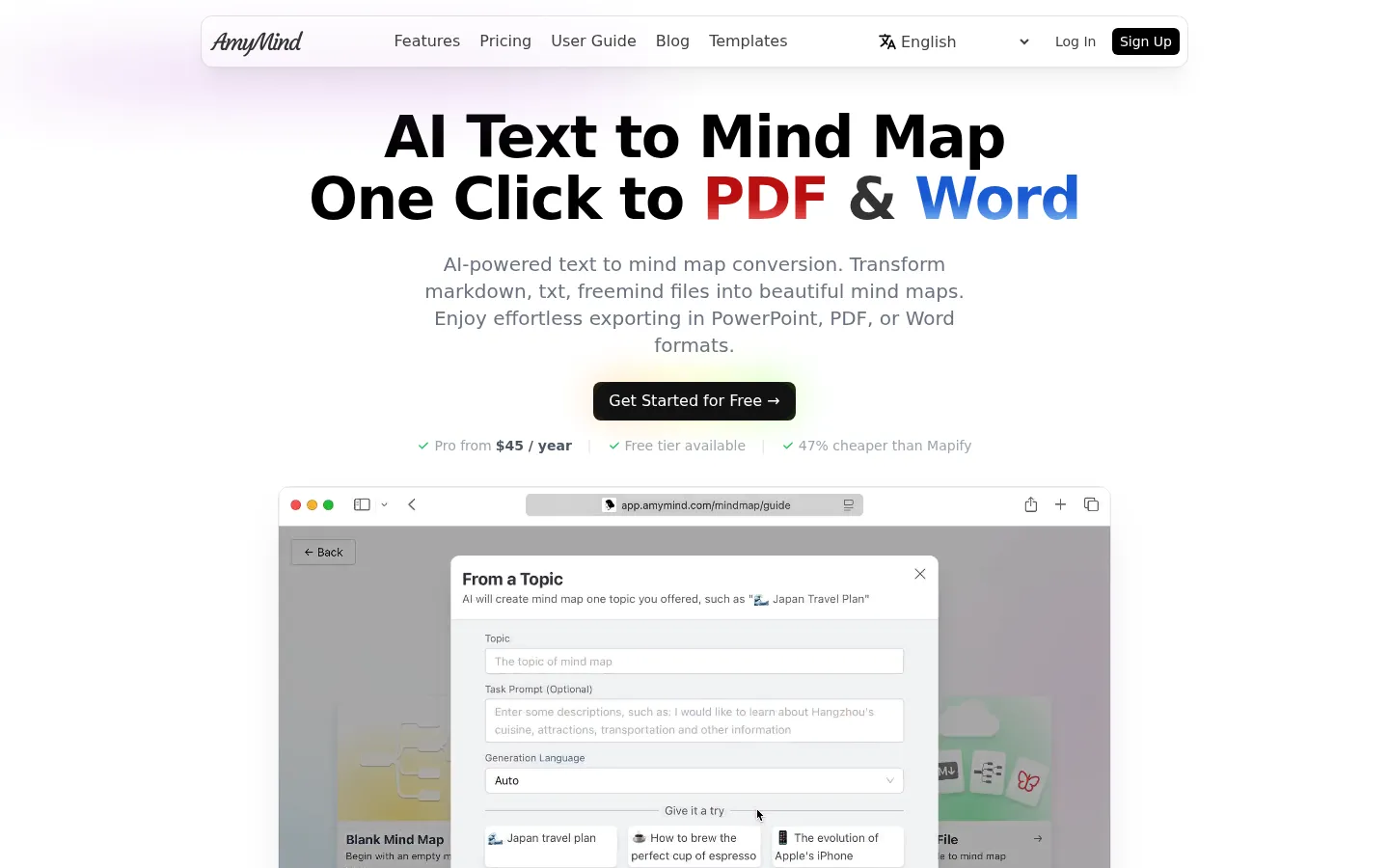
AmyMind Core Features
Text to mind map conversion with AI-powered topic extraction and structuring.
PDF, Word, and Markdown import that preserves document hierarchy in the map.
YouTube to mind map converts video captions into structured maps for lectures and talks.
Ask AI provides improvement suggestions and answers questions about your mind map.
AI Branch and AI Explore automatically generate new branches and detailed topic information.
One-click export to PowerPoint, PDF, Word, TXT, Markdown, and PNG formats.
Pitch Mode turns any mind map into a presentation with a single click.
Rich node notes, outline mode, keyboard shortcuts, and custom themes for editing.
Who is AmyMind for?
AmyMind is built for students, knowledge workers, product managers, and professionals who organize ideas visually and want AI assistance to accelerate the process. Students can convert lecture notes, PDFs, and YouTube lecture captions into structured mind maps for study and revision. Product managers and consultants use it to break down complex documents into visual structures and then export directly to PowerPoint for presentations. Researchers and analysts benefit from the PDF and Word conversion features when summarizing long documents. Writers and bloggers can turn Markdown notes into mind maps to outline articles and books. Educators and trainers can transform course materials into teaching visuals and presentation decks. Freelancers and small teams on tight budgets appreciate the free tier, which covers light usage, while frequent users can upgrade to Pro for 500 AI actions per day and unlimited files. The tool is multilingual, with interfaces available in English, Chinese, Japanese, Korean, Spanish, French, German, and more, making it accessible to international users. Because it handles both mind mapping and one-click presentation export, it appeals to anyone who needs to move quickly from raw information to a polished, shareable visual artifact. Non-native English speakers benefit from the multilingual interface, which covers English, Chinese, Japanese, Korean, Spanish, French, German, Italian, Portuguese, and Vietnamese, making the tool accessible for international teams and learners. Entrepreneurs and startup founders use AmyMind to map business plans and pitch structures quickly, then export to PowerPoint for investor meetings. The tool also serves readers and researchers who want to summarize long-form content, since the AI extraction handles documents and videos that would take much longer to process manually.
AmyMind Use Cases
Converting lecture PDFs and YouTube courses into study-ready mind maps.
Outlining articles, books, and research notes from Markdown and text files.
Turning meeting notes and Word documents into visual project structures.
Building presentation decks directly from mind maps via Pitch Mode.
Brainstorming and expanding ideas with AI-generated branches.
Summarizing long documents with AI Explore for quick topic overviews.
Preparing teaching materials and training visuals for students and teams.
AmyMind Pros and Cons
Pros
- Generous free tier with five daily AI actions and twenty mind maps.
- Wide import support including PDF, Word, Markdown, and YouTube.
- One-click export to PowerPoint, PDF, Word, and more formats.
- Significantly cheaper than Mapify according to the official comparison.
Cons
- Free plan limits AI actions to five per day and files to twenty.
- Pro subscription is billed annually at $45 per year.
- No dedicated mobile app; web-based experience only.
FAQ About AmyMind
AmyMind Pricing
Freemium: free plan with 5 AI actions per day and 20 mind maps; AmyMind Pro at $45 per year with 500 AI actions per day and unlimited files.
Check official pricingFree
Export PNG/PDF/DOC, 5 AI actions per day, 20 mind maps, 50MB storage.
Pro
500 AI actions per day, unlimited files, 500MB storage, folder management, no watermark.