
Workshop AI
Workshop AI is a build platform from Atlas Futures. Describe an app once and Arena Mode returns four free versions made by four different models; pick one and continue in Agent Mode. Workshop Cloud publishes with one click, Workshop Desktop runs locally with any framework, and paid plans add credits, private apps, custom domains, and team management.
What is Workshop AI?
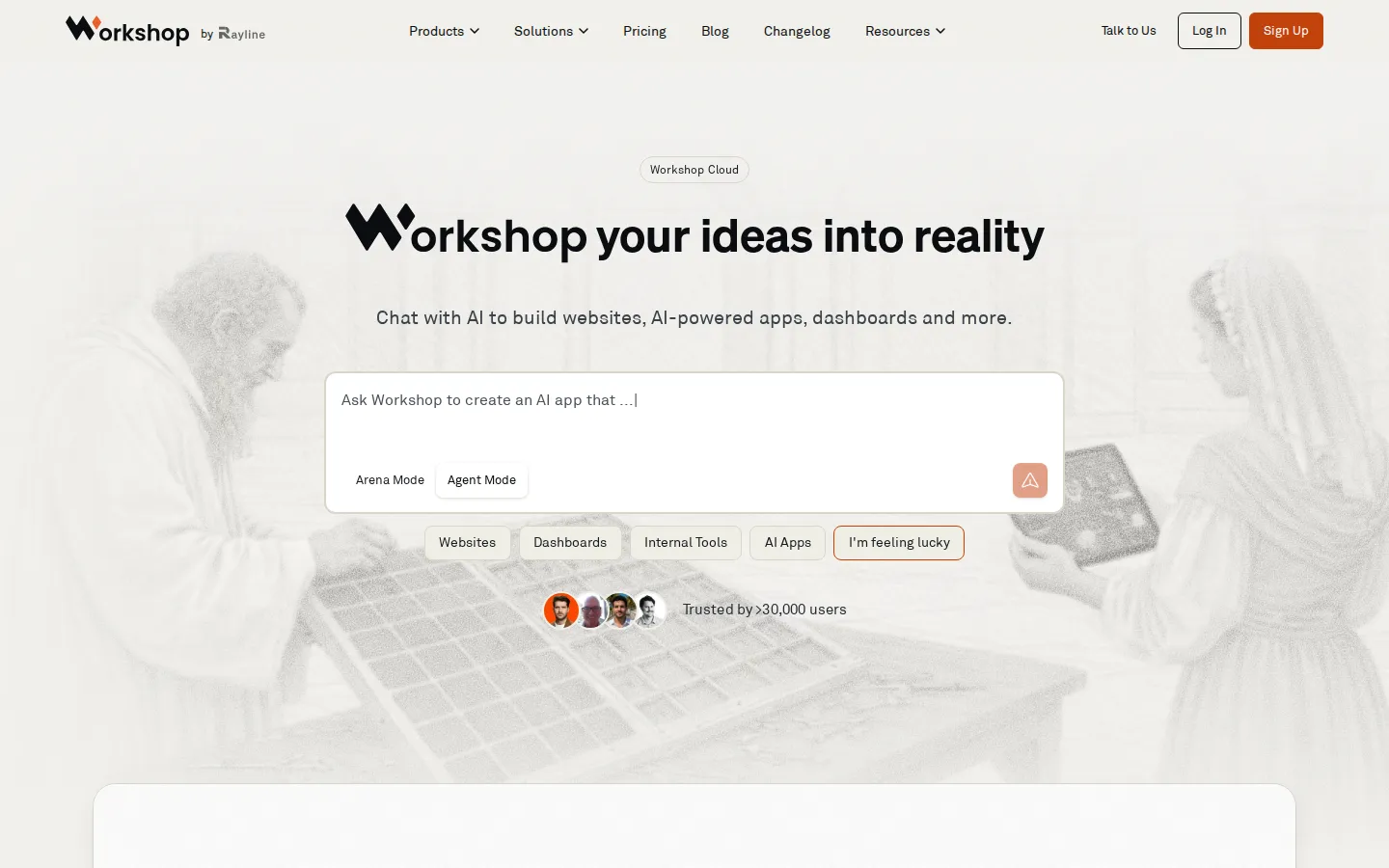
Workshop AI is a browser- and desktop-based build platform that turns a plain-language description into working software: websites, AI-powered apps, dashboards, internal tools, local utilities, and small games. It is made by Atlas Futures, Inc., the team behind the Rayline brand, and its documentation frames the product as agentic coding for builders who do not code, with the emphasis on the system around the models rather than on a single chat window. Two surfaces share one account. Workshop Cloud runs in a browser, needs no local setup, and publishes apps to a hosted URL with one click. Workshop Desktop installs on macOS, Windows, and Linux and gives the agent direct access to local files, terminals, and any language or framework.
Arena Mode is the signature feature. You describe an app once and Workshop builds four versions in parallel using four different AI models, then lets you try each result and vote without being told which model produced which app. The winner opens as an ordinary project. Arena builds are free, with one battle running at a time, and Arena is aimed at new frontend work such as a website, prototype, or dashboard. Projects that need a backend, database, authentication, or integrations move to Agent Mode, where a model selector switches between Anthropic, OpenAI, and Google models as well as others such as GLM, and an ARC option routes each request to a cheaper or stronger model automatically. Sub-agents split work across specialists, and Plan Mode scopes a job before any files change.
Cloud projects start from templates: dynamic React with a Python backend, static React, dynamic HTML, Streamlit, a flexible anything option, or an imported GitHub repository. Connectors cover BigQuery, Snowflake, Supabase, PostgreSQL, MySQL, MongoDB, Google Sheets, Google Drive, AWS S3, and GitHub, and a managed Neon Postgres database with built-in authentication can be added from project settings. Workshop Desktop adds one-click MCP server installation, the ability to have the agent build and test MCP servers, checkpoints, a local code interpreter, and support for local models, which the company says keeps work private and usable offline; the desktop page also claims 78% on SWE-Bench Verified.
Billing is credit-based rather than seat-based below Enterprise. AI credits pay for model usage at roughly one cent each, Cloud credits pay for compute and hosting, and paid plans can buy credit packs that stack on the monthly allocation. The pricing page lists four self-serve tiers, from a free Discover plan to a $200 Max plan, plus an enterprise tier with SSO and a forward-deployed engineer. The site reports more than 30,000 users, and the documentation cites patterns drawn from over 10,000 projects. Workshop is a web product with no documented public REST API; integrations arrive through connectors, MCP servers, and bring-your-own-key model access.
Workshop AI Core Features
Arena Mode
one brief becomes four working builds made in parallel by four different models, compared blind, with the winner opened as a normal project.
Agent Mode
a persistent coding agent edits files, runs the dev server, and iterates on the app in plain language, with Plan Mode for scoping before edits.
Multi-model selector
Anthropic, OpenAI, Google, and GLM models are switchable per conversation, and ARC routes routine work to cheaper models automatically.
One-click publishing
Workshop Cloud hosts published apps at a shareable URL and handles compute, with custom domains on paid plans.
Connectors and managed data
BigQuery, Snowflake, Postgres, MySQL, MongoDB, Supabase, Sheets, Drive, S3, and GitHub, plus managed Neon Postgres with authentication.
Workshop Desktop
a macOS, Windows, and Linux app with local file and terminal access, checkpoints, one-click MCP server installs, and support for local models.
Credit-based pricing
AI credits meter model usage while Cloud credits meter hosting, and credit packs stack on top of any paid plan allocation.
Templates and GitHub import
dynamic React, static React, dynamic HTML, Streamlit, an anything option, or an existing repository as a starting point.
Who is Workshop AI for?
Workshop AI is aimed at people who know the problem domain but do not want to hand-write the code. The clearest fits are: - Non-technical founders who need a working prototype or marketing site before raising money or hiring engineers. - Operations, RevOps, and finance analysts who already have data in BigQuery, Snowflake, Postgres, or Sheets and want a dashboard or internal tool without waiting in a ticket queue. - Product managers who want to test several interface directions in a morning, then keep iterating themselves or hand the chosen version to engineering. - Data analysts and BI-adjacent teams replacing a static report with an interactive app that stays connected to the warehouse. - Internal-tools and IT teams building admin panels, CRMs, and approval flows with built-in authentication instead of buying another seat-based SaaS product. - Freelancers, agencies, and indie developers shipping client sites and small apps faster, using Desktop when a project needs local files or an unusual stack. - Growth and marketing teams standing up campaign microsites, customer case-study pages, and documentation sites. The common thread is a concrete deliverable rather than open-ended coding: a page, a dashboard, a tool, or a prototype that someone will actually open. Teams needing audit trails, SSO, SLAs, and forward-deployed support are pointed to the Enterprise tier. Pure research work, model training, and heavy backend services sit outside the product's focus, as does anything that needs a documented platform API to call from existing systems, since Workshop publishes apps rather than exposing the builder itself.
Workshop AI Use Cases
Turn a one-paragraph brief into four competing website designs and keep the strongest layout.
Build a sales dashboard on top of BigQuery or Snowflake and share it with the revenue team by URL.
Replace a spreadsheet workflow with an authenticated internal tool for approvals, inventory, or onboarding.
Prototype an AI chat feature with a managed model connector instead of wiring API keys by hand.
Ship a client marketing site or case-study microsite in an afternoon, custom domain included.
Give a data team a Streamlit or React app that reads live warehouse tables instead of a static PDF.
Run a local build against private files or an unusual stack using Workshop Desktop and MCP servers.
Test a product idea with real users before committing engineering time to a full specification.
Workshop AI Pros and Cons
Pros
- Arena removes model shopping: four parallel builds from one brief let you judge output rather than benchmarks, and those builds cost nothing.
- One account spans browser and desktop, so a prototype started in the cloud can move to local files, terminals, and any framework.
- Connector coverage is wider than most no-code builders: warehouses, relational databases, MongoDB, Sheets, S3, and GitHub, plus managed Postgres with auth.
- Credit pricing is legible: about a cent per AI credit, separate compute credits, published pack prices, and rollover rules documented per plan.
Cons
- Credits expire: subscription credits lapse three months after acquisition, Discover credits never roll over, and unused monthly credits are forfeited on cancellation.
- Arena is frontend-only and not private: it handles new frontend apps only, runs one battle at a time, and Rayline states that Arena prompts, uploads, and votes are used to benchmark ARC.
- No documented public API: integrations arrive through connectors, MCP servers, and bring-your-own-key model access rather than an endpoint your own systems can call.
FAQ About Workshop AI
Workshop AI Pricing
Workshop AI uses a freemium, credit-based model. Discover is free with no credit card, a monthly AI credit allowance (250 credits per month in the docs, with a launch increase noted on the pricing page), publishing, both Cloud and Desktop, and 10-day data storage. Build costs $20 monthly for 1,500 AI credits, 75 Cloud credits, 1 GB storage, one private app with five viewers, unlimited public apps, a custom domain, and badge removal. Scale costs $50 for 5,000 AI credits, 250 Cloud credits, 10 GB storage, unlimited private apps and viewers, team management, a training opt-out, and 10% off credit packs. Max costs $200 for 25,000 AI credits, 1,250 Cloud credits, and the largest pack discount. Enterprise is quoted by sales with SSO and an SLA. Credit packs ($25, $100, $500) stack on paid plans.
Check official pricingDiscover
Free tier, no credit card required: a monthly AI credit allowance (250 per month in the docs, with a launch increase noted on the pricing page), app publishing, Workshop Cloud, Workshop Desktop, and 10-day data storage.
Build
For individuals and small teams: 1,500 AI credits, 75 Cloud credits, 1 GB file storage, one private app with a five-viewer limit, unlimited public apps, custom domain, badge removal, and credit pack purchases.
Scale
For heavy users and growing teams: 5,000 AI credits, 250 Cloud credits, 10 GB storage with no upload limit, unlimited private apps and viewers, custom domains, team management, data-training opt-out, and 10% off credit packs.
Max
For power users and large teams: 25,000 AI credits, 1,250 Cloud credits, the maximum discount on all credit packs, and everything included in Scale.
Enterprise
For large organizations: single sign-on, forward-deployed services, an enterprise SLA, volume discounts on seats, custom integrations, security reviews, and bring-your-own-key arrangements.
Workshop AI Alternatives

GoDaddy Airo AI Builder
GoDaddy Airo AI Builder is a prompt-driven site builder from GoDaddy. Describe a business or idea and it drafts pages, sections and copy, then lets you refine layout, tone and visuals with guided controls before publishing to GoDaddy hosting with SSL, forms and analytics included. Plans start free with credits, and paid tiers add custom domains, payments, bookings and more sites.

WHACKA
WHACKA is a no-code AI app builder that turns natural language descriptions into live applications. Describe what you need in a chat, and WHACKA generates the interface, database, logic, and a public link, usually within minutes. Hosting, authentication, storage, push notifications, and AI are included. Free plans start with 24 credits a month, and paid plans add credits, custom domains, and app store publishing.

BuildMyDiscord
BuildMyDiscord is a free AI Discord server builder. Describe your community in plain language and Claude designs the categories, channels, roles and permission rules, then deploys them to your own server in under two minutes. Every build ships with a management bot covering moderation, welcome banners, leveling, tickets and polls, while a Pro AI Editor keeps editing the live server on command.