
UX Pilot
UX Pilot is an AI-powered UX/UI design platform trusted by 1M+ users that generates wireframes, high-fidelity screens, and working prototypes from prompts, sketches, PDFs, or PRDs in seconds. Powered by its Glide model, it offers rapid wireframing, one-click hi-fi generation, design system imports, flowchart generation, predictive heatmaps, and two-way Figma sync with clean code export.
What is UX Pilot?
UX Pilot is an AI-powered UX/UI design platform that lets users ideate, design, and hand off web and mobile applications in one place. The homepage describes it as making smarter product design with AI, done in seconds, and reports more than 6.9 million designs made in a year and over 1 million users.
At its core is Glide, the proprietary AI design model behind UX Pilot 2.0. According to the site, Glide is trained on a hand-picked library of strong product design instead of scraped internet data, is rewarded for originality in color, layout, and structure, generates several genuinely different directions from a single prompt, and improves by learning from the edits designers make. The site claims Glide ranked first in an independent audit of four leading models and was preferred over Claude Opus 4.8 in 1,828 blind tests.
The workflow starts by describing a screen in plain language, uploading a sketch, PDF, or screenshot, or importing a PRD. UX Pilot then generates four distinct design looks at once so users can compare and pick a direction. It auto-generates structured low-to-high-fidelity wireframes and offers one-click conversion of wireframes into polished, on-brand high-fidelity screens. Different modes cover different needs: the Blitz model produces layouts in seconds for live calls, Deep AI Design focuses on quality and UX hierarchy, and Max Web Design adds depth, states, and edge cases for near-final work. Autoflow generates every screen in a UX journey end-to-end, and a flowchart generator maps user journeys and screen interactions.
The platform connects to existing workflows: two-way Figma connection, automatic code sync to GitHub, and ready-to-build code export. Users can import Figma components to create custom AI models that keep output consistent with their design system. It also includes predictive heatmaps, design review, reference image-to-design, document-to-design, a website cloner on paid plans, an AI Handbook, tutorials, and a library of web and mobile templates. UX Pilot is SOC 2 compliant and offers enterprise governance features such as SSO, SCIM, audit logs, and custom data retention.
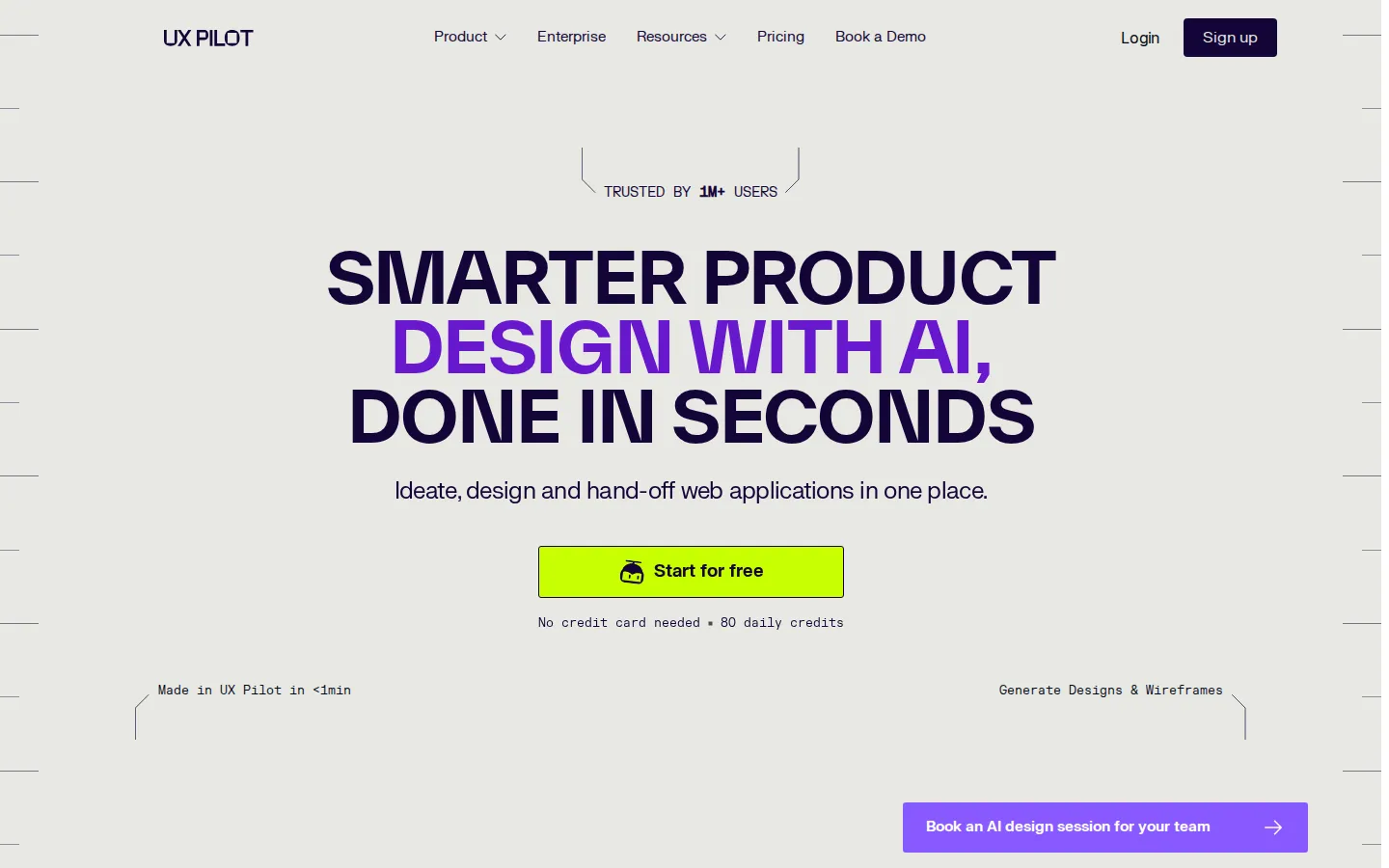
UX Pilot Core Features
Generate designs from prompts, sketches, PDFs, or PRD imports in about 12 seconds.
Auto-generate structured low
to high-fidelity wireframes following current UX trends.
One-click conversion of wireframes into polished, on-brand high-fidelity screens.
Two-way Figma sync plus clean, ready-to-build code export for developer handoff.
Glide model generates four distinct design directions per prompt and learns from edits.
Import Figma components to create custom AI models that keep designs on-brand.
Predictive heatmaps and AI design review validate layouts before shipping.
Autoflow generates complete end-to-end UX journeys; AI flowcharts map interactions.
Who is UX Pilot for?
UX Pilot is made for anyone who designs, builds, or ships digital products. Its primary audience is UX and UI designers who want to move from idea to high-fidelity design without tedious block-drawing, hand-drawn wireframes, or starting every screen from a blank canvas. Product managers use it to turn PRDs, notes, and rough sketches into visual concepts stakeholders can react to quickly. Founders and startups use it to explore concepts, compare design directions, and produce near-final screens for MVPs and demos without a full design team. The platform also serves agencies and consultancies that need client mockups fast and the ability to iterate on feedback during live calls — the Blitz model is positioned for exactly that. Development teams benefit from two-way Figma sync, GitHub code sync, and clean HTML/CSS export that smooth design-to-development handoff. Enterprise product teams can import their existing Figma design systems to build custom AI models, enforce brand consistency, and get SSO, SCIM, audit logs, and dedicated support. The site says it is trusted by more than 1 million designers, product managers, and founders, with testimonials from project managers and logos from companies including Apple, Microsoft, Spotify, HubSpot, and Amazon. Whether you are a solo founder sketching an idea, a UX professional refining complex flows, or an agency team juggling multiple client projects, UX Pilot is designed as an AI partner across the whole product journey.
UX Pilot Use Cases
Turn product ideas into wireframes and prototypes fast in early-stage startups.
Convert PRDs and product specs directly into high-fidelity UI screens.
Compare multiple AI-generated design directions before committing to a concept.
Agencies speed up client mockups and iterate on feedback during live calls.
Streamline developer handoff with clean code export and GitHub sync.
Import a design system to keep every generated screen on-brand.
Redesign existing websites with the AI website redesigner and website cloner.
Map user journeys with AI flowcharts and Autoflow screen generation.
UX Pilot Pros and Cons
Pros
- Free plan includes every design feature with 80 daily credits and no credit card required.
- Very fast generation — idea to design in about 12 seconds, great for live client calls.
- Deep Figma integration with two-way sync, component import, and clean code/GitHub export.
- All design features are included on every plan — plans differ by capacity, not features.
- SOC 2 compliant with enterprise governance including SSO, SCIM, and audit logs.
Cons
- Free-plan credits don't roll over — unused daily credits expire at the end of each day.
- No refunds on paid subscriptions due to high AI model and GPU provisioning costs.
- Some features (website cloner, top-up credit packs) and enterprise controls require paid plans.
FAQ About UX Pilot
UX Pilot Pricing
Free plan with 80 daily credits (no credit card required); paid plans start at $19/month billed annually for Pro, $31/user/month for Teams, and custom pricing for Enterprise.
Check official pricingFree
80 daily credits (no rollover), up to 13 screens per day, every design feature, and export to Figma and code.
Pro
Billed annually ($29 monthly). 750 monthly credits, up to 125 screens, website cloner, and top-up credit packs.
Teams
Billed annually ($39 monthly per user). 900 monthly credits per user, shared team credit pool, seats, roles, real-time collaboration, custom integrations, and priority support.
Enterprise
Custom credit volumes and screens, AI fine-tuned on your brand system, full design system import, SSO, SCIM, audit logs, and a dedicated account team.
UX Pilot Alternatives

BlockPoster.ai
Create custom block posters from your photos or AI-generated art with BlockPoster.ai. Easily crop, split, and preview designs for free.

Zoviz
Zoviz is an AI branding and content platform for small businesses, creators, and agencies. Set up a Brand Profile with your audience, voice, colors, and fonts, then generate logos, business cards, social posts, product ads, videos, and websites that automatically match your brand. It also offers API and MCP access for developers, plus mobile apps for iOS and Android.
NormalMap AI
NormalMap AI is a free browser-based generator that converts a single photo or albedo texture into a complete set of PBR maps—normal, height, roughness, metallic and ambient occlusion—using real-time WebGL, so nothing is uploaded. Its AI section turns text prompts into seamless, tileable textures, and the built-in 3D viewer previews results on spheres, cubes and planes before you download transparent PNGs.