
Upscayl
Upscayl is a free and open-source AI image upscaler available as a desktop app for Linux, macOS, and Windows. It turns blurry, pixelated photos into sharp high-resolution images using multiple AI models, with batch processing, double upscaling, and up to 16x resolution gains. Upscayl Cloud adds browser-based upscaling, AI image generation, face enhancement, and unlimited cloud storage for users who prefer not to run models locally.
What is Upscayl?
Upscayl is a free and open-source AI image upscaler that lets anyone enhance low-resolution, blurry, or pixelated images into crisp high-detail pictures. The project started as a desktop application for Linux, macOS, and Windows, and it has become one of the most popular free alternatives to paid upscaling services, praised by press outlets and creators as a genuine replacement for expensive tools. Users can choose between several AI models tuned for different image types, upscale photos by up to 16x their original resolution, process multiple images in one batch, and even run a second pass over an image for additional quality. The desktop app is completely free, requires no account, and runs locally on the user's own hardware, which appeals to privacy-conscious photographers and designers. Beyond the desktop app, Upscayl offers a cloud service called Upscayl Cloud that removes the need for a powerful graphics card. Cloud users upscale images in the browser from any device, get access to faster upscaling engines, additional models and image formats, face enhancement for portraits, color accuracy for print work, and unlimited cloud storage. The cloud also includes AI image generation from text prompts and an AI image editor that lets users modify pictures with natural-language instructions, add or remove objects, and change backgrounds. Commercial usage is permitted on cloud plans, making the service suitable for businesses and agencies that upscale client imagery. Upscayl is built for creators, businesses, designers, artists, and developers who need reliable image enhancement without paying for expensive subscriptions or dealing with complicated software. The desktop application is distributed through the official website and open-source channels, and its straightforward interface means first-time users can upscale an image within a minute of launching the app. Advanced users can fine-tune model selection per image, compare before and after previews, and manage large libraries of enhanced files. The project is sustained by an active open-source community that contributes models, translations, and improvements, while the commercial cloud business funds ongoing development. Whether the goal is restoring a treasured photograph, preparing print-ready marketing assets, or generating fresh visuals from a text prompt, Upscayl provides a complete, affordable toolkit.
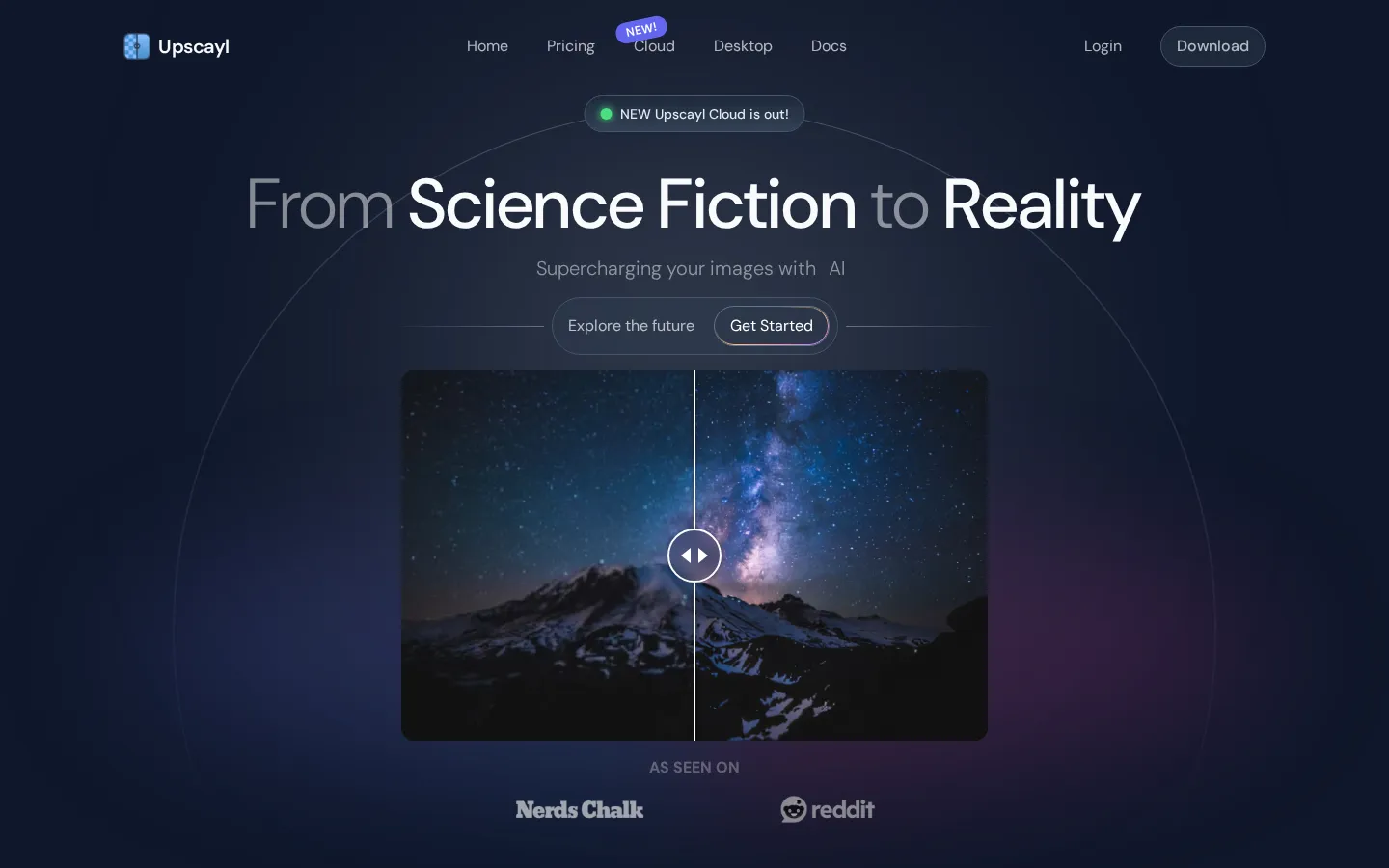
Upscayl Core Features
AI upscaling up to 16x
Upscale low-resolution images to up to 16 times their original size with multiple AI models tuned for different content types.
Batch processing
Process several images in a single run so users can enhance entire folders of photos without repeating the workflow.
Double upscayl
Run a second enhancement pass over an image for noticeably better quality on very compressed or small source files.
Free and open source
The desktop app is free forever, runs locally, and is developed in the open with an active contributor community.
Upscayl Cloud
Browser-based upscaling with no hardware requirements, available on phones, tablets, and computers from anywhere.
AI image generation
Generate new images from text descriptions inside Upscayl Cloud using advanced AI models.
Face enhancement
Restore and sharpen facial details in portraits, old photos, and group shots with dedicated face models.
Unlimited cloud storage
Store and access upscaled images and projects from any device with cloud plans.
Who is Upscayl for?
Upscayl is designed for photographers who want to rescue old or low-resolution shots, graphic designers who need clean high-resolution assets for print and web work, e-commerce sellers who upscale product photos, and digital artists who want to enlarge their artwork without losing detail. Small businesses and marketing teams use Upscayl Cloud to prepare client images with commercial licenses, while developers and open-source enthusiasts appreciate that the desktop app is free, local, and continuously improved by an active community. It also suits archivists and hobbyists restoring old family photos, because the face enhancement feature rebuilds facial details that are missing or blurry in original scans. Freelance designers who need dependable upscaling between client projects benefit from the free local app, as do print shops and photography studios preparing customer files for large-format output. Marketing teams at small companies use the cloud tier to generate and enhance campaign imagery without a dedicated designer, and educators introduce Upscayl to students learning about AI image processing. Even casual users who occasionally need to fix a blurry screenshot or enlarge a downloaded image find the free desktop app immediately useful, while agencies processing client deliverables at volume take advantage of batch processing and commercial licensing on cloud plans.
Upscayl Use Cases
Restore old family photos by upscaling scans and repairing blurry facial details with face enhancement.
Prepare low-resolution product images for e-commerce listings and print catalogs with sharp, high-detail results.
Enlarge digital artwork and illustrations to poster or print resolution without visible pixelation.
Batch upscale an entire folder of marketing images before uploading them to a website or campaign.
Generate fresh marketing visuals from text prompts in Upscayl Cloud when no source image exists.
Clean up screenshots and small graphics for presentations, documentation, and social media posts.
Upscayl Pros and Cons
Pros
- Desktop app is completely free and open source with no account or watermark required.
- Multiple AI models and up to 16x scaling give flexible control over output quality.
- Runs locally on user hardware, keeping sensitive images private and offline.
- Cloud tier adds AI generation, face enhancement, and unlimited storage without needing a powerful GPU.
Cons
- Cloud features require a paid subscription after the free trial credits are used.
- Very large batch jobs can be slow on older desktop hardware without a GPU.
- Desktop and cloud have separate feature sets, which can confuse new users about what is included.
FAQ About Upscayl
Upscayl Pricing
Free & open-source desktop app; Upscayl Cloud offers a Free Trial ($0, 10 credits) and Pro at $24.99/month (300 credits).
Check official pricingDesktop App
Free and open-source local upscaler for Linux, macOS, and Windows
Cloud Free Trial
10 credits included, no payment required to try
Cloud Pro
300 credits per month for upscaling, AI generation, and editing
Upscayl Alternatives

SparkPix
SparkPix is a free AI photo editor that runs in the browser and edits photos from plain text instructions. Upload a JPG, PNG or WebP up to 20 MB, describe the change, and it removes backgrounds, erases objects, restores old prints, upscales resolution, restyles images or generates new ones using models such as GPT Image and NanoBanana.

Img2Go
Img2Go is a free online image editor, converter, and AI toolkit from QaamGo Web GmbH in Germany. It bundles 27 browser-based apps for resizing, compressing, cropping, watermarking, and converting images between JPG, PNG, WebP, HEIC, AVIF, SVG, and PDF, alongside AI tools that upscale photos, remove backgrounds, restore old images, colorize black-and-white shots, and edit photos from a text prompt. No installation required.

EzMaker AI
EzMaker AI is a no-signup online photo editor that bundles the editing jobs people normally open Photoshop for: background removal, object and watermark erasing, 4K upscaling, photo enhancement and AI image generation. Everything runs in the browser, uploads are deleted within 24 hours, and results download without watermarks.