
What is Udon?
Turn your Mac into a home server, with AI as your sysadmin whenever you want. Udon brings self-hosted apps, containers, storage, and monitoring together on your Mac mini or any Apple Silicon Mac. Manage it all from your browser, mobile companion or tell the built-in AI assistant what you need. Ask AI to help set up an app, investigate a failing container, explain logs, or troubleshoot your server. It can work with Udon’s management tools to take action, with approval controls that keep you in charge. Use it for a quick answer or hands-on help. Prefer doing it yourself? Every control is there.
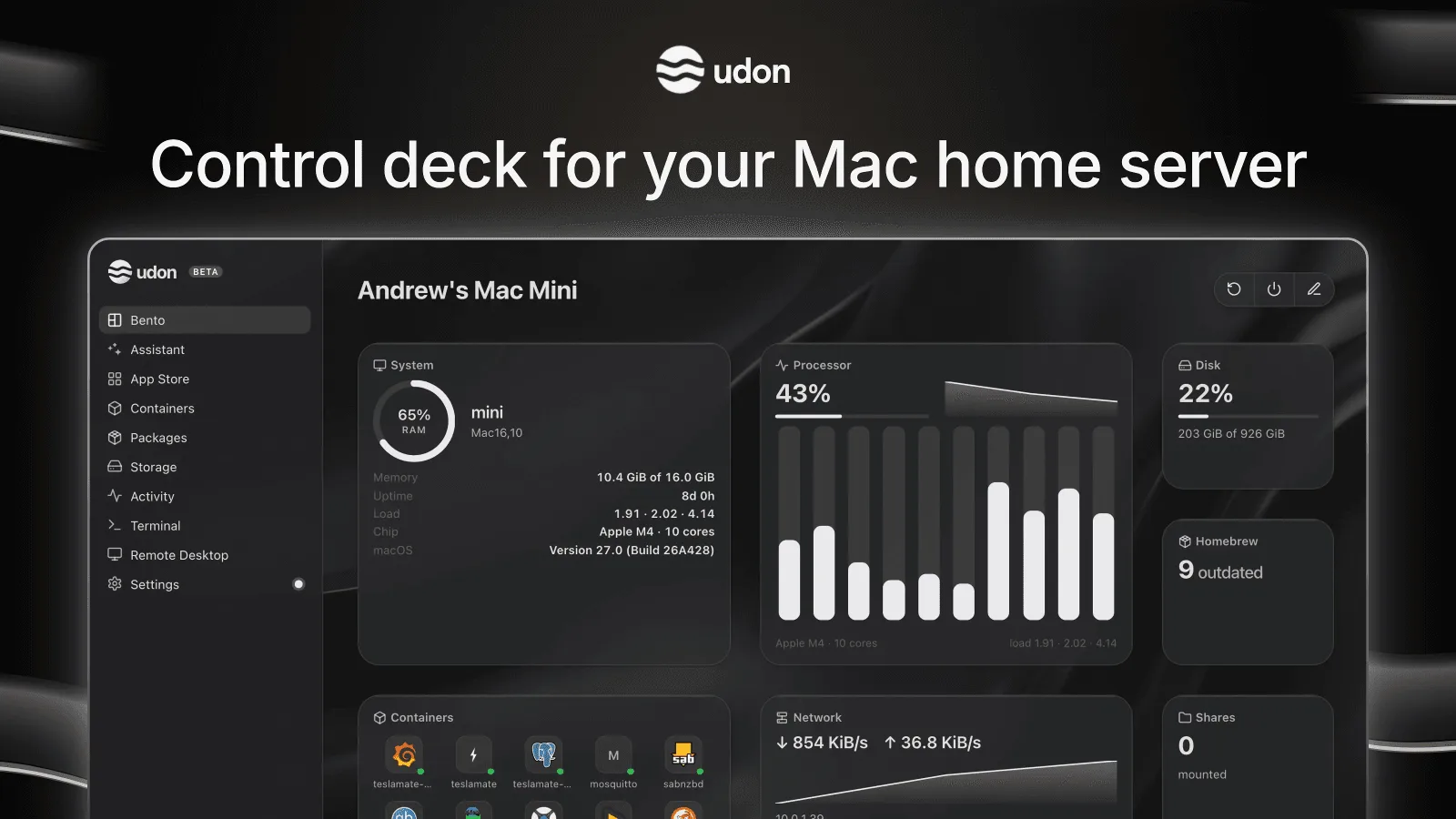
Udon Core Features
AI Sysadmin
Handles setup, troubleshooting, and explains logs through simple conversation.
App Store
Lets you browse and install self-hosted apps with one click.
Container Management
Makes it easy to create, update, and monitor your server containers.
Storage Manager
Helps you organize your files and share them across your home network.
Custom Dashboard
Allows you to build your own server monitoring view with widgets without coding.
Remote Access
Provides direct terminal and desktop control whenever you need it.
Who is Udon for?
Udon brings self-hosted apps, containers, storage, and monitoring together on your Mac mini or any Apple Silicon Mac. Manage it all from your browser, mobile companion or tell the built-in AI assistant what you need.
Udon Use Cases
Automation
Dashboards
Development
Udon Pros and Cons
Pros
- Conversation-focused interface: Displays emails as chat bubbles, making exchanges easier to read and follow.
- Built-in task management: Converts emails into actionable tasks with due dates and progress tracking.
- Privacy-focused design: Keeps mailbox data on your device, according to the service's stated privacy approach.
Cons
- Different from traditional email: Users who prefer conventional threaded emails may need time to adjust to Talanoa's chat-style interface and person-centered conversation history.