
Scenevio
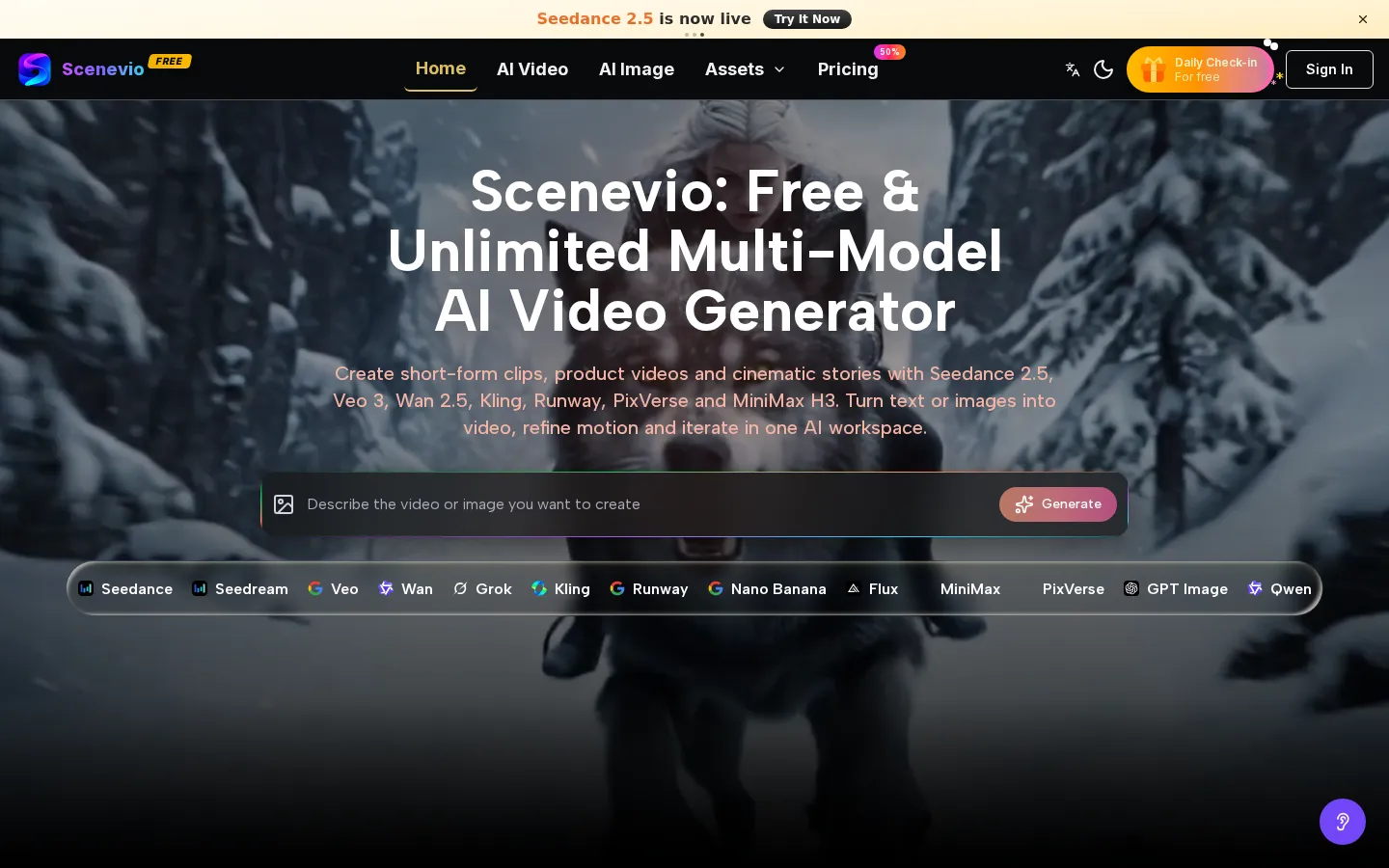
Scenevio is a browser-based AI video generator that puts seven video model families behind one prompt box, so you can switch from Seedance to Veo, Wan, Kling, Runway, PixVerse or MiniMax without changing tools. It handles text-to-video, image-to-video and reference-driven clips, adds image models for stills, and sells credits through monthly, yearly and one-time plans.
What is Scenevio?
Scenevio is a web-based AI video and image generation workspace that runs on third-party models rather than a single in-house engine. Its model list includes Seedance 2.5 and 2.0, Veo 3 and 3.1, Wan 2.5, Kling 2.5 and 2.1, Runway Gen 4, PixVerse V6, MiniMax H3 and Grok Imagine, alongside image models such as Seedream 5.0, Nano Banana, Flux Kontext and GPT-4o Image. The pitch is breadth: one account, one credit balance and one editor for work that would otherwise need separate subscriptions to several video generators.
Text-to-video, image-to-video, reference-driven clips and still-image generation all sit behind the same prompt box, so a project can move between models when one handles motion better and another handles realism. The workspace is built around iteration rather than one-shot generation: you write a prompt or upload a reference frame, choose a model, aspect ratio and duration, then generate and refine. The original prompt stays attached to the result, which makes it easier to re-run a shot on a different model or at a different length without rebuilding the brief.
Homepage showcases double as starting points. Each example carries the prompt used and a Use It link that opens the workspace pre-filled, plus a Copy It option for adapting the wording elsewhere. The library leans toward short cinematic and product-style clips: macro food shots, night security camera angles, downhill mountain biking, mecha squads, period trains, portraits and surreal collage work.
Pricing is credit-based rather than flat-rate. Every generation has a visible credit cost per second of video, and that cost changes by model, resolution and reference inputs, so the same clip can cost very different amounts depending on the model chosen. Seedance 1.5 Pro sits at the cheap end at 40 credits per second, Seedance 2.5 at 160, Veo 3.1 Premium at 200, and image models such as Seedream 5.0 and Nano Banana cost 30 to 40 credits per image. Monthly plans bundle credits at a discount, yearly plans add steep model discounts, and one-time packs exist for people who do not want a subscription. New accounts receive starter credits and a daily check-in adds a small allowance, which is how the free claim on the homepage is funded.
Paid plans advertise private generation, no watermark, commercial licensing, a priority queue and unlimited storage. Scenevio states on its about page that it is not the official site of ByteDance or Seedance and that model names belong to their respective owners.
Scenevio Core Features
Multi-model video generation
Seedance 2.5 and 2.0, Veo 3 and 3.1, Wan 2.5, Kling 2.5 and 2.1, Runway Gen 4, PixVerse V6, MiniMax H3 and Grok Imagine behind one prompt box.
Text-to-video, image-to-video and reference-driven modes, so a written brief, a still frame, an audio track or a reference clip can all seed a shot.
Per-second credit pricing with the cost of each model, resolution and duration shown before you generate, plus a comparison table across every plan.
Curated prompt showcase
each example ships with the exact prompt, a Use It link that pre-fills the workspace, and Copy It for reuse elsewhere.
Image generation in the same workspace, covering Seedream 5.0, Nano Banana and Nano Banana Pro, Flux Kontext, GPT-4o Image, Qwen Image Edit and Grok Imagine Image.
Paid-plan production features
private generation, watermark-free downloads, commercial licence, priority processing queue and unlimited storage.
Flexible billing
monthly subscriptions, discounted yearly plans with model-level discounts, and one-time credit packs for Pro and Agency volumes.
Daily check-in credits and starter credits on new accounts, which let you test models before committing to a plan.
Who is Scenevio for?
Scenevio suits creators who want to compare models without paying for several subscriptions. Social media producers and short-form editors are the core audience: the showcase library is full of vertical and landscape clips built for Reels, TikTok and YouTube Shorts, and the prompt examples shorten the blank-page problem. Marketers and small e-commerce teams use it for product shots, campaign concept frames and quick ad variants where a real shoot would be too slow or expensive. Filmmakers, animators and concept artists benefit from the model spread, because a shot can be tested on Seedance for motion, Veo for realism or Kling for character work inside the same project. Agencies and freelance editors get commercial licensing on paid plans and a single credit pool to bill against client work. Illustrators and designers use the image models for thumbnails, posters and mood boards before committing to video. Course creators and podcasters also use it for intros, teasers and social cut-downs. It is a weaker fit for teams that need guaranteed output consistency across hundreds of assets, strict enterprise compliance, or an API to automate generation inside their own product; Scenevio is a browser workspace first. Anyone needing long-form footage, precise editing timelines or broadcast-grade finishing will still export into a separate editor.
Scenevio Use Cases
Produce TikTok, Reels and YouTube Shorts clips in vertical format without a camera crew.
Create product videos and lifestyle shots for e-commerce listings and paid social ads.
Generate cinematic concept frames and animatics to pitch a film, series or music video.
Build campaign visuals and A/B ad variants by re-running one prompt across several models.
Animate still photography, illustrations or brand assets into short motion loops.
Make thumbnails, posters and cover art with the bundled image models.
Draft storyboards and previz sequences for client review before production.
Test prompts and model behaviour cheaply before committing to a larger credit pack.
Scenevio Pros and Cons
Pros
- One subscription covers seven video model families and a dozen image models, which is cheaper and simpler than buying each separately.
- Credit costs are published per model and per second, so you can see what a generation will cost before running it.
- The prompt showcase with Use It pre-fill is a genuinely useful starting point for people who cannot write video prompts.
- Paid plans include commercial licensing, watermark-free output, private generation and a priority queue at every tier.
Cons
- Quality depends entirely on third-party models, so Scenevio inherits their artefacts, limits and occasional outages.
- Credit accounting is complex: the same clip costs different amounts by model, resolution and reference inputs, which makes budgeting hard.
- No public API, no timeline editor and no team seats are documented, which rules it out for automated or multi-editor workflows.
FAQ About Scenevio
Scenevio Pricing
Credit-based pricing with free starter credits and a daily check-in. Lite costs $14.99/month (1,200 credits), Starter $29.99/month (2,500 credits, or $8.33/month billed yearly), Pro $89.99/month (10,000 credits, or $25/month yearly) and Unlimited $149.99/month (15,000 SOTA credits plus unlimited basic models, or $75/month yearly). One-time packs cost $199.99 for 23,500 credits and $499.99 for 60,000. Yearly plans add model-level discounts of up to 90%.
Check official pricingScenevio Alternatives

Bicep Heart AI
Turn one photo into a 7-second 9:16 bicep heart clip: smile, flex, hands folded into a heart. $4.99 a clip, one-time packs, failed clips refunded.

PavoAI
All-in-one AI video creation for text-to-video, image-to-video, editing, avatars, music, subtitles, and upscaling.

Uyo
A browser-based AI studio for image generation, photo editing, and video creation.