
Picsman
Picsman is a browser-based AI photo and video editing suite that bundles an AI image generator, background remover, magic eraser, photo enhancer and AI video generator with more than thirty one-click tools for photos and clips. It runs entirely in the browser, offers native iOS and Android apps, includes a free plan and exposes a developer API for automated image editing.
What is Picsman?
Picsman is an all-in-one, AI-powered photo and video editing platform from Picsman Inc., a United States company headquartered in Las Vegas, Nevada. The site describes itself as a free AI photo editor, image and video generator, and it pulls more than thirty individual editing tools into a single browser workspace. Instead of installing desktop software, you upload a file, let the AI process it and download the result, which is why the product positions itself as an alternative to juggling Photoshop, stock libraries and several single-purpose web apps.
The platform splits its capabilities into three groups. The generator group covers an AI Image Generator with text-to-image and image-to-image modes, an AI Video Generator that accepts text, images or clips, and an AI Image Extender that out-paints beyond the original frame. The photo editing group includes Remove Background for transparent PNGs, Magic Eraser for deleting objects, people, text and logos, AI Replace, AI Filters, AI Background, White Background, PNG Maker, Watermark Remover, Photo to Cartoon, AI Clothes Changer, Virtual Hair Try-On, Add Text to Photo, Passport Photo Maker and a batch editor that handles up to thirty images at a time. The video editing group adds an AI Video Enhancer, a Video Watermark Remover with dedicated Sora and TikTok modes, and dedicated pages for specific generation models.
Picsman is not built on a single in-house model. Its generator pages name third-party engines including OpenAI's GPT Image 2, ByteDance's Seedance, Nano Banana, FLUX, Kling, Veo, Sora and Hailuo, and the pricing page lists which of those count as advanced models.
Free users can start creating without installing anything, while paid subscribers unlock higher per-day usage, more monthly credits, priority generation and 4K output. Everything is credit-metered behind the scenes. There is also a REST API for developers who want to embed the same image editing models in their own applications, and native iOS and Android apps for editing on the go. The product's selling point is breadth combined with speed. Most tasks follow the same three-step rhythm: upload a file, let Picsman's AI process it automatically, then download the result. The background remover handles hair, fur and other awkward edges without manual masking, the magic eraser wipes out objects, people, text and logos, and the photo enhancer restores blurry or low-resolution pictures all the way up to 4K. On the video side, the AI video enhancer sharpens and upscales footage, the video watermark remover strips overlays from Sora and TikTok clips, and the AI video generator turns a written script or a handful of stills into motion content. The company, Picsman Inc., also runs a mobile app, a blog with editing tutorials and a multilingual interface. Pricing is credit-based rather than fully unlimited, so heavy users of advanced image models and video generation should compare the three PRO tiers and the pay-as-you-go credit packs before choosing a plan. Support runs through support@picsman.ai, and because everything happens in the browser it suits teams working across mixed operating systems.
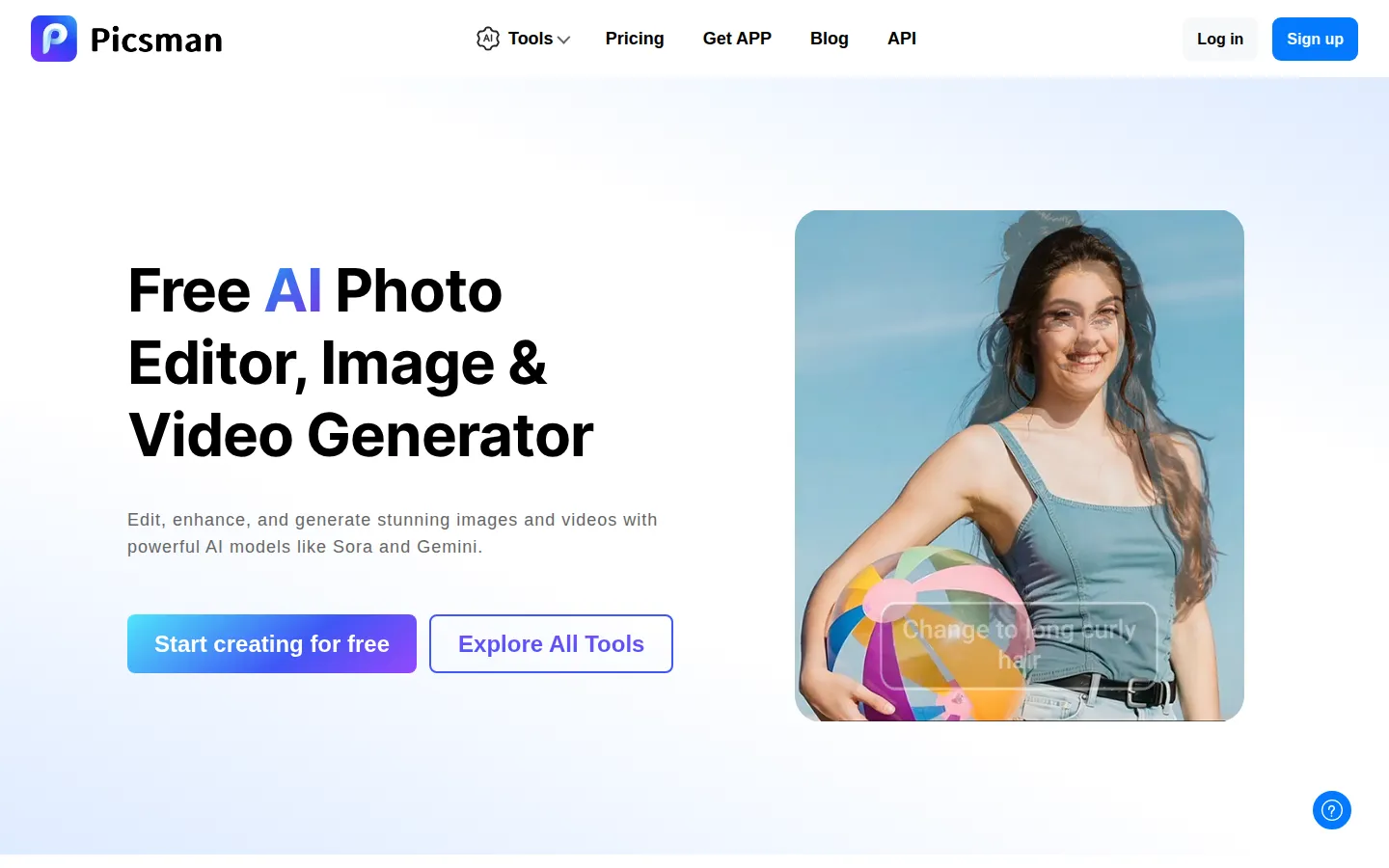
Picsman Core Features
AI Image Generator turns text prompts or reference photos into images with multiple artistic styles
Remove Background detects subjects and exports clean transparent PNGs for people, products, cars and animals
Magic Eraser deletes unwanted objects, people, text, logos and watermarks from photos in one click
Photo Enhancer unblurs, denoises and upscales low-resolution images to HD, 2K and 4K quality
AI Video Generator converts text, images or clips into videos using Sora, Veo, Kling and Seedance models
AI Clothes Changer and virtual hair try-on preview outfits, hairstyles and hair colours instantly
AI Image Extender enlarges the canvas without stretching, adapting images for social posts and banners
Batch editor processes up to 30 images at once with design templates, fonts and stock assets
Who is Picsman for?
Picsman is built for anyone who needs polished visuals without learning professional editing software. E-commerce sellers use it to cut out products, drop in AI studio backdrops and prepare clean marketplace listings in minutes. Social media managers and content creators lean on the AI image and video generators to turn short prompts into scroll-stopping posts, reels and ad creatives. Marketers and designers use the watermark remover, AI extender and photo enhancer to salvage low-resolution assets, clean screenshots and resize images for banners, posters and print. Photographers and hobbyists restore old or blurry photos, upscale portraits to HD or 4K and restyle pictures with filters such as Ghibli, cartoon, sketch and pixel art. Small online shops and marketplace suppliers rely on the batch editor, virtual clothes try-on and hair try-on to preview styling options and produce consistent catalogue imagery at scale. Teams that need ID documents appreciate the passport photo maker, while developers can integrate the same editing models through the Picsman API. Because the whole workflow runs in the browser with no install and a free plan that covers most features, it also suits students, freelancers and everyday users who only edit occasionally. Teachers, real estate agents, restaurateurs and small business owners also use Picsman to clean up listing photos, menus and flyers without hiring a designer, because the one-click tools hide every technical step behind a simple upload button. Beginners get guided layouts and ready-made templates, while slightly more advanced users can type natural-language edit prompts, brush over an area they want replaced and stack filters until the result matches their reference. Because the same account works on desktop and mobile, Picsman suits people who edit in short bursts between other tasks as well as agencies that need to churn through large volumes of catalogue imagery every week. It is a poor fit only for specialists who need raw file support, layer-based compositing or pixel-perfect manual masking, since Picsman deliberately trades deep manual control for automation and speed. For everyone else who wants finished, presentable images and short videos from a single login, the range of tools, the free starting point and the transparent credit system make it easy to test before committing to a paid plan. Whether you are producing a single product shot or a monthly batch of social content, Picsman keeps generation, retouching and cleanup in one place instead of juggling several separate apps.
Picsman Use Cases
E-commerce sellers creating clean product cutouts and marketplace-ready listing images without a studio shoot
Social media creators turning prompts and photos into short AI videos for reels, ads and posts
Marketers removing watermarks and cleaning screenshots before publishing campaign or presentation assets
Photographers upscaling blurry portraits and restoring old family photos to HD or 4K quality
Designers extending canvases and generating AI backgrounds for banners, posters and flyers
Online sellers preparing compliant passport and ID photos for visa and document applications
Illustrators generating concept art, tattoo ideas and stylised Ghibli, cartoon or sketch artwork from text
Content teams batch editing dozens of images with consistent backgrounds and brand styling
Picsman Pros and Cons
Pros
- Over 30 AI photo and video tools sit in one browser workspace, so generation, retouching and cleanup need no tool switching
- Free plan covers most features with free exports, and you can try tools before creating an account
- Pricing is transparent and credit-based, with one-time credit packs that Picsman says stay valid forever
- Access to several leading third-party models including GPT Image 2, Seedance, Nano Banana, FLUX, Veo and Sora
- Native iOS and Android apps plus a developer API extend the same workflows beyond the browser
Cons
- Video generation is credit hungry, costing 2 to 70 credits per second, so one clip can consume a large share of a monthly allowance
- Pay-as-you-go credit packs are non-refundable and exclude PRO features and premium design assets
- Generative results are not always fully controllable, so images and videos may need several attempts to match a brief
FAQ About Picsman
Picsman Pricing
Picsman uses a freemium, credit-based model. A free plan covers most tools with free exports, while PRO tiers cost US$9.99/month (PRO), US$29.99/month (PRO+) and US$49.99/month (PRO MAX), with a yearly option saving 40 percent. PRO plans include daily tool usage plus monthly credits for advanced models and video. One-time pay-as-you-go packs cost US$11.99 for 300 credits, US$29.99 for 1000, US$59.99 for 3000 and US$99.99 for 6000, and purchased credits are permanently valid.
Check official pricingFree
Access to most AI editing features with free photo exports and no payment required; advanced models and video draw on credits.
PRO
50 uses per day for most AI tools, 300 credits per month for advanced models and video, up to 150 generated images and 30 videos monthly, standard priority, 5 GB cloud storage and watermark-free HD downloads.
PRO+
300 uses per day for most AI tools, 1500 credits per month for advanced models and video, up to 750 images and 150 videos monthly, high generation priority, 50 GB cloud storage and batch editing.
PRO MAX
Unlimited access to most AI tools, 5000 credits per month for advanced models and video, up to 2500 images and 500 videos monthly, highest generation priority and 100 GB cloud storage.
Yearly PRO subscription
Annual billing for the PRO, PRO+ and PRO MAX tiers, advertised as saving 40 percent compared with paying monthly.
Pay as you go - 300 credits
One-time credit pack priced at US$0.040 per credit, permanently valid and usable across Picsman AI tools.
Pay as you go - 1000 credits
One-time credit pack priced at US$0.030 per credit for heavier image and video generation use.
Pay as you go - 3000 credits
Discounted credit pack listed at 50 percent off the US$120.00 list price, US$0.020 per credit.
Pay as you go - 6000 credits
Largest advertised pack, 55 percent off the US$240.00 list price at US$0.017 per credit.
Picsman Alternatives

AI Picture Editor
Edit photos online with AI prompts. Remove objects and backgrounds, restore old photos, retouch portraits, upscale images, and download watermark-free results.

Imgkits
Browser-based AI tools for removing objects, editing backgrounds, restoring photos, enhancing images, and applying creative effects.

Beeble
Beeble is a cloud AI VFX platform for professional film pipelines. It relights, rotoscopes and restyles real footage with SwitchX, extracts alpha mattes, generates PBR and depth passes from SwitchLight 3.0, recovers 16-bit EXR HDR, and chains every tool inside a node-based Canvas. Beeble Studio renders the same passes locally, and plugins feed Nuke, Blender and Unreal Engine.