
Multica
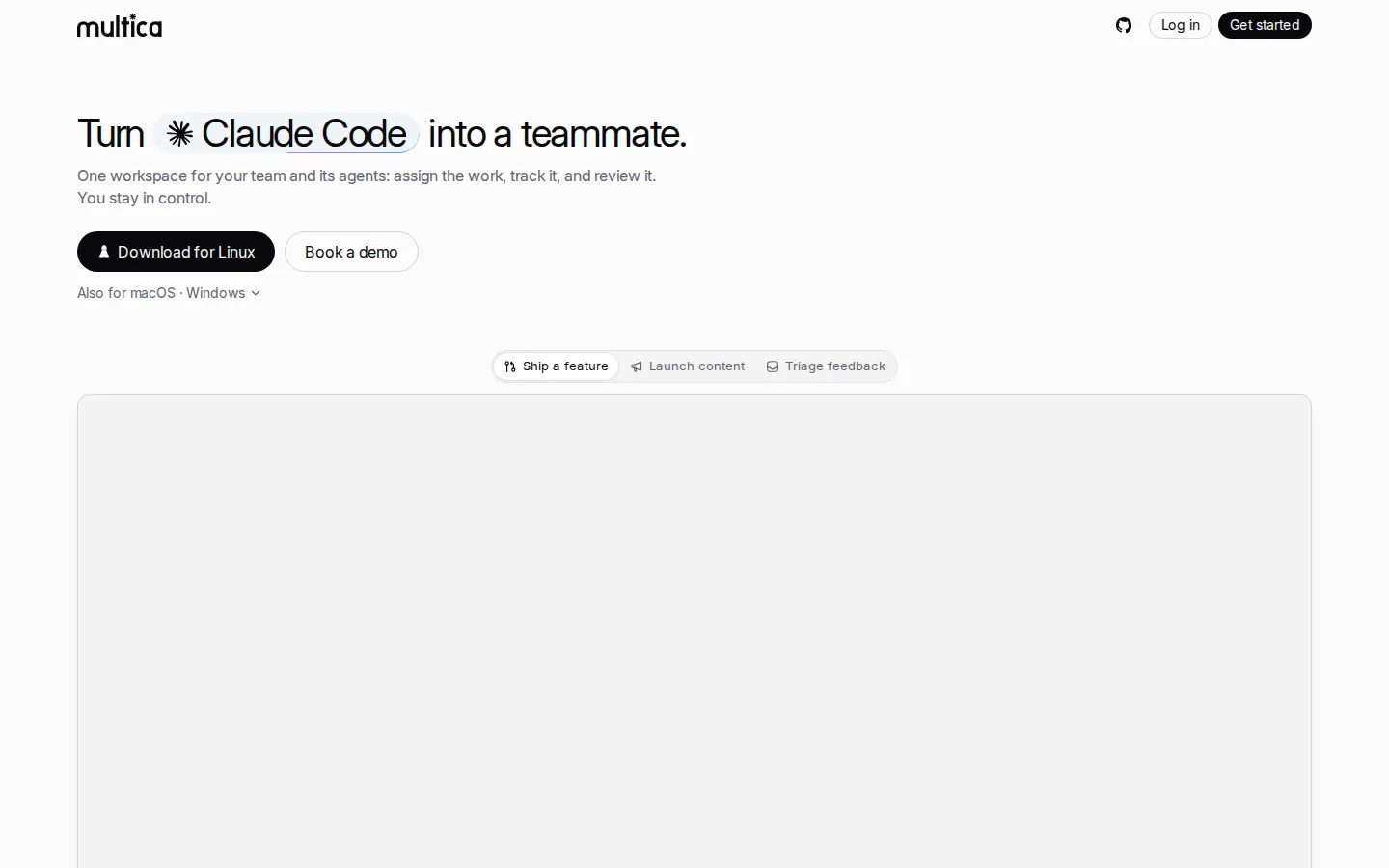
Multica is a project management workspace for teams working alongside AI coding agents. Connect the CLIs you already use, assign them issues, and follow progress on a shared board. Workflows, scheduled autopilots, shared skills and chat integrations keep humans and agents on the same task lifecycle.
What is Multica?
Multica is a source-available project management platform designed for teams made of humans and AI coding agents. Its core idea is that an agent should be a first-class assignee rather than a chat window: agents get issues, report progress, raise blockers and ship code inside the same task lifecycle as people. The board, assignee picker, activity timeline and review flow are all built around that assumption.
The product connects to agents you already have instead of shipping its own model. A local daemon scans a machine, detects installed coding CLIs and registers each one as a runtime, so Claude Code, Codex, Cursor, GitHub Copilot, OpenCode, Hermes and more than twenty other tools appear in the workspace without configuration. Agents run on your own laptops and servers, or in managed cloud sandboxes, with configurable concurrency per agent.
Workflows add structure to that execution. Every status column can have an owner, so moving an issue from spec to build automatically hands it to a specific agent or teammate, with handoff instructions attached. Autopilots schedule recurring work such as nightly triage, flaky-test fixes, dependency upgrades and release digests. Skills let a team write down a procedure once and have every agent follow it. Chat integrations let anyone mention an agent in Slack, Lark, DingTalk, WeCom or Telegram; the agent reads the thread, files the issue and starts work.
The source code is public under the Multica License, which is Apache 2.0 with additional conditions for hosted use. Internal use and self-hosting for your own organisation are free; offering Multica to people outside your organisation, embedding it in a sold product or running it as a managed service requires a commercial licence. A REST API and an extensible backend make it possible to integrate the workspace with existing tooling. Because agents report progress back into issues, the workspace also becomes a record of what was attempted, which is useful when a run fails and someone has to reconstruct what the agent was doing.
Multica Core Features
Assign issues directly to coding agents that act as teammates
Local daemon auto-detects installed agent CLIs and registers runtimes
Workflow stages hand work to a named agent or human automatically
Shared skills encode team procedures for every agent to follow
Autopilots schedule triage, dependency upgrades and weekly digests
Chat mentions in Slack, Lark, DingTalk, WeCom and Telegram file issues
Runs agents on your own machines or in managed cloud sandboxes
Supports 29 coding tools including Claude Code, Codex, Cursor and Hermes
Who is Multica for?
Multica is built for small software teams that already use coding agents and want a management layer around them. The typical user is a startup engineering team of two to twenty people running Claude Code, Codex, Cursor, Copilot, OpenCode or similar CLIs on individual laptops, where nobody has a reliable view of what each agent is doing. Instead of asking engineers to babysit terminals, the workspace lets a lead assign an issue to a named agent, watch progress stream in, and review the result like any other teammate's work. Agencies and studios use it to run client delivery: an agent picks up a scoped task, moves it through spec, build, review and approval, and the human only steps in at the gates they define. Product teams use the chat integrations to turn a support thread in Slack, Lark, DingTalk, WeCom or Telegram into a filed issue with an owner. Solo founders use the scheduled autopilots for repetitive work such as dependency bumps, nightly triage and weekly digests, so routine maintenance happens without a person remembering it. It also fits teams with data residency constraints. Because Multica is source-available and can be self-hosted with Docker Compose or Kubernetes, organisations that cannot send workspace data to a third party can run the whole system on their own infrastructure while still using their preferred model providers. Teams that prefer managed infrastructure can use the hosted cloud and connect cloud sandboxes instead of local machines.
Multica Use Cases
Small engineering teams coordinating a fleet of coding agents
Agencies running client delivery with agent-built deliverables
Turning support threads into filed, assigned engineering issues
Nightly triage of bug reports and flaky test failures
Scheduled dependency upgrades and maintenance pull requests
Reviewing agent output before it reaches production
Self-hosted deployments for teams with data residency rules
Onboarding new agents with shared, written team procedures
Multica Pros and Cons
Pros
- Works with the coding agents a team already uses instead of replacing them
- Source-available and self-hostable, so workspace data can stay on your own infrastructure
- Workflow handoffs, skills and autopilots turn ad-hoc prompting into a repeatable process
- Chat integrations let non-engineers hand work to an agent without opening the tool
Cons
- It is a management layer, not a coding model, so you still pay for the agents and providers underneath
- Hosted cloud pricing is not published and requires contacting sales
- Self-hosting shifts upgrades, backups and runtime monitoring onto your own team
FAQ About Multica
Multica Pricing
Free to self-host for internal use; hosted cloud and commercial licensing are quoted through sales.
Check official pricingSelf-hosted
Free for internal use across any number of workspaces, with Docker Compose or Kubernetes deployment.
Cloud
Hosted instance with managed sandboxes; pricing quoted through contact sales.
Multica Alternatives

taos
taos is an integrated workspace designed to streamline team operations by consolidating essential tools into one interface.

Timefold
Timefold is a software company headquartered in Ghent, Belgium that helps organizations solve complex planning, scheduling and routing problems.

Monday.com
monday.com is an AI work platform that helps teams manage projects, automate workflows, and build custom apps, now with AI agents and Sidekick, a context-aware AI assistant, working alongside people. Free plan covers up to two seats, with paid plans from $9 per seat per month that include AI features with monthly AI credits. Trusted by 225,000+ customers, it offers boards, docs, 200+ templates, automations, dashboards, and a large app ecosystem.