
Locofy.ai
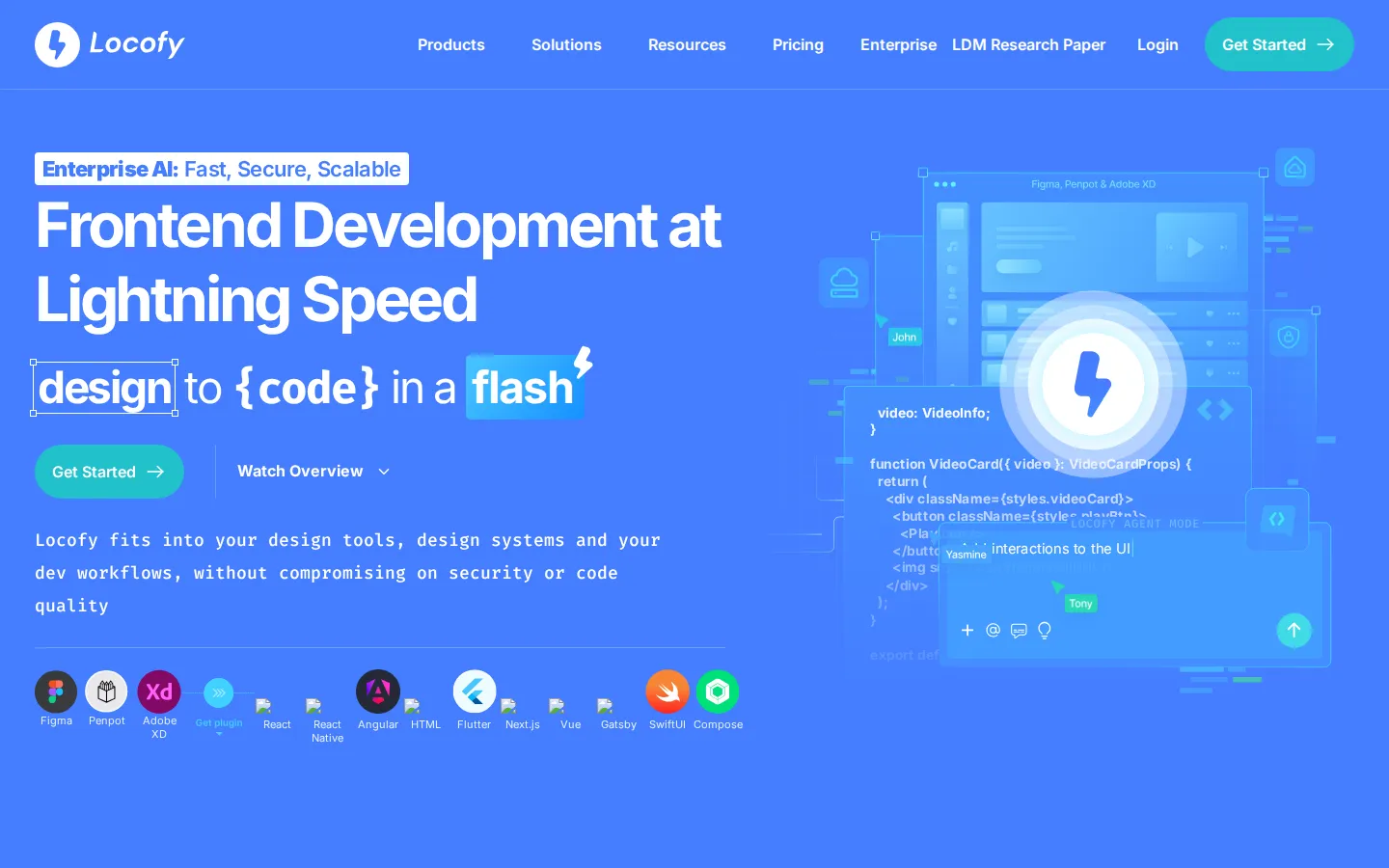
Locofy.ai converts Figma, Penpot and Adobe XD designs into developer-friendly frontend code for React, Next.js, Gatsby, Vue, Angular, HTML/CSS, Flutter and React Native. It imports existing design systems, generates reusable components with LocoAI, and plugs into Cursor, GitHub Copilot, Windsurf and Claude through MCP, giving product teams an enterprise-grade frontend baseline that AI coding agents can then extend.
What is Locofy.ai?
Locofy.ai is an AI-powered design-to-code platform for frontend development. It converts designs from Figma, Penpot and Adobe XD into developer-friendly source code across a wide range of stacks, including React, React Native, Next.js, Gatsby, Vue, Angular, HTML/CSS, Flutter, SwiftUI and Jetpack Compose. The company positions itself as the missing layer between design files and AI coding agents, arguing that general large language models do not truly understand Figma structure, auto-layout constraints or design systems. So Locofy generates a clean, accurate frontend foundation first, and lets tools such as Cursor and Claude build logic on top of it.
The engine behind the product is what Locofy calls Large Design Models, or LDMs: specialised multi-modal plus heuristic models trained on millions of designs rather than one general-purpose model. Conversion quality depends on well-structured source files, and Locofy ships plugins for Figma, Penpot and Adobe XD so teams can tag interactive elements and handle styling, layout and responsiveness before generating code. Design systems and custom components can be imported through the CLI and GitHub, and the output supports popular UI libraries such as Material UI, Bootstrap, Ant Design and Chakra. Reusable components and props can be built with LocoAI, team members can be invited to collaborate, and a live prototype that runs on real code can be shared for feedback.
Locofy fits into existing developer workflows rather than replacing them. Teams can export a plain zip, pull code straight into VS Code with the Locofy VS Code Extension, push to repositories through the GitHub integration, or extend generated UI with the Locofy MCP server for AI code editors including Cursor, GitHub Copilot, Windsurf, Claude Desktop, Gemini CLI and VS Code. An Agent Mode plus CLI workflow lets developers add prompts and iterate on top of the generated frontend.
Usage is measured in LDMtokens, short for Large Design Model tokens, which are consumed when designs are converted into code. Locofy describes itself as enterprise-grade AI for frontend development, states that it holds SOC 2 and ISO certification, offers SaaS shared cloud, dedicated private cloud and self-hosted or on-premise deployment, and supports SAML SSO authentication. Pro plans state that customer content is never used to train or improve the platform, and code generation runs on the fly without storing code. The company reports that global brands, agencies, startups and freelancers use the platform to cut frontend build time, with published case studies claiming reductions of seventy to ninety percent.
Locofy draws frequent comparisons with Anima, Builder.io and Figma MCP, and publishes its own comparison pages for each. Its case studies include an agency reporting ninety percent less frontend time, a startup shipping a forty-plus page app in under two weeks, and a non-profit saving a month of development. The platform has appeared in TechCrunch, The New Stack and Gartner and IDC coverage, and users repeatedly highlight code readability and responsiveness as the qualities that separate it from other design-to-code plugins.
Locofy.ai Core Features
Figma to code
Convert Figma frames into React, Next.js, Gatsby, Vue, Angular, HTML/CSS, React Native or Flutter code straight from the plugin.
Penpot and Adobe XD support
Run Penpot and Adobe XD designs through the same tagging and conversion pipeline as Figma.
Large Design Models
Purpose-built multi-modal and heuristic models trained on millions of designs for pixel-perfect previews and code.
MCP for AI code editors
Extend generated UI inside Cursor, GitHub Copilot, Windsurf, Claude Desktop, Gemini CLI and VS Code.
Design system imports
Pull existing components and libraries such as Material UI, Bootstrap, Ant Design and Chakra in through the CLI or GitHub.
LocoAI components and props
Turn repeated UI into reusable components and props so the generated code matches real project structure.
Export and deployment
Push code to GitHub, pull it into VS Code, download a zip, or deploy on premise with SAML SSO.
LDMtoken credits
A transparent credit system consumed when designs are converted into frontend code, topped up from the dashboard.
Who is Locofy.ai for?
Locofy.ai is aimed at anyone who turns interface designs into shipped frontend code, and the platform is deliberately broad about who that is. Frontend engineers and fullstack developers are the core audience: they receive production-ready components for React, Next.js, Vue, Angular, HTML/CSS, Flutter and React Native instead of hand-building layouts pixel by pixel. Backend engineers and developers with limited CSS experience also benefit, because Locofy handles layout, styling and responsiveness so they can concentrate on business logic and integration. Designers use Locofy to shorten the design-to-development handoff. Instead of annotating every spacing value, a designer can tag interactive elements inside the Figma, Penpot or Adobe XD plugin, generate a live prototype that runs on real code, and share it for feedback. Product managers and founders value the speed: an MVP or a forty-page application can be assembled in days, which matters when validating an idea or hitting a launch date with a small team. Agencies, freelancers and students are explicitly supported. Development agencies use Locofy across client projects to reduce hours per screen and standardise output between team members. Freelancers use it to take on more work without expanding headcount. Students and people learning to code use it as a bridge between visual design and readable source, since the generated code is easier to modify than the output of most competing plugins. Enterprises are served with a separate track that adds unlimited frames per project, custom token tiers with annual expiry, enterprise-grade security and compliance, SAML SSO, and deployment on shared cloud, dedicated private cloud or self-hosted infrastructure. Teams that already maintain a design system are a strong fit too, because Locofy imports those components and generates code that reuses them rather than producing a parallel set of one-off screens. Teams adopting AI coding assistants are another clear fit: rather than asking Cursor or Claude to interpret raw Figma structure, they let Locofy produce an accurate frontend foundation first. Anyone on a tight budget should note the free tier, though the ten frames per project limit and the content-training caveat mean it suits experiments better than client work.
Locofy.ai Use Cases
Convert Figma designs into React components for a production web application in minutes.
Generate a responsive React Native or Flutter build from an existing mobile design file.
Export pixel-perfect HTML and CSS from a Penpot file without hand-coding the layout.
Launch a marketing site or landing page by converting Figma frames to Next.js.
Hand a clean frontend baseline to Cursor or Claude through Locofy MCP.
Reuse an existing design system so generated components match the library already in production.
Ship a client project faster by turning approved designs into reviewable code as an agency.
Build an interactive prototype that runs on real code for stakeholder feedback before development starts.
Locofy.ai Pros and Cons
Pros
- Supports an unusually wide framework range, covering React, Next.js, Gatsby, Vue, Angular, HTML/CSS, Flutter and React Native.
- Native Figma, Penpot and Adobe XD plugins keep the workflow inside the design tools teams already use.
- MCP support lets generated frontend code slot directly into AI editors such as Cursor, Claude, Copilot and Windsurf.
- Enterprise features are substantive: SOC 2 and ISO certification, SAML SSO, and self-hosted or on-premise deployment.
Cons
- Free and lower tiers limit projects to 10 frames and 2,000 LDMtokens, which is tight for anything beyond a small prototype.
- Annual billing is available on the Enterprise plan only, so monthly billing applies to the Free, Starter and Pro tiers.
- Code quality depends on well-structured source files, so messy Figma layers, naming or missing auto layout still produce weaker output.
FAQ About Locofy.ai
Locofy.ai Pricing
Locofy.ai is free to start with 2,000 LDMtokens, then costs $40 per month for light use and $80 per month for Pro, with custom Enterprise pricing for unlimited frames, annual token tiers and enterprise-grade security.
Check official pricingFree
All features of a Hobby account free for 7 days, 2,000 LDMtokens and a 10 frames per project limit; content may be used to improve the platform.
Starter
For light use and hobby projects, with 2,000 LDMtokens and a 10 frames per project limit, billed monthly; content may be used to improve the platform.
Pro
For professional developers and designers, including a free UIPro Pro account, 4,000 LDMtokens, a 25 frames per project limit and content never used to train the platform.
Enterprises
Custom token amount and price, custom LDMtoken tiers with annual expiry, unlimited frames per project, and enterprise-grade security and compliance.
Locofy.ai Alternatives

Google AI Studio
Google AI Studio is a free browser workspace for building with Gemini models. It pairs a prompt playground for text, image, audio and video with structured output, function calling, Google Search grounding, API key management and one-click code export, and deploys finished projects straight to the Gemini API, which bills per token beyond its free tier.

Buildly
Unlimited custom software without upfront build costs.

Verboo
Verboo Code is an AI coding agent that runs in your terminal, powered by a dedicated GPU and an OpenAI-compatible endpoint. It offers flat monthly plans priced per developer, a free trial with no charge at signup, nine models you can switch mid-conversation, native and third-party CLI integrations, and a prepaid usage-based API. Runs on Brazilian servers.