
Image2Image.ai
Image2Image.ai turns an uploaded photo into a new image from a text prompt. Describe the change you want, such as a new background, style, outfit, or removed object, and the AI redraws the picture while keeping faces and layout intact. It also offers headshots, background removal, upscaling, restoration, and image-to-video, free to try without sign-up.
What is Image2Image.ai?
Image2Image.ai is a free AI image generator and editor that transforms an existing photo based on a text prompt. Instead of building a picture from scratch or spending hours in layered editing software, you upload a photo, describe the change in plain words, and the tool redraws the image while keeping the original subject, pose, lighting, and layout intact. The result stays grounded in your source photo rather than drifting into a random new scene.
The platform centers on its image-to-image engine, which encodes your photo into a latent map of shapes, depth, and layout, then runs a guided denoising loop using both your prompt and the original structure. Because the original image acts as a structural reference, you can change a background, swap clothing, alter the season, restyle a portrait as an illustration, remove unwanted objects, or add and replace text, and the output still looks like a coherent edit of your own picture.
Around that core, Image2Image.ai bundles a full suite of AI photo tools. Its image-to-image generator, text-to-image generator, AI photo editor, object remover, background remover, image upscaler, image enhancer, and image combiner cover common editing jobs. Separate free tools include an AI headshot generator, a watermark remover, and an image-to-video generator that turns a still photo into motion. A prompt gallery with side-by-side before-and-after examples shows what each tool can do, and every example includes a Create Similar link that preloads the image and prompt.
Usage is simple and needs no editing skills. You can try the generator instantly without signing up or adding a credit card, then upgrade to a Pro plan for queue-free processing, higher resolution, custom aspect ratios, multi-image editing, and a commercial-use license. The free tier runs a lighter model with a shared queue, while paid plans add monthly credits, priority GPUs, and copyright ownership of outputs.
Privacy and commercial terms matter to the creators it targets. The site states uploads are encrypted in transit and at rest, kept only for generation, never used to train third-party models, and purged after a short retention window, while Pro users can request immediate deletion. Free-tier outputs are personal-use only and may be watermarked, while Pro subscribers receive full commercial rights for e-commerce, client work, and marketing.
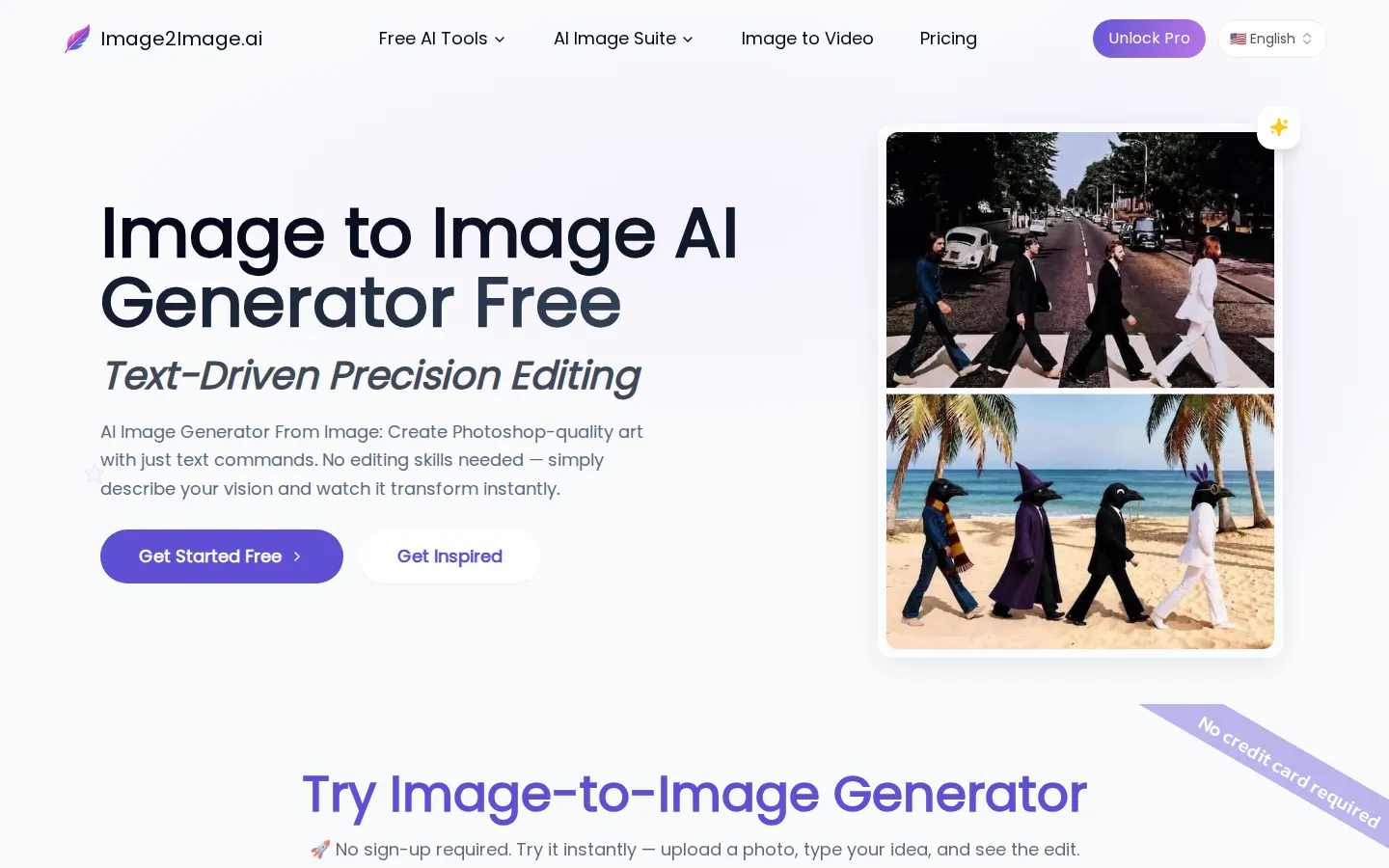
Image2Image.ai Core Features
Image-to-image AI editing
Upload a photo and describe the change in words; the AI redraws the image while preserving faces, poses, lighting, and layout.
Text-to-image generation
Create original images from a text prompt or transform an existing photo into a new artistic style.
AI photo toolkit
Object remover, background remover, image upscaler up to 4x, image enhancer, and image combiner in one suite.
AI headshot generator
Turn casual selfies into studio-quality professional portraits for LinkedIn, resumes, and corporate profiles.
AI watermark remover
Erase watermarks, logos, and text from images cleanly.
Image-to-video AI
Turn a still photo into a short motion video from a text prompt.
Multi-image editing and merge
Combine several images into one cohesive scene for virtual outfits, product composites, or group shots.
Free trial and prompt gallery
Try instantly with no sign-up or credit card, and browse before-and-after examples with one-click Create Similar links.
Who is Image2Image.ai for?
Image2Image.ai is built for anyone who needs to create or edit compelling images quickly without design training or expensive software. Its free tiers and no-sign-up trial make it accessible to beginners, while its paid plans target professionals who need speed, resolution, and commercial rights. Six groups get the most value from it. E-commerce sellers and product photographers use it to turn plain product shots into lifestyle scenes without booking studios or hiring crews. They generate clean cutouts, custom backgrounds, and natural-looking lifestyle images that are ready for listings and ads. Real estate agents and marketers stage empty rooms as furnished homes, change seasons and lighting, and refresh listing photos without scheduling reshoots, turning gray afternoons into golden-hour light. Portrait and headshot customers, from job seekers to corporate teams, convert casual selfies into studio-quality LinkedIn and resume portraits with controlled backdrops and lighting. Illustrators, concept artists, and designers sketch rough ideas and render them into finished pieces in minutes, exploring more variations and spending less time on repetitive linework. Social media creators, small businesses, and content marketers produce thumbnails, posters, and thumb-stopping visuals, add or replace text on images, remove unwanted objects, and restore or upscale old photos. Photographers, retouchers, and agencies use the image-to-image, upscaling, and enhancement tools for fast prototyping, background swaps, object removal, and detail clean-up before final edits. Anyone who wants Photoshop-style results described in words rather than manipulated with layers and masks will find the workflow far faster.
Image2Image.ai Use Cases
Turn plain product shots into lifestyle scenes without booking a studio or hiring crews.
Stage empty rooms as furnished homes and change seasons or lighting for real estate listings.
Convert casual selfies into professional headshots with clean backdrops and studio lighting.
Restyle a portrait as an illustration or change a summer scene into winter while keeping the subject recognizable.
Remove unwanted people, shadows, or clutter from a photo and rebuild the background automatically.
Add or replace text on posters, signs, and images with clean, readable results.
Restore old photos by repairing scratches and colorizing black-and-white images.
Upscale a photo to 2x or 4x resolution or generate a custom product background with AI.
Image2Image.ai Pros and Cons
Pros
- Free to try with no sign-up or credit card, using a lighter model for instant testing.
- Keeps the source photo's subject, pose, and layout intact instead of generating something random.
- Broad one-stop suite covering image-to-image, text-to-image, object and background removal, upscaling, restoration, headshots, and image-to-video.
- Paid plans are affordable and add priority processing, higher resolution, custom ratios, multi-image editing, and full commercial rights.
Cons
- The free tier runs a shared queue with slower 40-60 second generation times and may watermark outputs.
- Outputs are personal-use only without a paid plan, and credits are metered per generation, so heavy use needs a subscription or Boost Packs.
- Some advanced features, including multi-image editing and custom aspect ratios, are locked to paid tiers.
FAQ About Image2Image.ai
Image2Image.ai Pricing
Image2Image.ai is freemium. A Free Account gives queue-based daily generations for personal use with no credit card. Paid plans are billed monthly or annually, with Starter at $7 per month and Advanced at $13 per month on annual billing (saving up to 31.6%), adding monthly credits, priority GPUs, high resolution, custom ratios, multi-image editing, and a commercial license. Boost Packs add one-time credits.
Check official pricingFree Account
Explore the lite editors with no credit card. Includes queue during peak hours, a daily generation limit, standard generation speed, and a personal-use license; no custom ratios or multi-image editing.
Starter
Billed annually. For beginners and small projects: 800 monthly credits (about 40 images), unlimited daily generations, high-quality editing, priority processing, access to all advanced editing tools, and copyright ownership.
Advanced
Most popular, billed annually. For power users: everything in Starter plus 2,000 monthly credits (about 100 images), highest priority access, unlimited daily generations, and multi-image editing.
Image2Image.ai Alternatives
Sartoris
Sartoris is a browser-based AI creative studio that generates premium still images and cinematic video from text prompts, with optional start and end frames plus image, video, and audio references. It runs on purchased credits rather than a subscription, keeps one library for both media types, and deletes finished generations twelve hours after they are created.

Reelina AI
Reelina AI is a web studio for generating video, images, voice and music with several hundred third-party and in-house models on a single coin balance. Weekly and monthly plans include coins that never expire, and coin packs can be added at any time. Generation costs appear before you run anything, so you can compare models without separate subscriptions.

ANI
ANI (anicomic.ai) turns a single selfie into a four-panel manga, manhwa, or comic strip in roughly 30 seconds. Choose from seven hand-tuned art styles, add dialogue and a beginning-middle-end story, then download, print, or share the result. It runs in the browser and as an iOS and Android app, with 1.8M+ comics created and a 4.9 App Store rating.