
FaceHub
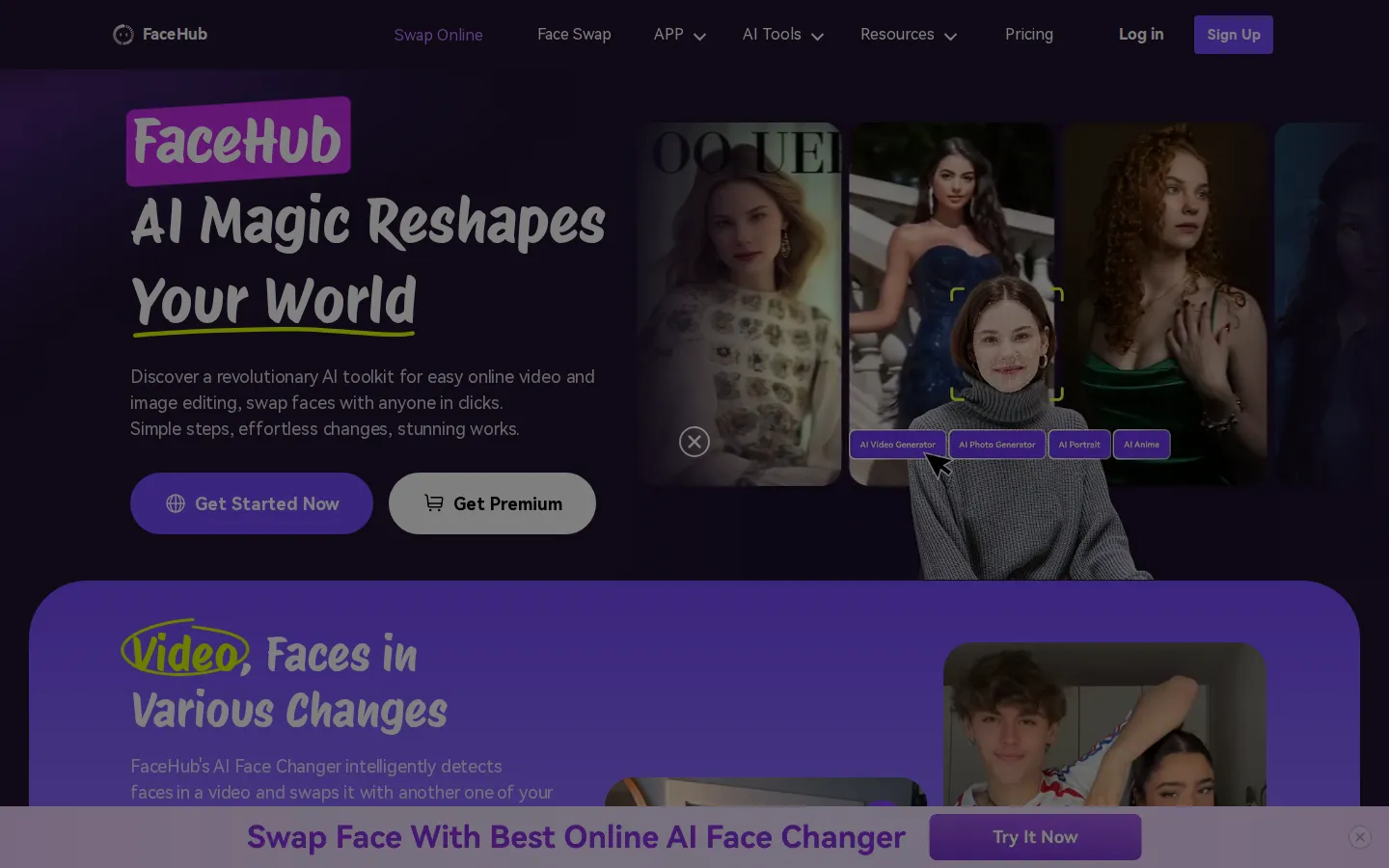
FaceHub is a browser-based AI toolkit for creative face swapping and image editing. Upload a photo or short video, pick a template, and faces are replaced automatically in about two seconds for video and one second per photo. It offers 1,000+ video templates, 500+ photo presets, AI anime, AI portrait, batch model photos and virtual try-on styling.
What is FaceHub?
FaceHub is a browser-based AI face swap and photo editing studio from Wondershare that turns ordinary selfies and short clips into themed, shareable content in seconds. Rather than installing editing software, you upload a photo or a video, pick a template or style preset, and the platform's face detection model - which the site advertises at 95% recognition accuracy - maps and replaces faces automatically. Videos typically finish in about two seconds and single images in roughly one second, with up to five pictures generated in a single batch.
The toolkit is organized into four main surfaces. Face Swap handles online face swapping in photos and videos, including multiple faces in one shot, gender swap and pet swaps. The AI Video Generator ships more than 1,000 pre-designed video templates covering bridal glam makeup, street snap, social media trends, double faces and holiday themes. The AI Image Generator covers photo work with 500+ preset looks - sport, film and wedding styles, yearbook, magazine and retro decade looks - plus batch-generated model photos and virtual try-on previews for fashion styling. AI Anime converts portraits into 2D, 3D, Pixar-like or pixel-art characters for social profiles, while AI Portrait applies magazine, ID photo and studio presets using facial keypoint positioning across more than 106 landmarks. The site promotes a template library of 2,000+ designs across both video and photography, and templates are grouped by use case so you can browse trends instead of writing prompts.
Everything runs on the web with no download, and Wondershare also packages the same generative toolset into the SelfyzAI mobile app for iOS and Android, which the site cross-promotes. Access is subscription based: a monthly plan bills $9.99 (about $2.47 per week) and a yearly plan bills $39.99 (about $0.77 per week), and both advertise 20 free credits each week plus free weekly AI video face-swap seconds. Credits are consumed mainly by uploads rather than by swaps - the pricing page notes one credit per 15-second video upload while photo uploads are free - so heavy video users may need to manage their allowance. Common creative uses include viral short-form videos for TikTok and Reels, wedding and holiday edits, meme and character content, anime avatars, and product or model imagery for small online stores. The workflow is deliberately template-first, which keeps results consistent while removing the learning curve of a traditional video or photo editor.
FaceHub Core Features
Online face swap for photos and videos, replacing one or many faces in a single click
1,000+ pre-designed video templates and 500+ photo presets covering trends, holidays, bridal and street styles
AI Anime generator that converts portraits into 2D, 3D, Pixar-style or pixel-art characters
AI Portrait tool with 106+ facial keypoint positioning for magazine, ID photo and retro studio looks
AI Image Generator that changes faces in about one second, with five-image batch generation
AI Video Generator producing face-swap clips in roughly two seconds with 95% recognition accuracy
Batch model photo generation and virtual try-on styling for e-commerce and fashion previews
Multi-face and gender swap plus a cross-promoted SelfyzAI mobile app for iOS and Android
Who is FaceHub for?
FaceHub is built for people who want eye-catching face swaps and stylized photos without touching a professional editor. Short-form video creators are the biggest audience: TikTok, Instagram Reels and YouTube Shorts producers who need a fresh visual hook every day can drop a selfie into a trending template and publish within minutes. Meme makers and casual users make up a second large group, because swapping faces with friends, pets, movie characters or holiday themes is a one-click, template-driven activity that needs no editing skill at all. Anime and fandom fans use the AI Anime surface to turn portraits into 2D, 3D or Pixar-style characters for profile pictures, fan art and community posts. Small online sellers and side-hustle owners use batch model photo generation and virtual try-on previews to produce catalogue imagery and outfit previews without booking a photographer or a studio. Social media managers and small marketing teams use the video template library to localize a single concept into several seasonal or themed edits for different campaigns, and event or wedding creatives use the bridal and celebration presets for keepsake content. Because everything runs in the browser, students, hobbyists and people on shared or low-spec machines can use it too, and Wondershare's SelfyzAI mobile app covers users who prefer to create entirely on a phone. The platform suits anyone comfortable paying a small monthly fee for unlimited template access, but it is not aimed at professional VFX artists or studios that need manual masking, frame-level compositing control or an editing timeline. It also is not a fit for buyers who need a permanent free tier, since access is subscription based with weekly included credits.
FaceHub Use Cases
Create viral face-swap videos for TikTok, Reels and YouTube Shorts
Generate themed photo edits for holidays, weddings and celebrations
Turn selfies into anime characters for profile pictures and fan posts
Produce model photos and product imagery for small online stores
Preview outfits and styles with virtual try-on images
Build memes and character edits for social community posts
Swap multiple faces inside group photos in one pass
Restyle portraits into yearbook, magazine or retro decade looks
FaceHub Pros and Cons
Pros
- Very fast results - the site advertises about two seconds per video and one second per image
- Large template library of 2,000+ designs across video and photo, so no prompt writing is needed
- Runs entirely in the browser with no installation, plus a companion SelfyzAI mobile app
- Simple three-step workflow that works for users with no photo or video editing experience
Cons
- No permanent free plan - access starts at $9.99 per month and depends on weekly included credits
- The /pricing path on the marketing domain returns a 404, so billing details are only visible inside the web app
- Heavy video users can exhaust the 20 weekly credits, and extra credits must be purchased
FAQ About FaceHub
FaceHub Pricing
FaceHub has no free plan and sells two paid subscriptions - $9.99 billed monthly (about $2.47 per week) and $39.99 billed yearly (about $0.77 per week) - each including weekly free credits and a set allowance of free AI video face-swap seconds.
Check official pricingMonthly Premium
Billed monthly as $9.99 (about $2.47 per week). Includes 1,200 seconds of free AI video face swap, unlimited images face swap, 2,000+ templates, multi-tasking parallel processing and 20 free credits per week.
Yearly Premium
Billed yearly as $39.99 (about $0.77 per week, listed with 70% off). Includes 15,600 seconds of free AI video face swap, unlimited AI face swap, free AI anime and AI portrait generation, all pro templates, multi-device login and 20 free credits per week.
FaceHub Alternatives

DeepSwap
DeepSwap is an online AI face swap studio for video, GIF and photo. Upload a clip, pick a source face, and its private model renders a realistic swap in seconds, handling up to six faces, tricky angles and 1080p output, plus enhancement, background removal, cartoon filters and text-to-video generation, with a credit-based API for bulk work.

Kirkified AI
AI face swap tool for creating Charlie Kirk-style parody memes.

MakeFun
MakeFun is an all-in-one AI video and image platform that bundles dozens of third-party models behind one interface and a single credit balance. Create images with GPT Image 2.5, FLUX.2, Nano Banana Pro and Seedream, generate video with Veo 3.1, Sora 2, Kling and Seedance, and run face, head and cloth swaps, talking photos, avatars, voice cloning and 16K upscaling. A free plan with daily credits is available, and paid tiers are one-time purchases.