Cleanvoice AI
Cleanvoice AI is a browser-based AI audio and video editor for podcasters, creators and audio professionals. It automatically removes filler words, stutters, mouth sounds, breaths, dead air, background noise and echo from recordings, then enhances them to studio quality. It supports multitrack editing, transcription and summaries, timeline export to popular editors, and developer APIs. Try 30 minutes free, no credit card.
What is Cleanvoice AI?
Cleanvoice AI is an AI-powered audio and video podcast editor that automates the tedious cleanup work of post-production. Podcasters normally spend hours inside a digital audio workstation hunting for "um"s and "uh"s, stuttering fragments, mouth clicks, audible breaths and long silences, then manually scrub noise, echo and reverb out of every track. Cleanvoice AI replaces that workflow with a browser-based editor: upload a recording, choose the edits you want, and the AI detects and removes the blemishes while keeping speech natural. No editing experience is needed, and what would take a human editor an hour or more across a long episode usually completes in minutes. The tool covers the full range of recording problems. It detects and cuts filler words in twelve languages, removes stutters and repeated fragments, cleans mouth sounds such as clicks and lip smacks, trims dead air and long pauses, and strips background noise, hum, echo and reverb. Its audio enhancer lifts a raw take to studio sound through aggressive noise reduction, EQ-style correction and loudness normalization, with a "keep music" option that protects music beds while noise is removed. Every edit can be switched on or off independently, and edits can be muted instead of cut when the original timing of the file must be preserved, for example when syncing to video or subtitles. Multitrack recordings are handled in one pass: filler words and dead air are removed from each speaker's track while every track stays perfectly in sync, which makes remote interviews far easier to publish. Video podcasts are supported as well, so the same cleanup applies to picture and sound together. Finished edits can be exported as a timeline that opens directly in editors such as Adobe Audition, REAPER, Audacity, DaVinci Resolve and Ultraschall, giving users fine manual control over the final cut. Beyond cleaning, the platform offers Whisper-powered transcription in roughly 99 languages, automatic chapter summaries, key learnings, shownotes, and even social media posts derived from an episode. For developers, Cleanvoice AI exposes a REST API with official Python and JavaScript SDKs, letting teams automate cleanup inside their own products and workflows, with ready integrations for Make and n8n. The service reports more than 15,000 podcasters and 30+ brands as customers, and its counters show tens of millions of seconds of dead air and filler words removed. To demonstrate the limits, the site publishes raw-versus-cleaned samples recorded in four of the worst places to record: outdoors with weather in the room, an untreated home studio, an echoing Zoom call and a phone held at arm's length. Processing is GDPR compliant, ISO 27001 certified, and data is stored in the EU.
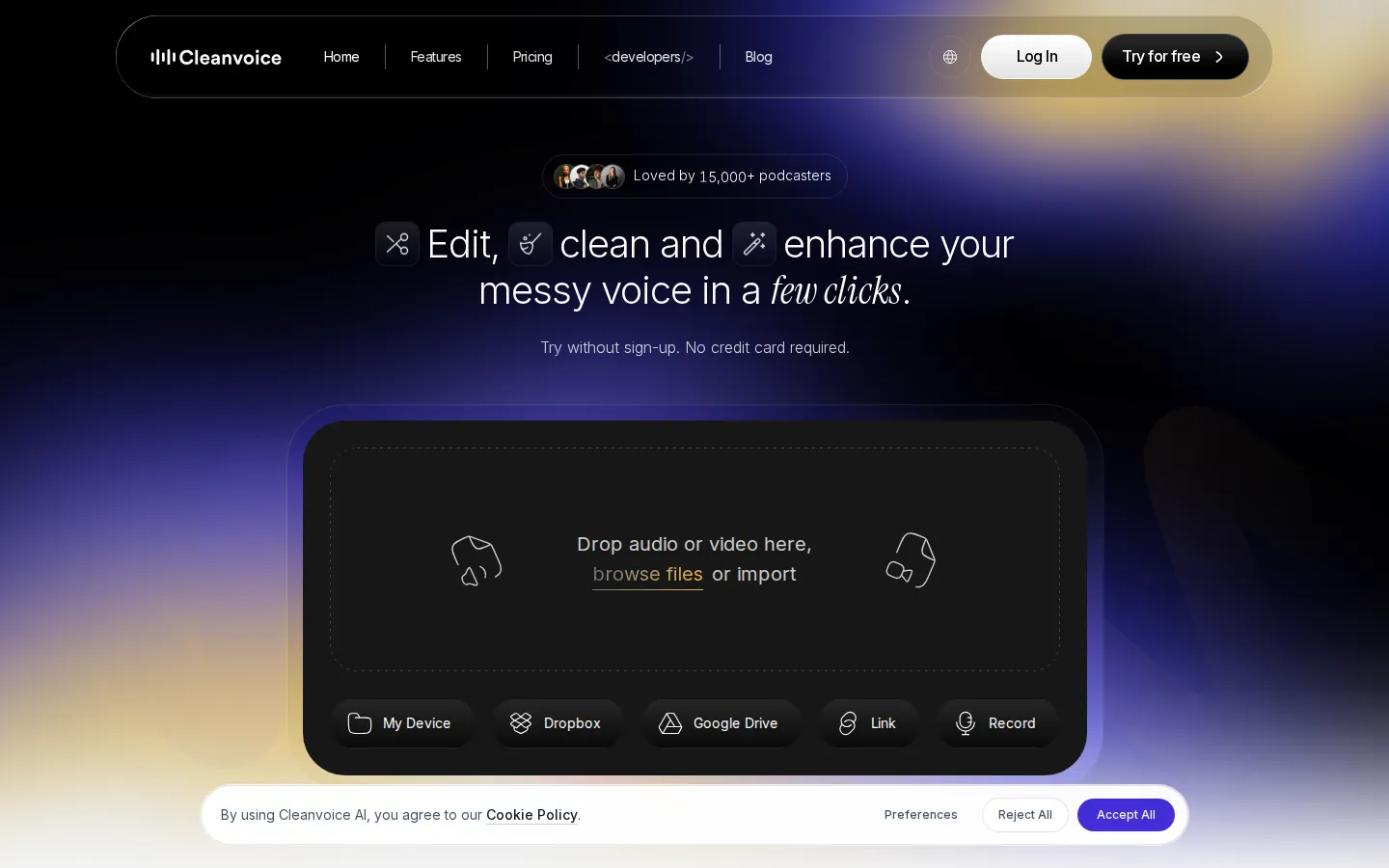
Cleanvoice AI Core Features
Filler Word Remover
Detects and cuts "um", "uh", "like" and other fillers across the recording, with working detection in English, German, French, Dutch, Spanish, Italian, Portuguese, Romanian, Polish, Arabic, Turkish and Bulgarian.
Mouth Sounds, Breath and Stutter Remover
Cleans clicks, lip smacks, heavy breathing and stuttering fragments, with adjustable breath-removal modes from conservative to natural so speech never sounds robotic.
Background Noise, Echo and Reverb Remover
Strips out ambient noise, hum and room echo automatically, and can preserve music sections during noise reduction so the soundtrack stays intact.
Studio Sound Enhancer
One-click audio enhancement that applies aggressive cleanup, EQ-style correction and loudness normalization to lift a raw, amateur take toward professional studio quality.
Automatic Multitrack Editing
Removes filler words and dead air from every speaker's track in a single pass while keeping all tracks in sync, ideal for remote interviews recorded on separate microphones.
Video Podcast Editing
Processes video recordings alongside audio, applying the same cleanup while keeping picture and sound aligned, with options to keep or mute edits rather than cut.
Timeline Export to Any Editor
Every cut is returned as an editable timeline that opens directly in Adobe Audition, REAPER, Audacity, DaVinci Resolve, Ultraschall and other common tools.
Developer API and SDKs
A REST API with official Python and JavaScript SDKs enables programmatic audio cleanup, custom endpoints for high-volume customers, and native Make and n8n integrations.
Who is Cleanvoice AI for?
Cleanvoice AI is built for anyone who records spoken-word audio and does not want to spend hours editing it by hand. It is not a tool for one type of user, but each of the main audiences below gets something different from it. Solo podcasters and interview hosts are the core audience: they can upload a raw episode and get back a version with every "um", long pause, breath and mouth click removed in minutes instead of spending an evening in a DAW. Video podcasters and YouTube creators get the same cleanup applied to video recordings while picture stays in sync with the edited audio, which matters more and more as video-first shows grow. Audiobook narrators and voiceover artists benefit from the stutter, mouth-sound and breath removal that turns many imperfect takes into one clean pass, saving retakes and studio time. Professional audio engineers and video editors use the timeline export to hand a pre-cleaned edit over to their usual tool, Adobe Audition, REAPER or DaVinci Resolve, and finish it themselves, so the AI acts as an assistant rather than a replacement. Media agencies and podcast production studios that manage several shows can process episodes in bulk and standardize quality across clients, and the multitrack support makes cleaning remote two- or three-person recordings simple. Businesses and marketing teams publishing corporate podcasts, internal communications or thought-leadership audio get studio-sounding output without hiring a dedicated editor, which is often the difference between starting an internal show and never finding time for it. Educators, journalists and course creators who publish lectures, interviews or news segments can clean and caption their recordings in the same pass, using the automatic transcription and chapter summaries to make content searchable and accessible. Developers and product teams are a newer but central audience: the REST API and Python/JavaScript SDKs let SaaS companies add filler-word removal, noise reduction and studio enhancement directly to their own apps or media pipelines. The tool is also useful for non-native English speakers recording in one of the 12 supported filler-detection languages, or anyone whose show needs transcripts, chapter summaries and shownotes produced automatically. Finally, hobbyists and students producing their first podcast find it a forgiving way to hear what professional audio should sound like before they invest in a paid editing setup.
Cleanvoice AI Use Cases
Publish a polished weekly podcast episode without spending hours manually removing every "um" and pause in a DAW.
Clean up remote interviews and Zoom call recordings captured in noisy rooms with multiple speakers on separate tracks.
Remove mouth clicks, heavy breaths and stutters from audiobook narration and voiceover takes before delivering to clients.
Edit a video podcast end to end, keeping audio and picture in sync while noise and dead air disappear from every segment.
Rescue poor-quality phone recordings and on-the-go voice memos, turning them into listenable, broadcast-ready episodes.
Produce transcripts, chapter summaries, key learnings and shownotes automatically for every published episode.
Standardize audio quality across client shows in batch at a media agency or podcast production studio.
Integrate filler removal, noise reduction and studio enhancement into a SaaS product or workflow through the Cleanvoice API and SDKs.
Cleanvoice AI Pros and Cons
Pros
- Automates cleanup that takes hours of manual DAW editing, finishing typical episodes in minutes with no editing experience required.
- Covers an unusually wide range of issues in one tool, from multilingual filler words and stutters to mouth sounds, breaths, dead air, noise, echo and reverb, plus studio-sound enhancement.
- Multitrack recordings are cleaned in sync in one pass, and every cut can be exported as a timeline to Audacity, REAPER, Adobe Audition, DaVinci Resolve or Ultraschall.
- Transparent credit-based pricing with a free 30-minute trial, no credit card required, and unused subscription credits that roll over up to three times the plan limit.
- Developer-friendly by design, with a REST API, Python and JavaScript SDKs, and integrations for Make and n8n, backed by GDPR compliance, ISO 27001 certification and EU data storage.
Cons
- Automated edits are not always flawless: the AI can occasionally over-cut or leave artifacts, so episodes should be proof-listened before publishing and some sections may need manual fixes.
- Pricing is based on processed audio hours, so frequent long-form users need bigger credit packs or subscriptions, and costs add up for teams producing many hours each month.
- Cleanvoice is a browser-based service rather than a desktop application, offering less granular, sample-level manual control than a full digital audio workstation.
FAQ About Cleanvoice AI
Cleanvoice AI Pricing
Cleanvoice AI starts with a free trial of 30 minutes of processed audio, no credit card required. Pay-as-you-go credit packs (valid for 2 years) cost $11 for 5 hours, $20 for 10 hours and $45 for 30 hours. Monthly subscriptions with unused credits rolling over up to three times the plan limit cost $11 for 10 hours, $30 for 30 hours and $90 for 100 hours per month. Custom plans cover 200+ hours per month with custom API endpoints, priority support and custom billing. Every plan includes all features, and prices exclude VAT.
Check official pricingCleanvoice AI Alternatives

Moises
Moises is an AI music app for musicians. Upload any song and it separates vocals, drums, bass, guitar, keys and more into clean stems, detects chords, key and BPM, transcribes lyrics, and generates a smart metronome. Slow songs down, change the key, mute your part, then export stems or take the idea into Moises Studio to record, generate parts and collaborate.
EchoJay
EchoJay is an AI mix feedback tool for music producers and mix engineers. It meters your track in real time with EBU R128 loudness, oversampled true peak, stereo width, and eight-band EQ curves, then sends those actual numbers to an AI that gives grounded, actionable advice for your genre, stem, and monitoring setup. It runs as a browser app and as a VST3, AU, or AAX plugin.

LALAL.AI
LALAL.AI is an AI-powered audio separation platform that removes vocals and instrumentals from music, audio, and video with transformer-based precision. Its stem splitter extracts drums, bass, guitar, and more, while voice cleaning, echo removal, voice changing, and voice cloning tools cover the full audio workflow across web, mobile, desktop, and API.