Cleanaudio
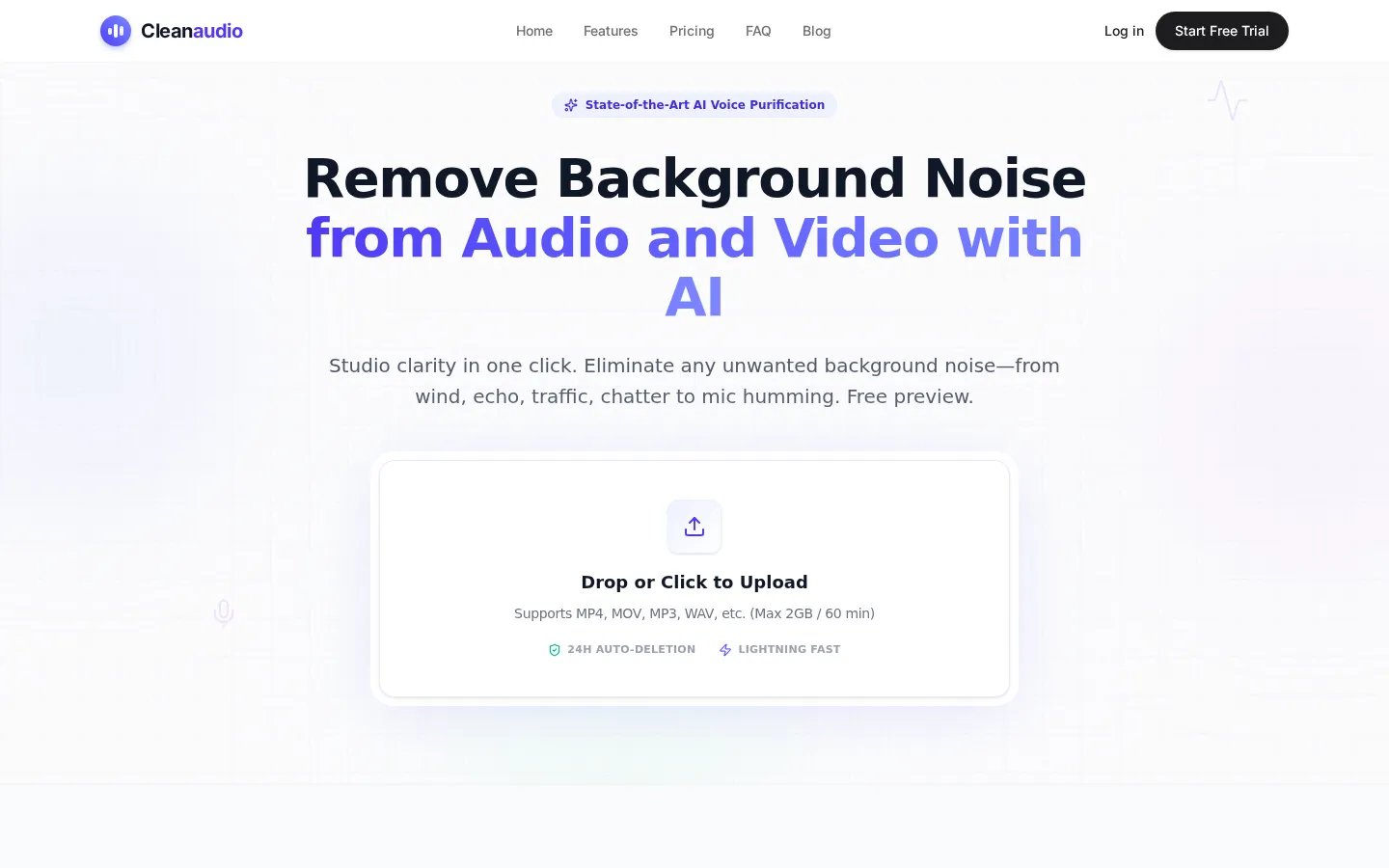
Cleanaudio is a browser-based AI background noise remover for audio and video. Upload an MP4, MOV, MP3, or WAV file and its AI engine automatically strips wind, echo, traffic, chatter, fan and AC hum, dog barking, and microphone static while preserving natural voice. Hear a free 30-second cleaned preview with no sign-up, then pay only to download the full cleaned file.
What is Cleanaudio?
Cleanaudio is a browser-based AI background noise remover for both audio and video, designed to deliver studio clarity in a single click. Rather than forcing users through complex manual noise profiling, it lets you drop a file straight into the web page, runs an AI noise-reduction engine over it, and returns clean, noiseless audio that preserves the natural sound of the human voice.
The tool is trained on thousands of hours of audio and handles a wide range of unwanted sounds: harsh outdoor wind, loud air-conditioning and fan whirs, street traffic, sirens and passing cars, unexpected dog barking, electronic static, microphone hiss and hum, and hollow room echo or reverb, which the service addresses with AI de-reverb. It is optimized for spoken-word content, so it is particularly effective at isolating speech, making it a natural fit for podcasts, voiceovers, interviews, and long-form recordings.
Supported input formats are broad: video files such as MP4, MOV, FLV, MKV, and WMV, plus audio formats including MP3, WAV, AIFF, FLAC, and M4A, with an upload limit of 2GB or 60 minutes per file. Processing happens quickly, and the cleaned output can be downloaded in a large variety of formats ready for publishing.
A defining part of the experience is the free preview. Without signing up or entering a credit card, you can upload any audio or video file and hear a 30-second cleaned preview instantly, then pay only if you want to download the full cleaned version. This try-before-you-buy model makes the quality bar transparent and lowers the risk of committing to editing software you have not tested.
Cleanaudio emphasizes privacy and security. Every uploaded file and processed audio is placed in a secure sandbox and permanently shredded from the servers automatically within 24 hours, and the company states it does not use customer data for AI training.
The interface is fully responsive and works in mobile browsers on iOS and Android, so you can clean up smartphone microphone recordings or voice notes on the go without installing an app. Everything runs in the browser, meaning no installation and no heavy desktop software to manage.
Pricing is deliberately simple. The free tier gives immediate access to cleaned previews. The PRO Unlimited plan runs $16.99 per month for unlimited cleaning under a fair-use policy of up to 30 hours per billing cycle, priority queue placement, over ten audio and video formats, and no watermark or ads, with the ability to cancel anytime. For occasional users, a Pay As You Go option sells credits in one-time packs of 1 hour ($4.99), 5 hours ($9.99), and 10 hours ($16.99), valid for one year.
Overall, Cleanaudio positions itself as an accessible, affordable alternative to traditional audio-editing suites, delivering one-click AI noise removal for creators who want professional results without needing audio-engineering skills or costly gear.
Cleanaudio Core Features
One-click AI background noise removal for both audio and video
Removes wind, echo, traffic, chatter, fan and AC hum, dog barking, static, and microphone hiss
AI de-reverb that fixes hollow room echo in recordings
Free 30-second cleaned preview with no sign-up or credit card
Supports MP4, MOV, FLV, MKV, WMV, MP3, WAV, AIFF, FLAC, and M4A files (up to 2GB / 60 min)
Fully browser-based, works on desktop and mobile (iOS/Android) with no installation
24-hour auto-deletion of files and no use of your data for AI training
PRO Unlimited adds priority queue, watermark-free output, and cancel-anytime billing
Who is Cleanaudio for?
Cleanaudio is built for anyone who records audio or video in less-than-perfect conditions and needs it to sound professional without a studio or expensive software. Podcasters use it to rescue noisy interview episodes, removing air-conditioning hum, buzzes, and room echo without redoing an entire session. YouTubers and video creators upload footage shot outdoors, kill traffic noise and wind, and get their file back with clean audio before publishing. Marketers and course creators clean up voiceovers and promotional audio without hiring an engineer. Educators and trainers record lessons in classrooms, kitchens, or shared offices and still want lectures that sound polished. Casual users turn to Cleanaudio for phone recordings, voice memos, and quick interviews that need to sound crisp for clients or social posts. Audio engineers and editors treat it as a fast first-pass tool to clean up rough cuts before detailed mixing and mastering, saving hours of manual spectral editing. It also suits remote consultants, journalists, and legal or medical professionals who capture interviews on the move and need reliable, intelligible speech. The tool is especially valuable for people who do not want to learn Audacity or Premiere Pro, because it is a one-click, browser-based service that works the same on desktop and mobile, so freelancers and hobbyists alike get studio-grade results. Anyone who has ever lost a good take to background noise, or spent hours manually profiling noise, is the target audience. Because there is no installation, no sign-up for the preview, and files are auto-deleted after 24 hours, it also appeals to privacy-conscious and time-poor creators who simply want the noise gone quickly and cleanly.
Cleanaudio Use Cases
Clean noisy podcast episodes by removing hums, buzzes, and echo
Remove wind and traffic noise from outdoor YouTube videos
Fix hollow room echo and reverb in interview recordings
Polish voiceovers and promotional audio for marketing videos
Make lesson and training recordings sound professional
Restore clarity to phone call recordings and voice memos
Strip dog barking and street noise from mobile recordings
Do a fast first-pass cleanup before detailed mixing and mastering
Cleanaudio Pros and Cons
Pros
- Free 30-second cleaned preview with no sign-up or credit card
- Handles both audio and video across a wide format range up to 2GB / 60 min
- One-click, browser-based workflow that requires no audio-engineering skill
- Strong privacy stance: 24-hour auto-deletion and no AI training on your data
- Simple, affordable pricing with unlimited PRO or pay-as-you-go hour packs
Cons
- Only a 30-second free preview; full downloads require payment
- Limited manual control compared with advanced editors like Audition or iZotope RX
- PRO Unlimited is throttled by a fair-use cap of roughly 30 hours per billing cycle
FAQ About Cleanaudio
Cleanaudio Pricing
Freemium: a free 30-second cleaned preview with no sign-up, PRO Unlimited at $16.99/month, or one-time Pay As You Go hour packs starting at $4.99 (1 hour).
Check official pricingFree Trial
Upload any audio or video and hear a 30-second cleaned preview instantly; no sign-up and no credit card, pay only to download.
PRO Unlimited
Unlimited audio cleaning under a fair-use policy (up to 30 hours per billing cycle), priority queue, 10+ audio and video formats, no watermark or ads, cancel anytime.
Pay As You Go – 1 Hour
One hour of cleaning for about $0.083/min, ideal for a single episode; credits valid for one year.
Pay As You Go – 5 Hours
Five hours of cleaning at roughly $0.033/min, suited to a full podcast season; credits valid for one year.
Pay As You Go – 10 Hours
Ten hours of cleaning at about $0.028/min, best for a heavy single project; credits valid for one year.