AudioErase
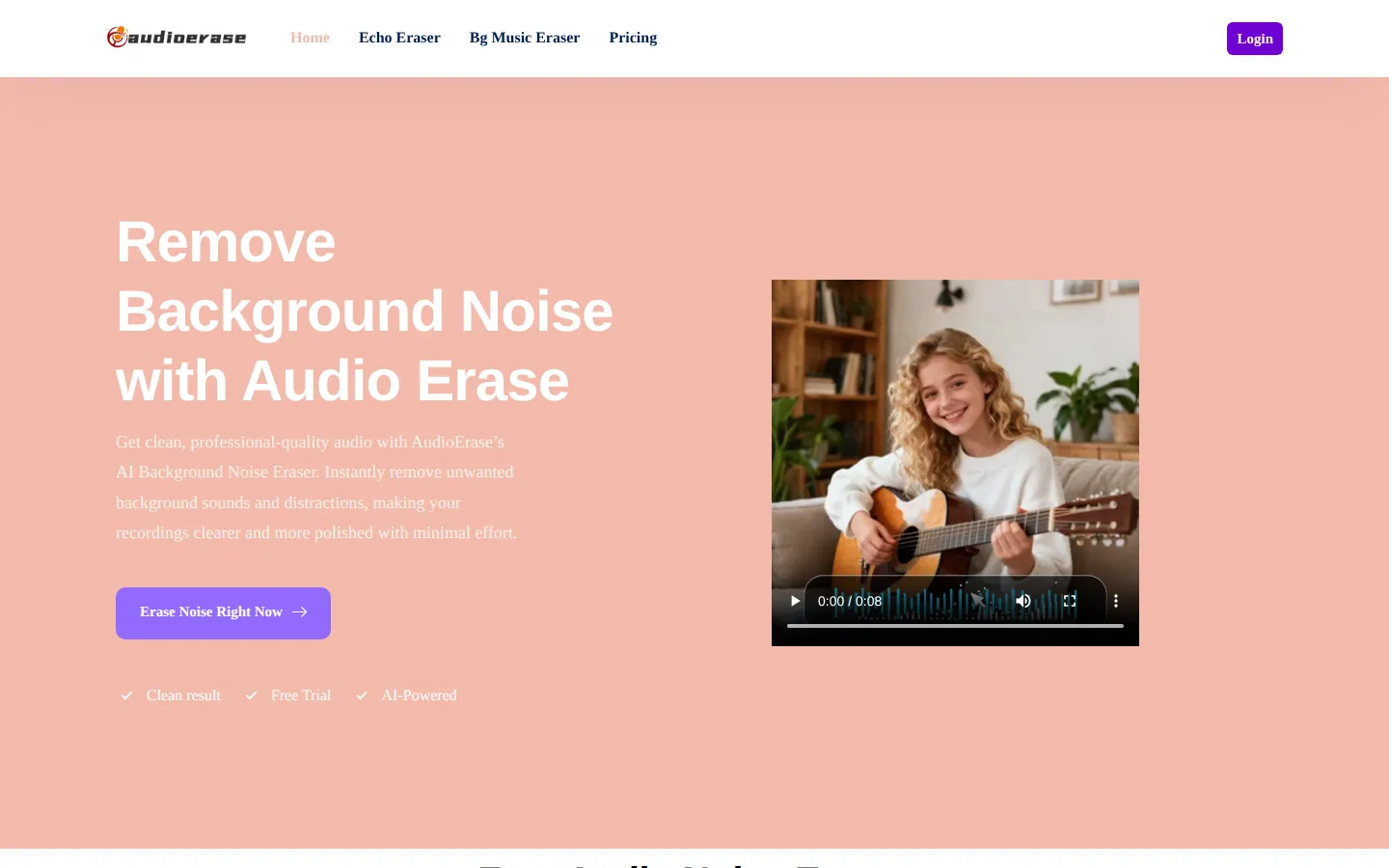
AudioErase is a browser-based AI audio cleaning tool that removes background noise, echo, and distracting sounds from audio and video files. Users upload a recording, let the AI analyze and process it, then download cleaner audio in seconds. It also removes filler words, breath, and silences, and offers AutoEQ, normalize, and studio sound enhancement, making it useful for podcasts, voiceovers, and lessons. No sign-up required.
What is AudioErase?
AudioErase is a browser-based AI audio-cleaning tool that removes background noise, echo, and other distracting sounds from recordings in seconds. Built for creators, podcasters, and anyone working with voice or video audio, it takes an ordinary clip and returns a cleaner, more professional-sounding file without requiring audio-editing expertise. The core promise is simple: upload a file, let the AI analyze it, and download audio with humming fans, static, traffic, keyboard clicks, mouth sounds, and room reverb stripped away while the original voice stays natural and clear.
The tool handles both audio and video formats, including MP3, WAV, FLAC, M4A, AAC, OPUS, OGG, MP4, MOV, and more. Users can upload from their device, and clips longer than 30 seconds on the free tier are automatically trimmed to 30 seconds for processing. Beyond straightforward noise removal, AudioErase bundles speech-cleanup controls: it can eliminate hesitations, reduce stuttering, strip filler words such as "um" and "uh", remove breath and mouth sounds, and delete long silences. Creative options like Keep Music, AutoEQ, Normalize, Studio Sound, and Mute Segments give users finer control over how the finished file sounds.
AudioErase positions itself as a one-stop voice-enhancement tool rather than a full multitrack editor. It also ships two sibling tools under the same brand: an Echo Eraser for reverberant rooms and a Background Music Eraser for stripping music from video. Typical uses include cleaning podcast episodes, polishing voiceovers for video production, tidying online lesson recordings, and preparing audiobooks or social clips.
The website advertises that the service is trusted by creators and professionals across podcasting, video, and courses. AudioErase offers a free trial with daily credits, and the homepage FAQ states that no sign-up is required to start using the tool, so users can upload a file immediately and let the AI handle noise removal. The site links its publisher as Yishield, and the product carries its own pricing page offering metered minute-based packages on top of the free allowance. In short, AudioErase is a lightweight, no-install web app for anyone who needs fast, clean speech and audio without learning professional audio software.
AudioErase Core Features
AI Background Noise Removal
Detects and removes hums, static, fans, traffic, and ambient noise while preserving the original voice.
Speech Cleanup Controls
Eliminates hesitations, stuttering, filler words like "um" and "uh", breath, and mouth sounds.
Echo and Reverb Eraser
A companion Echo Eraser tool removes room echo and reverberation from recordings.
Background Music Eraser
A companion tool strips background music from video for clean voice tracks.
Audio Enhancement Suite
Includes AutoEQ, Normalize, and Studio Sound modes to polish volume and tone.
Silence and Segment Tools
Remove long silences or replace cut segments with silence using the Mute Segments option.
Wide Format Support
Accepts MP3, WAV, FLAC, M4A, AAC, OPUS, OGG, MP4, MOV, AVI, and other audio/video formats.
No Sign-Up Browser Workflow
Upload and process files directly in the browser with no account required to start.
Who is AudioErase for?
AudioErase is aimed at people who record or work with spoken-word audio and need it to sound clean without investing in professional editing software. The clearest fit is podcasters and solo hosts who record in untreated rooms and want to remove fans, hums, and echo before publishing. The website also highlights independent musicians, voice actors, YouTubers, social media influencers, and audiobook creators as core audiences. Video creators and editors form another major group. Anyone producing voiceovers, explainer videos, screen recordings, or tutorials benefits from stripping keyboard clicks, mouse clicks, and ambient noise while keeping the narration crisp. Social media creators who film short clips on phones, where wind, traffic, and background chatter are common, can use AudioErase to raise perceived production quality quickly. Educators and course creators are explicitly targeted too. Teachers, tutors, and online-course producers who record lectures or live sessions can clean background noise so students hear every explanation clearly, which the site frames as improving comprehension and engagement. Journalists, interviewers, and researchers who capture conversations in uncontrolled environments may find it useful for tidying field recordings before transcription or publication. Customer-support and business teams that record calls, demos, or training material may also benefit from cleaner voice tracks. Small businesses, freelance editors, and agencies that handle audio for clients can use the browser tool for quick cleanups without licensing desktop software. Beginners who have never touched an audio editor are a natural audience because the workflow is upload-and-download with no setup. It is less relevant for music production, multi-track mixing, or workflows that need an API and deep programmatic control.
AudioErase Use Cases
Clean up fan, hum, and air-conditioner noise from home-recorded podcast episodes.
Remove background music and ambient sound from video voiceovers before publishing.
Strip keyboard clicks, mouse clicks, and mouth sounds from screen-recording tutorials.
Reduce wind, traffic, and crowd noise from phone-recorded social media clips.
Polish online lesson and lecture recordings so students hear clear narration.
Eliminate filler words, stutters, and long silences from interview audio.
Tidy audiobook narration by removing breath sounds and room reverb.
Enhance field recordings and call audio for clearer transcription and review.
AudioErase Pros and Cons
Pros
- Free to start with no sign-up required, so you can test the noise removal immediately.
- Handles both audio and video formats and cleans the audio track automatically.
- Bundles speech cleanup (filler words, stutters, breath) with standard noise removal.
- Metered minute packages never expire and can be combined, per the pricing page.
- Browser-based with no installation, making it accessible to beginners.
Cons
- Free-tier clips longer than 30 seconds are automatically limited to 30 seconds of processing.
- Pricing is minute-credit based rather than a simple subscription, which can be harder to budget.
- No public API or documented developer access is advertised.
FAQ About AudioErase
AudioErase Pricing
AudioErase offers a free trial with daily credits plus paid minute-based packages starting at $6.99 for 90 minutes, with minutes that never expire.
Check official pricingFree trial
Free daily credits and trial minutes; audio or video longer than 30 seconds is limited to 30 seconds.
90 minutes
Up to 90 minutes of audio processing, 2 GB per file, batch processing, and fast queue.
100 minutes
Up to 100 minutes of audio processing, 2 GB per file, batch processing, and fast queue.
240 minutes
Most popular. Up to 240 minutes of audio processing, 2 GB per file, batch processing, and fast queue.
450 minutes
Up to 450 minutes of audio processing, 2 GB per file, batch processing, and fast queue.
2160 minutes
Up to 2,160 minutes of audio processing, 2 GB per file, batch processing, and fast queue.
AudioErase Alternatives

Neume
Neume is an AI song generator that turns a plain-language prompt into a complete track: it writes the lyrics, sings them, adds instruments and mixes the result in under three minutes. You can paste your own words, work in more than 30 languages, remix a single section, and export audio or an AI music video, with one free song to start.

Hearem
Hearem converts PDFs, webpages, images, and text into natural speech using AI voice providers, making it effortless to listen to long content on the go.

EchoJay
EchoJay is an AI mix feedback tool for music producers and mix engineers. It meters your track in real time with EBU R128 loudness, oversampled true peak, stereo width, and eight-band EQ curves, then sends those actual numbers to an AI that gives grounded, actionable advice for your genre, stem, and monitoring setup. It runs as a browser app and as a VST3, AU, or AAX plugin.