
Chalkie
Chalkie is an AI teaching assistant for schools and individual teachers. It generates curriculum-aligned lesson slides, lesson series, worksheets and classroom activities from a topic, a pasted plan, an uploaded file or a website link, then lets teachers edit, differentiate and export everything to Google Slides, PowerPoint, Word, Google Docs or PDF. Plans start free, and Pro costs US$8.99 a month.
What is Chalkie?
Chalkie is an AI teaching assistant for schools and individual teachers. You give it a topic, a year group and a curriculum, and it drafts the resources you would otherwise spend an evening building: lesson slides, learning objectives, key vocabulary, classroom activities, worksheets and quizzes.
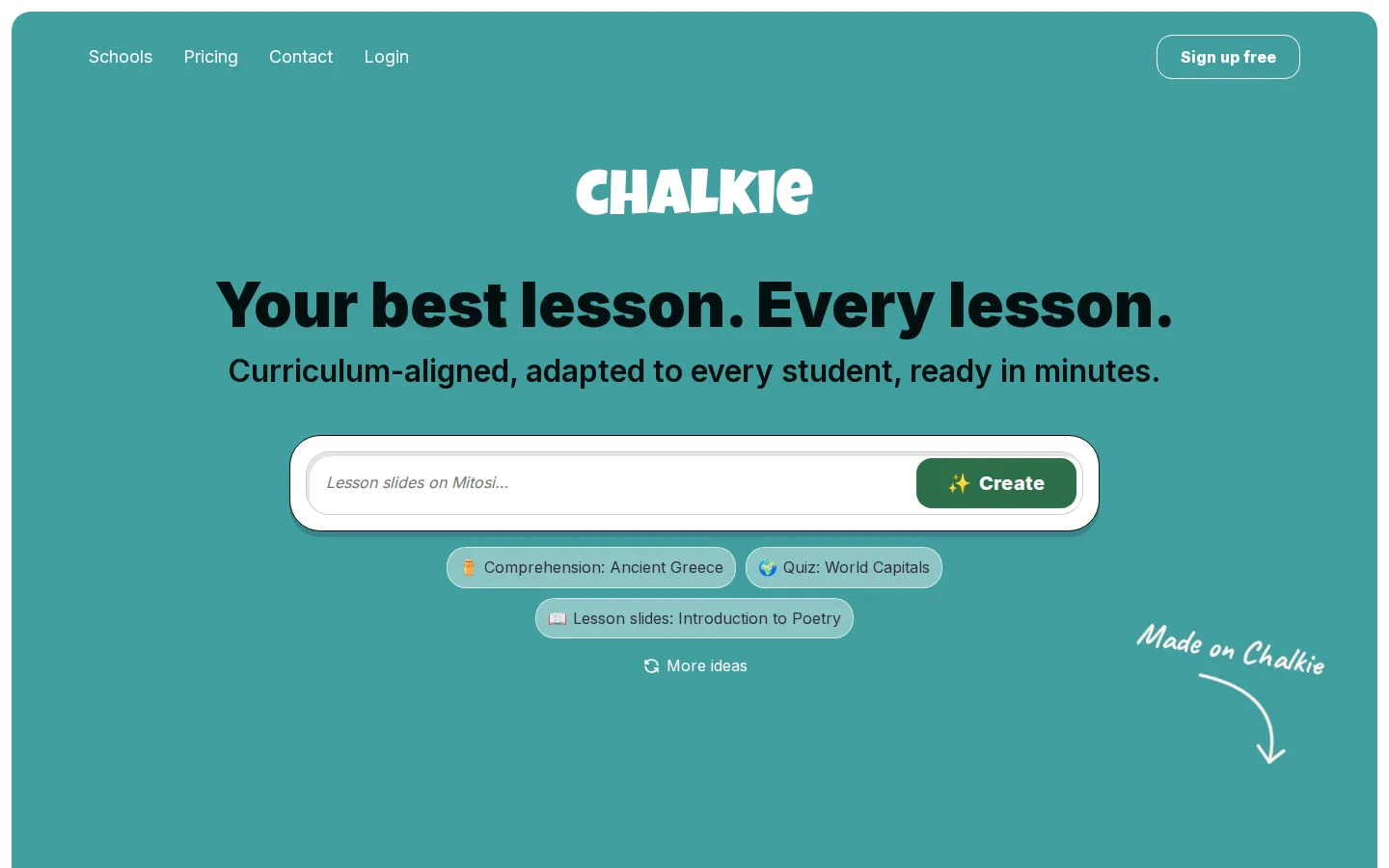
The lesson planner is the core of the product. You type a topic such as The Water Cycle or Character Development, choose the year level and subject, pick a region, and Chalkie returns a complete deck with objectives, vocabulary, explanations, examples and interactive activities. Every slide stays editable in the built-in editor, and content can be regenerated or remixed with AI prompts rather than rewritten by hand. You can also start from material you already have, pasting in a lesson plan, uploading a file or pointing Chalkie at a website URL as the starting point.
The unit planner extends the same flow across a whole topic. Ask for three, twelve, twenty-five or more lessons on one theme and Chalkie first returns an editable outline with objectives and a suggested sequence map, then generates each lesson from that outline. Every lesson builds on the last, which is what makes a series usable for a half-term or a full term of planning, and any individual lesson in the sequence can be regenerated on its own.
The worksheet generator produces standalone activity sheets or worksheets tied to an existing lesson. It mixes question types including multiple choice, short answer, open-ended questions, cloze tests and gap fills, so a starter quiz, a lesson recap or homework can all come from the same topic. Sheets are differentiated by level, editable in the builder, and exportable to Google Docs, Word, PDF or printed for class.
Classroom activities arrive attached to every generated lesson: starters, plenaries, group challenges, debates, matching games, ranking tasks, true-or-false sets and quizzes. Students can join interactive activities live in the classroom, or you can export the lesson and print the activity slide on its own.
Curriculum alignment runs through the whole product. Chalkie maps content to the UK National Curriculum for Key Stages 1 to 4, the Australian Curriculum v9.0 and US Common Core and NGSS, embedding learning outcomes into slides, worksheets and activities. Alignment is a paid feature, so free accounts generate content without standards mapping.
Around the core sit the practical details: a wide range of slide themes, AI editing of text and imagery, automatic YouTube video suggestions, lessons up to 35 slides on the top plan, export to Google Slides, PowerPoint, PDF, Google Docs and Word, and a public library of lessons and worksheets you can browse and remix. Chalkie says it uses OpenAI and Google models, publishes a responsible AI guide asking teachers to check facts and review output before use, and states that no student data is ever collected.
Chalkie Core Features
AI lesson planner generates complete decks with objectives, key vocabulary, explanations and activities in seconds.
Lesson series builder plans a sequenced unit of up to 25 lessons, each building on the last.
Worksheet generator creates quizzes, gap fills, cloze tests, short answer and open ended tasks.
Curriculum alignment maps content to UK National Curriculum, Australian Curriculum v9.0 and US Common Core or NGSS.
Differentiation produces scaffold and stretch versions, plus support for EAL, ELL and additional needs learners.
In lesson AI editing regenerates or rewrites any slide, question or image inside the editor.
Export sends lessons and worksheets to Google Slides, Google Docs, PowerPoint, Word or PDF for printing.
Live classroom activities let students join interactive tasks in the browser during the lesson.
Who is Chalkie for?
Chalkie is aimed at classroom teachers who plan under time pressure. Its own product pages name the same group repeatedly: teachers who need a structured lesson for tomorrow, early-career teachers who want a reliable format to copy, and substitute or supply teachers covering subjects outside their certification. The lesson planner is explicitly built for these three groups plus senior leaders who want consistent planning across a school. School leadership teams are the second audience. The schools page positions Chalkie for department chairs standardising planning across a team, school leaders managing workload and supporting new teachers, and principals focused on curriculum quality and staff retention. The pitch is consistency: from substitute teachers to department chairs, every educator produces lessons in the same shape and aligned to the same standards. Chalkie says teachers using it save five to seven hours a week, and schools report improved lesson quality, consistency and student engagement. Schools with diverse student needs are the third group. Chalkie tailors lessons to different ability levels, learning styles and educational needs, including support for EAL and ELL learners, students with disabilities and gifted learners, and it produces scaffold and stretch versions of the same task. Special education teachers are called out directly in customer testimonials, alongside art, science, history, maths, languages and PSHE teachers across kindergarten to twelfth grade. Finally, Chalkie fits institutions that cannot collect student data. It never requires, stores or processes personally identifiable student information, which the schools page frames as making FERPA, COPPA and state privacy requirements simple to meet, and it will sign a data processing agreement or complete a district privacy questionnaire. That makes it a practical option for districts and multi-school groups that would otherwise have to negotiate around student data handling.
Chalkie Use Cases
Plan tomorrow's lesson in minutes when planning time has already run out
Build a whole half-term unit of sequenced lessons around a single topic
Create differentiated worksheets for mixed ability classes without rewriting each task
Give substitute teachers curriculum aligned content outside their subject specialism
Standardise lesson structure and quality across a department or a whole school
Produce a quick starter quiz or end of lesson check for understanding
Keep slide decks and worksheets explicitly tied to the standards you must cover
Export lessons into the Google Slides or PowerPoint workflow your school already uses
Chalkie Pros and Cons
Pros
- Free tier needs no card and still allows five resources and ten AI edits every week.
- Covers UK, Australian and US curricula at a low individual price: Pro is US$8.99 a month or US$79.80 a year.
- Everything is exportable to Google Slides, Google Docs, PowerPoint, Word and PDF instead of being locked inside the app.
- No student data is collected, and the company states GDPR, FERPA, COPPA and Australian Privacy Act compliance.
Cons
- The free plan is capped at five resources and ten AI edits every seven days, and curriculum alignment is paid only.
- Paid tiers are metered: Pro allows 200 resources and 400 AI edits a month, Max 400 resources and 800 AI edits.
- School wide features such as linked teacher accounts, admin tracking and centralised billing are quote only.
FAQ About Chalkie
Chalkie Pricing
Chalkie is freemium. The Free plan costs nothing, needs no card and allows five resources and ten AI edits every week, with export to Google and Microsoft formats but no curriculum alignment. Pro is US$8.99 a month, or US$79.80 paid yearly which works out at about US$6.65 a month and is advertised as three months free, and it adds standards alignment, removal of the Chalkie badge, YouTube videos, 200 resources a month, lesson series up to 12 lessons, lessons up to 25 slides and 400 AI edits a month. Max is US$16.99 a month, or US$155.88 paid yearly at about US$12.99 a month, adding custom themes and fonts, 400 resources a month, series up to 25 lessons, lessons up to 35 slides and 800 AI edits a month. Schools are quoted individually based on size and staff numbers, with discounts for districts and bulk licensing, and a 30 day refund guarantee. Individual plans can be cancelled at any time and carry a 14 day refund window with a 24 hour grace period after renewal.
Check official pricingFree
No card details required. Create lessons and activities, export to Google and Microsoft formats, create 5 resources every week and make 10 AI edits a week. Curriculum and standards alignment is not included.
Pro
US$8.99 a month, or US$79.80 paid yearly, about US$6.65 a month with three months free. Adds alignment to curriculum and standards, removal of the Chalkie badge, YouTube videos, 200 resources a month, lesson series up to 12 lessons, lessons up to 25 slides and 400 AI edits a month.
Max
US$16.99 a month, or US$155.88 paid yearly, about US$12.99 a month with three months free. Everything in Pro plus custom themes and fonts, 400 resources a month, lesson series up to 25 lessons, lessons up to 35 slides and 800 AI edits a month.
Schools
Quote based pricing for schools, districts and multi-school groups, including custom lessons, linked teacher accounts, admin controls and tracking, centralised billing and unlimited generations. Optional onboarding webinar, dedicated support and a 30 day refund guarantee.
Chalkie Alternatives

Teachy
Teachy is a Brazilian AI platform for teachers and schools that generates lesson plans, activities, tests, and graded feedback aligned to your curriculum in minutes. It bundles 60+ material formats, a question bank, per-student accessibility adaptations, learning-recovery dashboards, and Lara, a pedagogical chat assistant. A free plan grants 100 credits daily; Premium costs R$ 39.90 per month.

X-Pilot
X-Pilot turns source material into editable course and training videos. Upload a PDF, PPT, DOC, URL or finished script, or just type a topic, and X-Pilot plans an outline and scenes with narration. Review and edit any element by typing, then export a 1080p MP4 or SCORM package - one long lesson or a chapter series.

Talkio AI
Talkio AI is a language-learning web and mobile app from Aidia ApS in Denmark that helps you speak a new language out loud. Practise voice conversations with hundreds of AI tutors across more than 70 languages, get instant feedback on pronunciation, grammar and fluency, review saved vocabulary, and track weekly progress. A seven-day free trial starts every subscription.