
Bigjpg
Bigjpg is an AI-powered image enlarger that upscales photos, illustrations, and anime artwork without quality loss using deep convolutional neural networks. It supports enlarging up to 16x with noise reduction, batch processing, and offline enlarging for logged-in users. Free users can upscale images up to 3000x3000px, with paid plans from $6 providing higher limits, faster speeds, and more pictures per month.
What is Bigjpg?
Bigjpg is an AI-powered image upscaling service that enlarges images without losing quality using the latest deep convolutional neural networks. Unlike traditional interpolation methods used by software like Photoshop, which produce fuzzy results with visible blur and noise, Bigjpg's neural network is specially adjusted for the lines and colors of each image, keeping colors well preserved with almost no glitter or doubling artifacts. The service excels at anime images and illustrations, which are nearly perfectly processed with colors, details, and edges all retained, while regular photos are also well supported. Users upload an image, choose an enlarging configuration, and the service processes it on dedicated servers with an estimated time shown during processing. Free users can upload images up to 3000x3000 pixels and 5MB, while paid users can upload up to 50MB, and enlarging ratios reach up to 16x depending on the plan. The platform includes batch mode for processing multiple images, parallel enlarging, and offline enlarging for logged-in users who can close their browser while processing continues. Bigjpg is available as an online service, desktop software, and mobile app, making it flexible for both casual and professional users. An API is available to logged-in users for programmatic image processing, and uploaded images are handled with privacy in mind: free account images are automatically deleted within 24 hours and premium account images within 72 hours, with encrypted links. Payment is one-time per plan rather than a recurring subscription, with Basic at $6 for two months, Standard at $12 for six months, and Premium at $22 for twelve months, each including a monthly picture quota and high-performance server access with top-priority speed. Bigjpg has built a reputation among anime communities and digital artists who routinely enlarge small artwork for prints and wallpapers, and the service's comparison material demonstrates how its neural network approach avoids the blur, noise, and doubling artifacts that traditional upscaling produces. The enlarging workflow is straightforward: upload, choose a ratio, and wait for the estimated processing time, which is typically shorter than estimated depending on server load and time of day. Users can adjust server location between mainland China and the United States for faster downloads, and the service tracks enlarging history for logged-in accounts. The FAQ also clarifies copyright responsibilities, requiring users to hold the necessary rights to uploaded images, and the platform provides a copyright reporting process for rights holders.
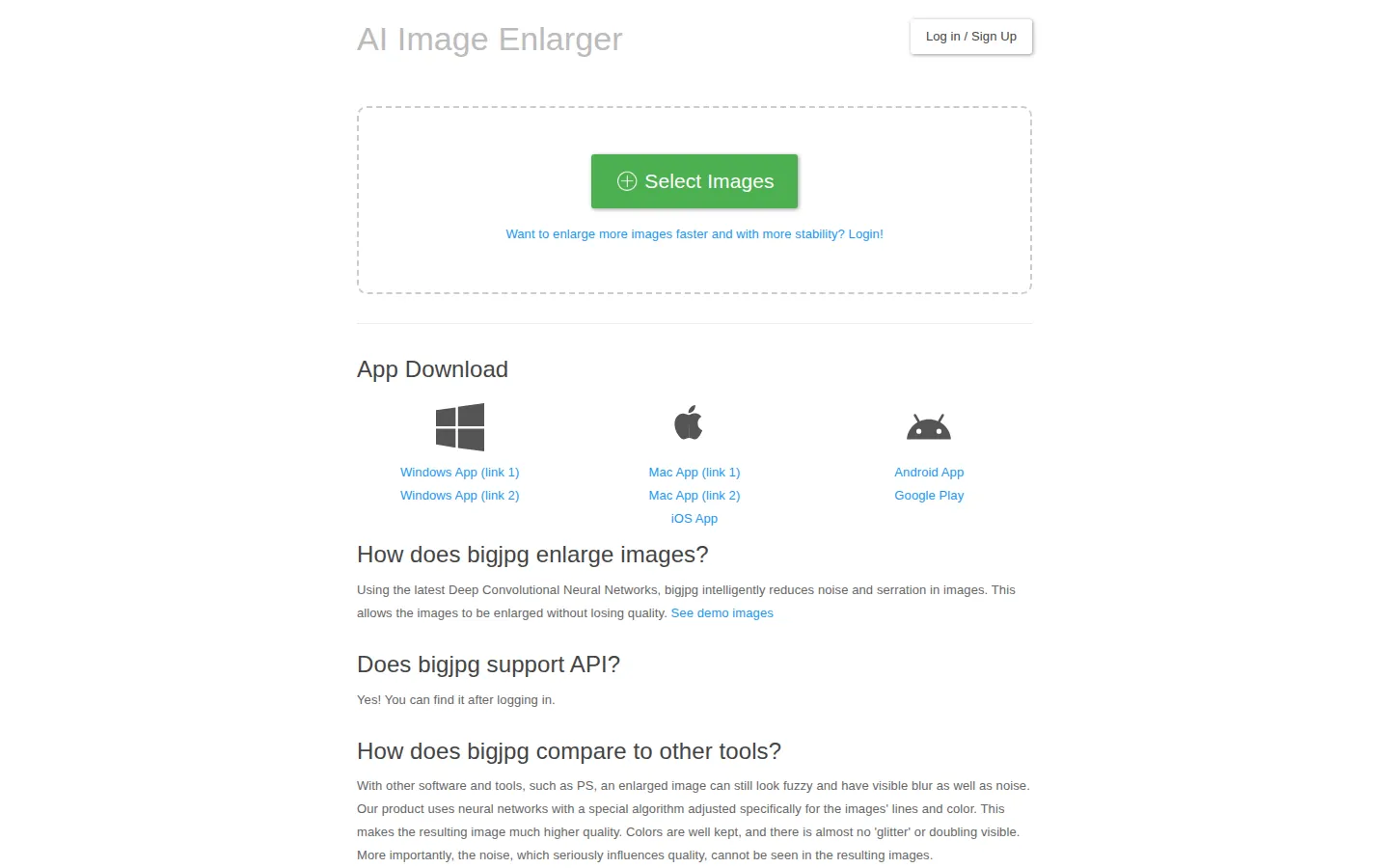
Bigjpg Core Features
AI super-resolution
Deep convolutional neural networks enlarge images with minimal quality loss and noise reduction
Up to 16x enlargement
Flexible enlarging ratios for anime, illustrations, and photos
Anime-optimized
Specially adjusted algorithm keeps line art, colors, and edges clean for anime and illustration
Batch processing
Enlarge multiple images at once with batch mode support
Offline enlarging
Logged-in users can close their browser and retrieve results later
Multi-platform
Available online, as desktop software, and as mobile apps
API access
Logged-in users can integrate enlarging into their own workflows
Privacy protection
Uploaded images auto-delete within 24-72 hours with encrypted links
Who is Bigjpg for?
Bigjpg is designed for anyone who needs to enlarge images while keeping them sharp, from anime fans to professional designers. Anime and illustration artists use it to upscale artwork for prints, wallpapers, and portfolios without degrading line quality, which is the service's specialty. Photographers enlarge photos for large-format printing and restore detail in older shots. Designers and marketers upscale product images and graphics for banners, ads, and presentations where resolution matters. Game developers and digital artists prepare sprites and concept art at higher resolutions for production pipelines. E-commerce sellers enlarge product photos to meet marketplace resolution requirements while keeping them crisp. Social media managers upscale memes and images for cleaner sharing across platforms. Casual users who want to enlarge personal photos for printing benefit from the free tier, while heavy users processing many images per month use the paid plans for batch mode, higher upload limits up to 50MB, and faster top-priority processing on high-performance servers. Print-on-demand sellers enlarge artwork and photos for products like posters, phone cases, and apparel where resolution directly affects perceived quality. Digital archivists and historians upscale scanned documents and vintage photographs for preservation. Web designers improve low-resolution stock imagery before placing it in layouts, and social media teams clean up screenshots and user-generated content for publication. Hobbyist photographers enlarge family photos for albums and gifts, while professional studios processing hundreds of images per month use the batch mode and API to integrate upscaling into their retouching pipelines.
Bigjpg Use Cases
Upscale anime artwork for high-resolution prints without losing line quality
Enlarge photos for large-format printing and framing
Prepare product images for e-commerce listings at marketplace resolutions
Restore sharpness in older or low-resolution digital photos
Create high-res wallpapers from small illustrations and art
Batch-enlarge multiple images for design and marketing assets
Upscale concept art and sprites for game development pipelines
Process images programmatically using the Bigjpg API
Bigjpg Pros and Cons
Pros
- Specialized in anime and illustration upscaling with excellent quality retention
- Free tier available with one-time payment plans instead of subscriptions
- Batch mode, offline enlarging, and API support for power users
Cons
- Free users are limited to 3000x3000px and 5MB uploads
- Default server is in mainland China, which may be slower for some international users
- Picture quotas per month mean heavy users need higher-tier plans
FAQ About Bigjpg
Bigjpg Pricing
Freemium: free tier (3000x3000px, 5MB); Basic $6/2mo, Standard $12/6mo, Premium $22/12mo — one-time payments.
Check official pricingFree
3000x3000px, 5MB uploads, up to 16x on select configs
Basic
2 months, 500 pictures/mo, 50MB uploads, batch mode
Standard
6 months, 1,000 pictures/mo, 50MB uploads, top priority
Premium
12 months, 2,000 pictures/mo, 50MB uploads, top priority
Bigjpg Alternatives

SparkPix
SparkPix is a free AI photo editor that runs in the browser and edits photos from plain text instructions. Upload a JPG, PNG or WebP up to 20 MB, describe the change, and it removes backgrounds, erases objects, restores old prints, upscales resolution, restyles images or generates new ones using models such as GPT Image and NanoBanana.

Img2Go
Img2Go is a free online image editor, converter, and AI toolkit from QaamGo Web GmbH in Germany. It bundles 27 browser-based apps for resizing, compressing, cropping, watermarking, and converting images between JPG, PNG, WebP, HEIC, AVIF, SVG, and PDF, alongside AI tools that upscale photos, remove backgrounds, restore old images, colorize black-and-white shots, and edit photos from a text prompt. No installation required.
EzMaker AI
EzMaker AI is a no-signup online photo editor that bundles the editing jobs people normally open Photoshop for: background removal, object and watermark erasing, 4K upscaling, photo enhancement and AI image generation. Everything runs in the browser, uploads are deleted within 24 hours, and results download without watermarks.