
Audo Studio
Audo Studio is an AI-powered audio cleaning tool that automatically removes background noise, reduces room echo, and adjusts volume with one click. It is designed for podcasters, YouTubers, course creators, and video producers who need studio-quality audio without manual editing. The browser-based platform works on any OS, with 25,000+ users and 300,000+ hours cleaned. Free Starter, Creator at $12 monthly, and an API are available.
What is Audo Studio?
Audo Studio is an AI audio cleaning and enhancement tool that removes background noise, reduces echo, and automatically adjusts volume with one click. It was built for content creators who record audio in imperfect environments, such as podcasters recording at home, YouTubers filming in rooms with background noise, and online course creators who need clear voice tracks. The platform uses the latest research in artificial intelligence for audio processing, automatically removing background noise so users do not need a quiet recording space, with echo reduction and auto volume features to level out the audio. Processing is fast, easy, and high quality, with the company claiming 10x faster results than Adobe Audition or Audacity. Audo Studio is browser-based, so it works on Mac, Windows, and Linux without installing software. The service reports 25,000+ users and 300,000+ audio hours cleaned, with testimonials from podcast engineers and course creators who find it better than Adobe's AI noise reduction. Pricing includes a Starter plan at $0 per month with 20 minutes of audio enhancement per month, a Creator plan discounted to $12 per month from $20 with 600 minutes per month, and a Pay As You Go option at $20 for 600 minutes, with a 50 percent discount for Creator plan users. A developer API is available for programmatic audio cleaning, and the platform includes a live demo for users to test noise removal before signing up. The processing pipeline is built on the latest audio AI research, with models that separate speech from background noise, suppress reverb, and normalize loudness in a single pass. The workflow is intentionally minimal: upload a file, click clean, and download the result, with the live demo letting prospective users hear the effect on sample audio before committing. The service reports 25,000+ users and 300,000+ audio hours cleaned, and testimonials highlight results from podcast engineers, course creators, and users who previously struggled with noisy recording environments. Beyond the consumer plans, a developer API enables programmatic audio cleaning for production workflows, and a blog covers noise reduction comparisons and audio production topics. The platform also maintains a comparison page evaluating its results against Adobe Audition and Audacity, positioning Audo Studio as the fast, one-click alternative for speech-focused cleaning.
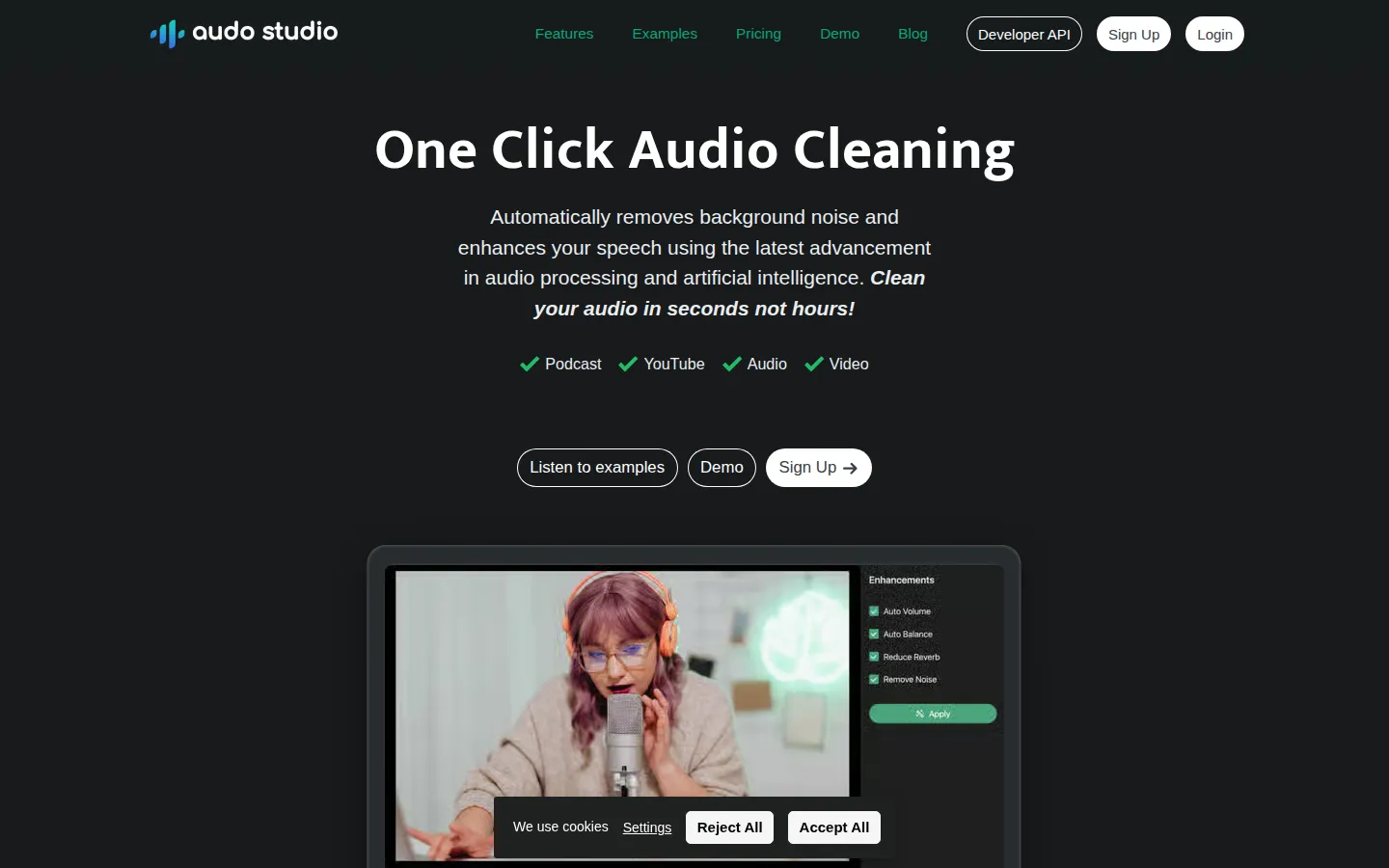
Audo Studio Core Features
One-click audio cleaning
Automatically removes background noise so you do not need a quiet recording space.
Advanced noise removal
AI-powered processing removes obnoxious background noise from any recording environment.
Auto volume leveling
Automatically adjusts volume levels for the most pleasant sound with a click.
Echo reduction
Automatically reduces reverb and echo in recordings, saving money on acoustic treatment.
Browser-based workflow
Works on Mac, Windows, and Linux without installing any software.
Live demo
Try the noise removal effect on sample audio before signing up.
Developer API
Programmatic audio cleaning for integration into production workflows.
Multiple pricing options
Free Starter plan, Creator subscription, and pay-as-you-go credit packs.
Who is Audo Studio for?
Audo Studio is designed for content creators who record audio and want professional sound without manual editing. Podcasters use it to clean up home recordings with background noise from neighbors, pets, or appliances. YouTubers use it to remove room echo and level audio for videos, which the YouTube Creator Academy notes is critical since audiences are more forgiving of camera issues than poor sound. Online course creators use it to deliver clear voice tracks for paid courses, with testimonials from creators who could not record otherwise due to noisy environments. Video editors and post-production workers use it to clean dialogue tracks quickly instead of using complex software like Adobe Audition or Audacity. Remote workers and professionals use it to clean up meeting recordings and voice notes. Voiceover artists use it to produce consistent, clean recordings. Musicians and streamers use it to remove background noise from live recordings. Anyone recording on a phone or laptop microphone benefits from the one-click cleaning workflow. Remote teachers and tutors record lessons at home and use the tool to deliver clear audio for students. Corporate teams clean up client call recordings and internal training videos before distribution. Audiobook and narration hobbyists use it to produce consistent voice quality. Sound engineers use the API to batch-process dialogue tracks and clean field recordings before handing them to editing workflows. Live streamers and gamers use it to remove keyboard, fan, and room noise from their broadcasts.
Audo Studio Use Cases
Clean up a podcast recorded at home with background noise from neighbors or pets
Remove room echo and level audio for YouTube videos to keep viewers engaged
Deliver clear voice tracks for online courses recorded on a laptop microphone
Process meeting recordings and voice notes for professional distribution
Clean dialogue tracks quickly in post-production without complex editing software
Enhance voiceover recordings for consistent, studio-quality output
Batch-clean multiple audio files through the developer API
Prepare podcast episodes 10x faster than manual Adobe Audition workflows
Audo Studio Pros and Cons
Pros
- One-click AI cleaning removes noise, echo, and volume issues without manual editing
- Free Starter plan with 20 minutes per month to evaluate the service
- Browser-based, works on any operating system without software installation
- Proven by 25,000+ users and 300,000+ audio hours cleaned with strong testimonials
Cons
- Echo reduction was listed as coming soon rather than fully available
- Free tier is limited to 20 minutes of enhancement per month
- Focused on speech enhancement rather than full audio editing capabilities
FAQ About Audo Studio
Audo Studio Pricing
Freemium: free Starter plan with 20 minutes/month; Creator $12/month (discounted from $20) for 600 minutes; pay-as-you-go $20 per 600 minutes.
Check official pricingStarter
Noise removal, dereverberation, auto volume, 20 minutes of audio enhancement per month.
Creator
All available features and 600 minutes of audio enhancement per month. Discounted from $20 for a limited time.
Pay As You Go
One-time payment for 600 additional minutes on top of Starter or Creator minutes; Creator users pay $10.
Audo Studio Alternatives

EchoJay
EchoJay is an AI mix feedback tool for music producers and mix engineers. It meters your track in real time with EBU R128 loudness, oversampled true peak, stereo width, and eight-band EQ curves, then sends those actual numbers to an AI that gives grounded, actionable advice for your genre, stem, and monitoring setup. It runs as a browser app and as a VST3, AU, or AAX plugin.

Cleanvoice AI
Cleanvoice AI is a browser-based AI audio and video editor for podcasters, creators and audio professionals. It automatically removes filler words, stutters, mouth sounds, breaths, dead air, background noise and echo from recordings, then enhances them to studio quality. It supports multitrack editing, transcription and summaries, timeline export to popular editors, and developer APIs. Try 30 minutes free, no credit card.