
AskSia
AskSia is an AI study platform for university students that answers questions from uploaded coursework, transcribes lectures, organizes notes, and generates quizzes, flashcards, concept maps, essays, and mock exams across web, mobile, browser, and desktop apps. It supports focused study workflows from first lecture capture through final exam review and revision.
What is AskSia?
AskSia combines an AI tutor, coursework question-answering workspace, lecture transcriber, note generator, quiz maker, flashcard system, visual map builder, essay assistant, and exam-preparation toolkit. Users can upload PDFs, slides, Word files, images, audio, video, and YouTube links, then ask questions across multiple documents with citations to the relevant page, slide, or timestamp. The platform can turn source material into Sia Notes using Cornell-style layouts, Feynman explanations, Zettelkasten links, and FSRS spaced-repetition scheduling. It also creates visual concept maps, six types of flashcards, adaptive quizzes, and Mock Exams with auto-graded free-response questions. Its homework solver provides step-by-step explanations and diagrams for subjects including mathematics, physics, chemistry, computer science, and biology. For lectures and meetings, AskSia records microphone or browser-tab audio, transcribes in real time, translates alongside the transcript, identifies up to ten speakers, and lets students ask Sia questions while audio is still playing. The same library is available through a web app, iOS and Android apps, a Chromium browser extension, and native macOS and Windows desktop software. The extension can sync courses from Canvas, Blackboard, Brightspace, Moodle, and Everytime. AskSia states that files, chats, notes, and progress are used to support studying and that its AI is not trained on users’ materials. The workflow is deliberately centered on the user’s own goals: people can start with a simple request, inspect the response, and use the product’s organization or study tools to turn the result into something reusable. Because AI systems can misunderstand context, users should check the original source material and treat generated output as assistance rather than an authority. The workflow is deliberately centered on the user’s own goals: people can start with a simple request, inspect the response, and use the product’s organization or study tools to turn the result into something reusable. Because AI systems can misunderstand context, users should check the original source material and treat generated output as assistance rather than an authority.
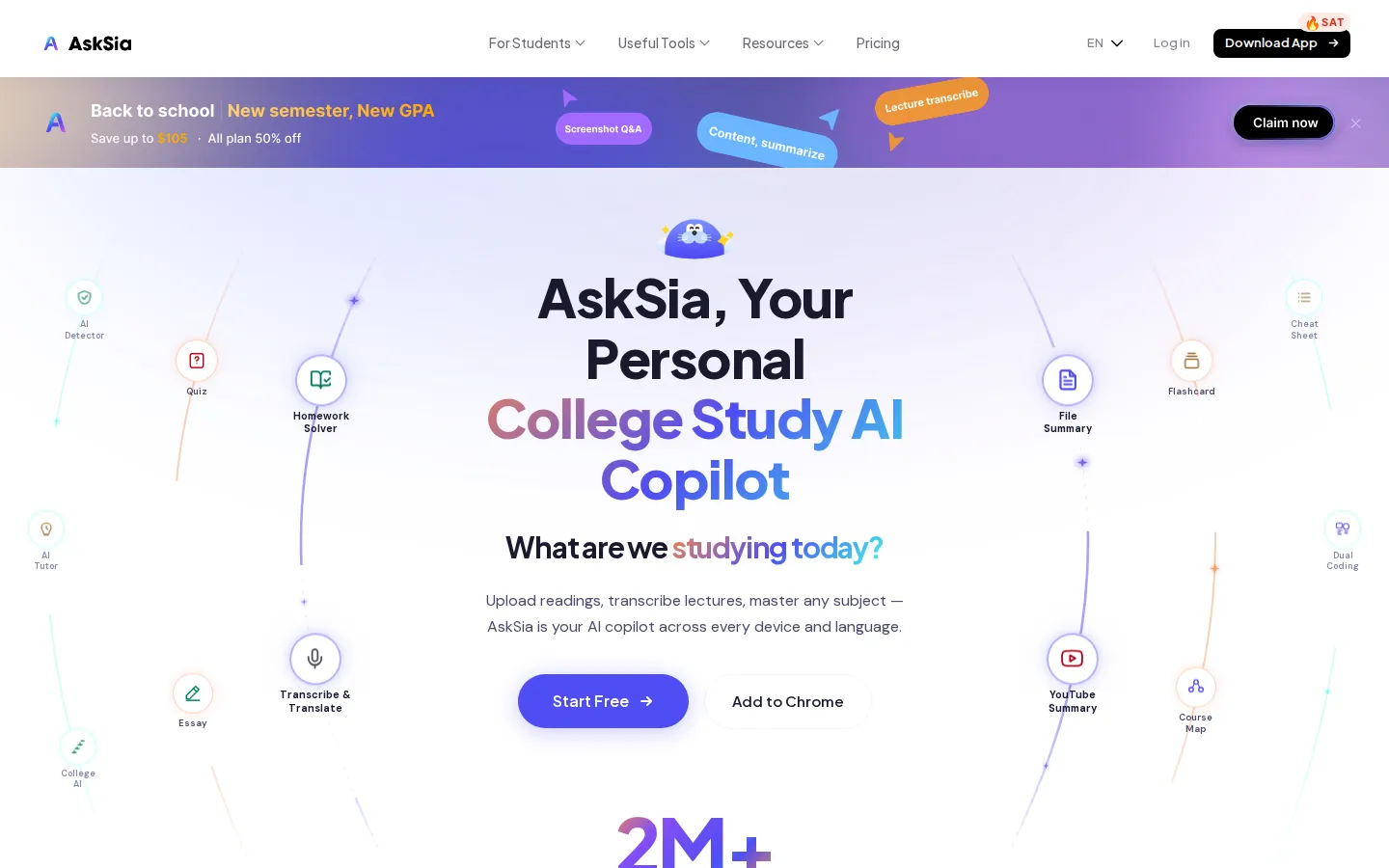
AskSia Core Features
Coursework-grounded Q&A with page-, slide-, and timestamp-level citations.
Real-time lecture, Zoom, Google Meet, YouTube, and file transcription in 40+ languages.
Simultaneous translation, automatic detection of up to 10 speakers, and timestamped transcripts.
AI-generated Sia Notes, visual concept maps, six flashcard types, quizzes, and adaptive Mock Exams.
Step-by-step homework solving with diagrams across mathematics, physics, chemistry, computer science, and biology.
Chrome extension LMS syncing for Canvas, Blackboard, Brightspace, Moodle, and Everytime.
Synchronized iOS, Android, web, macOS, and Windows experiences through one library and account.
Essay outlining, drafting, revision, citations, and an AI-text detector for study workflows.
Who is AskSia for?
AskSia is designed primarily for university students who need one workspace for lectures, readings, assignments, revision, and exam preparation. It suits students who upload PDFs, slides, Word documents, audio, video, or YouTube links and want answers tied to their own course materials rather than generic web responses. Students attending multilingual or bilingual classes can use live transcription and simultaneous translation in more than 40 languages, with speaker identification for recorded discussions. Students working inside Canvas, Blackboard, Brightspace, Moodle, or Everytime can use the Chrome extension to sync course content in one click. The mobile apps are useful for recording lectures, photographing homework problems, and reviewing spaced-repetition cards away from a desk. The macOS and Windows desktop agent is aimed at heavier file formats, standardized-test mock exams, and quick help from other applications through a global hotkey. AskSia also targets learners preparing for SAT, ACT, AP, IB, and A-Level assessments, as well as students writing essays who need outlines, drafts, revisions, and citations. Anyone using it for assessed work should check their institution’s academic-integrity rules and use the system as a learning aid rather than an answer-copying service. It can also help tutors, academic support teams, and professionals preparing clear explanations for others. The product is most valuable when users have a defined subject and enough source context to judge whether the result is useful. It can also help tutors, academic support teams, and professionals preparing clear explanations for others. The product is most valuable when users have a defined subject and enough source context to judge whether the result is useful.
AskSia Use Cases
Turn lecture recordings and class slides into searchable notes and review material.
Ask multi-document questions about textbooks, syllabi, readings, and problem sets with source citations.
Translate multilingual or code-switching lectures while recording and identifying speakers.
Prepare for college finals with course-grounded maps, flashcards, quizzes, and adaptive mock exams.
Practice SAT, ACT, AP, IB, or A-Level questions using the desktop study agent.
Photograph a homework problem on mobile and receive a worked explanation with diagrams.
Sync an LMS semester into a searchable library through the Chromium extension.
Draft and revise essays using source-grounded assistance while following academic-integrity policies.
AskSia Pros and Cons
Pros
- Grounds answers and generated study materials in the user’s own coursework with citations.
- Combines transcription, tutoring, notes, flashcards, quizzes, maps, and exam preparation in one library.
- Offers broad access across web, mobile, browser extension, and native desktop applications.
- Free plan is available without a credit card and includes starter study limits.
Cons
- Free usage has limits on uploads, pages, transcription, and daily AI generation.
- AI output can still be mistaken, so students must verify answers and citations.
- Paid plans auto-renew, and refund terms differ between web, Apple, and Google billing.
FAQ About AskSia
AskSia Pricing
Freemium. Free plan available; paid Plus, Super, and A+ subscriptions start at $9/month. Annual billing is also available.
Check official pricingFree
300 transcription minutes per month, 100 PDF pages per month, and daily AI questions; no credit card required.
Plus
Higher limits for regular students; seven-day free trial listed on the App Store.
Super
Higher limits and expanded study use; seven-day free trial listed on the App Store.
A+
Effectively unlimited usage and Grade Confidence Guarantee; seven-day free trial listed on the App Store.
AskSia Alternatives

Gauth
Gauth is an AI learning platform from GauthTech, formerly known as Gauthmath. Photograph a maths, physics, chemistry or biology homework question and it returns a worked solution with step-by-step explanations, then adds interactive AI courses, a visual Atlas explorer, a 100-million-question bank and human tutors available around the clock. Native iOS and Android apps, nineteen languages, and a free tier that needs no card.

RevisionDojo
RevisionDojo is an AI study platform built specifically for the International Baccalaureate and MYP. It bundles exam-style question banks, AI grading of written answers, spaced-repetition flashcards, syllabus-aligned notes, past-paper video walkthroughs, and predicted papers, while the Jojo AI tutor delivers instant mark-scheme feedback and coursework grading for IB Internal Assessments, Extended Essays, and TOK projects.

Ryne AI
Ryne AI is an AI study platform for students, built around an academic chat assistant powered by 15+ AI models and an AI humanizer that rewrites AI-generated text to bypass detectors such as Turnitin and GPTZero. Students also get an essay composer, lecture notes, citation checking and Turnitin-equivalent AI reports, with a free plan that includes 100 coins to try every tool.