
AI Image Editor
Edit photos with text prompts: remove objects, change backgrounds, restyle, combine, and restore images. One free edit; 5 signup credits; paid 2K/4K.
What is AI Image Editor?
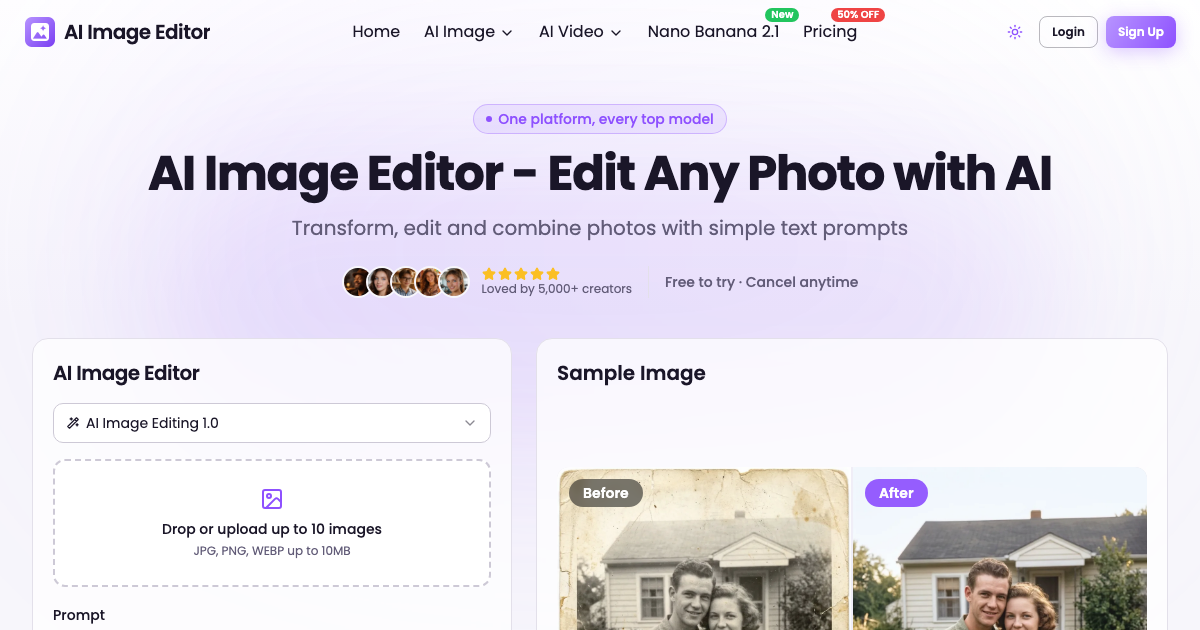
AI Image Editor is a browser-based AI photo editor. Text prompts can guide edits such as removing objects, changing backgrounds, restyling images, combining photos, and enhancing or restoring image quality. The site also provides AI image and video generation. It can be tried with one free edit without an account; signing up adds five free credits, with paid plans available for 2K and 4K output.
AI Image Editor Core Features
Edit photos with plain-language text prompts
Change backgrounds, remove objects, and restyle photos
Combine multiple photos and create image variations
Who is AI Image Editor for?
For creators, small businesses, marketers, e-commerce sellers, photographers, and anyone who wants to edit or improve photos without specialized design skills.
AI Image Editor Use Cases
Create or update e-commerce product photos
Prepare social media images and creative content
Enhance portraits or restore older photos
AI Image Editor Pros and Cons
Pros
- Prompt-based editing is easy to use
- One free edit is available without an account
- Includes image enhancement and restoration tools
FAQ About AI Image Editor
AI Image Editor Alternatives

ImageToImages
Free AI image-to-image converter. Restyle as anime, sketch, or oil painting; enhance detail; or remove objects and people. 3 free guest credits, never expire.

FixImage
Retouch photos, remove glasses glare and explore free image utilities with FixImage.

Uyo
A browser-based AI studio for image generation, photo editing, and video creation.