
AI Image Editor
Generate images and videos, edit uploads, apply effects, remove backgrounds and upscale assets in one workspace.
What is AI Image Editor?
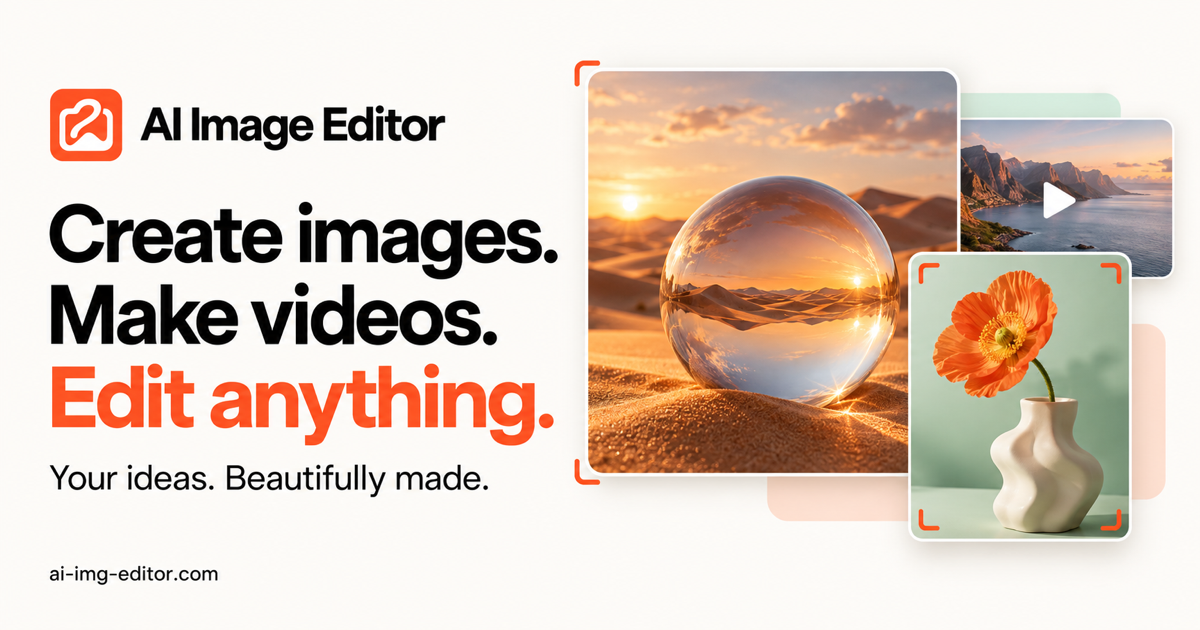
AI Image Editor is an AI image and video generation tool that combines multiple models, editing tools, effects, background removal and upscaling in one workspace for production-ready visual content.
AI Image Editor Core Features
Image and video generation
Edit uploaded images
Creative effects
Who is AI Image Editor for?
Independent creators, designers, brand and growth teams, ecommerce teams, agencies, educators and marketers producing images, videos, ads and social content.
AI Image Editor Use Cases
Product visuals for ecommerce
Social media content
Ad creatives
AI Image Editor Pros and Cons
Pros
- Many tools in one workspace
- Flexible credit-based pricing
- Production-ready outputs
Cons
- Credits are required for heavy use
FAQ About AI Image Editor
AI Image Editor Alternatives
Sartoris
Sartoris is a browser-based AI creative studio that generates premium still images and cinematic video from text prompts, with optional start and end frames plus image, video, and audio references. It runs on purchased credits rather than a subscription, keeps one library for both media types, and deletes finished generations twelve hours after they are created.

Reelina AI
Reelina AI is a web studio for generating video, images, voice and music with several hundred third-party and in-house models on a single coin balance. Weekly and monthly plans include coins that never expire, and coin packs can be added at any time. Generation costs appear before you run anything, so you can compare models without separate subscriptions.

ANI
ANI (anicomic.ai) turns a single selfie into a four-panel manga, manhwa, or comic strip in roughly 30 seconds. Choose from seven hand-tuned art styles, add dialogue and a beginning-middle-end story, then download, print, or share the result. It runs in the browser and as an iOS and Android app, with 1.8M+ comics created and a 4.9 App Store rating.