
What is AI Image Editor?
AI Image Editor is an advanced tool that uses smart automation to enhance, retouch, and optimize images, making professional editing accessible to everyone.
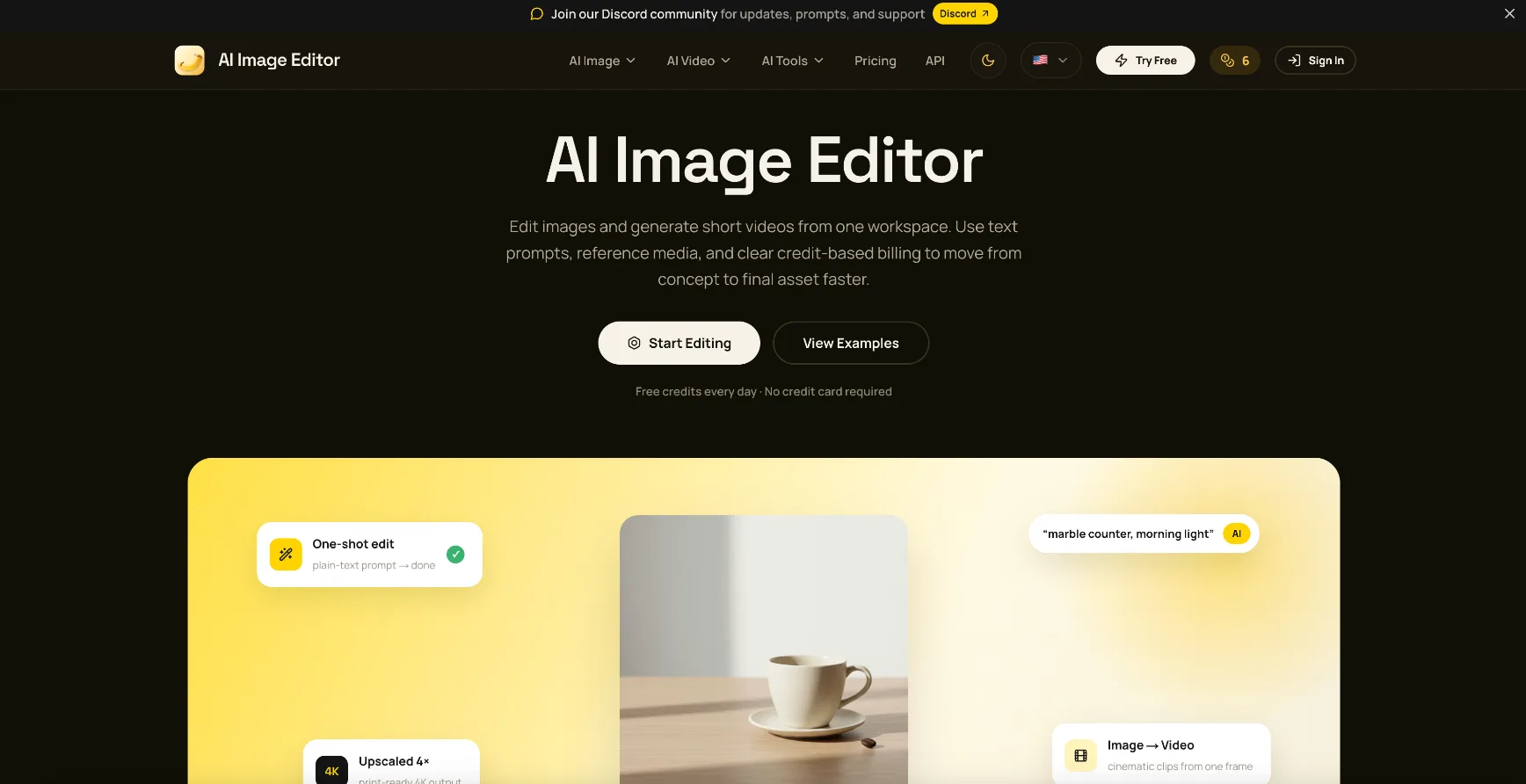
AI Image Editor Core Features
Smart Enhancing
Easy Retouching
Quick Optimization
Who is AI Image Editor for?
Perfect for content creators, graphic designers, and photographers who need to streamline their workflow with smart automation and professional results.
AI Image Editor Use Cases
Content Creation
Photography
Image Optimization
AI Image Editor Pros and Cons
Pros
- Fast Processing
- Pro Effects
- User-friendly interface
Cons
- Requires internet connection
FAQ About AI Image Editor
AI Image Editor Alternatives
Immersity AI
Immersity AI is Leia Inc's 2D-to-3D conversion platform, trusted by more than five million users. Upload a photo or video and its neural depth engine adds realistic depth, letting you export Immersive Motions with parallax, Apple Spatial Videos, depth maps, side-by-side and anaglyph stereo, and Leia Image Format files for any screen or XR device. Free mobile apps and paid web plans are available.
Enhancor
Enhancor is an AI-powered creative studio trusted by over 50,000 creators. Its models fix the artificial skin texture of AI-generated portraits, upscale images to 8K, and generate hyper-realistic digital humans, while AI video tools handle video generation and enhancement. Credit-based plans cover skin retouching, presets, upscaling, and model access in one subscription.
Upscayl
Upscayl is a free and open-source AI image upscaler available as a desktop app for Linux, macOS, and Windows. It turns blurry, pixelated photos into sharp high-resolution images using multiple AI models, with batch processing, double upscaling, and up to 16x resolution gains. Upscayl Cloud adds browser-based upscaling, AI image generation, face enhancement, and unlimited cloud storage for users who prefer not to run models locally.