
Krea AI
Krea AI is a creative AI platform for generating images, video, 3D assets, upscaling, editing, LoRA training, and API-based creative workflows for teams.
What is Krea AI?
Krea AI is a creative AI platform for generating and editing images, video, 3D assets, upscaled visuals, trained styles, and API-based workflows. It is useful for creators, designers, developers, and teams that want a broad workspace for visual experimentation and production across multiple media formats.
Users can explore image generation, enhance existing visuals, work with different creative models, train LoRA-style outputs, manage assets, and connect workflows through API features. Krea AI is especially relevant for teams that need flexible creative tooling rather than a single-purpose image generator.
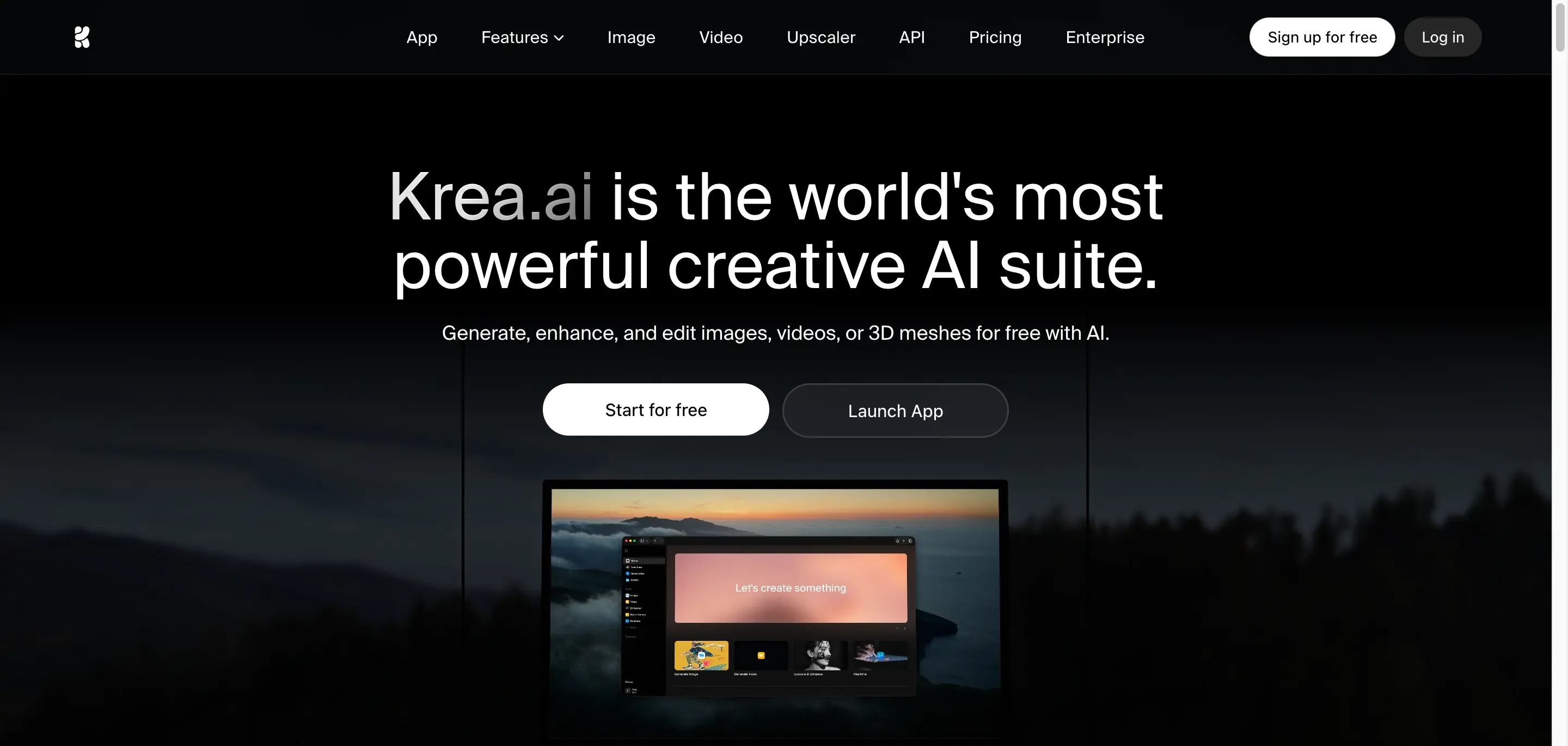
Krea AI Core Features
Text-to-image generation
Create images from prompts, references, and style directions.
Realtime image generation
Preview visual changes quickly while exploring ideas.
Generative editing
Refine images with AI-assisted edits and creative adjustments.
Image upscaling
Enhance detail and resolution for sharper visual assets.
Video generation API
Connect video workflows through Krea's developer tools.
LoRA training
Train custom styles or visual directions for repeatable outputs.
Who is Krea AI for?
Krea AI is for creators, designers, marketers, agencies, small businesses, social media teams, product teams, and brand teams that need faster visual ideation or AI-assisted image production. The exact best-fit audience should be confirmed after reviewing the official workflow and pricing.
Krea AI Use Cases
Generate images from prompts or references.
Edit and upscale visuals for production use.
Create videos from text or images.
Train LoRA models for consistent assets.
Build API pipelines for creative apps.
Compare multiple models in one workspace.
Krea AI Pros and Cons
Pros
- Broad creative suite across image, video, and API workflows
- Official API and billing docs are available
- Useful for teams needing multiple models
Cons
- Compute-unit costs require budget planning
- Feature breadth may require workflow testing
- Advanced models may need paid plans
FAQ About Krea AI
Krea AI Pricing
Krea offers a free plan plus paid creator, business, and enterprise plans. Official pricing data lists Basic at $9/month, Pro at $35/month, Max from $70/month, Business from $50/month, and custom Enterprise pricing.
Check official pricingFree
Free daily access for trying basic creative AI features.
- 100 compute units per day
- No credit card required
- Full access to realtime models
- Limited access to image, video, 3D, lipsync, upscaling, and LoRA workflows
Basic
Individual plan with 5,000 compute units per month; yearly billing is discounted.
- Commercial license
- Full access to image, 3D, and Lipsync models
- LoRA fine-tuning with up to 50 images
- Upscale and enhance images up to 4K
Pro
Creator plan with 20,000 compute units per month and broader model access.
- Access to Krea 2
- Access to all video models
- Workflow automation with Nodes and Apps
- Upscale and enhance images up to 8K
Max
Higher creator tier starting at 40,000 compute units per month.
- Higher monthly compute packages
- Unlimited LoRA fine-tunings with larger file limits
- Unlimited relaxed generations
- Upscale and enhance images up to 22K
Business
Team workspace plan with shared compute; Krea lists multiple Business tiers.
- Shared workspace compute units
- Up to 50 seats included
- Business terms of service
- Priority email support
Enterprise
Custom packages for larger organizations and advanced governance.
- Custom compute packages
- Custom terms of service
- Priority support with SLA
- Analytics API and administrative controls
Krea AI Alternatives

Playground AI
Playground AI is an AI image generator and design workspace for creating, editing, exploring, remixing, and organizing prompt-based creative visuals.

Canva AI Image Generator
Canva AI Image Generator helps users create images from prompts and turn them into social posts, ads, presentations, and polished marketing designs.

Magnific
Magnific is an AI image generator and creative suite for generating, editing, upscaling, searching, and managing production-ready visual assets fast.