
Voicemod
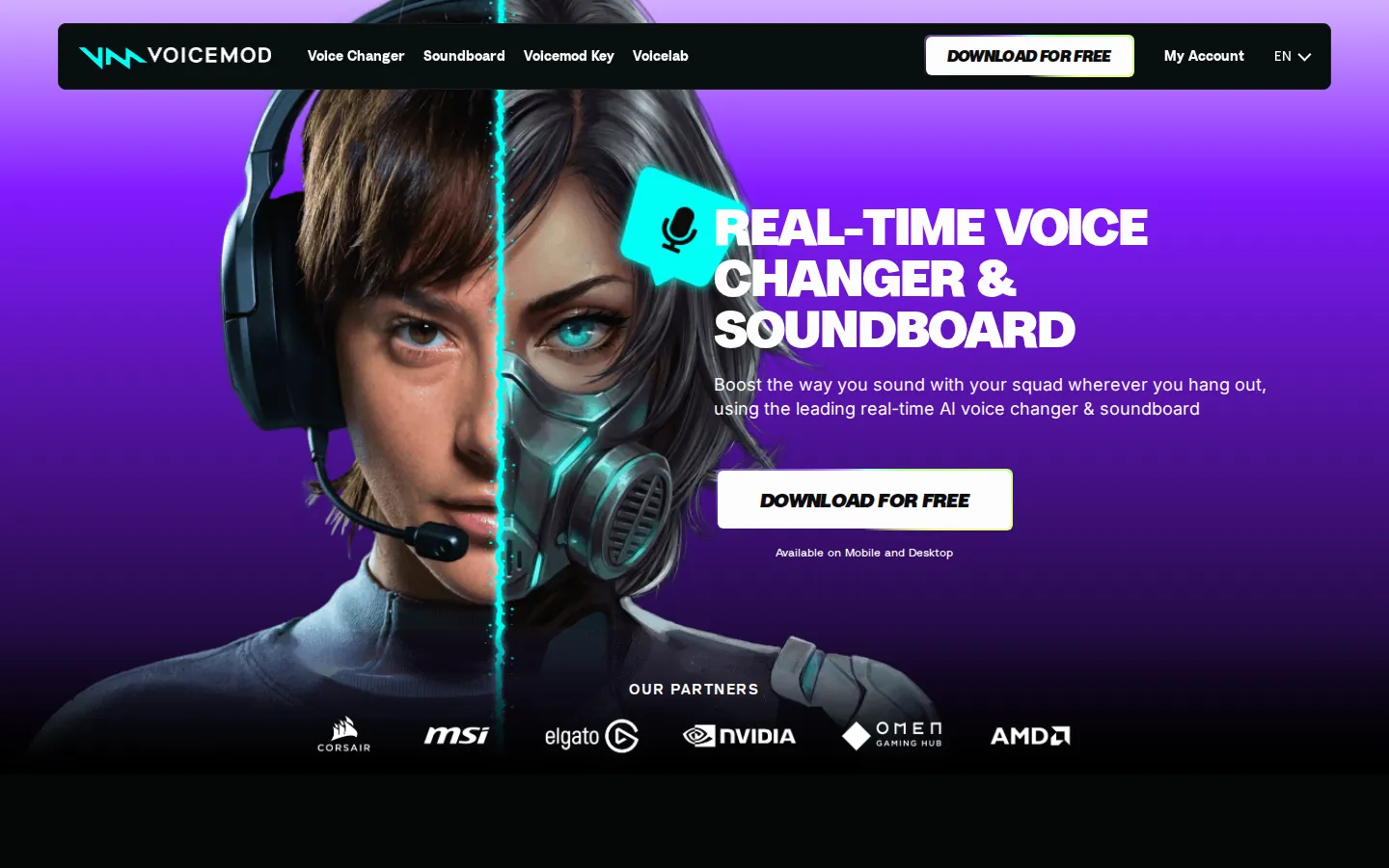
Voicemod is a real-time voice changer and soundboard built for gaming, streaming, and online calls. Its virtual microphone works inside Discord, Fortnite, OBS, Valorant, and hundreds of other apps and games, offering 200+ AI voices, custom Voicelab creations, community sound effects, noise suppression, keybinds, and instant replay capture on Windows, Mac, iOS, and Android.
What is Voicemod?
Voicemod is a real-time AI voice changer and soundboard application for Windows, Mac, iOS, and Android that transforms how people sound in live voice chat, games, and streams. It installs a virtual microphone so any app that accepts an input device, including Discord, Fortnite, OBS Studio, Steam, Valorant, Minecraft, Roblox, League of Legends, VR Chat, Twitch, and Xbox parties, can play the changed voice in real time with ultra-low latency. The Voicebox library contains more than 200 voices, from AI anime characters to military radio effects, many trained with professional voice actors under Fairly Trained certification, so users can become anyone without sounding robotic. Voicelab lets users build and tweak their own voices by mixing effects such as reverb, delay, pitch shifting, and a robotifier. The soundboard plays meme sounds and community effects from the Tuna library, while the recorder and Instant Replay capture up to 30 seconds of audio from YouTube or in-game moments. Built-in noise suppression, voice enhancement, keybinds, the Voicemod GO phone companion, and Elgato Stream Deck support complete the package, and content syncs to the cloud on PRO plans. For mobile users, Voicemod offers apps on iOS and Android so people can change their voice during calls and video apps away from the computer. The company publishes setup guides for popular titles and platforms, including dedicated pages for Discord, Fortnite, OBS, Valorant, Minecraft, Roblox, and VR Chat, which makes installation straightforward for newcomers. Voicemod is designed around fairness and consent as well, since its AI voices are trained with professional voice actors and certified by the Fairly Trained initiative rather than scraped from public recordings. The product also integrates with hardware such as the Elgato Stream Deck so creators can trigger voices and sounds with physical buttons, and it offers the Voicemod Key for console players who want voice changing on Xbox, PlayStation, and Nintendo Switch.
Voicemod Core Features
Real-time AI voice changer
More than 200 voices, including AI anime characters and radio effects, applied live with ultra-low latency in any voice app or game.
Fairly Trained AI voices
AI voices are trained with professional voice actors and certified by the Fairly Trained initiative for ethical voice modeling.
Voicelab voice designer
Create or tweak custom voices by mixing effects from reverb and delay to wild ones like the Robotifier.
Community soundboard
Drop meme sounds and sound effects from the Tuna community library into group chats and live streams.
Recorder with Instant Replay
Capture sound clips from YouTube or in-game moments and rewind up to 30 seconds to relive the hype.
Broad app and game support
Works with Discord, Fortnite, OBS, Steam, Valorant, Minecraft, GTA, VRChat, Skype, and many other platforms through a virtual microphone.
Mic enhancement tools
Built-in noise suppression and voice enhancement improve audio quality on any setup.
Phone companion and integrations
Voicemod GO app controls effects remotely and Elgato Stream Deck provides one-tap voice and sound switching.
Who is Voicemod for?
Voicemod is designed for PC and console gamers who want to roleplay in multiplayer voice chat, such as Valorant, Fortnite, Minecraft, Grand Theft Auto, and VRChat sessions. Streamers and VTubers use it to entertain audiences on Twitch and YouTube with character voices and meme sounds that react to chat moments. Discord server hosts and community managers drop soundboard effects to keep conversations lively. Content creators record funny skits, game highlights, and YouTube videos with custom AI voices made in Voicelab. Tabletop roleplayers, cosplayers, and friends hanging out in video calls also use it for character voices and pranks. Podcasters and remote teams on Skype, Zoom, or Xbox parties can add voice filters and sound effects to otherwise plain calls, though serious professional audio work is not its focus. Voice actors and hobbyist audio tinkerers who want to design original character voices in Voicelab also fit the product well, and the fairly-trained AI voice library gives them models they can use with clearer consent than typical voice-cloning tools. For families and casual users, the app is simple enough that changing your voice for a weekend gaming session requires no setup beyond selecting the virtual microphone once. Sound designers testing voice effects for videos and games also use Voicemod as a quick prototyping tool, and stream teams use the keybind system to coordinate sound effects during group streams.
Voicemod Use Cases
Switch into an AI anime character voice mid-match to surprise friends in Valorant, Fortnite, or Minecraft voice chat.
Trigger meme sounds and sound effects with keybinds while streaming on Twitch to react to chat moments instantly.
Build a custom radio or demon voice in Voicelab and use it to roleplay characters in VRChat or tabletop-style multiplayer games.
Record short comedic clips and game highlights with distinct AI voices for YouTube Shorts, TikTok, and Discord servers.
Run a Discord community server with themed soundboard profiles for holidays, memes, and community inside jokes.
Use the Instant Replay recorder to capture funny in-game moments and add them to your soundboard for later.
Impress friends in casual video calls and Skype chats by adding voice filters and background sound effects.
Control voices and sounds from a phone with Voicemod GO while gaming on a PC or console setup.
Voicemod Pros and Cons
Pros
- Genuinely free tier lets users try voices and the soundboard without payment or watermarks.
- Ultra-low latency and minimal resource use keep gaming and streaming performance smooth.
- Large catalog of over 200 voices plus an active community sound library updated with trends.
- Works inside virtually any game or voice app through a virtual microphone rather than a specific platform.
Cons
- The full PRO voice roster, PRO soundboards, and complete Voicelab require a paid subscription with in-app pricing.
- Desktop app is required for most games and apps, while the mobile experience is more limited.
- Free users see fewer AI voices and may hit limits when creating custom Voicelab voices.
FAQ About Voicemod
Voicemod Pricing
Freemium. Free starter plan with no payment; Voicemod PRO subscription unlocks the full voice roster, PRO soundboards, full Voicelab, and cloud sync. PRO prices are shown inside the app; third-party listings place the annual subscription around $83-90 per year, with a monthly option available in-app.
Check official pricingFree
Starter voice pack, basic soundboard access, and standard features at no cost.
PRO
Full voice roster, PRO soundboards, complete Voicelab, and cloud sync. Prices shown inside the app.
Voicemod Alternatives

Voice.ai
Voice.ai is an AI voice platform that combines a real-time voice changer, natural text to speech, instant voice cloning, and human-sounding voice agents in one toolkit. It offers a large library of voices and accents, browser and desktop apps, plus developer APIs and SDKs. Free credits let anyone start generating audio or automating calls before upgrading.

LALAL.AI
LALAL.AI is an AI-powered audio separation platform that removes vocals and instrumentals from music, audio, and video with transformer-based precision. Its stem splitter extracts drums, bass, guitar, and more, while voice cleaning, echo removal, voice changing, and voice cloning tools cover the full audio workflow across web, mobile, desktop, and API.