
Text to Speech Online
Text to Speech Online is a free web-based tool that converts written text into natural-sounding audio in more than 129 languages and dialects. Users paste text, pick a voice, and download the result as an MP3 file, with no limits on characters, conversions, or usage. The service works in any browser, including mobile, and requires no registration or installation, positioning itself as an accessibility and productivity aid for everyone.
What is Text to Speech Online?
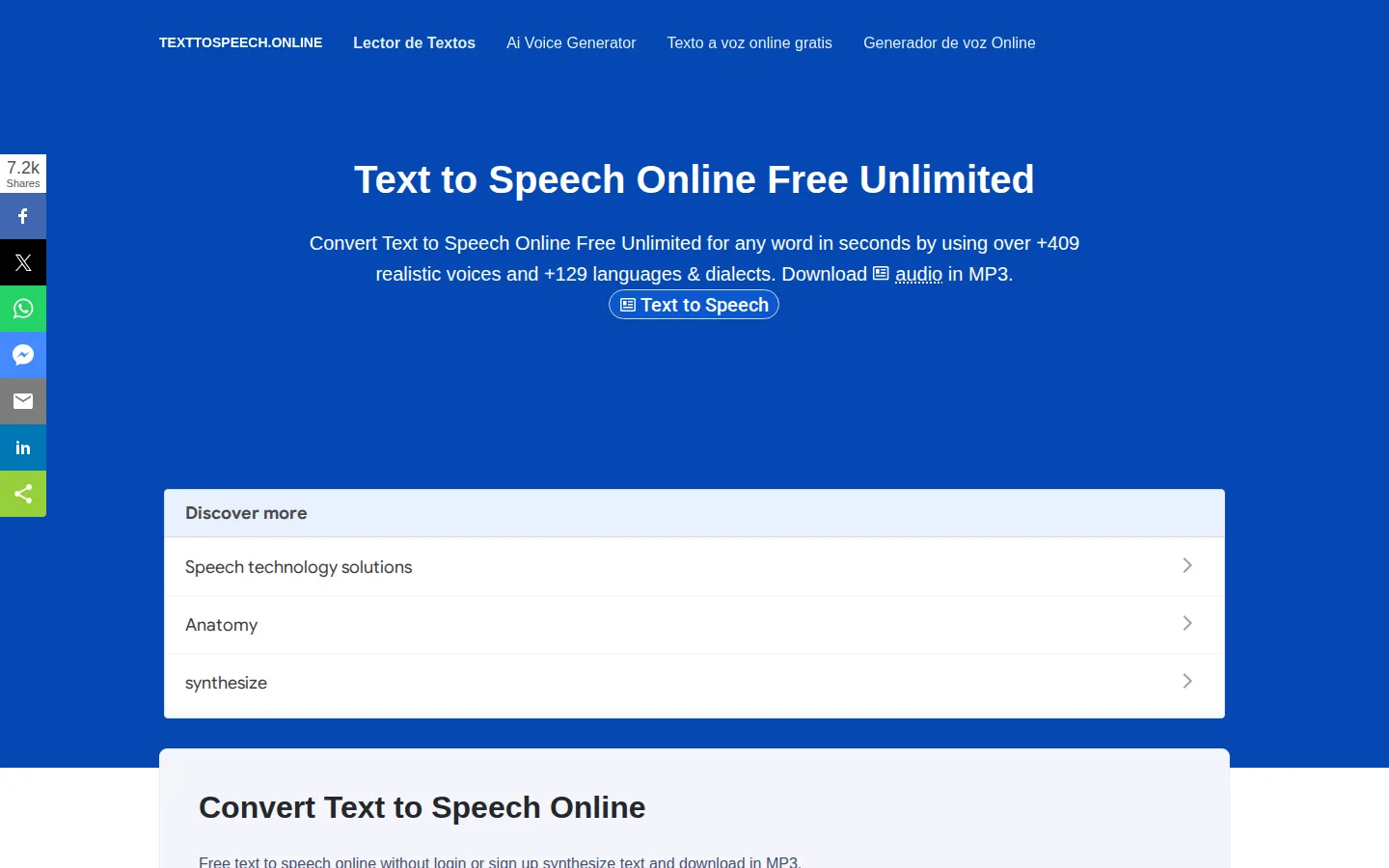
Text to Speech Online is a free web application that turns written text into spoken audio using speech synthesis technology. The core workflow is simple: users enter or paste text into the web page, choose from a set of natural-sounding voices, and generate an MP3 audio file that can be played or downloaded, including on mobile devices. The service advertises support for more than 129 languages and dialects, and the headline feature is that it is completely unlimited, with no character caps, no daily conversion limits, and no premium tier, which sets it apart from many free TTS tools that impose strict quotas. The technology behind it combines natural language processing, speech recognition concepts, and voice synthesis to break text into words and generate spoken output, and the site explains this process in its educational overview. The tool is designed for a wide range of uses, from accessibility for visually impaired users who need audio cues and navigation instructions, to education where students learn new languages by listening, to productivity where professionals convert articles, books, and documents into audio for listening on the go. Virtual assistant and customer service scenarios are also mentioned as potential applications. Because everything runs in the browser, there is nothing to download or install, and the site works across devices including mobile phones. The service is free to use with no registration, positioning itself as an accessible resource for anyone who needs text read aloud quickly and in quantity. The site positions itself as a free alternative to premium TTS services, and its homepage headline emphasizes unlimited usage with natural-sounding voices. The service is especially practical for generating audio versions of books, articles, and online content for people who cannot read or have difficulty reading, and the site documents these accessibility use cases in detail. There is no account system, no API, and no upload feature, keeping the tool simple and focused on text-to-speech conversion, and the interface is minimal enough to use on a phone screen while commuting or studying.
Text to Speech Online Core Features
Unlimited usage
No character caps, no daily conversion limits, and no premium tier, according to the site.
129+ languages and dialects
Convert text to speech in a wide range of languages and accents.
Natural-sounding voices
Choose from multiple voices designed to sound human and clear.
MP3 download
Export generated speech as MP3 audio files for playback anywhere.
No registration
Use the tool immediately without creating an account or providing personal data.
Mobile friendly
Works in browsers on phones and tablets as well as desktops.
No installation
Entirely web-based with nothing to download.
Free forever
The service is positioned as completely free with no hidden fees.
Who is Text to Speech Online for?
Text to Speech Online serves a broad audience that wants free, unlimited text-to-speech without signing up or installing software. Students and language learners can listen to study notes and hear correct pronunciation across more than 129 languages and dialects, while people with visual impairments or reading difficulties can convert articles and documents into audio for easier access. Content creators and YouTubers can generate voiceovers for videos and podcasts without paying for premium TTS services, and professionals can listen to reports and emails while multitasking. Teachers can create audio versions of lesson materials for their classes, and travelers or expats can use it to hear how words sound in a new language. The no-limits model also appeals to heavy users who have hit character caps on other free TTS tools, and the mobile-friendly interface means it works on phones and tablets as well as desktops. The service is also handy for professionals who need to listen to documents while commuting, for podcasters generating quick narration drafts, and for travelers learning key phrases in a new language. Because it requires no account, it is a convenient fallback for users who do not want another login, and its unlimited model means heavy users are never cut off mid-project. The simplicity of the interface also makes it accessible to older users and children who need text read aloud.
Text to Speech Online Use Cases
Convert study notes into audio for language learners practicing pronunciation.
Create voiceovers for YouTube videos and podcasts without paying for premium TTS.
Turn articles and documents into MP3 files for listening while commuting.
Provide audio versions of lesson materials for students with reading difficulties.
Hear how words and phrases sound in a new language before traveling.
Generate audio alerts or instructions for accessibility-focused projects.
Text to Speech Online Pros and Cons
Pros
- Completely free with unlimited characters and conversions.
- No account, registration, or software installation required.
- Supports more than 129 languages and dialects.
- Simple workflow from text to downloadable MP3.
- Works on mobile browsers as well as desktop.
Cons
- The site provides limited details about which voices or engines power the synthesis.
- No API or bulk-processing features for automation use cases.
- Output quality may vary across the large number of supported languages.
FAQ About Text to Speech Online
Text to Speech Online Pricing
Free: unlimited text-to-speech with no character caps, no registration, and no premium tier.
Check official pricingFree
Unlimited text-to-speech conversion in 129+ languages with MP3 download and no registration.
Text to Speech Online Alternatives

Luvvoice
Luvvoice is a free online AI text-to-speech tool that converts text into natural-sounding speech using more than 200 voices across 70+ languages. Users paste text or upload documents, choose a voice, adjust speed and pitch, and download MP3 files with no word limits on free usage. Paid plans add custom voices, API access, and unlimited commercial rights.

PopPop AI
PopPop AI is a free online audio creation suite offering text-to-speech, vocal removal, AI song cover generation, and sound effect generation, with no login required. It supports dozens of voices across many languages, plus TTSFree, a Windows and Mac desktop app for unlimited offline document conversion. Paid plans add higher quotas, voice cloning, and cloud storage starting at $9.95 per month.

Fish Audio
Fish Audio is a leading AI voice platform offering text-to-speech, voice cloning, and speech-to-text services. Used by 8M+ builders, it features the S2.1 Pro model with expressive emotion control, 30+ languages, and API access for developers.