
Suno
Suno is a browser and mobile AI music platform for anyone who wants finished songs without a studio. Describe a genre, mood or idea, or paste lyrics, and Suno returns a full track with vocals and instrumentation in about a minute. Paid tiers add stem separation, a browser DAW, voice cloning and custom models, plus commercial rights to what you make.
What is Suno?
Suno is an AI music generator that turns a plain-language description into a complete, original song: vocals, lyrics, instrumentation and production, usually in about a minute. Launched by Suno, Inc. and used by millions of creators, Suno lets anyone describe a genre, mood, theme or their own lyrics and receive finished tracks without a studio, an instrument or formal music training. It runs on the web and as an iOS and Android app, and on Suno's own model family, with v6 described as the most capable yet for fuller vocals, tighter arrangements and more detail.
Creating a song starts from a prompt. You can type a style or vibe, paste lyrics you have written, browse the music library by genre, mood or occasion, or use assist tools such as Magic Song Descriptions. Controls sit alongside the prompt: Voices, Inspo and exclusions shape what the model borrows or avoids, vocal gender, weirdness and style sliders push the output in a chosen direction, and Custom Models let subscribers train a model on their own recordings so every song starts from their own sound.
Beyond the one-click generator, Suno ships a production layer. Suno Studio is a browser-based DAW for arranging, editing and mixing every part of a song, adding MIDI, effects, automation and design-your-own plugins on the top plan. Stem separation pulls a track apart into clean, time-aligned stems, with auto split and split from mix on Pro and an advanced split on Premier, so parts can be carried into the DAW you already use. Remix takes an existing song somewhere new by changing its style, rewriting lyrics, extending or covering it, or rebuilding it around your own recording or an uploaded audio file. Voices records a few seconds of your own voice so it can sing anything you write, in any style, and add-on tools place new vocals or instrumentals into existing songs.
Songs are saved to a personal library and can be shared publicly, where other creators discover, like and remix them. Subscribers keep commercial rights to what they generate, from background music in videos to a released album, while the free tier stays a genuine entry point with daily credits, access to the free models and no credit card required.
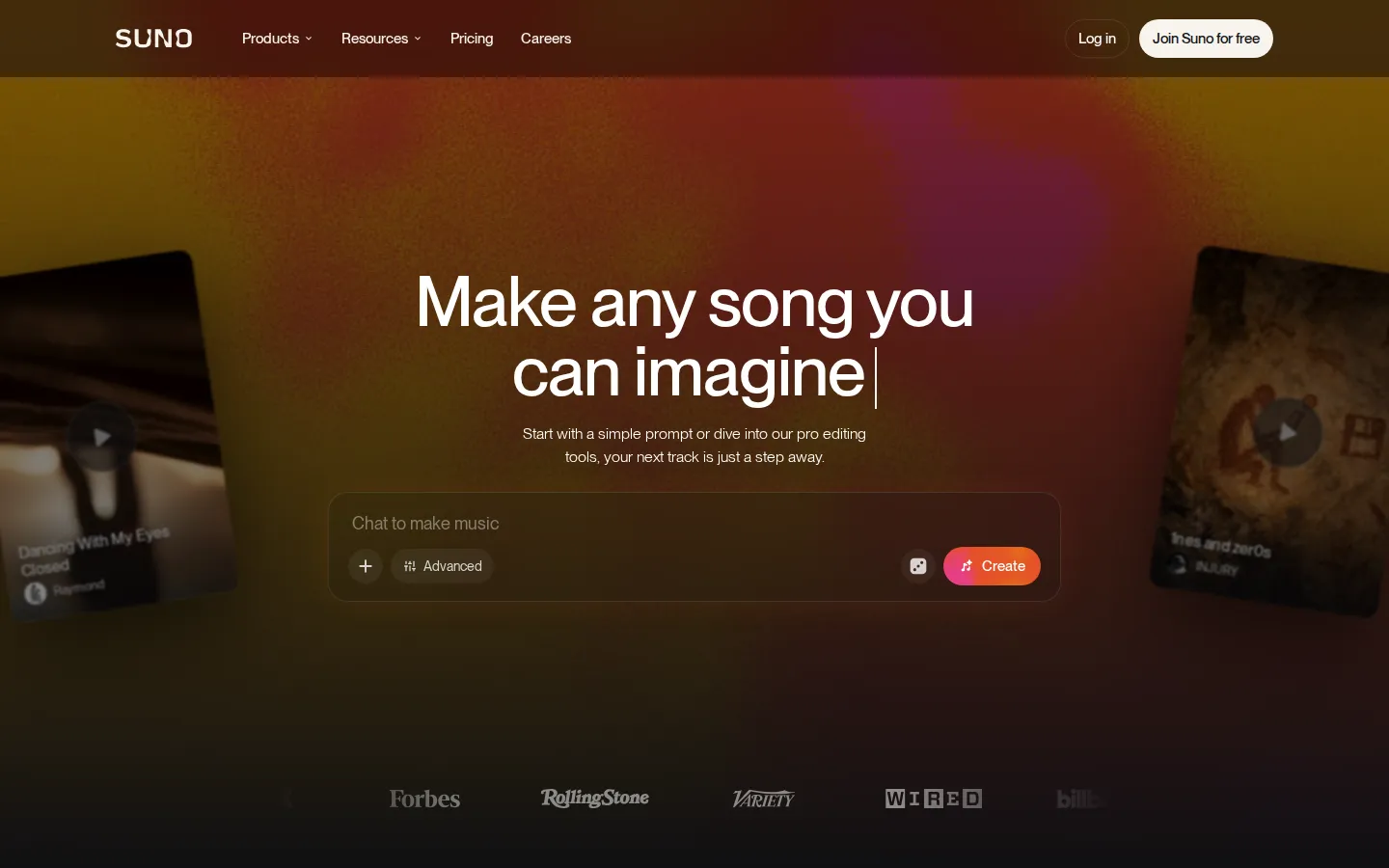
Suno Core Features
Prompt-to-song generation
describe a genre, mood or theme and get a complete vocal track in about a minute.
v6 model
Suno's newest engine, with fuller vocals, tighter arrangements and more of the detail you asked for.
Suno Studio
a browser-based DAW for arranging, editing and mixing every part of a song, with MIDI on Premier.
Voices
record a few seconds of your own voice and hear it sing anything you write, in any style.
Stem separation
split a song into clean, time-aligned stems, with three split types available on Premier.
Remix tools
change a song's style, rewrite its lyrics, extend, cover or rebuild it around your own recording.
Custom models
train a model on your own recordings so every song it makes starts from your sound.
Granular controls and library
steer style with Voices, Inspo, exclusions and sliders, then browse by mood.
Who is Suno for?
Suno suits people who need real songs but cannot or will not run a studio. Songwriters and lyricists are the clearest fit: they can bring finished words and hear them performed, then iterate on arrangement, genre and vocal delivery without booking session musicians or a singer. Hobbyists and first-time creators come next, since describing a mood and getting a full track back needs no theory, no instrument and no software beyond a browser. Content creators are a large second group. YouTubers, podcasters, TikTok and Instagram publishers, streamers and small brands all need background beds, intros, jingles and recurring theme music they can clear for commercial use, and Suno's paid plans supply the rights along with downloads. Marketing and advertising teams, indie game and app developers, and filmmakers use it the same way for scene music, trailers and menus that would otherwise mean licensing fees. Producers, beatmakers and remixers are a third audience, and they are the ones who get the most from the production side: stem separation into time-aligned stems, Suno Studio as a browser DAW, the ability to extend, cover or rebuild a track, and custom models trained on their own catalogue. Independent artists use Voices and personas to sing their own material in any style. Educators, worship leaders and community musicians also fit, writing songs for classes, services and events on demand, as do tinkerers who simply enjoy exploring genres and sharing results with the community.
Suno Use Cases
Write a full song from a one-line idea about rainy mornings in lo-fi style.
Turn written lyrics into a finished vocal performance without hiring a singer.
Generate royalty-free background music for YouTube videos, podcasts and ads.
Split a finished track into stems and mix them in your existing DAW.
Clone your own singing voice so it performs any genre you write in.
Train a custom model on your back catalogue to keep a consistent sound.
Remix or extend an existing track to build a longer intro, bridge or loop.
Produce jingles, theme songs and game or app music cleared for commercial use.
Suno Pros and Cons
Pros
- Free tier with 50 credits per day and no credit card, so you can test the generator before paying.
- Paid plans include commercial use rights plus monthly song downloads, which matters for creators and brands.
- The production layer is unusually deep for this category: stem separation, a browser DAW and custom models on paid tiers.
- Fast iteration: prompts return full tracks in about a minute, and priority queues on paid plans run up to ten songs at once.
- Native iOS and Android apps with high app-store ratings let you create and browse away from the desktop.
Cons
- Credits included with a subscription do not roll over from day to day or month to month, so unused allowance is lost.
- Commercial rights, downloads and stem separation are locked to paid tiers; free songs cannot be used commercially.
- No public developer API is documented on the official site, so programmatic use means unofficial third-party wrappers.
FAQ About Suno
Suno Pricing
Suno is freemium: the Free plan costs $0 with 50 credits per day and no commercial rights, while Pro is $8 per month ($10 monthly) with 2,500 credits and Premier is $24 per month ($30 monthly) with 10,000 credits and Suno Studio; annual billing saves about 20 percent on both paid tiers.
Check official pricingFree
The starter plan: access to the free models, 50 credits per day, standard features only, uploads of up to eight minutes of audio and a shared creation queue. No monthly song downloads, no commercial rights, no add-on credit purchases and no stem separation.
Pro
Access to Suno's best models, 2,500 credits per month, 20 song downloads per month, commercial use rights, standard and pro features, two stem separation types, early access to new features, add-on credits, a priority queue with up to 10 songs at once, voice recording and custom models. $8/month when billed yearly, saving $24; about $10/month monthly.
Premier
Maximum credits and every feature unlocked: Suno Studio with MIDI, effects, automation and design-your-own plugins, 10,000 credits per month, 60 song downloads per month, personas and advanced editing, three stem separation types, uploads of up to 30 minutes, and the ability to add vocals or instrumentals to existing songs. $24/month when billed yearly, saving $72; about $30/month monthly.
Suno Alternatives

ZikIA.fr
ZikIA.fr is a French-language AI music generator built as a conversational studio: describe a theme, genre, mood, or tempo, or paste your own lyrics, and the model returns two versions with vocals or an instrumental track. Plans run from €6.90 a month for 100 generations, every generation costs two credits, and a signup gift of ten free generations lets you test the studio before paying.

Elyum
ELYUM is a single AI studio for video, image, audio and 3D generation. Every render arrives as a free preview with its price on hold: keep the take you want, kill the rest and the credits return instantly. One balance covers Seedance, Veo, Kling, Nano Banana and dozens more models, with an API and MCP access for agents.

DistributeMusic AI
DistributeMusic.AI distributes AI-generated music to Spotify, Apple Music, TikTok, Amazon Music, YouTube Music and 150+ DSPs. Bring a Suno, Udio or MusicGen export, or write a text prompt and let the built-in AI Studio compose a finished track, then release it with automatic AI-disclosure tags, priority QC, live royalty analytics and 100% royalties on paid plans.