
Simular
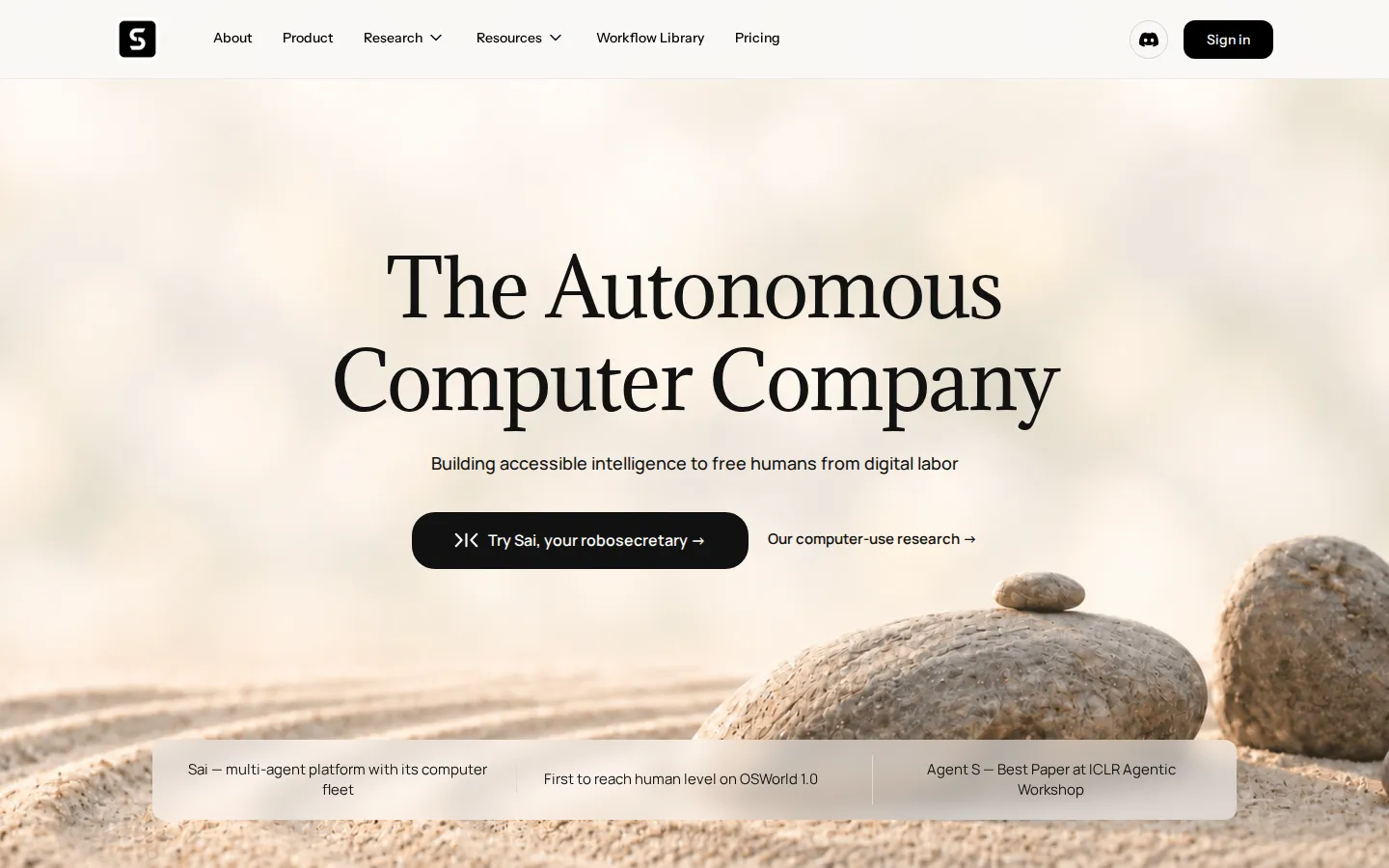
Simular is an autonomous computer company founded by ex-DeepMind scientists. Its flagship product Sai is a robosecretary that runs computer-use agents on your own device or on cloud computers, clicking and typing through apps that expose no API. The open-source Agent S framework and Simulang scripting language back it, with first-place results on the OSWorld benchmark.
What is Simular?
Simular describes itself as an autonomous computer company. Founded by former DeepMind scientists, its stated goal is building accessible intelligence that frees people from digital labour, and its whole product line points at the same idea: instead of bolting automation onto APIs, give software a screen, a mouse and a keyboard and let it work the way a person does.
The flagship product is Sai, marketed as a robosecretary. Sai is a multi-agent platform with a fleet of computers behind it. It can run on your own machine, so the assistant uses the applications you already have signed in, and it can also run on autonomous computers in the cloud, which means work continues after you close your laptop. Simular advertises zero setup: Sai starts using familiar apps right away rather than waiting for connectors to be built. Recurring tasks are meant to become more reliable and more affordable over time as they are repeated, and the platform is positioned for individuals, for businesses with high volumes of repetitive computer work and for developers.
The research side is unusually substantial for a young company. Agent S is Simular's open-source computer-use agent framework and won a best paper award at the ICLR 2025 Agentic AI for Science workshop, with Agent S2 and Agent S3 following. On OSWorld, the benchmark for agents driving real computers, Simular claims first place, saying it was first to reach human level on OSWorld 1.0 and that its agents topped OSWorld 2.0 while beating GPT and Opus on cost. Much of that efficiency comes from a neurosymbolic approach, which the company says saves agents more than 90 per cent of token usage on long-horizon reasoning.
Simulang is the second research-grade asset: an open-source scripting language for computer control that automates browsers, native applications and operating-system level workflows. Its promise is teach once, replay repeatedly in code, turning a single demonstration into a routine you can re-run instead of re-explaining.
In practice the platform automates work that has no public API by mimicking human interaction through clicks, keystrokes and logic. It runs on macOS, Windows and Linux and can be deployed to virtual machines. A workflow library supplies ready-made templates, and workflows can be shared publicly through the Simular Gallery or privately inside a team on the Pro and Enterprise plans. Business customers get managed scaling, custom integrations and dedicated support, and a Microsoft Build session documented integration with Windows 365 for Agents.
Simular Core Features
Robosecretary Sai
A multi-agent platform that runs a fleet of computers for everyday screen work.
Zero setup
Sai starts driving your favourite apps right away instead of waiting for custom integrations.
Device and cloud execution
Agents run on your own Mac, Windows or Linux machine, or on cloud computers.
No-API automation
Agents click, type and navigate native applications and portals that expose no API.
Neurosymbolic reasoning
Long-horizon planning that the company says saves agents more than 90 per cent of tokens.
Simulang scripting
An open-source language that turns one demonstration into repeatable, replayable code.
Workflow library and sharing
Reuse built-in templates, publish to the Simular Gallery or share privately with a team.
OSWorld-topping agents
Powered by Agent S research ranked first on the OSWorld computer-use benchmark.
Who is Simular for?
Simular is built for people and teams whose day disappears into screen work: copying data between dashboards, filling in the same forms, chasing invoices, pulling reports out of tools that were never designed to talk to each other. Its own framing is a robosecretary for ambitious multitaskers, and that is a fair description of who gets value fastest. The clearest individual fit is the operator, founder or freelancer running several systems alone. Someone who answers email in one tab, updates a CRM in another and exports spreadsheets from a third can hand that loop to Sai and get hours back without hiring. Because it drives a real computer rather than an API, the work does not have to live in modern software; legacy desktop applications and internal portals count too. Small and mid-sized businesses with high volumes of repetitive computer tasks are the second group. Back-office teams processing orders, invoices or support tickets at scale can run managed fleets of autonomous computers, and the Enterprise tier adds the controls larger organisations expect: single sign-on, role-based access, SOC 2 alignment, custom integrations and service-level guarantees. Developers and technical teams are a third audience, and arguably the best served. Agent S and Simulang are open source, so a team can study the computer-use framework behind the hosted product, script repeatable routines and extend them instead of paying per seat for a black box. It suits people who can describe a task clearly and are comfortable supervising an agent for the first few runs, and organisations willing to pay a monthly subscription in the tens or hundreds of dollars per user. It is a poor fit for anyone who needs pure API automation at pennies per call, for hobbyist use where the budget is a hard zero, or for regulated workflows that must be pre-approved and fully auditable before any action happens.
Simular Use Cases
Automate repetitive desktop chores such as data entry, file sorting and form filling across native apps.
Offload multi-step research that needs browsing, tab switching and copy-pasting into a shared document.
Run scheduled back-office workflows like invoice chasing, reporting and CRM updates without extra staff.
Let sales and support teams draft, send and log routine email inside the tools they already use.
Prototype computer-use agents for your own product with the open-source Agent S framework.
Script repeatable browser and operating-system routines in Simulang, then replay them reliably at scale.
Give enterprise teams a managed fleet of autonomous computers for high-volume repetitive work.
Simular Pros and Cons
Pros
- Real graphical automation means it works with legacy desktop software and portals that have no API.
- Backed by published computer-use research and reported first place on the OSWorld benchmark.
- Agents run on your own device or in the cloud, so long jobs survive a closed laptop.
- Open-source Agent S and Simulang give developers a build path beyond the hosted product.
- Workflow sharing, a template library and an API on higher tiers make team rollout practical.
Cons
- Entry pricing near $50 per month is steep for occasional or hobbyist users.
- Access is invite-only in places and the product is still settling, so costs are hard to predict.
- Cloud computer seat time and credits add up for anyone running agents continuously.
FAQ About Simular
Simular Pricing
Simular sells Sai on three published monthly tiers: Starter at $50, Premium at $200 and Pro at $500 per month, plus custom Enterprise pricing, with no annual billing option.
Check official pricingStarter
For individuals who need an agent when work arises: expanded access to a cloud-based Windows computer, generous credits, bring your own device support from Windows or Mac, and community support.
Premium
For power users: everything in Starter plus an always-on Windows or Mac computer, a significantly higher monthly credit allowance and priority support.
Pro
For teams and heavy users running Sai continuously: unlimited usage within fair-use limits, team workflow sharing, full API access and highest-priority support and capacity.
Enterprise
Managed scaling, a dedicated account team, SSO, RBAC and SOC 2 alignment, custom integrations and SLA guarantees.
Simular Alternatives

scvd.store
Free conformance checking for any issuer’s x402 signed offers and receipts including our competitors’ a weekly signed Bitcoin-anchored corpus.

Hypit
Hypit is an open-source video programming language and runtime for AI agents. A coding agent installs the skill, reads a reference video or a written brief, and rebuilds the shots, dialogue, B-roll, captions and effects with your material, producing many variants per run. Hosted generation runs on credit plans, and your own model keys can be used instead.

T3 Code
T3 Code is an open-source control plane for coding agents. It runs Claude Code, Codex, Antigravity, OpenCode, Cursor and Grok from one desktop app, keeps every agent thread on its own Git branch, and commits, pushes and opens a pull request with one button. iOS and Android apps steer the same work remotely. The app is free and MIT licensed; you bring your own agent subscriptions.